Salesforce Connector - ADL ConnectLink Salesforce records to Azure DevOps work items — view, search, create, and edit Salesforce data without leaving ADO. |

ADL Connect — Free Salesforce · Azure DevOps ConnectorBring Salesforce into Azure DevOps. Give your delivery team the Salesforce context that drives their work — Accounts, Cases, Opportunities, and custom objects — right on the work item form. No tab-switching, no copy-pasting record IDs, no leaving Azure DevOps.
Why ADL Connect
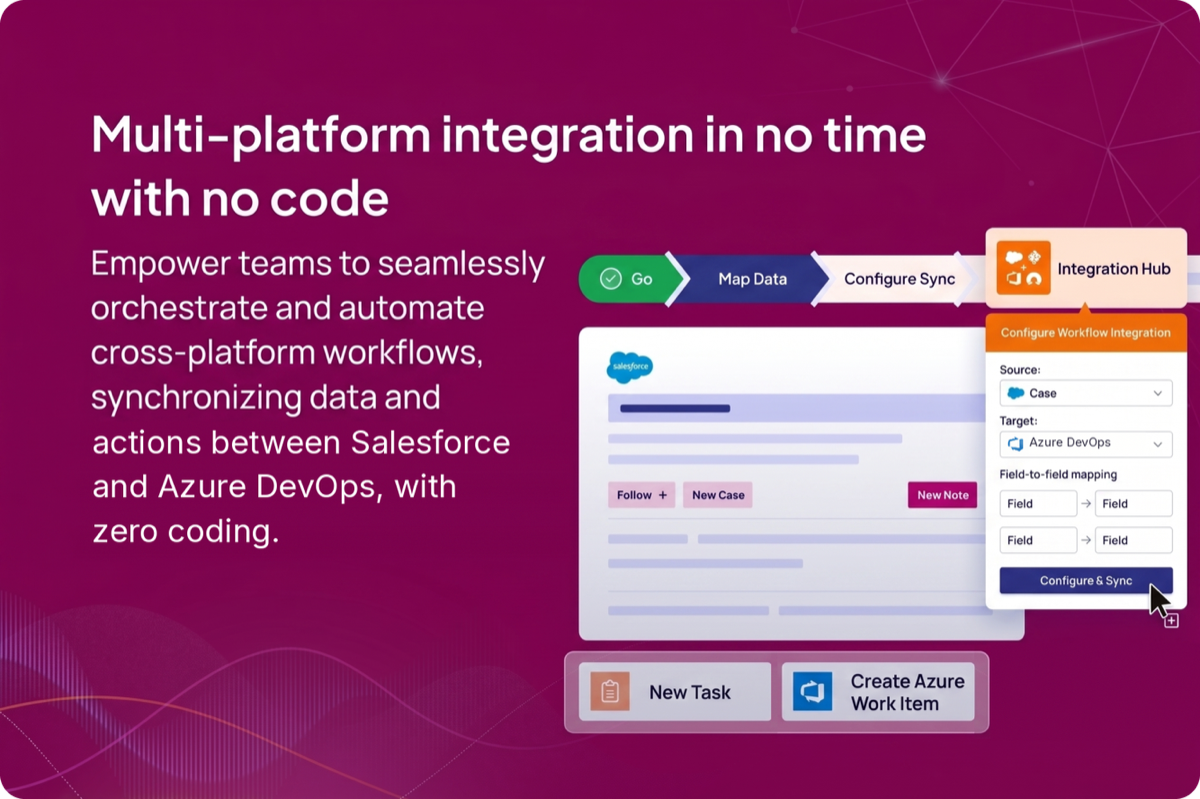
Connect your systems — no code required
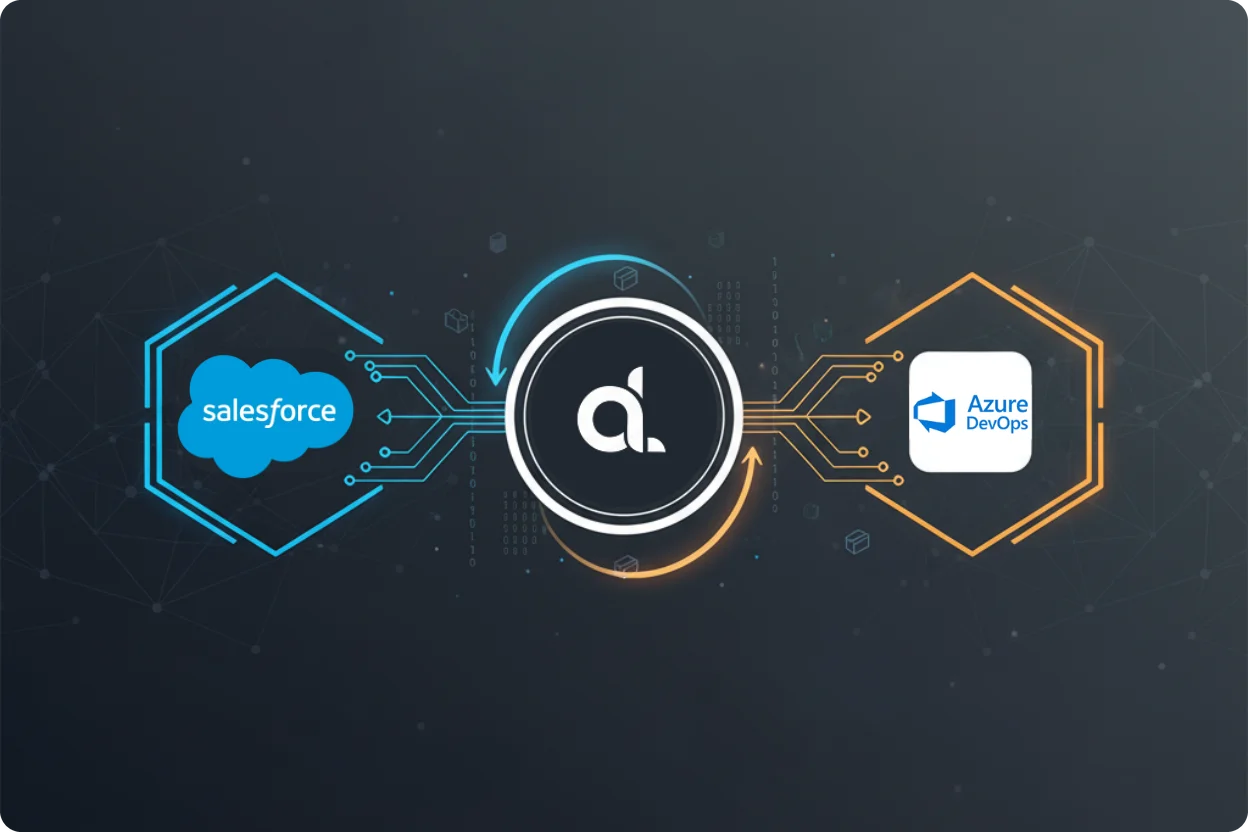
Map fields once and let ADL Connect keep Salesforce and Azure DevOps in step — link records, create work items from Salesforce data, and push updates back, all without writing a line of code. Salesforce records on every work item
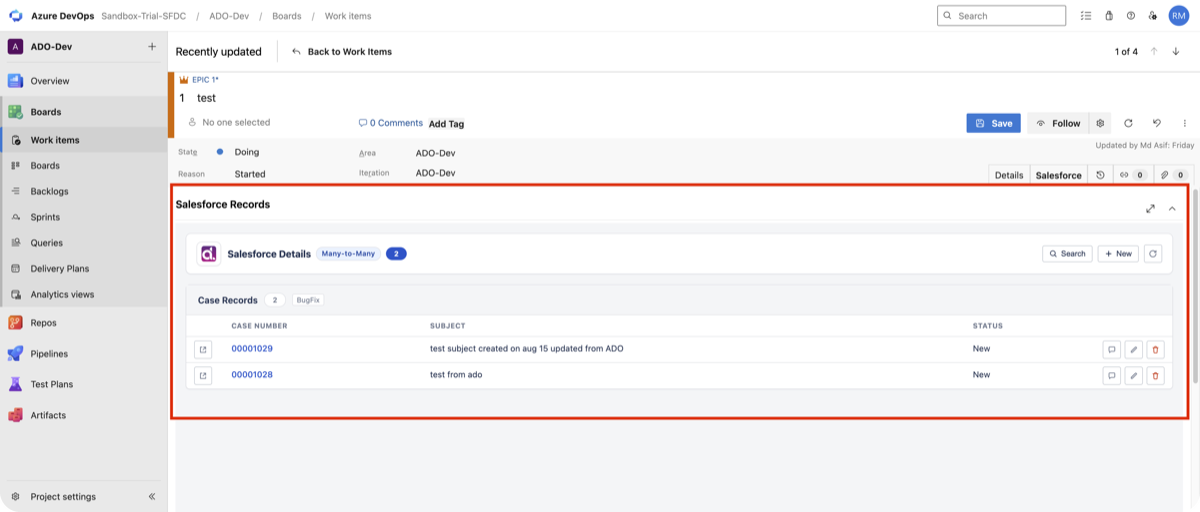
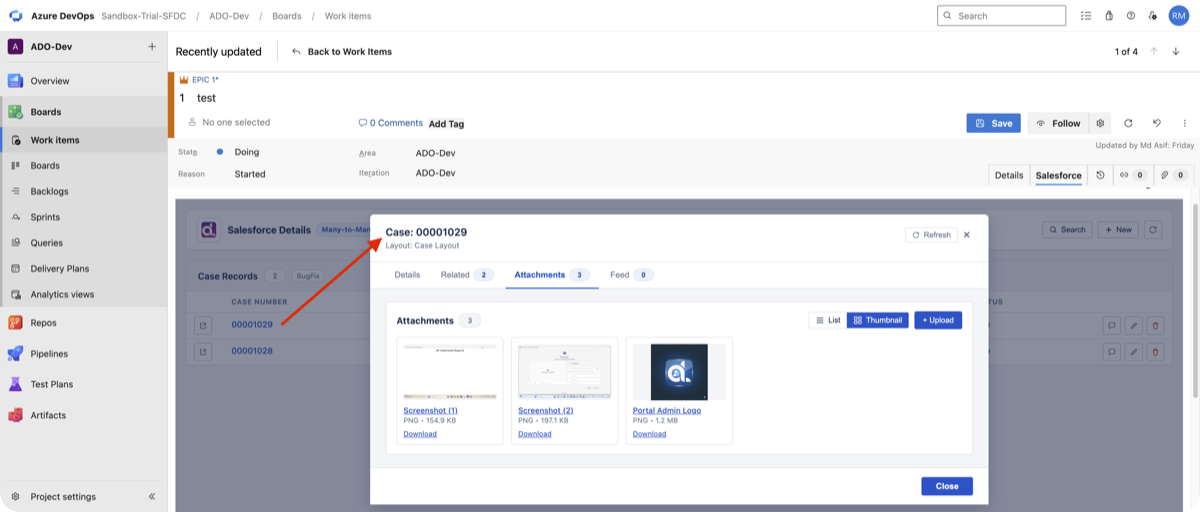
A dedicated Salesforce tab on the work item form lists every linked record — case number, subject, status, and quick actions to open, comment, edit, or unlink. Link one record to a work item, or many records to many work items, with One-to-One and Many-to-Many connection types. Prefill and create records — without leaving the work item
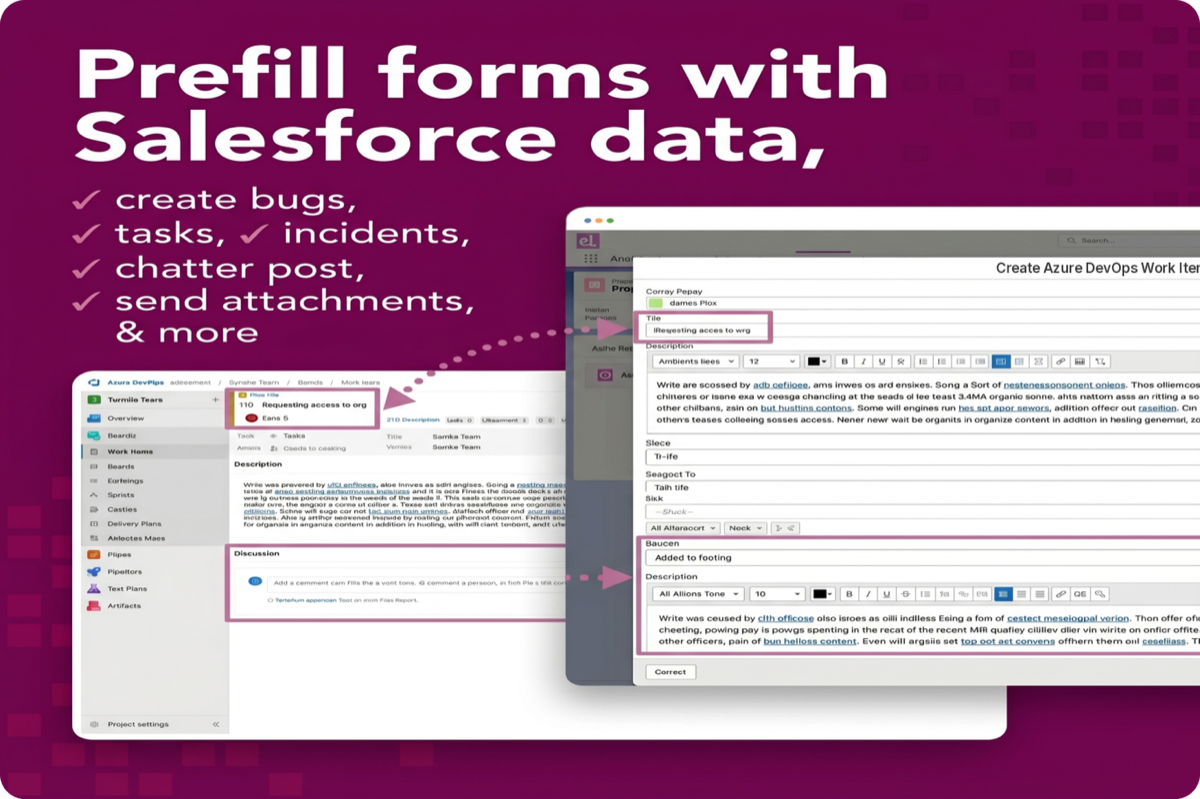
Turn a work item into a Salesforce record in seconds. ADL Connect prefills the create form from the work item's own fields and your admin's mapping — so cases, tasks, and custom records land in Salesforce correctly the first time, with the new record linked back automatically.
Open any linked record inline to see its Details, Related lists, Attachments, and Chatter Feed — right inside Azure DevOps. Upload and download attachments in list or thumbnail view, no download-and-re-upload round trip. What you getSearch & linkSearch any Salesforce object from the panel and link an existing record in one click — standard and custom objects alike, controlled by your admin. Create from ADOCreate a Salesforce record inline from the work item, respecting the required fields, picklists, and lookups defined by your mapping. The new record links automatically. Edit inlineUpdate field values on linked records straight from the panel. Changes push directly to Salesforce and respect the record-level security of the signed-in user. Attachments & Chatter FeedManage attachments and read the record's Chatter feed from the record-details modal, without opening Salesforce. Multiple Salesforce orgsConnect several orgs — production, sandboxes, or separate business units — name each one, and point different work item types at different orgs. Admin-controlled mapping
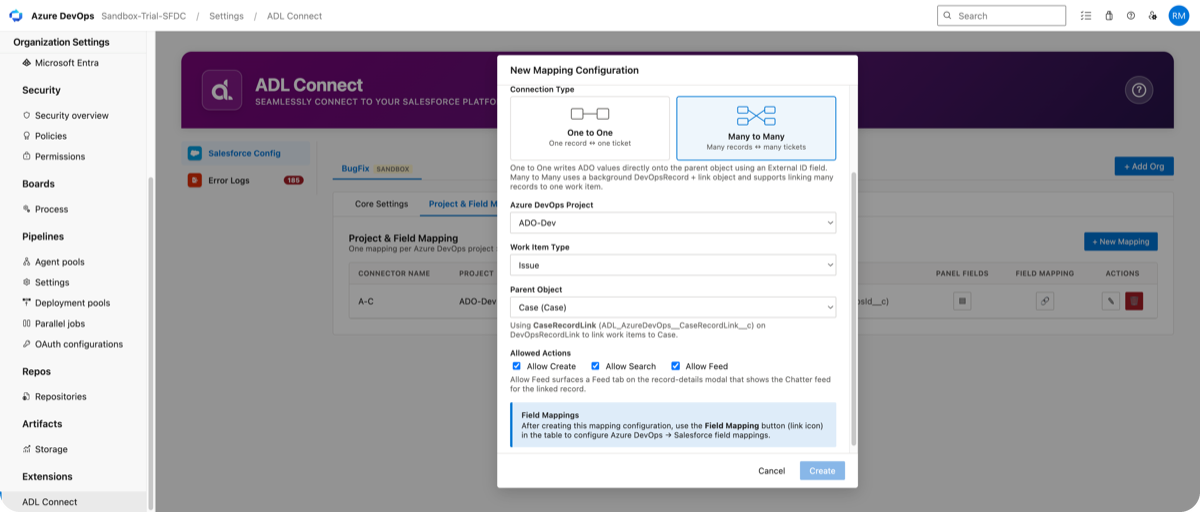
An ADL Connect hub under Organization Settings puts administrators in control. For each Azure DevOps project and work item type, choose the Salesforce parent object, the connection type (One-to-One or Many-to-Many), and exactly which actions users get — Create, Search, and Feed — then map Azure DevOps fields to Salesforce fields.
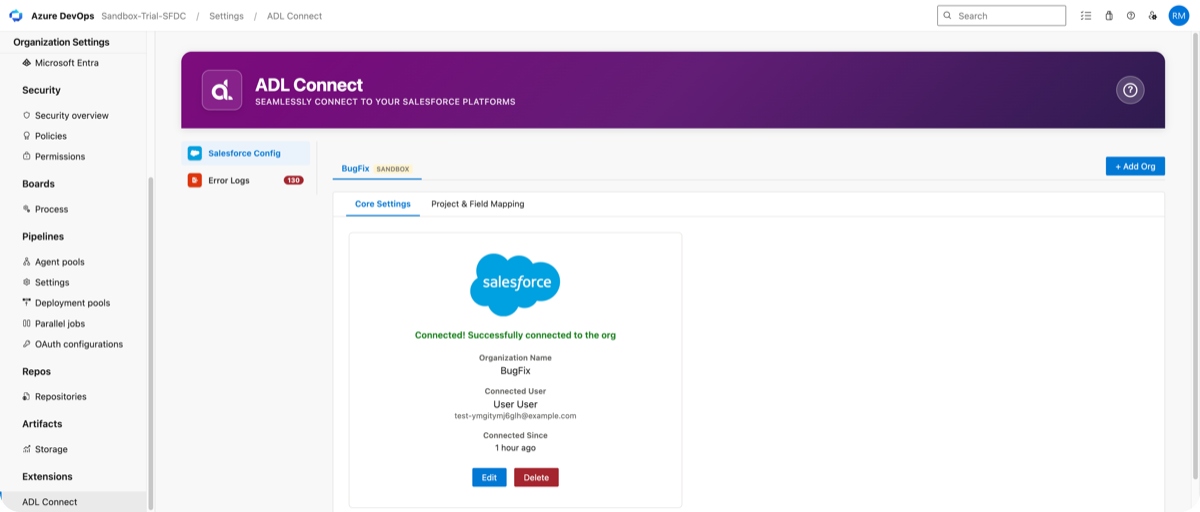
Connect and manage Salesforce orgs from Core Settings, review a shared Error Log across the whole organization, and check connection status at a glance. Mapping profiles live inside your Salesforce org, so a single change flows to every project that uses that profile. Results teams see
Trusted by teams across every industry
Backed by a team that answers
Setup help when you need it, plus implementation and consulting services if you'd rather we do the heavy lifting. Requirements
PrivacyADL Connect is backend-less. It runs entirely inside your Azure DevOps tenant and talks directly to Salesforce — there is no ADL server sitting between the two. Work item content and Salesforce data never transit our infrastructure. See our privacy policy for details. Resources & support
|