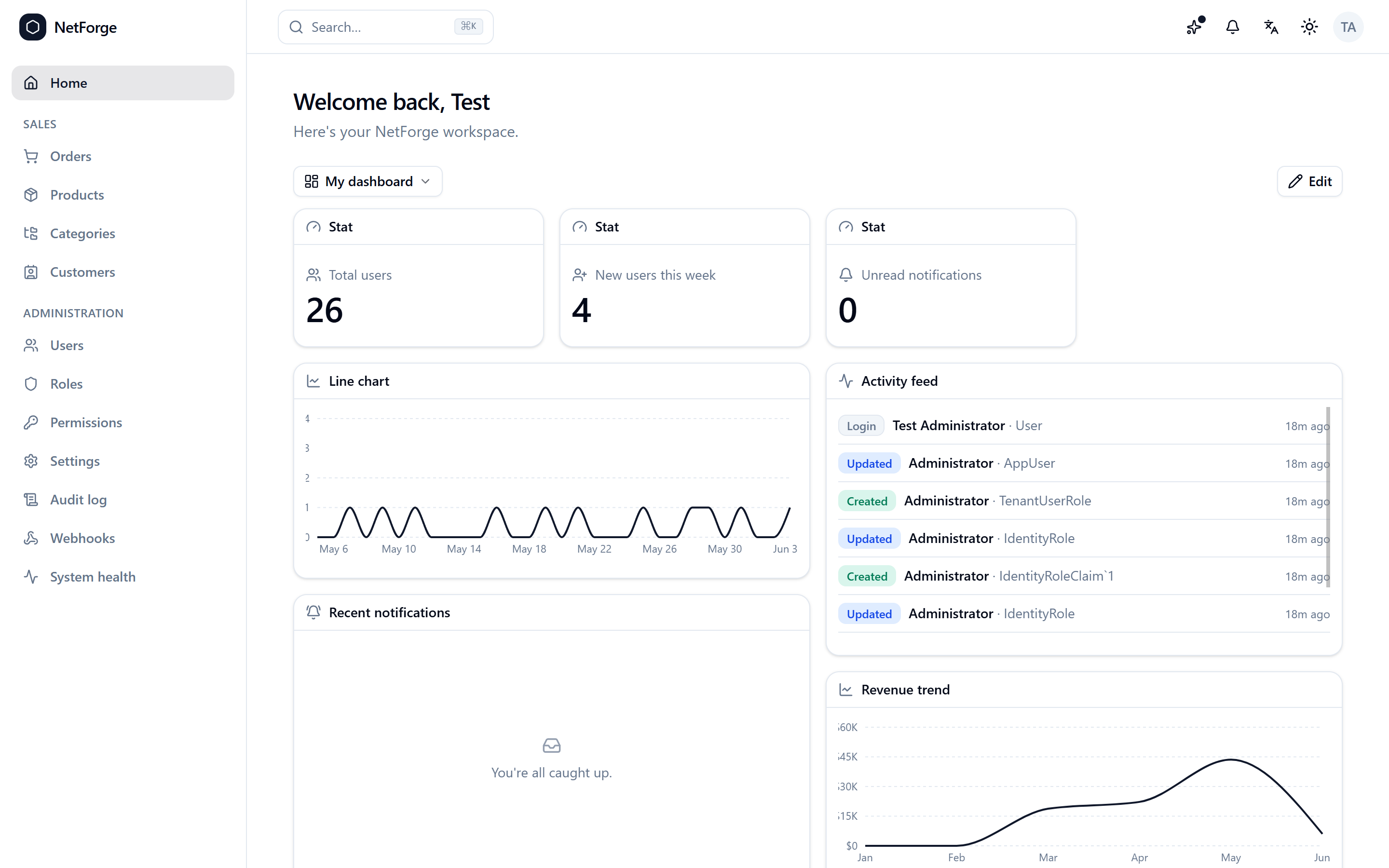
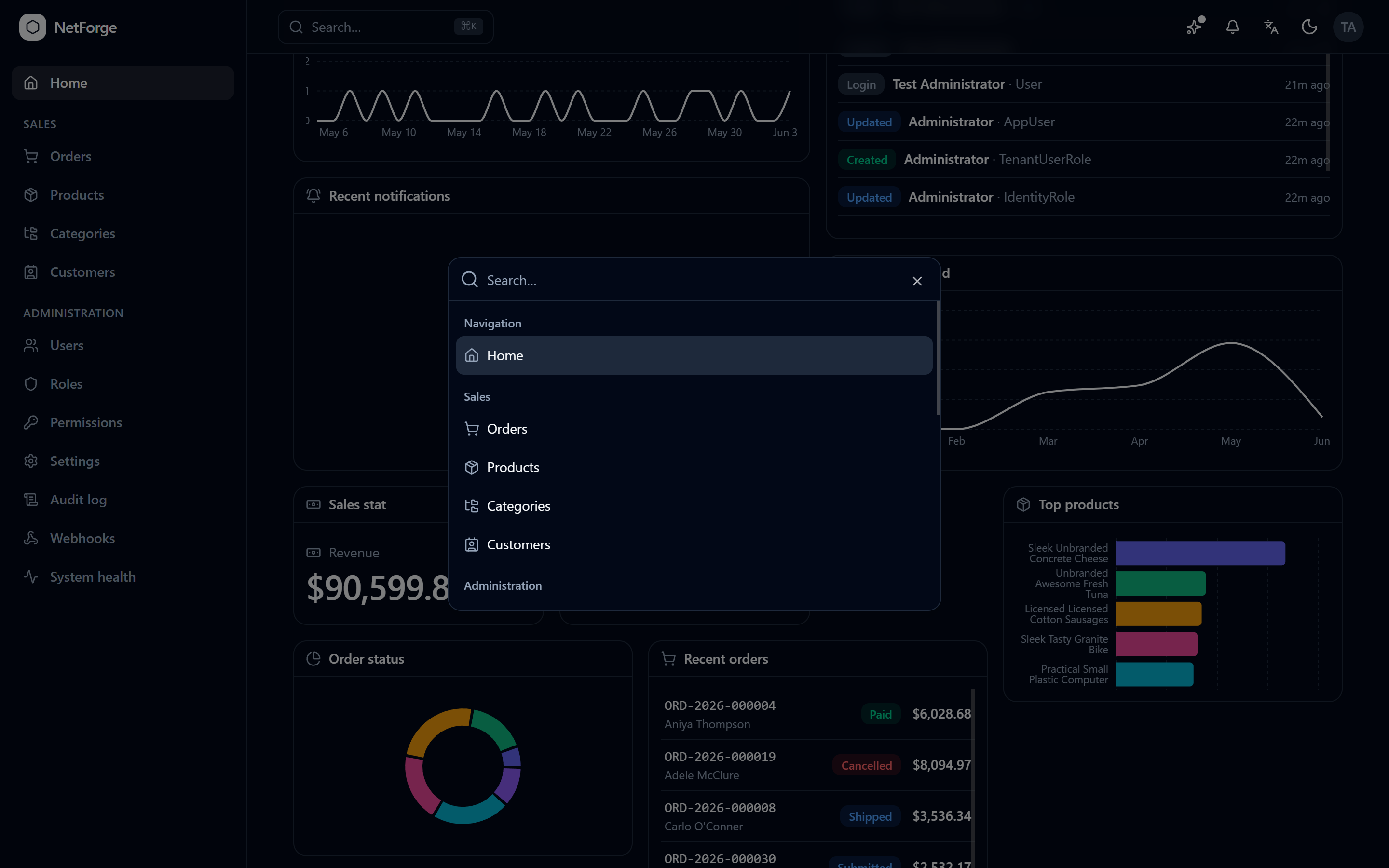
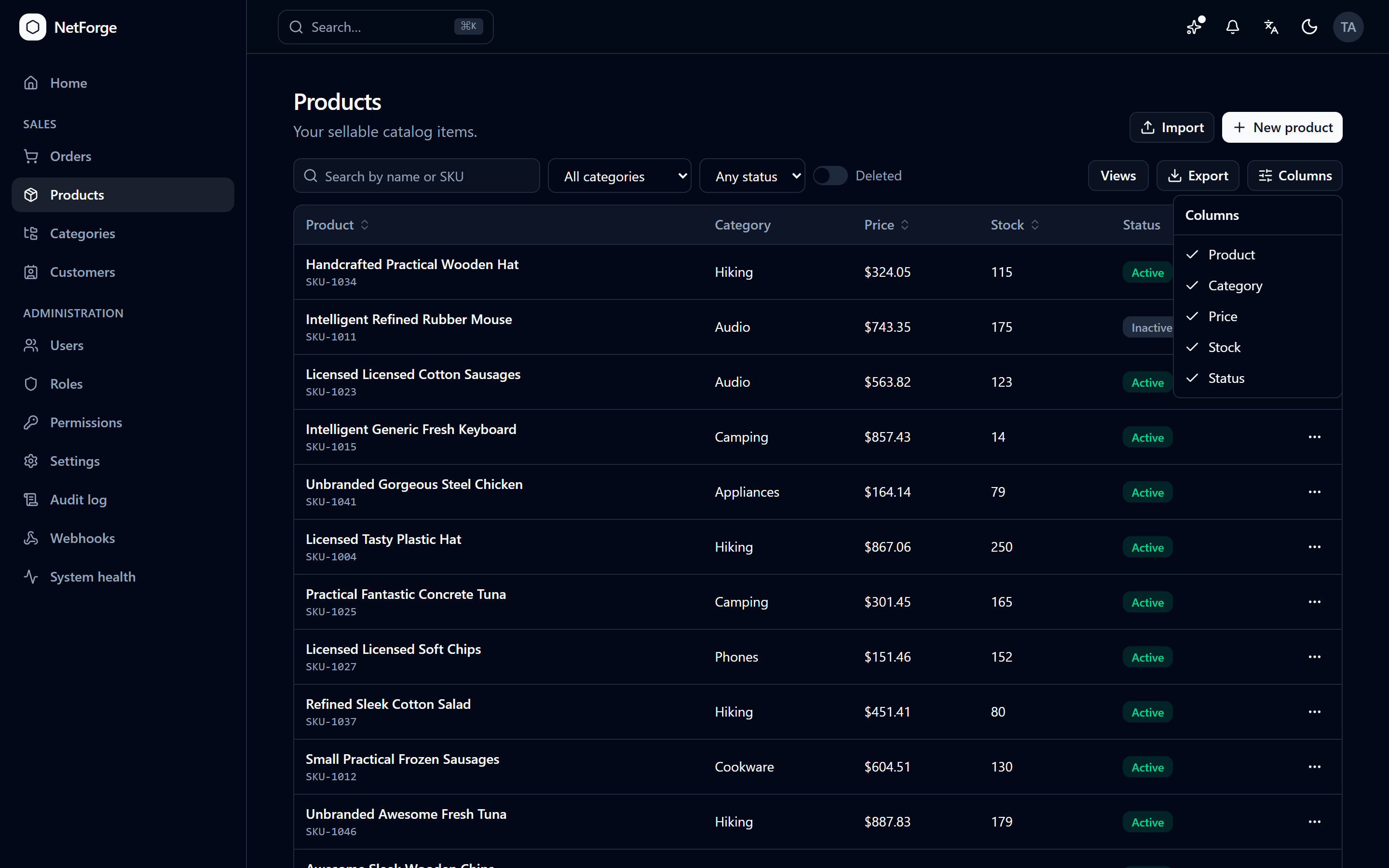
NetForge — ASP.NET Core + React / Angular StarterScaffold a production-shaped ASP.NET Core 10 app — React 19 or Angular 22 — in Visual Studio. An AI-ready starter, extensible by AI or by you. Create from Extensions ? NetForge. Free & MIT; Pro adds m |




NetForge for Visual StudioScaffold a production-shaped ASP.NET Core 10 app — with a React 19 or Angular 22 frontend — in seconds, right inside Visual Studio. NetForge is an opinionated, AI-ready, beautiful-out-of-the-box starter for line-of-business apps — built to be extended by AI or by you. Its vertical-slice architecture and clear conventions let an AI assistant add a whole feature from a single prompt, and keep the result readable enough for you to review at a glance. This extension creates one without leaving the IDE. Create a project: Extensions ▸ NetForgeExtensions ▸ NetForge ▸ New NetForge Project… is how you start a NetForge project in Visual Studio. It opens a guided dialog — pick an edition, frontend (React or Angular), database, theme, and accent colour, then name it. NetForge scaffolds locally and opens the ready-to-run solution. Press F5 and the ASP.NET Core server builds and runs, starting the client for you.
Features
Requirements
Community vs Pro
The Community edition is scaffolded locally and is free forever under the MIT license. Pro is generated from the configurator after you sign in and get a Pro plan. Prefer not to build it by hand? Describe your app in plain language and AI builds it for you — with a real senior developer backing every build. Configure it or let AI build it; either way you download a standard ASP.NET Core + React/Angular app you fully own, with no lock-in. Getting started
Links🌐 Configurator · 🤖 Have AI build it · ▶ Live demo · 📘 Docs · ✨ Get Pro Build from sourceRequires Visual Studio with the Visual Studio extension development workload (the VSSDK build tooling);
The LicenseThe extension is MIT-licensed. The Community template it scaffolds is MIT; the Pro edition is commercially licensed. |