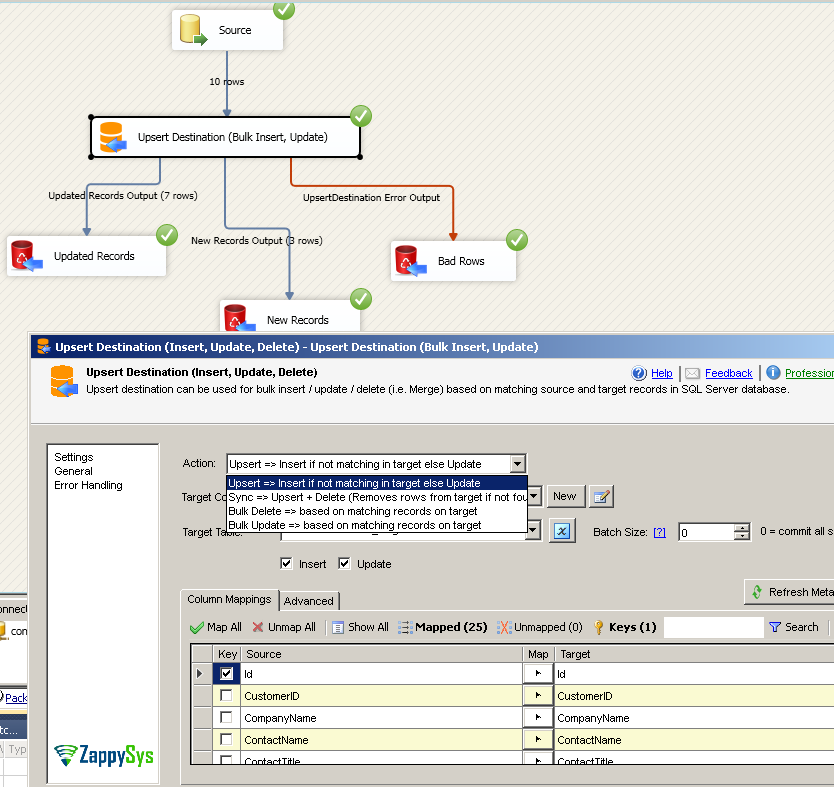
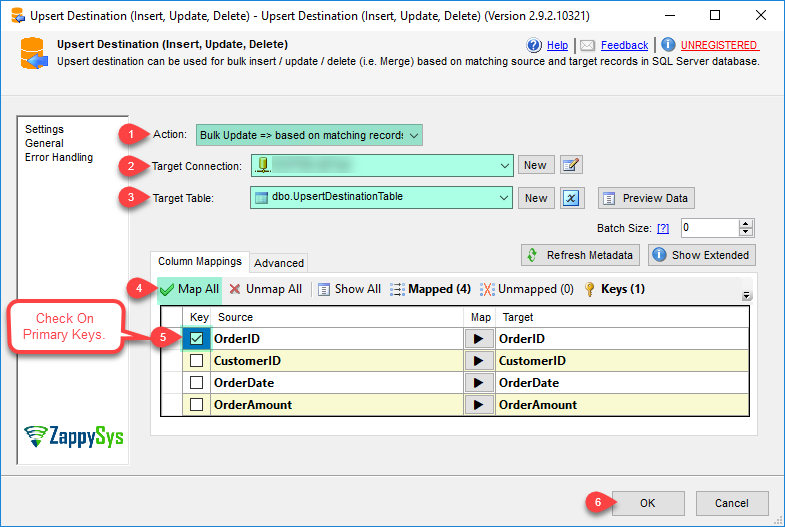
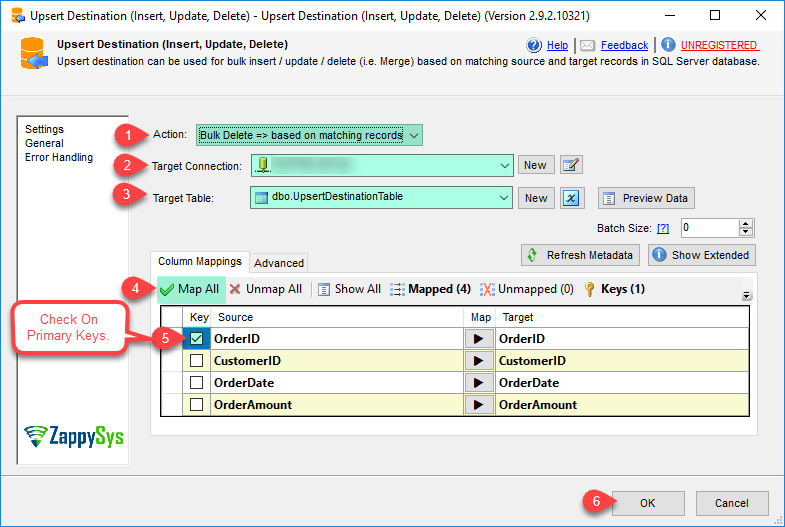
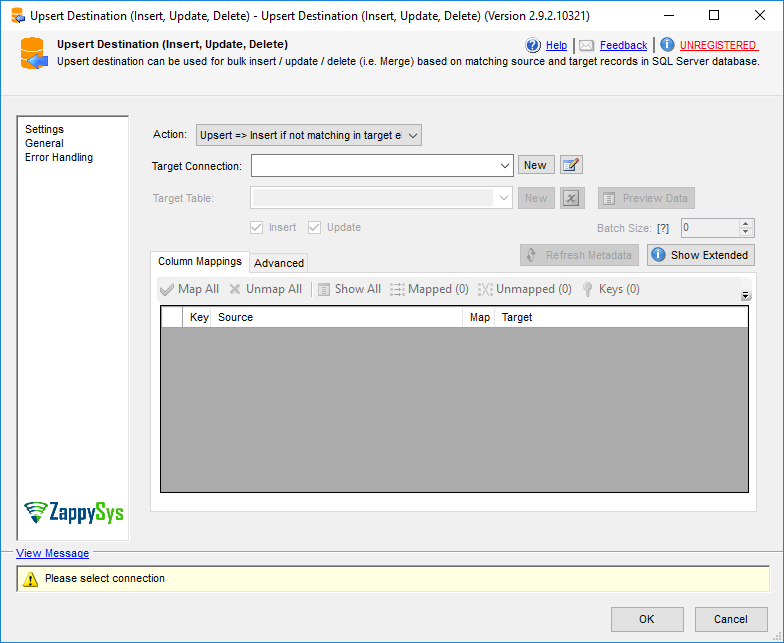
Merge and synchronize data to SQL Server, PostgreSQL, or Redshift in SSIS with fast bulk Upsert and bulk delete. Supports PK auto-detection, error handling, and separate outputs for inserted, updated, and deleted rows. Part of ZappySys SSIS PowerPack.
Merge and synchronize source-to-target data in SSIS with high-performance bulk Upsert (Insert/Update) and bulk delete.
Upsert Destination helps you load and sync large datasets into SQL Server, PostgreSQL, and Amazon Redshift
using key-based matching. Detect primary keys automatically, compare full row content before updating,
route inserted/updated/deleted rows to separate outputs, and handle errors gracefully — all without custom SQL merge scripting.
Part of ZappySys SSIS PowerPack.
Perform Insert + Update (Upsert) in bulk for high-throughput target loading
Run bulk delete based on key matches to remove stale target rows
Synchronize source-to-target datasets with merge-style patterns
Smart Matching & Auditing
Automatic primary key detection to simplify setup
Option to update only when row content changed (not just key exists)
Set CreatedDate / LastUpdatedDate columns automatically for insert/update actions
Operational Control
Route inserted, updated, and deleted rows to separate outputs
Error handling and truncation warnings for source/target length mismatches
Advanced options for pre/post SQL, staging table naming, and custom lock hints
💡 Common Use Cases
Common real-world scenarios for high-volume upsert and synchronization:
Incremental Warehouse Loads: Upsert changed rows from staging into fact/dimension tables each ETL cycle.
Master Data Sync: Keep ERP/CRM tables aligned with source systems using insert, update, and delete logic.
Cross-Platform Migration: Merge data into SQL Server, PostgreSQL, or Redshift with one reusable SSIS pattern.
Audit-Friendly ETL: Track insert/update timestamps and route change types to separate audit streams.
🎯 Summary
Replace manual MERGE scripts and row-by-row OLE DB commands with a drag-and-drop bulk upsert engine in SSIS.
Synchronize large datasets with insert/update/delete support, smart change detection, and advanced operational controls — all with a visual UI.
Trusted by Developers & IT Teams Worldwide
Built for SSIS Workflows: Purpose-built for high-performance ETL and complex integration scenarios.
Expert Technical Support: Direct access to engineers via email and remote screen-share sessions.
Proven Enterprise Scale: Trusted by 3000+ teams across 90+ countries, including Fortune 500.