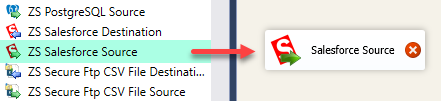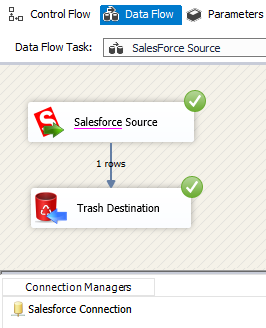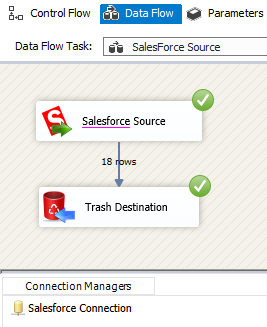
SSIS Salesforce Source (CRM)Extract Salesforce CRM data in SSIS without coding using table mode or SOQL query mode. Configure OAuth connection, browse objects, preview results, and load high-volume records into SQL or files with drag-and-drop source settings. Part of ZappySys SSIS PowerPack. |

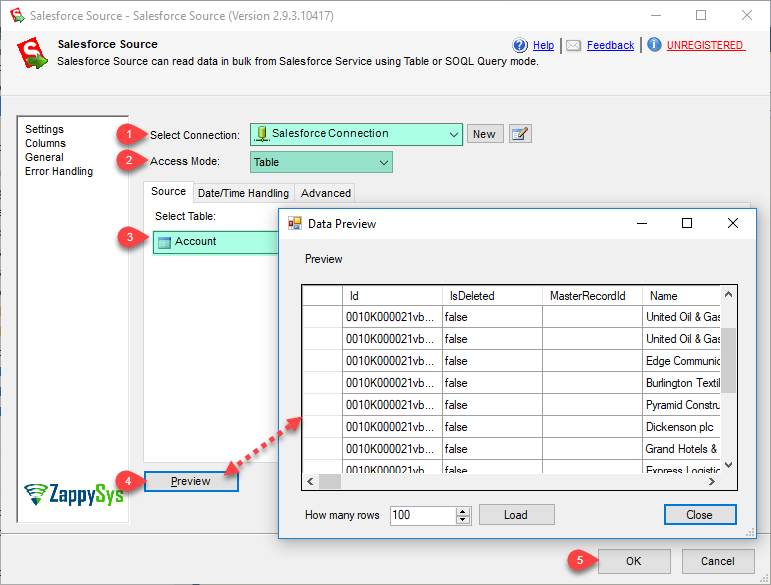
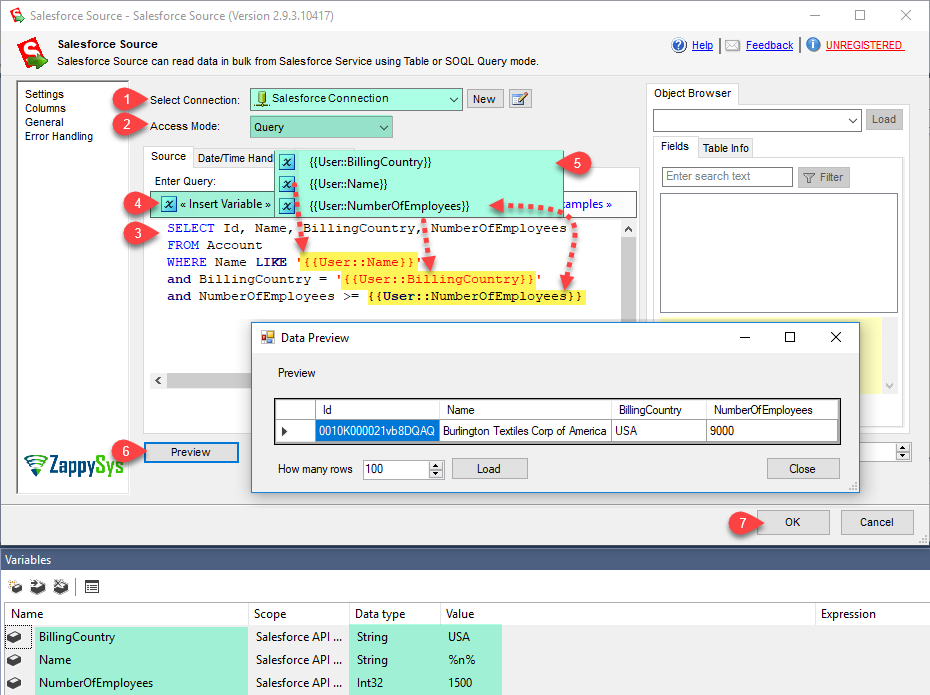
Extract Salesforce CRM data into SSIS using table mode or SOQL query mode without custom code.
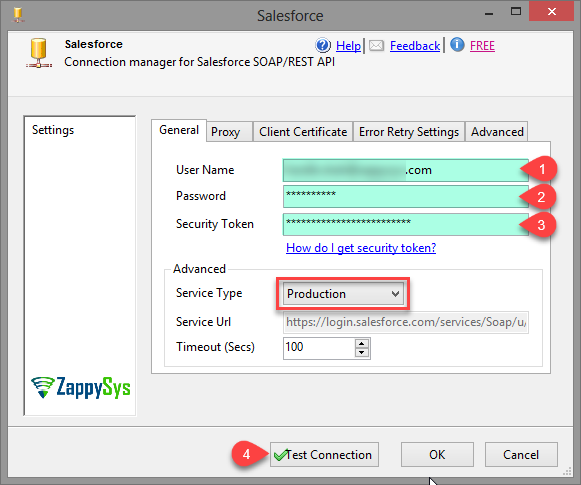
Configure OAuth-based connection, browse objects, run parameterized queries, and load records into downstream SQL or file targets.
Built for scalable CRM-to-warehouse and operational reporting pipelines.
Recommended starting point
Pro Tip: Start with table mode for discovery, then switch to SOQL query mode for optimized incremental extraction.
Compatibility: SQL Server 2012–2025+ (32/64-bit) | Azure Data Factory / Azure-SSIS IR Ready
⚡ Key Benefits
📸 Visual Overview & Setup
🔧 Key Features
💡 Common Use Cases
🎯 SummarySSIS Salesforce Source enables scalable, low-code extraction from Salesforce using intuitive object browsing and SOQL querying. It helps teams operationalize CRM data movement with strong control, performance, and maintainability.
Start Automating Workflows with SSIS PowerPack Includes connectors for APIs, databases & cloud apps. Build robust ETL workflows without custom scripting. Full functionality is FREE for development within Visual Studio |