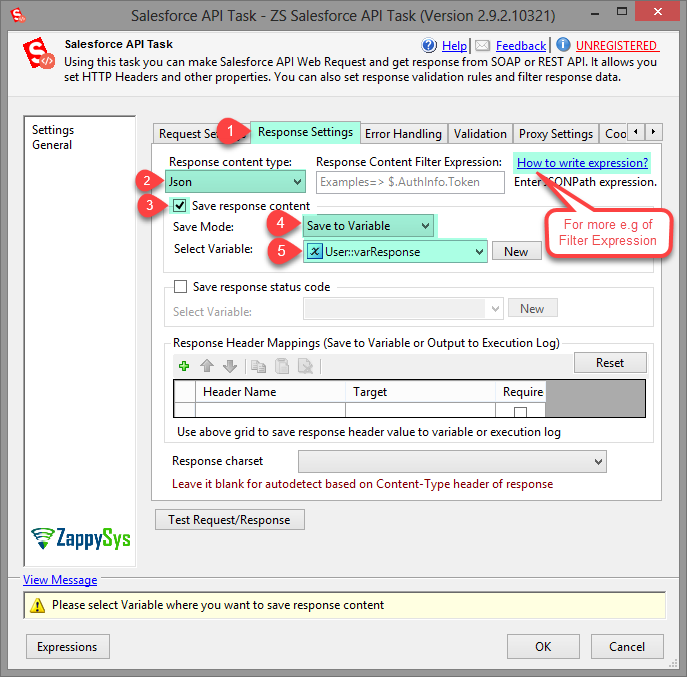
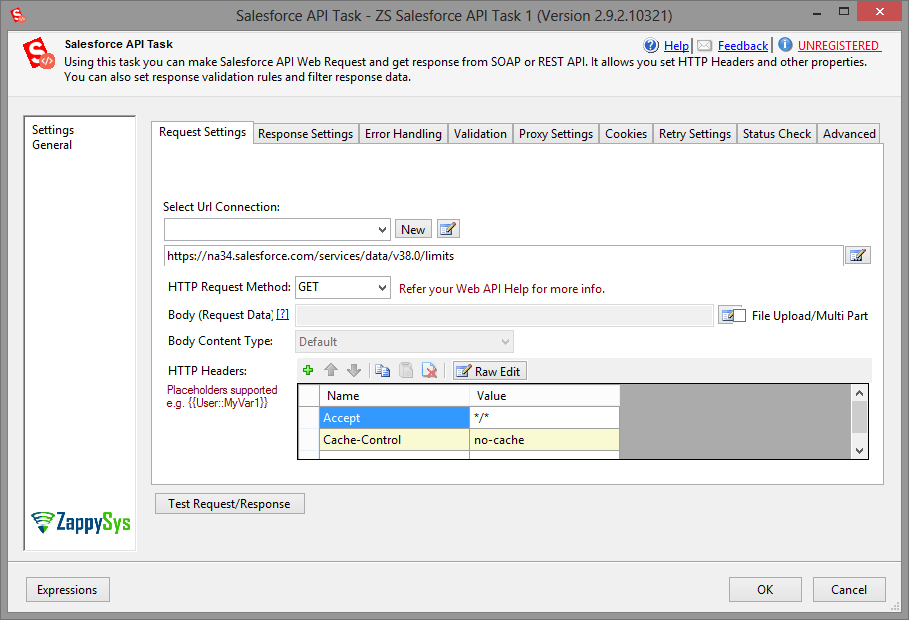
SSIS Salesforce API Task (Call REST/SOAP API)Call Salesforce REST and SOAP APIs from SSIS without custom coding. Configure authenticated requests, test request/response, extract JSON/XML values, validate responses, and save output to variables or files using a task-driven workflow. Part of ZappySys SSIS PowerPack. |

Call Salesforce REST and SOAP APIs from SSIS using a no-code task.
Configure authenticated requests, test request/response, extract JSON/XML values, and persist outputs to variables or files for orchestration workflows.
Recommended starting point
Pro Tip: Use test mode plus response filters to validate endpoint behavior before production runs.
Compatibility: SQL Server 2012–2025+ (32/64-bit) | Azure Data Factory / Azure-SSIS IR Ready
⚡ Key Benefits
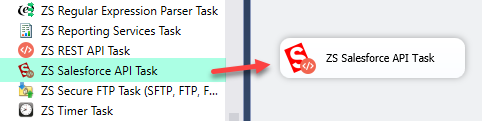
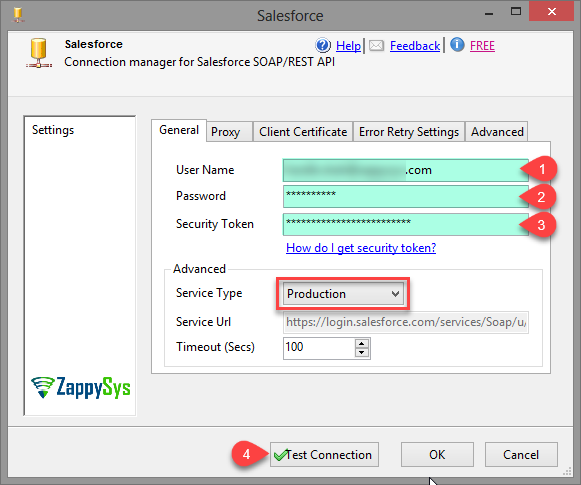
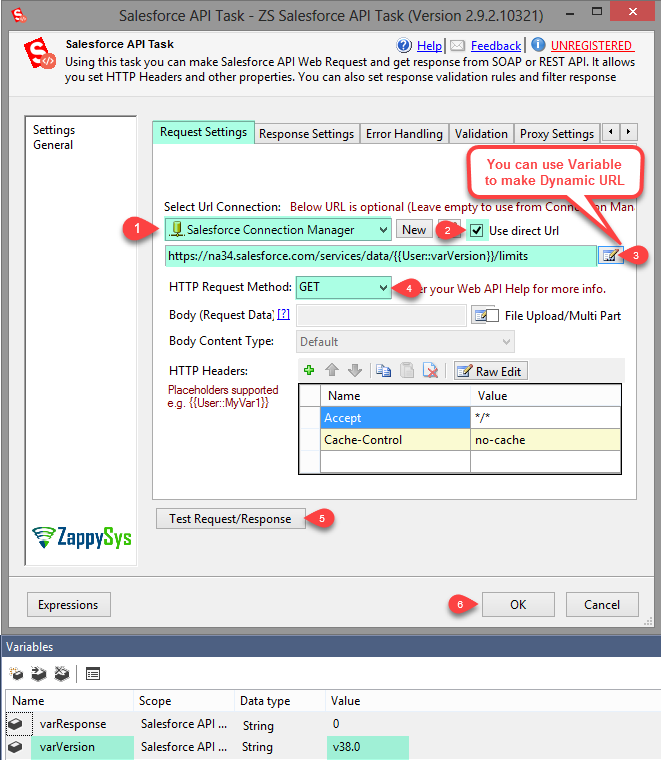
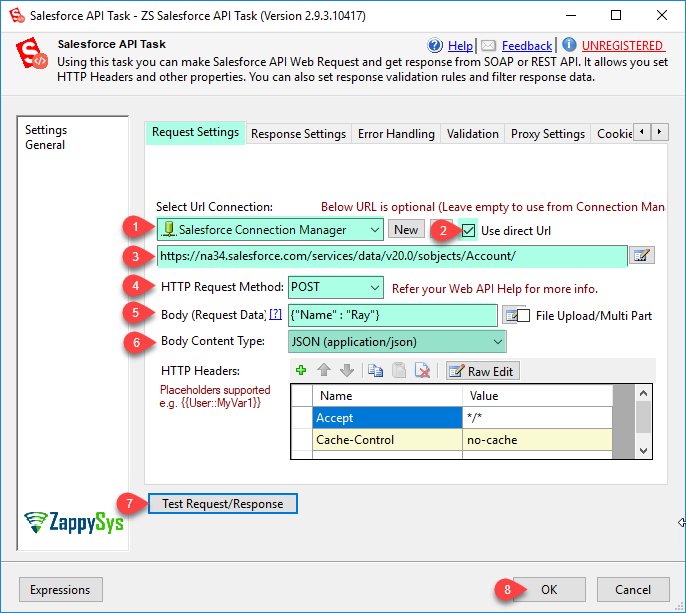
📸 Visual Overview & Setup
🔧 Key Features
💡 Common Use Cases
🎯 SummarySSIS Salesforce API Task gives teams flexible, low-code control to invoke Salesforce endpoints and operationalize responses inside ETL pipelines. It simplifies request testing, response handling, and reliability checks for enterprise workflows.
Start Automating Workflows with SSIS PowerPack Includes connectors for APIs, databases & cloud apps. Build robust ETL workflows without custom scripting. Full functionality is FREE for development within Visual Studio |