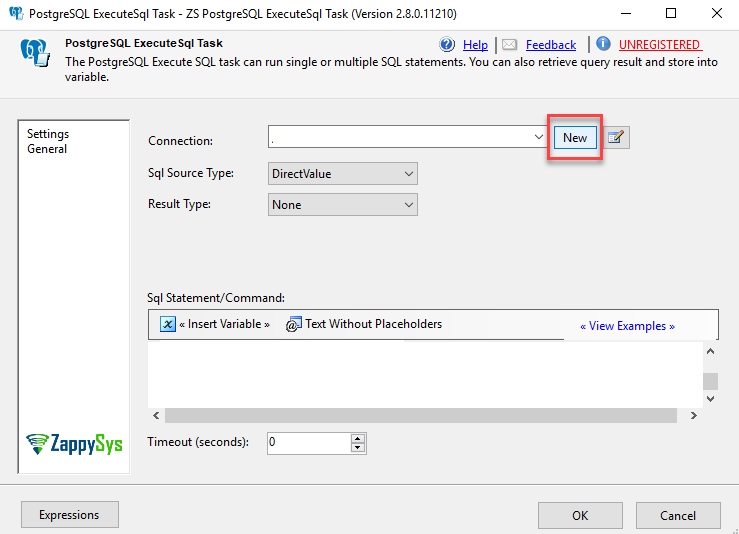
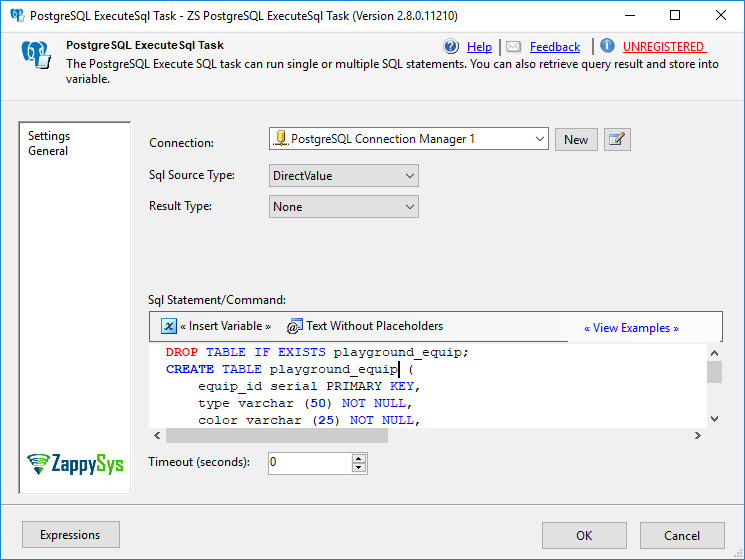
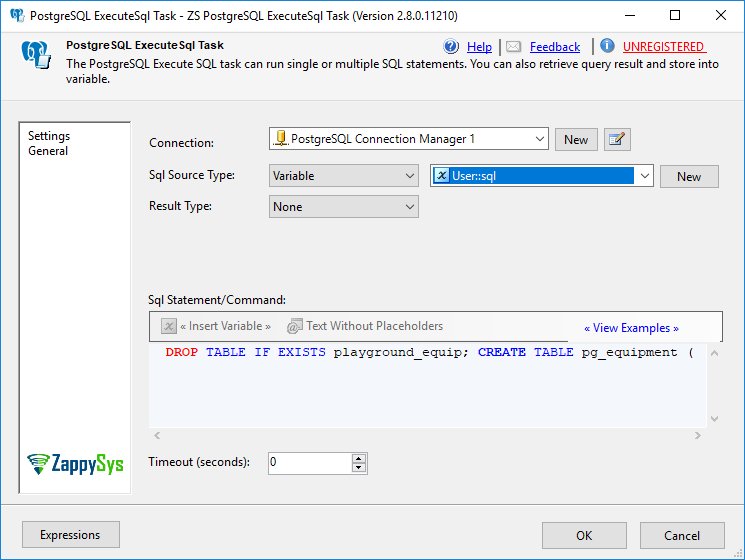
Execute PostgreSQL DDL/DML from SSIS without ODBC scripting. Run SELECT/INSERT/UPDATE/DELETE, COPY, CREATE, ALTER and DROP via the ExecuteSQL task, using variables or direct SQL and runtime execution logs. Part of ZappySys SSIS PowerPack.
Execute PostgreSQL DDL & DML from SSIS with a no-code task.
Run SQL from direct text, SSIS variables, or runtime inputs. Support structured execution with execution-time visibility for reliable ETL orchestration.
Part of ZappySys SSIS PowerPack.
Execute SQL without custom scripting — Run PostgreSQL commands directly from SSIS
DDL and DML support — Create, alter, insert, update, delete and more
Variable-driven SQL — Build commands from SSIS variables for environment-safe orchestration
Execution-time visibility — Use task UI and logs to validate DDL/DML runs
Managed compatibility — Works in 32/64-bit SSIS with managed-code execution
💡 Common Use Cases
Schema & migration steps: Run CREATE/ALTER/DROP commands during ETL deployments.
Warehouse staging: Perform COPY/UNLOAD-style operations for bulk data movement.
Transactional updates: Apply DML updates after successful extract/transform steps.
Environment-based execution: Swap variable-driven SQL per environment (dev/test/prod).
🎯 Summary
SSIS PostgreSQL Execute SQL Task provides a controlled way to run PostgreSQL statements from SSIS without relying on ODBC scripting. It supports dynamic SQL via variables and gives reliable execution-time visibility for ETL orchestration.
Trusted by Developers & IT Teams Worldwide
Built for SSIS Workflows: Purpose-built for high-performance ETL and complex integration scenarios.
Expert Technical Support: Direct access to engineers via email and remote screen-share sessions.
Proven Enterprise Scale: Trusted by 3000+ teams across 90+ countries, including Fortune 500.