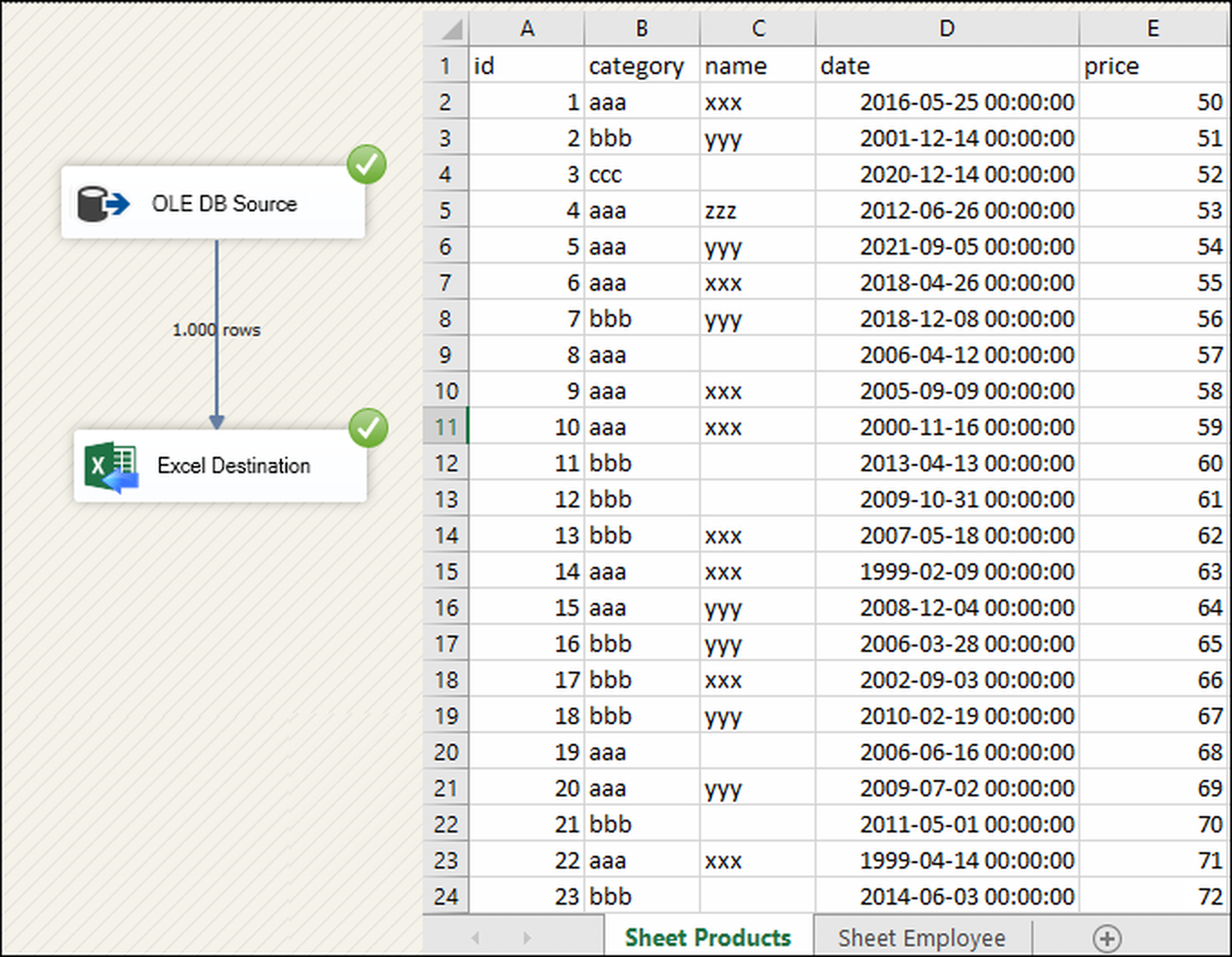
SSIS Excel File Destination writes XLSX/XLS from any SSIS source without extra Office drivers, with append mode, start-cell targeting, preserved formatting, password support, and 32/64-bit runtime compatibility. Part of ZappySys SSIS PowerPack.
Load rows into Excel workbooks (XLSX/XLS) directly from SSIS data flows.
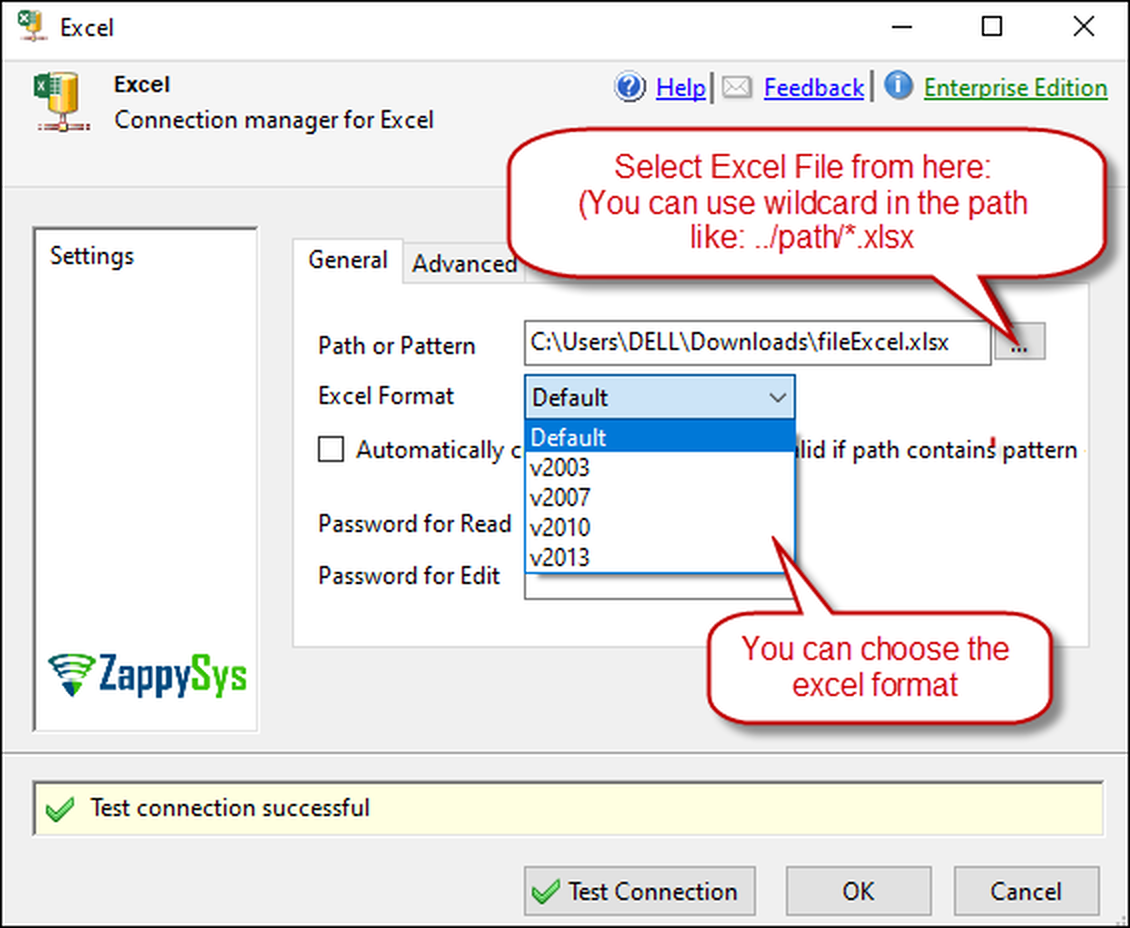
Write to existing or new workbooks without installing Office drivers, preserve target formatting in append mode, and control write location by cell address for report-ready outputs.
Part of ZappySys SSIS PowerPack.
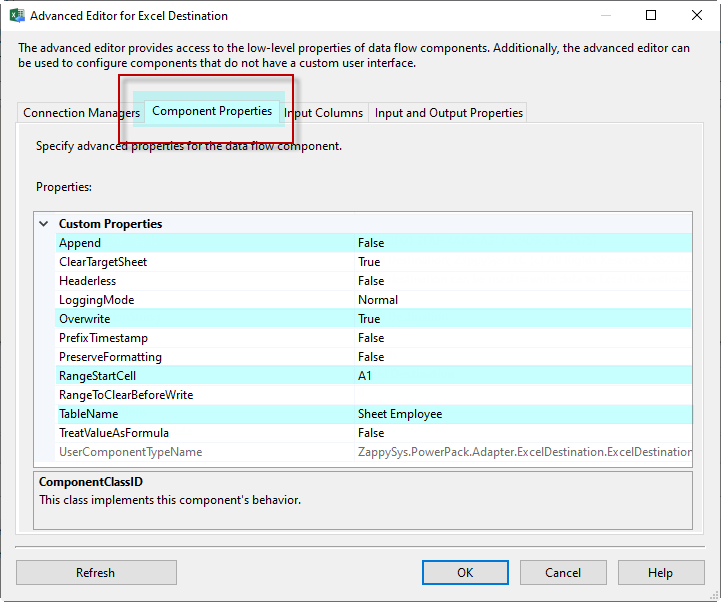
Pro Tip: Combine start-cell targeting with append mode to fill preformatted templates while preserving formulas, styles, and headers already present in the workbook.
Compatibility: SQL Server 2012–2025+ (32/64-bit) | Azure Data Factory / Azure-SSIS IR Ready
⚡ Key Benefits
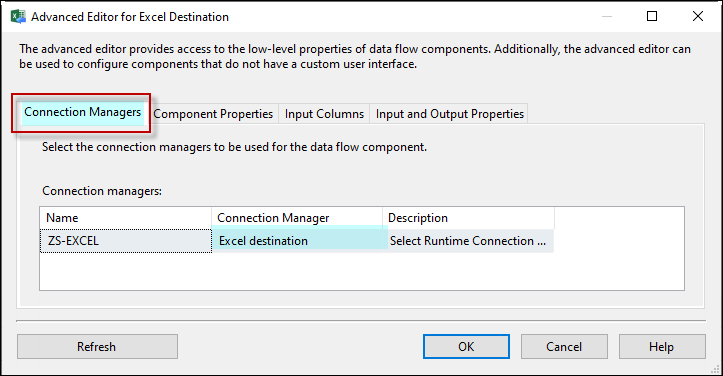
No Office driver dependency — Write Excel in 32-bit and 64-bit SSIS without separate providers
Destination flexibility — Create new workbooks or append into existing sheets
Formatting-safe updates — Preserve cell styling and formulas when appending
Precise placement — Start writing from a specific cell location
Secure delivery — Support password-protected workbook scenarios
Business handoff files: Deliver password-protected workbooks to finance or partners.
Incremental workbook updates: Append latest rows without rebuilding the whole file.
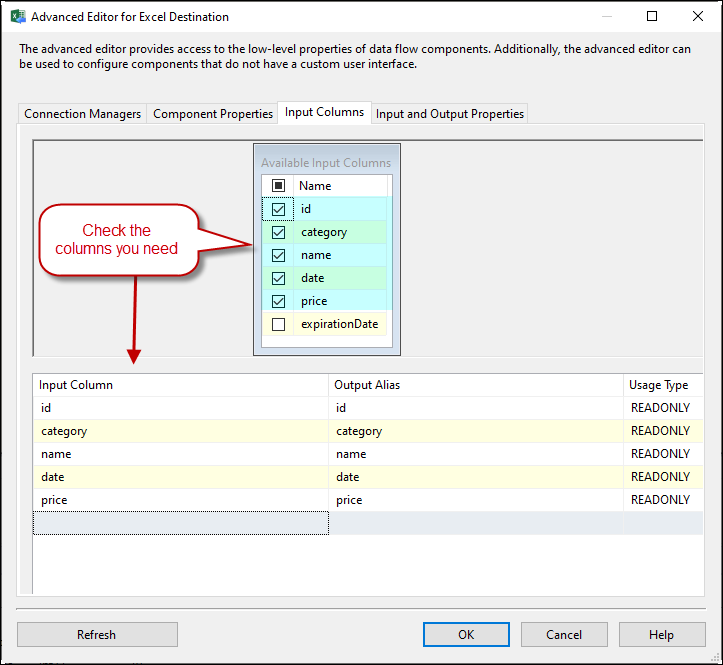
Staging-to-Excel pipelines: Load data from APIs/JSON into analyst-ready spreadsheets.
🎯 Summary
SSIS Excel File Destination streamlines Excel output for ETL workflows by combining driver-free writes, layout-safe append behavior, and precise write positioning, making workbook delivery reliable in both development and production runtimes.
Trusted by Developers & IT Teams Worldwide
Built for SSIS Workflows: Purpose-built for high-performance ETL and complex integration scenarios.
Expert Technical Support: Direct access to engineers via email and remote screen-share sessions.
Proven Enterprise Scale: Trusted by 3000+ teams across 90+ countries, including Fortune 500.