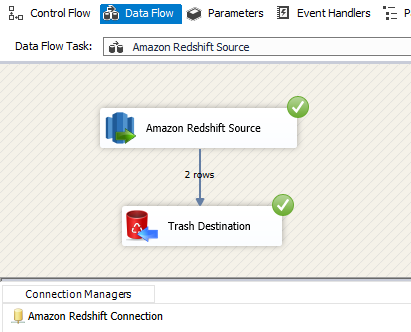
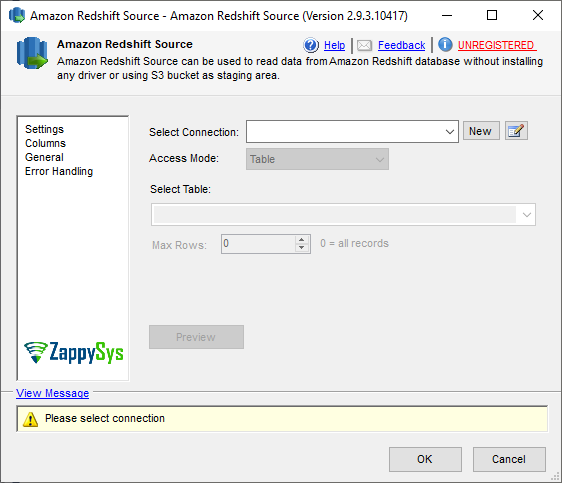
 | SSIS Amazon Redshift SourceRead data from Amazon Redshift in SSIS without scripting. Use table mode for quick extraction or SQL query mode for custom reads, with dynamic query variables, preview support, and high-performance data flow output. Part of ZappySys SSIS PowerPack. |

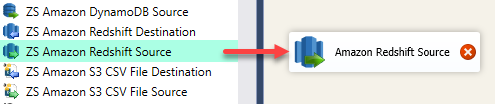
Read data from Amazon Redshift directly in SSIS Data Flow.
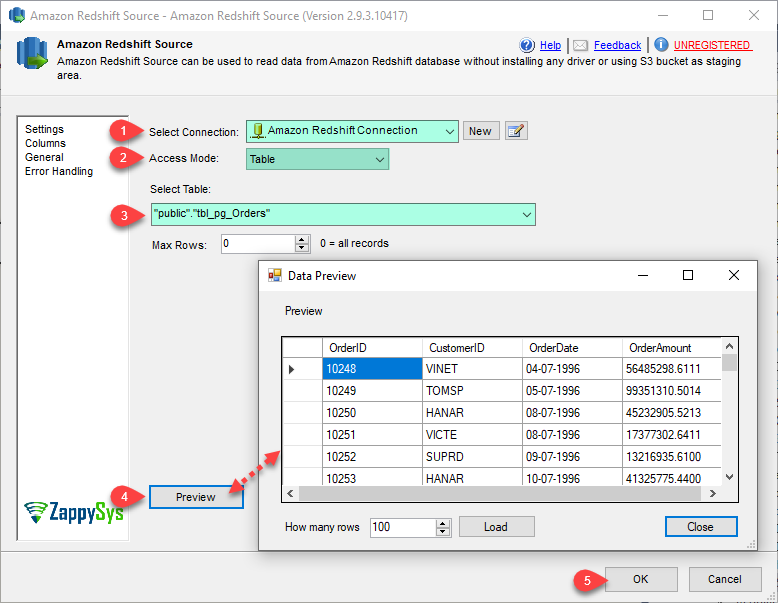
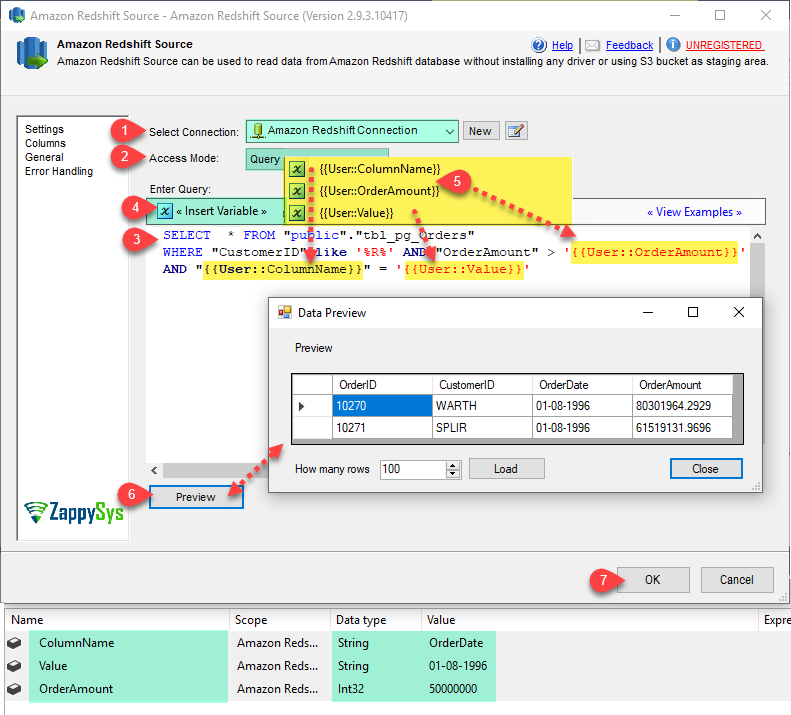
Extract Redshift data using table mode for quick setup or SQL query mode for advanced filtering.
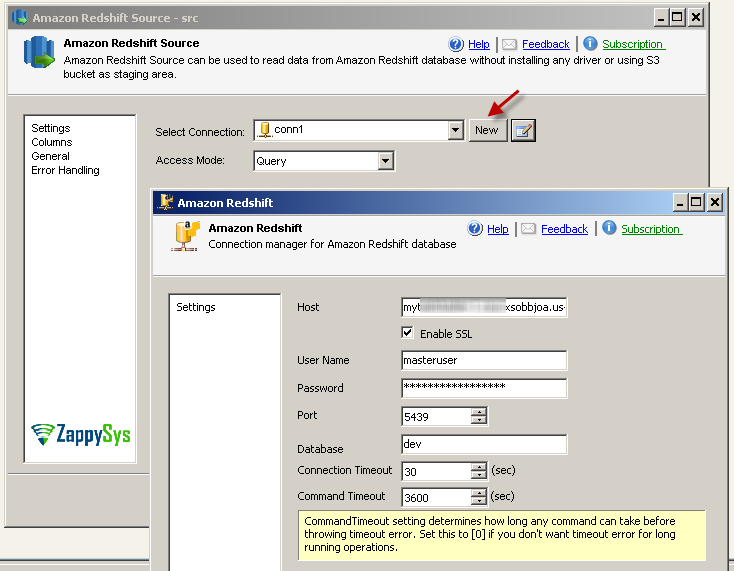
Configure connection, dynamic query variables, and preview behavior in a no-code, drag-and-drop source component.
Recommended starting point
Pro Tip: The Visual Studio download installs a basic extension. Use the guide above to install and run the full SSIS PowerPack (all connectors & UI).
Compatibility: SQL Server 2012–2025+ (32/64-bit) | Azure Data Factory / Azure-SSIS IR Ready
⚡ Key Benefits
📸 Visual Overview & Setup
🔧 Key Features
💡 Common Use Cases
🎯 SummarySSIS Amazon Redshift Source provides fast, script-free extraction from Redshift using table or SQL mode. It combines connection setup, dynamic querying, and preview controls for dependable production ETL workflows.
Start Automating Workflows with SSIS PowerPack Includes connectors for APIs, databases & cloud apps. Build robust ETL workflows without custom scripting. Full functionality is FREE for development within Visual Studio |