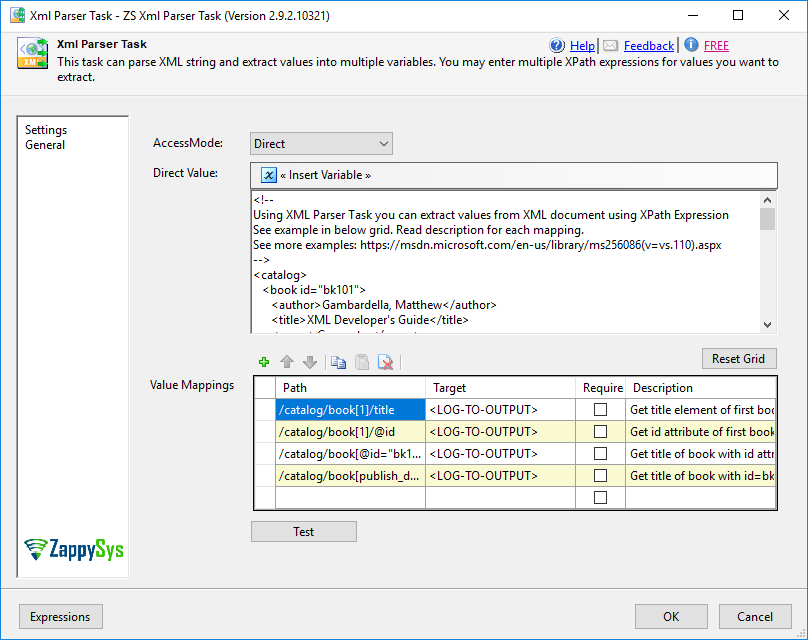
Extract single or multiple values from XML documents in SSIS using XPath — no Script Task needed. Read input from a direct string, XML file, or SSIS variable and save parsed results to variables. Includes a built-in XML tester. Part of ZappySys SSIS PowerPack (FREE).
Extract single or multiple values from XML documents in SSIS using XPath — no Script Task required.
Read XML from a direct string, an XML file, or an SSIS variable. Specify an XPath expression or
property name to extract content, and save the result to any SSIS variable for use downstream.
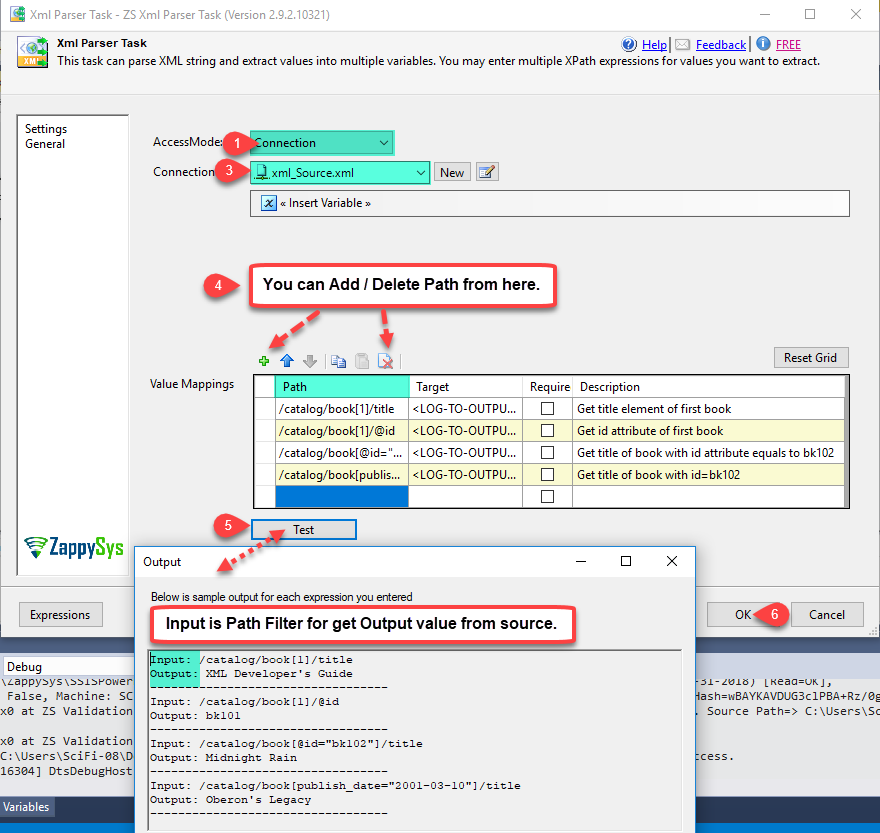
Auto-detect available fields and validate your XPath with the built-in test tool — all from a
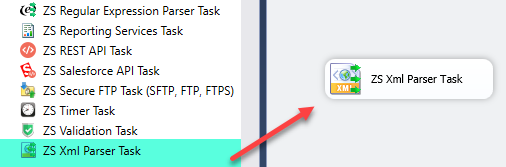
simple drag-and-drop task UI.
Part of ZappySys SSIS PowerPack — this component is FREE.
Extract single or multiple XML values by XPath expression or property name
Support for complex nested XML structures and namespaced documents
Auto-detect and list all available XML field names from the document
Input Sources
Direct string value — static content or expression-evaluated at runtime
XML file via File Connection Manager
SSIS variable containing XML content from a prior task or data flow
Output & Validation
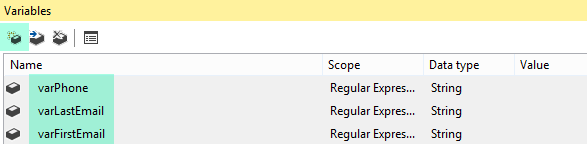
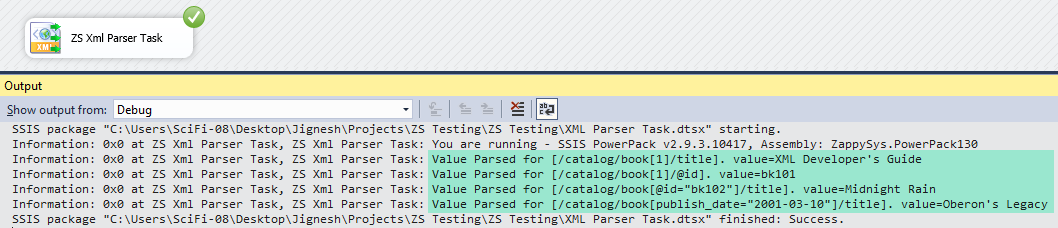
Save extracted values directly to SSIS variables for downstream use
Built-in interactive XML tester — validate XPath before deploying
Compatible with SQL Server 2012–2025 (32/64-bit) and Azure Data Factory
💡 Common Use Cases
Common real-world scenarios where this task replaces custom Script Task XML parsing:
Parse XML API Responses: Extract specific fields from REST or SOAP XML responses into SSIS variables. Example: Call a web service and extract the <OrderID> and <Status> values from the XML reply.
Read XML Configuration Files: Load settings or parameters from XML config files into SSIS package variables. Example: Read a connection string or file path from an XML settings file at runtime.
Extract Content from Database XML Columns: Parse XML stored in database columns and split into individual fields. Example: Pull the <CustomerName> node from an XML column and write it to a staging table.
Validate XPath During Development: Use the built-in tester to confirm extraction logic before deploying to production. Example: Paste a sample XML document and test multiple XPath expressions interactively in the UI.
🎯 Summary
Replace Script Tasks with a drag-and-drop XML parser that handles XPath-based extraction end to end.
Read XML from any source, auto-discover field names, validate your expressions interactively, and store results in SSIS variables — all without writing a single line of code.
Trusted by Developers & IT Teams Worldwide
Built for SSIS Workflows: Purpose-built for high-performance ETL and complex integration scenarios.
Expert Technical Support: Direct access to engineers via email and remote screen-share sessions.
Proven Enterprise Scale: Trusted by 3000+ teams across 90+ countries, including Fortune 500.