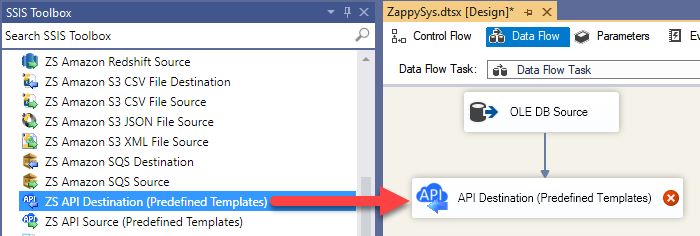
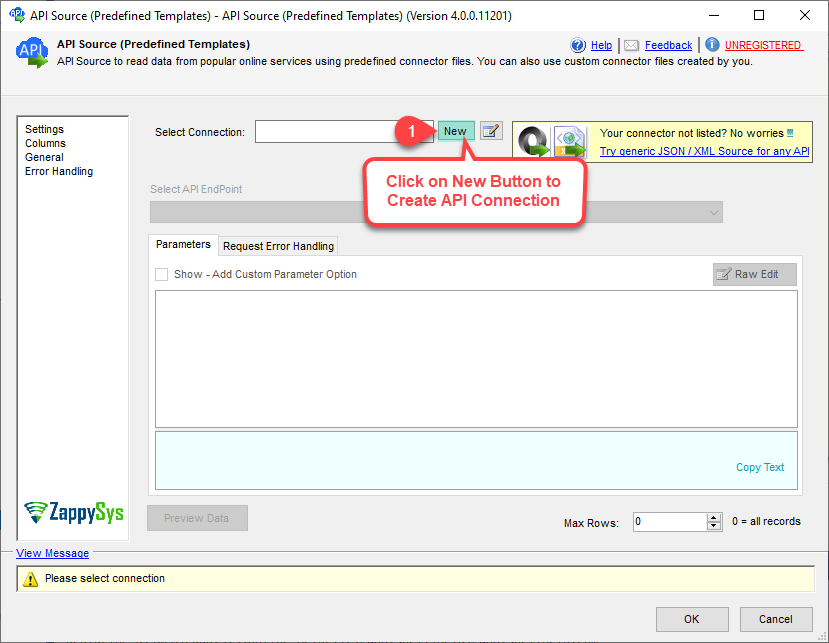
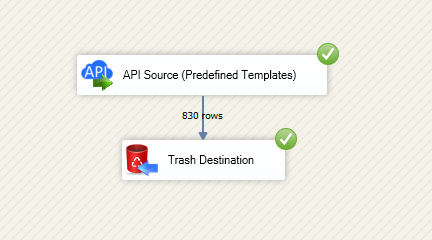
Read and write Outlook Mail (Office 365) in SSIS with API Source and API Destination.
Query folders and messages, send mail, and manage attachments via Microsoft Graph with OAuth in the connector UI.
Part of ZappySys SSIS PowerPack.
Read and write Outlook Mail (Office 365) in SSIS with API Source and API Destination — no scripting.
Connect to Microsoft Graph mail endpoints from a visual connector UI: query mail folders and messages, work with attachments, and push updates back through the Destination. Configure User Credentials or Application Credentials OAuth from the connection manager using the standard authorization and token endpoints for your app registration.
Part of ZappySys SSIS PowerPack (100+ connectors & tasks).
Pro Tip: The Visual Studio download installs a lightweight extension. Use the guide above to install and run the full SSIS PowerPack (all connectors & UI) on your designer machine.
Compatibility: SQL Server 2012–2025+ (32/64-bit) | Azure Data Factory / Azure-SSIS IR Ready
⚡ Key Benefits
Bidirectional mail ETL — API Source and API Destination for reads and writes in the same SSIS solution
Microsoft Graph focused — Predefined endpoints for mail folders, messages, attachments, and related operations
OAuth built in — User Credentials and Application Credentials flows with app registration values in the UI
Low-code configuration — Pick endpoints, set parameters, preview data, then map columns without custom scripts
Automation friendly — Supports unattended scenarios where application-only access is appropriate per Microsoft guidance
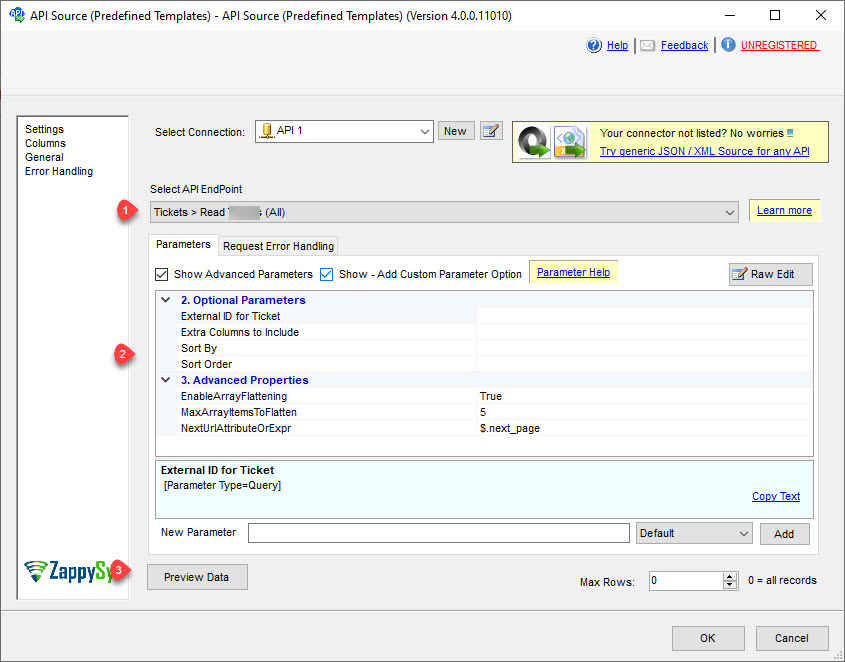
Export mail data using predefined Microsoft Graph endpoints with parameter-driven requests
Read mail folders, messages, attachments, and related entities exposed on the landing page action list
Preview JSON in the API Source UI before you wire the data flow downstream
Optional shared-mailbox scenarios via documented user selection where delegated access applies
Destination — Write Outlook Mail (Office 365)
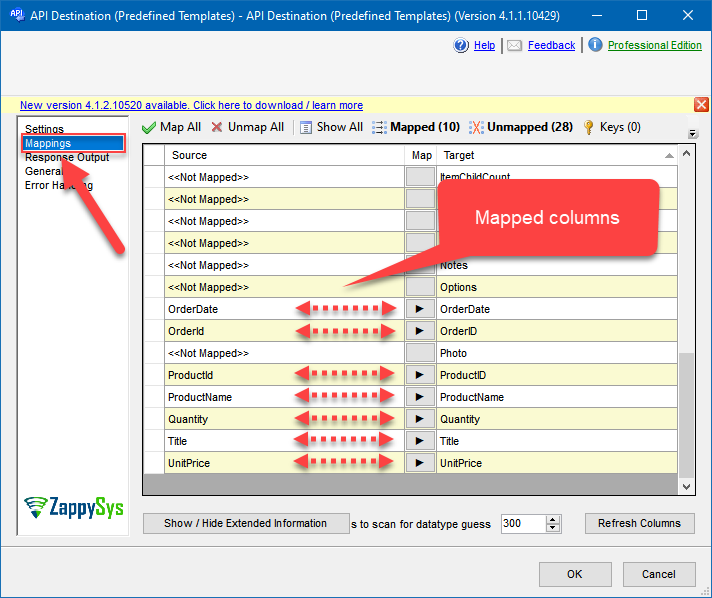
Import or update mail-related data through the API Destination with column mapping
Follow the documented write workflow: choose authentication, base URL, required parameters, then map on the Mappings tab
Use the same connector packaging model as other API Integration Hub components in SSIS PowerPack
Authentication & security
User Credentials [OAuth] for delegated access aligned to signed-in user scenarios
Application Credentials [OAuth] for automated jobs and broader mailbox access patterns described on the product page
Microsoft Entra (Azure AD) app registration values such as authorization URL, token URL, client ID, and secret in the connection UI
Microsoft Graph API selection and scope configuration steps documented for this connector
Operations catalog
How-to actions listed on the connector page for messages, attachments, folders, groups, and bulk search-driven download or delete
Combine Source reads with SQL Server staging or merge patterns using companion Upsert Destination guidance on the same page
💡 Common Use Cases
Typical SSIS scenarios for Outlook Mail (Office 365) data movement:
Mailbox warehouse feed: Incrementally land message metadata and bodies into SQL Server for analytics. Example: Nightly extract from targeted folders into a staging table before dimensional modeling.
Attachment archival: Download *.EML or attachment binaries to secure storage via documented download actions. Example: Compliance archive of messages matching a saved search condition.
Operational notifications: Send mail or update items through the Destination using mapped pipeline columns. Example: Package failure alerts or customer onboarding emails from SSIS.
Shared mailbox reporting: Pull data from delegated or shared mailboxes when User Credentials are configured. Example: Department inbox metrics merged into a reporting database.
Cleanup automation: Remove messages that match search criteria using bulk delete how-tos. Example: Retention job that purges expired newsletters from a service account mailbox.
Hybrid CRM sync: Join mail insights with other SSIS PowerPack connectors in one control flow. Example: Correlate campaign mail events with CRM loads in the same batch window.
🎯 Summary
Give your SSIS team a repeatable, UI-first path to Microsoft Graph mail data.
Read and write Outlook Mail (Office 365) with the same API Source and API Destination pattern used across ZappySys API connectors — less custom code, clearer handoffs to operations.
Trusted by Developers & IT Teams Worldwide
Built for SSIS Workflows: Purpose-built for high-performance ETL and complex integration scenarios.
Expert Technical Support: Direct access to engineers via email and remote screen-share sessions.
Proven Enterprise Scale: Trusted by 3000+ teams across 90+ countries, including Fortune 500.