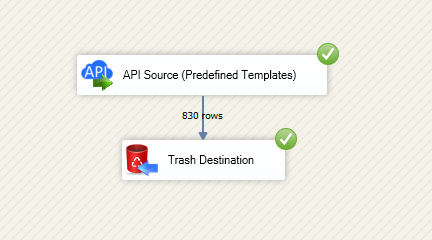
Read and write ManageEngine ServiceDesk Plus (Zoho) data in SSIS using Source and Destination components.
Integrate requests, tasks, comments, and worklogs with OAuth-based authentication and preview-driven setup.
Part of ZappySys SSIS PowerPack.
Move ManageEngine ServiceDesk Plus (Zoho) data in both directions with SSIS — read and write using dedicated Source and Destination components.
SSIS ManageEngine ServiceDesk Plus (Zoho) Connector is built on the ZappySys API Connector Framework and helps you integrate requests, tasks, comments, and worklogs in ETL workflows with low-code setup. Configure OAuth or API Key auth in UI, preview endpoint data, then push updates back to ManageEngine ServiceDesk Plus (Zoho) from API Destination.
Part of ZappySys SSIS PowerPack.
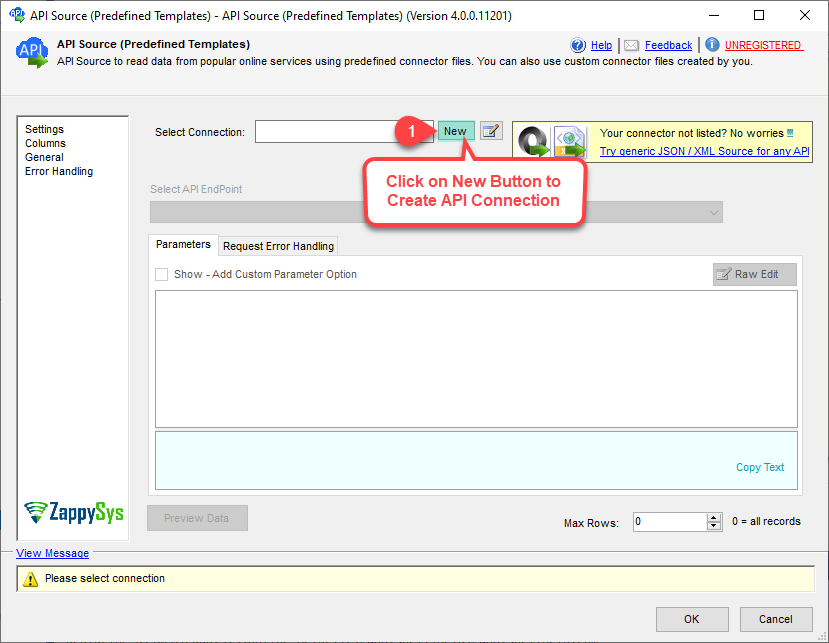
Use API Source to export ManageEngine ServiceDesk Plus (Zoho) data into SSIS pipelines
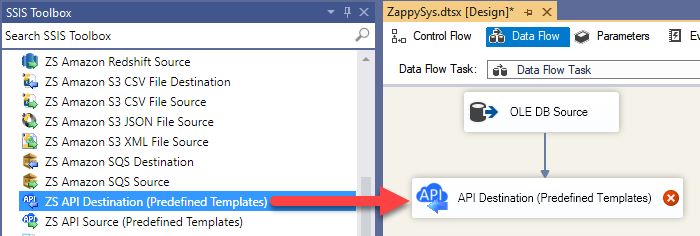
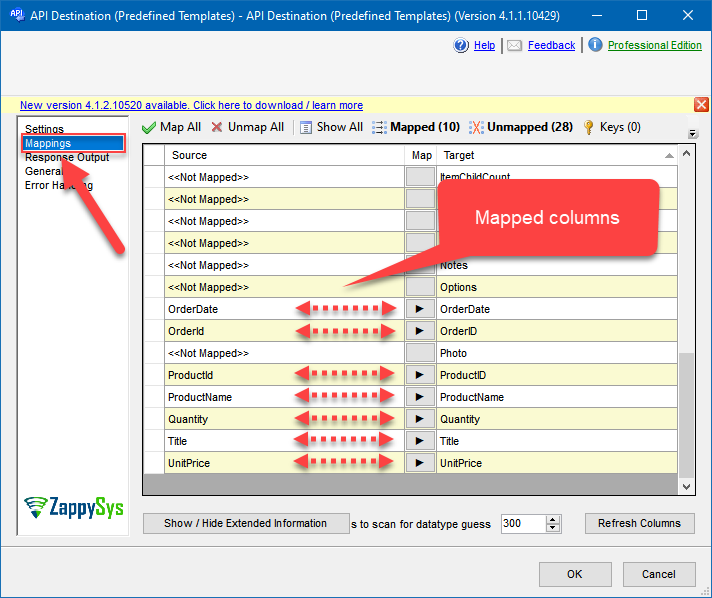
Use API Destination to post updates from SSIS data flows to ManageEngine ServiceDesk Plus (Zoho)
Build a full sync pattern from extraction to write-back in one package
Authentication and Connection Controls
Configure OAuth token generation directly from the connection UI
Use API Key authentication when token flow is not required
Set ManageEngine ServiceDesk Plus (Zoho) data center and API base URL parameters per account
Connector Configuration Experience
Choose preinstalled connector templates or download via Search Online
Use guided setup steps to populate required auth properties quickly
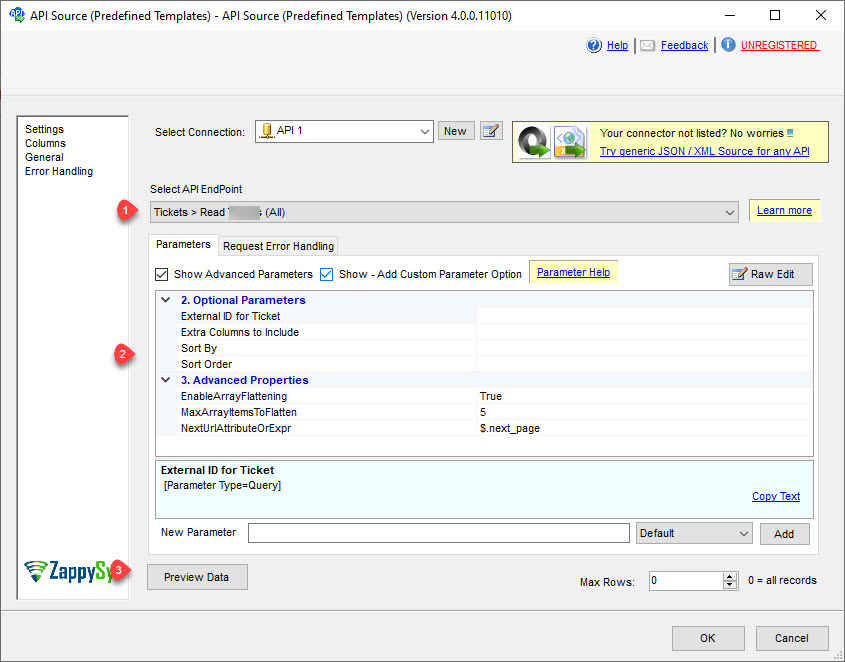
Preview endpoint output before package execution to reduce trial-and-error
Resilience and Runtime Tuning
Control retry mode for transient API failures
Specify retry status codes and max retry count for stable runs
Support optional advanced parameters in API connection manager
💡 Common Use Cases
Common integration patterns for ETL and data operations teams:
Audience Sync Pipelines: Pull audience/member data for warehousing and analytics, then write curated updates back.
Campaign Reporting Loads: Extract campaign and report entities into SQL staging for dashboard refresh cycles.
Operational Data Write-Back: Push transformed records to ManageEngine ServiceDesk Plus (Zoho) endpoints from existing SSIS sources.
Secure Automation: Standardize OAuth or API Key connection settings across package environments.
Low-Code API Integration: Replace custom script-heavy API calls with drag-and-drop connector steps.
🎯 Summary
SSIS ManageEngine ServiceDesk Plus (Zoho) Connector provides a practical, bi-directional integration path for ManageEngine ServiceDesk Plus (Zoho) in SSIS. Design, authenticate, preview, and execute read/write API workflows using built-in Source and Destination components.
Trusted by Developers & IT Teams Worldwide
Built for SSIS Pipelines: Designed for API-driven ETL with visual setup and flexible mappings.
Expert Technical Support: Access product specialists through support channels when needed.
Proven Adoption: ZappySys tools are used by thousands of teams across global data platforms.
SSIS PowerPack
Includes SSIS ManageEngine ServiceDesk Plus (Zoho) Connector