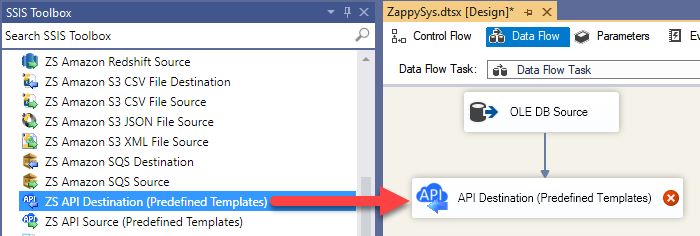
Read and write Jira data in SSIS with API Source and API Destination components.
Configure API key, PAT, or OAuth authentication, then manage issues, projects, worklogs, and comments.
Part of ZappySys PowerPack.
Read and write Jira data in SSIS with dedicated API Source and API Destination components.
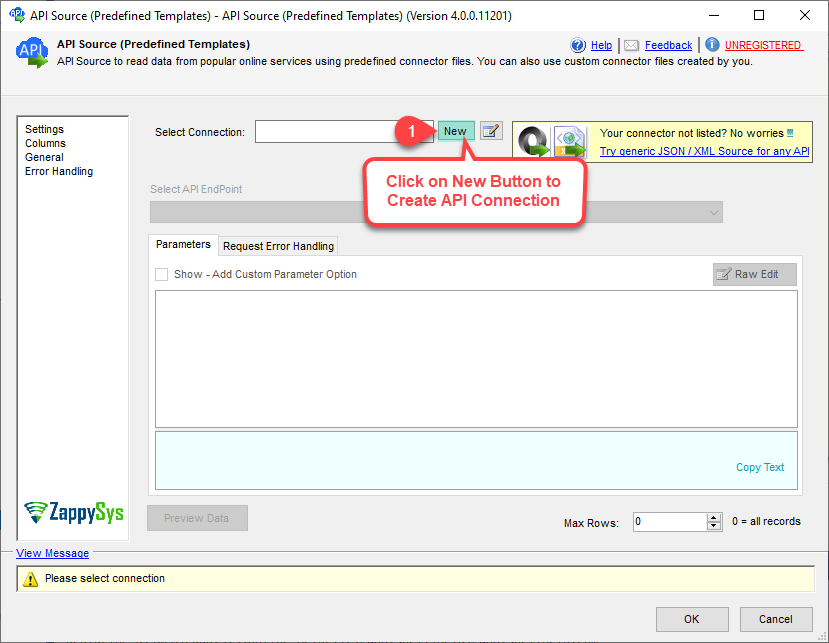
Configure Jira authentication using API Key, PAT, or OAuth, select endpoints, preview payloads, and map data for issues, projects, worklogs, and comments in a guided setup flow.
Part of ZappySys SSIS PowerPack (100+ connectors & tasks).
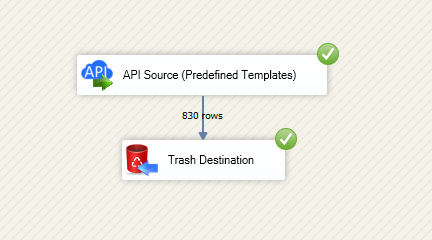
Use API Source to extract Jira entities for downstream ETL and analytics
Use API Destination to insert, update, delete, and lookup records through mappings
Build integrated issue, project, comment, and worklog workflows in SSIS
Authentication Options
API Key based authentication using Atlassian user email and API token
PAT authentication for bearer-token based Jira access patterns
OAuth flow with scope-based app permissions and token generation
Configuration and Control
Select connectors from Popular list, Search Online, or saved connector files
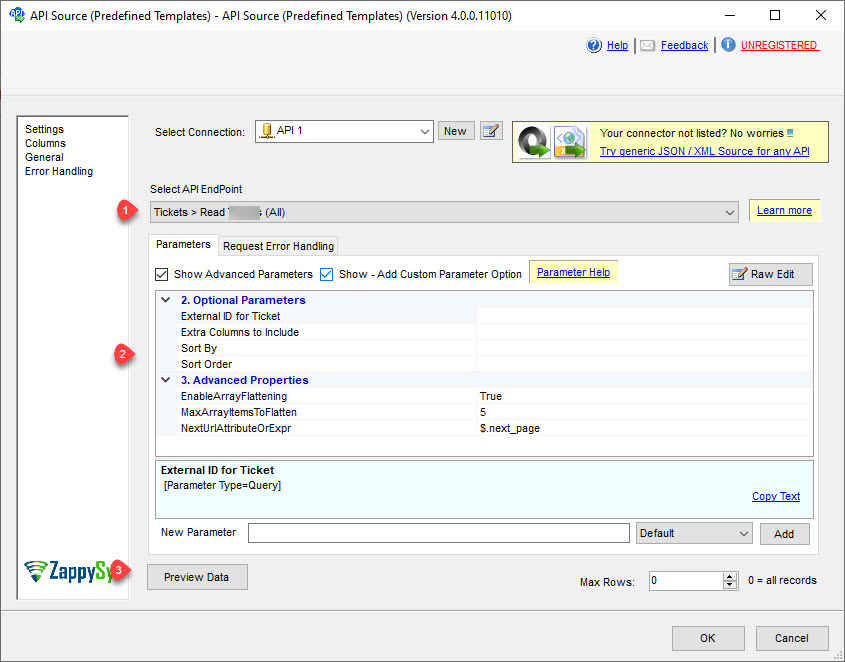
Adjust API base URL and request parameters per environment needs
Use retry controls for status-code based throttling protection
Operational Integration
Preview endpoint responses before execution to validate payload structure
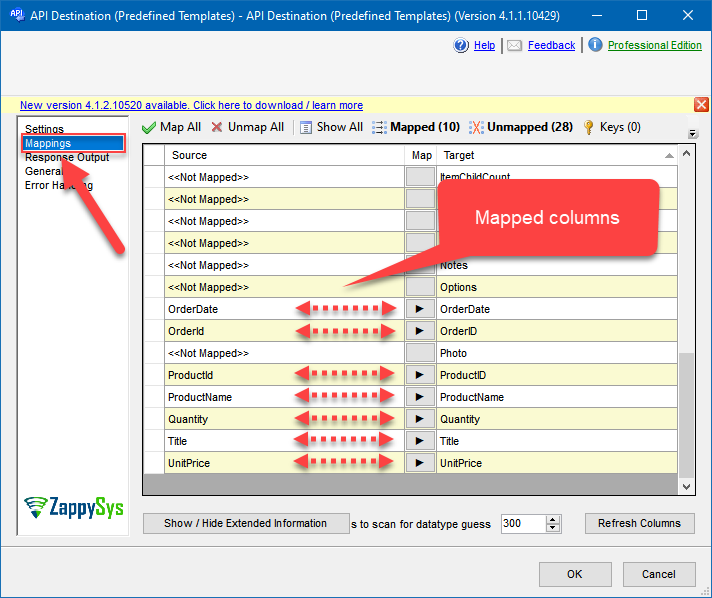
Map source and target fields in visual mapping tabs
Deploy packages to SQL Server Catalog or Azure-SSIS IR for production scheduling
💡 Common Use Cases
Real-world scenarios for SSIS Jira Connector:
Issue Reporting Pipelines: Extract Jira issues into SQL-based marts for team KPI dashboards.
Bidirectional Sync: Read operational updates from source systems and push mapped changes back to Jira.
Project Data Consolidation: Collect projects, worklogs, and comments for cross-tool reporting.
Automated Status Updates: Drive issue transitions and field updates from ETL job outcomes.
Controlled API Throughput: Use retry settings to improve reliability under Jira API rate limits.
🎯 Summary
SSIS Jira Connector helps ETL teams read and write Jira data through a guided API Source and API Destination workflow in SSIS. You get multiple authentication modes, endpoint-driven extraction, mapping-based writes, and deployment-ready package patterns.
Trusted by Developers & IT Teams Worldwide
Built for SSIS Workflows: Purpose-built for API integration patterns in enterprise ETL.
Expert Technical Support: Fast help for authentication, mapping, and deployment scenarios.
Proven at Scale: Adopted globally for production-grade cloud and API integrations.