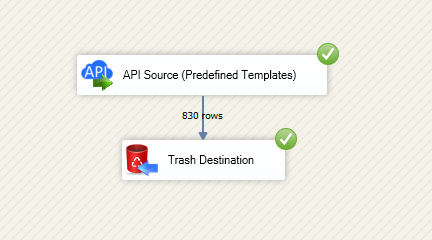
Read and write HubSpot data in SSIS with prebuilt Source and Destination components.
Configure Private App token or OAuth, query endpoints, and map contacts, companies, deals, and tickets without custom API code.
Part of ZappySys SSIS PowerPack.
Read and write HubSpot data in SSIS using prebuilt API Source and API Destination components.
Configure HubSpot authentication with Private App tokens or OAuth, select endpoints, preview payloads, and map columns for contacts, companies, deals, and tickets in a guided UI without custom API scripts.
Part of ZappySys SSIS PowerPack (100+ connectors & tasks).
Use API Source to export HubSpot records to downstream SSIS components
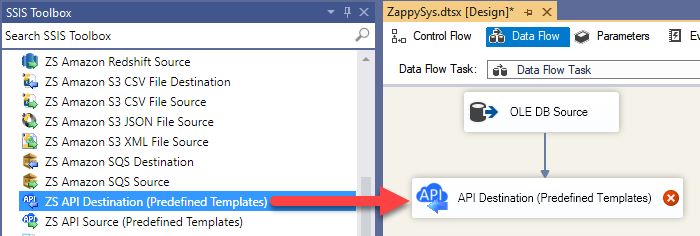
Use API Destination for insert, update, delete, and lookup-style operations
Build contact, company, deal, and ticket pipelines in one package
Authentication Scenarios
Private app (Static Access Token) configuration in the connection manager
Public app OAuth flow with client settings and token generation support
Optional retry tuning for throttling status codes and transient API failures
Connector Lifecycle
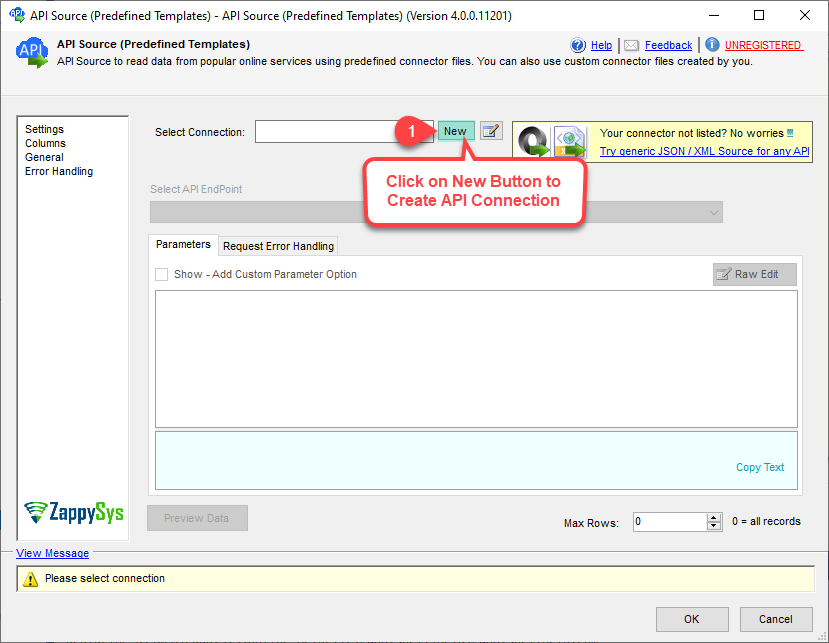
Choose from Popular Connector List or Search Online to download connector files
Load saved connector files from disk for controlled deployments
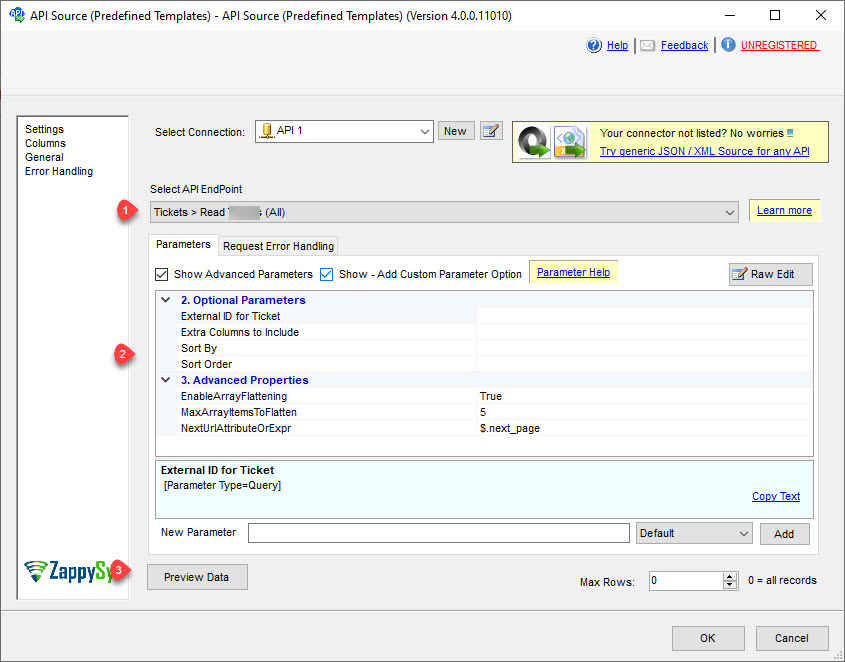
Modify connection parameters and endpoint inputs per action
Execution Readiness
Preview API responses before finalizing mappings
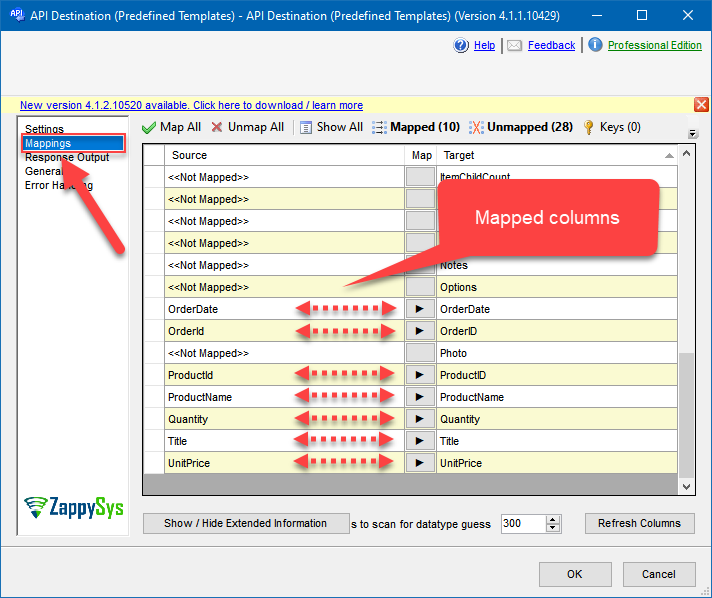
Map source and target columns using built-in mapping UI
Deploy to SQL Server Catalog and run in Azure-SSIS IR when needed
💡 Common Use Cases
Typical SSIS scenarios powered by SSIS Hubspot Connector:
CRM Sync Pipelines: Extract HubSpot objects and load them into SQL Server or PostgreSQL for reporting and analytics.
Operational Upserts: Push curated records from internal systems into HubSpot using API Destination mapping.
Data Quality Workflows: Read source data, transform in SSIS, then write cleaned records back to HubSpot entities.
Incremental Integrations: Handle throttling-sensitive API workloads with retry options and controlled endpoint calls.
Hybrid Cloud ETL: Build and test locally in Visual Studio, then run scheduled pipelines in SQL Agent or Azure-SSIS IR.
🎯 Summary
SSIS Hubspot Connector gives ETL teams a practical way to read and write HubSpot data in SSIS using guided API Source and Destination setup. You get endpoint selection, authentication options, and mapping controls in one consistent workflow.
Trusted by Developers & IT Teams Worldwide
Built for SSIS Workflows: Designed for API-driven ETL with source and destination patterns.
Expert Technical Support: Reach ZappySys engineers via support and guided setup resources.
Proven Enterprise Adoption: Used globally across data integration, automation, and reporting teams.