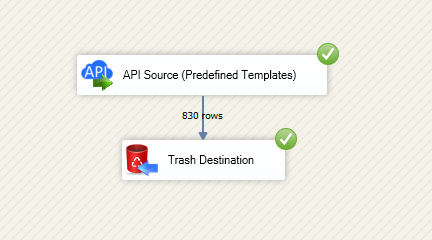
Read and write Google Drive data in SSIS using API Source and API Destination.
Configure OAuth or Service Account auth, then query files/folders and push updates with retry-aware connector settings.
Part of ZappySys SSIS PowerPack.
Read and write Google Drive data in SSIS with
API Source + API Destination
.
Use Google Drive connector workflows to configure OAuth or Service Account authentication, work with files, folders, and shared drives, and execute mapped source/destination operations directly inside SSIS.
Part of
ZappySys SSIS PowerPack
(100+ connectors & tasks).
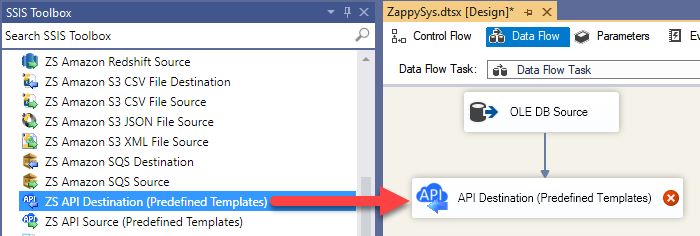
Read Drive data with API Source and write changes with API Destination in one package
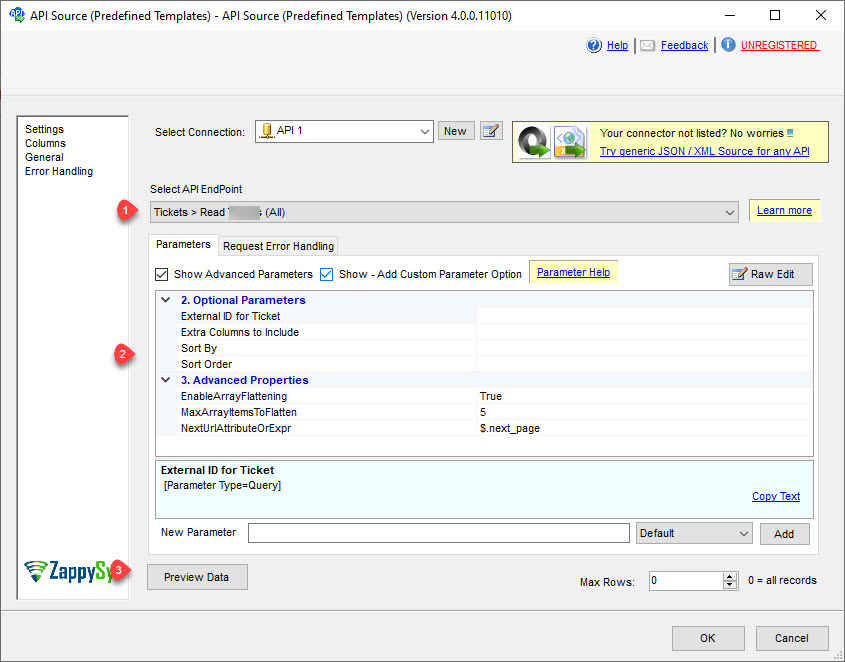
Select endpoints and configure required parameters through connector UI
Preview data before finalizing downstream mappings
Authentication & Reliability
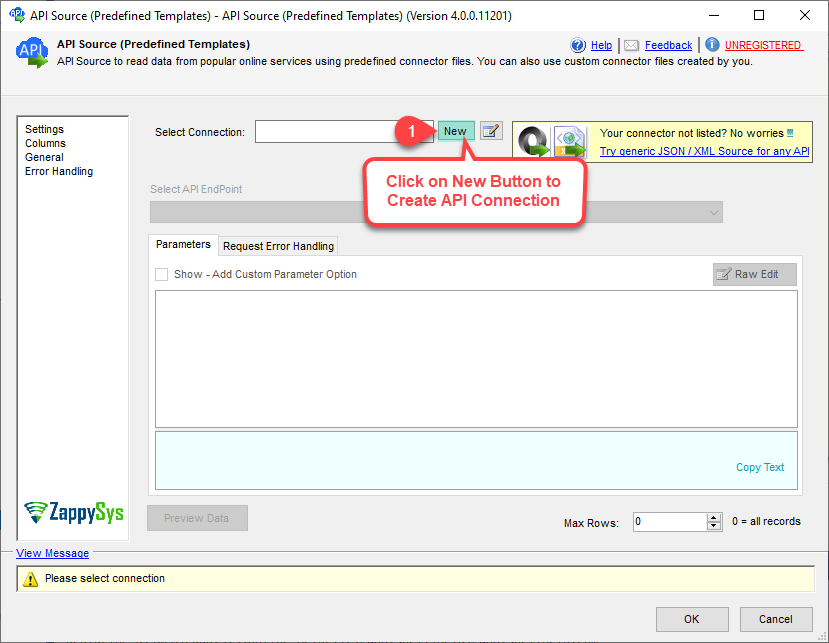
OAuth User Account flow for interactive account-based access
Service Account flow for automated machine-to-machine execution
Retry options for throttling and transient API failures
💡 Common Use Cases
Common integration scenarios from the landing guide:
File and Folder Export:
Pull Drive metadata and content pointers into staging systems.
Automated Content Sync:
Upsert or update files/folders from upstream sources via API Destination.
Shared Drive Governance:
Enumerate and manage shared drive entities in scheduled workflows.
Low-Code API ETL:
Replace script-heavy integrations with connector-driven SSIS components.
🎯 Summary
SSIS Google Drive Connector provides a landing-page-documented, two-way connector workflow for files, folders, and shared drives.
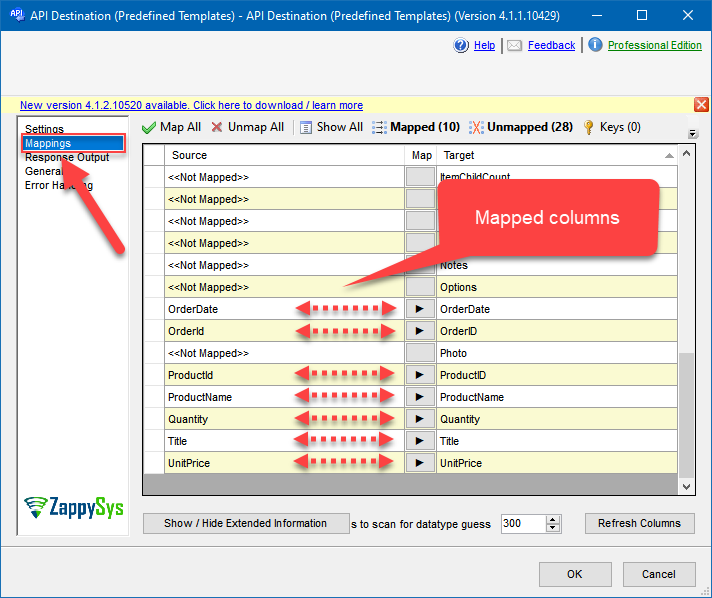
Configure auth, preview endpoints, map columns, and run resilient API integrations without custom API coding.
Trusted by Developers & IT Teams Worldwide
Built for SSIS Workflows:
Purpose-built for high-performance ETL and API integration scenarios.
Expert Technical Support:
Direct access to engineers via email and remote screen-share sessions.
Proven Enterprise Scale:
Trusted by 3000+ teams across 90+ countries.