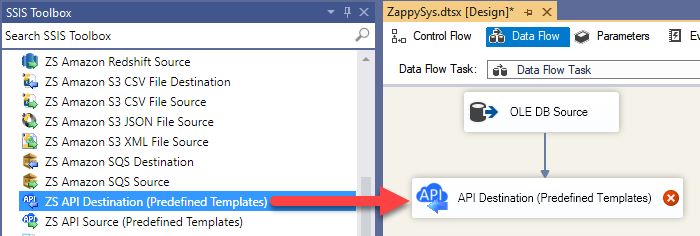
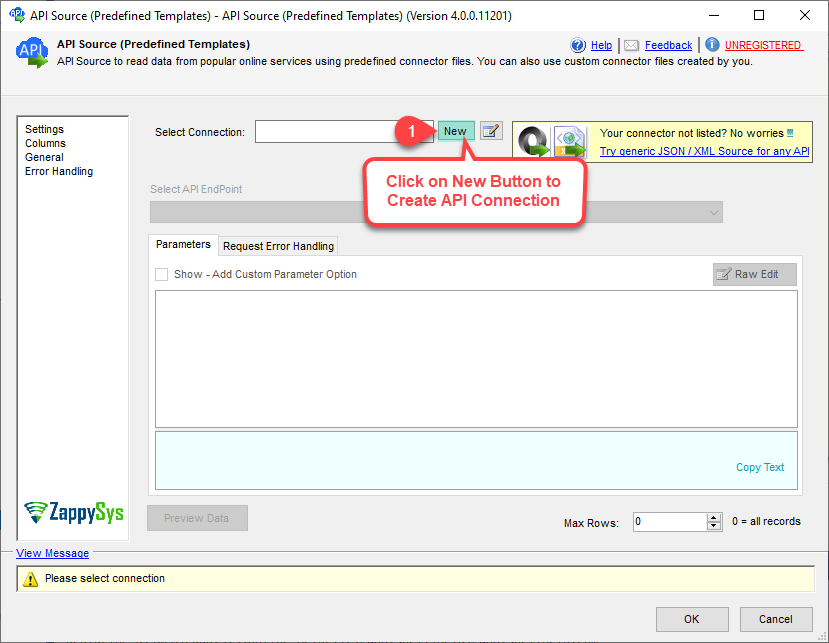
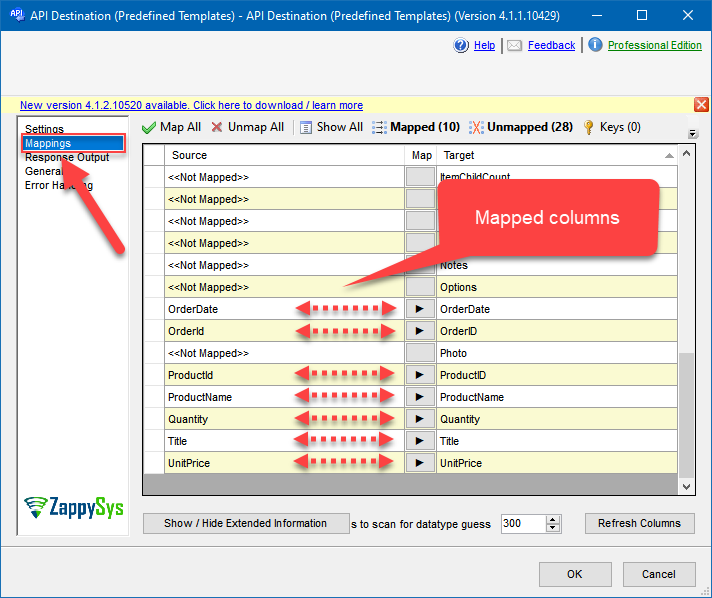
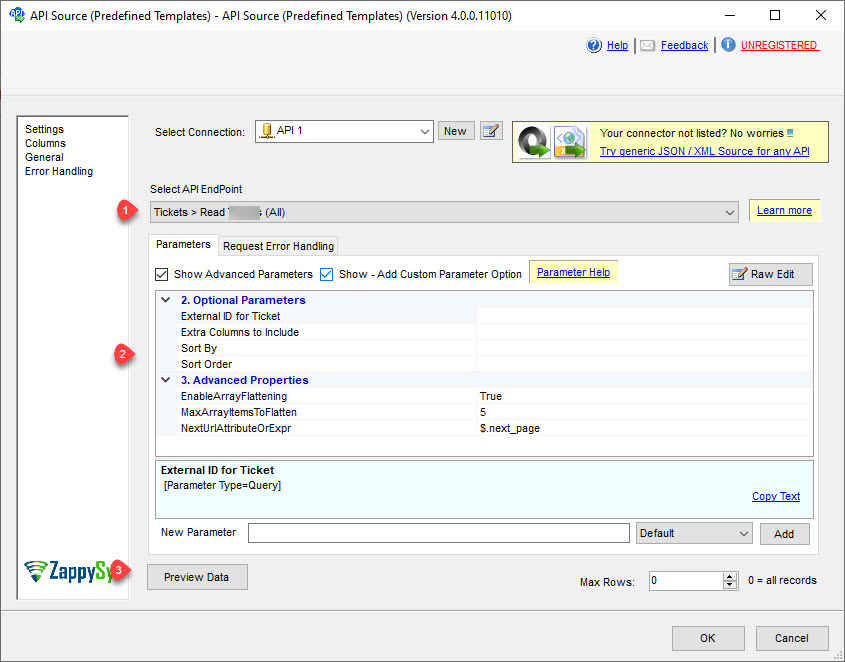
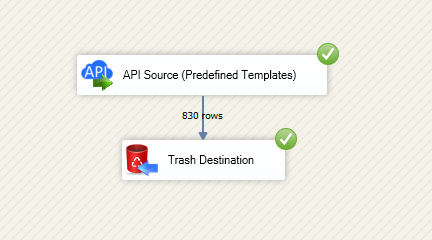
Read and write Google Calendar data in SSIS using API Source and API Destination.
Configure OAuth auth, query calendars and events, and load or sync data with retry-aware API settings.
Part of ZappySys SSIS PowerPack.
Read and write Google Calendar data in SSIS with
API Source + API Destination
.
Use the Google Calendar connector from Integration Hub to configure authentication, select endpoints, preview data, and map destination operations for writeback workflows.
Part of
ZappySys SSIS PowerPack
(100+ connectors & tasks).
Use API Source for extraction and API Destination for writeback in one package
Configure connector endpoints and parameters using the SSIS UI
Preview endpoint output before finalizing mappings
Authentication & Runtime Controls
Configure connector authentication in connection manager
Use retry mode and status code settings for resilient runs
Run in SQL Server and Azure-SSIS Integration Runtime environments
💡 Common Use Cases
Common scenarios based on the landing-page flow:
Data Export:
Extract API data with API Source for downstream ETL.
Writeback Integration:
Push transformed rows to API endpoints via API Destination.
Validation Before Execute:
Preview endpoint output and adjust mappings.
Operational Stability:
Apply retry settings for transient API failures.
🎯 Summary
SSIS Google Calendar Connector follows a connector-driven setup for read/write integration in SSIS.
Configure auth, preview endpoints, map fields, and execute resilient API pipelines without custom API coding.
Trusted by Developers & IT Teams Worldwide
Built for SSIS Workflows:
Purpose-built for high-performance ETL and integration scenarios.
Expert Technical Support:
Direct access to engineers via email and remote screen-share sessions.
Proven Enterprise Scale:
Trusted by 3000+ teams across 90+ countries.