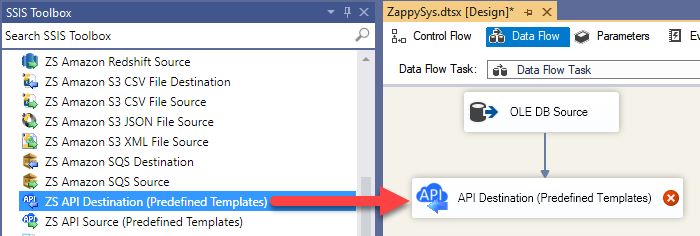
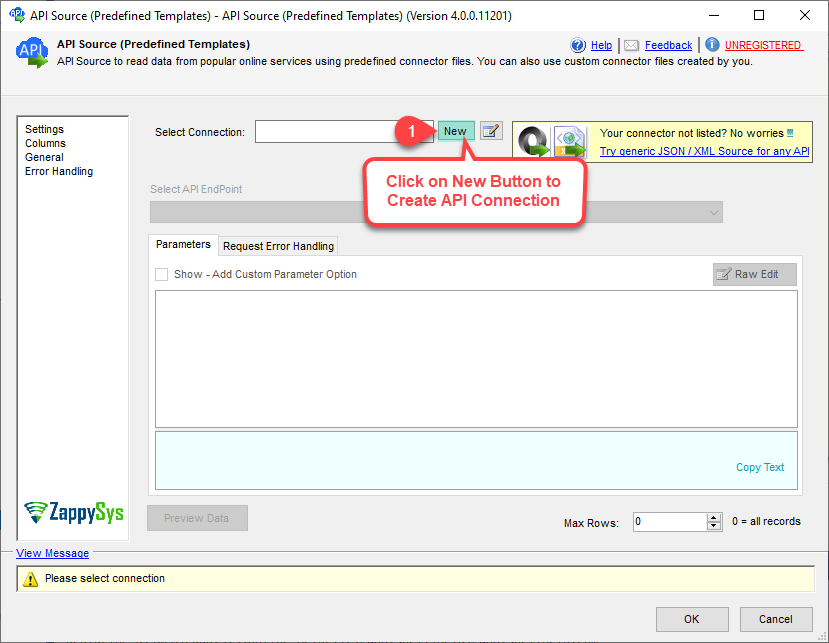
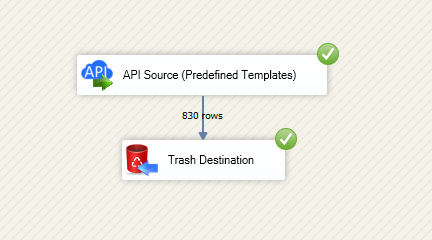
Read and write Gmail data in SSIS with API Source and API Destination.
Configure OAuth user account auth, preview endpoints, and map columns visually.
Integrate messages, attachments, labels, and threads without custom coding.
Part of ZappySys SSIS PowerPack.
Read and write Gmail data in SSIS using API Source + API Destination components.
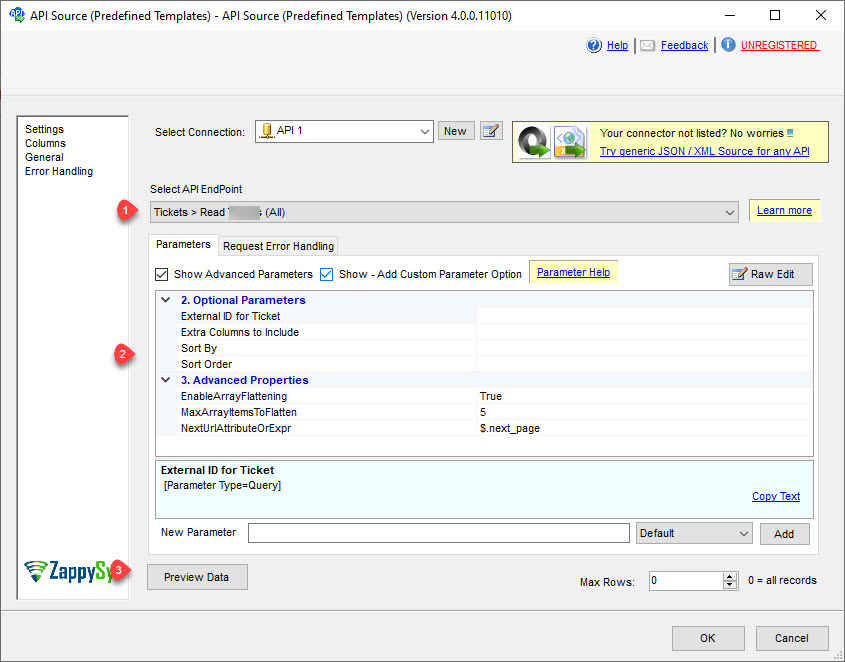
SSIS Gmail Connector is built on the ZappySys API Connector framework so you can configure authentication, select endpoints, preview results, and execute insert/update workflows from one visual ETL design.
Part of ZappySys SSIS PowerPack (100+ connectors & tasks).
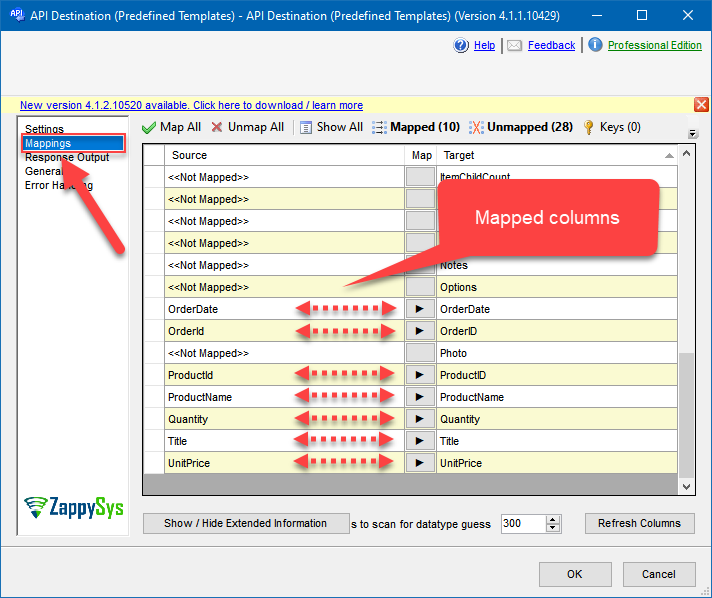
Preview + Mapping — Validate payload/columns before full execution
Resilience Controls — Apply retry and transient-failure handling for operational stability
💡 Common Use Cases
Common scenarios for SSIS Gmail Connector in ETL and workflow automation:
Mailbox analytics: Extract messages, labels, and thread metadata into reporting stores. Example: Load Gmail activity into SQL Server for support and audit metrics.
Attachment processing: Pull attachments for downstream file and document pipelines. Example: Download selected attachments and stage them for ingestion.
Automated outbound actions: Send or update messages using API Destination mappings. Example: Trigger notification emails from curated source data.
Label and thread sync: Keep mailbox state aligned with internal systems. Example: Sync label status and thread context to CRM records.
Cloud-ready package deployment: Reuse the same connector design in Azure-SSIS IR. Example: Promote packages with environment-driven OAuth settings.
🎯 Summary
Build reliable read/write integration for Gmail in SSIS using guided connector setup and visual mapping. Deploy faster with reusable package design that works across development and production environments.
Trusted by Developers & IT Teams Worldwide
Built for SSIS Workflows: Purpose-built for robust ETL and API integration pipelines.
Expert Technical Support: Direct access to engineers for setup and troubleshooting.
Proven Enterprise Scale: Trusted globally for mission-critical connectivity scenarios.