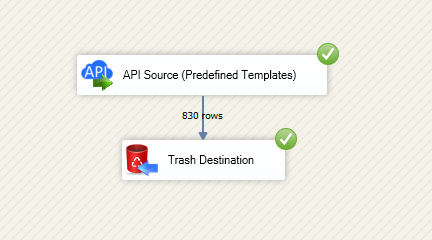
Read and write FastSpring data in SSIS with API Source and API Destination.
Configure API Credentials auth, preview endpoints, and map columns visually.
Integrate orders, subscriptions, quotes, products, and accounts without custom coding.
Part of ZappySys SSIS PowerPack.
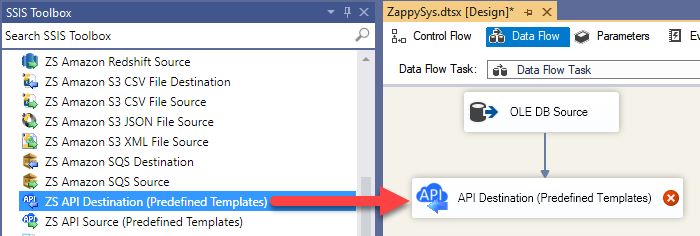
Read and write FastSpring data in SSIS using API Source + API Destination components.
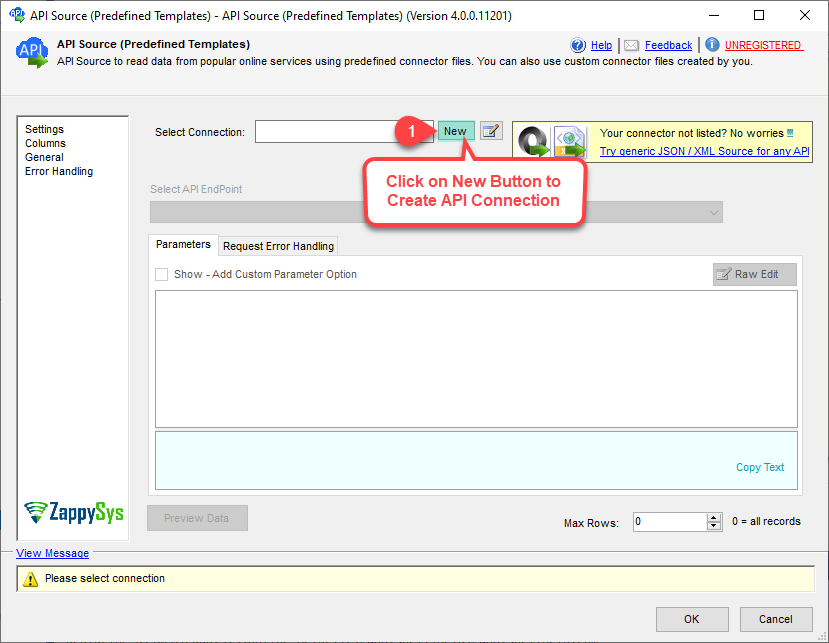
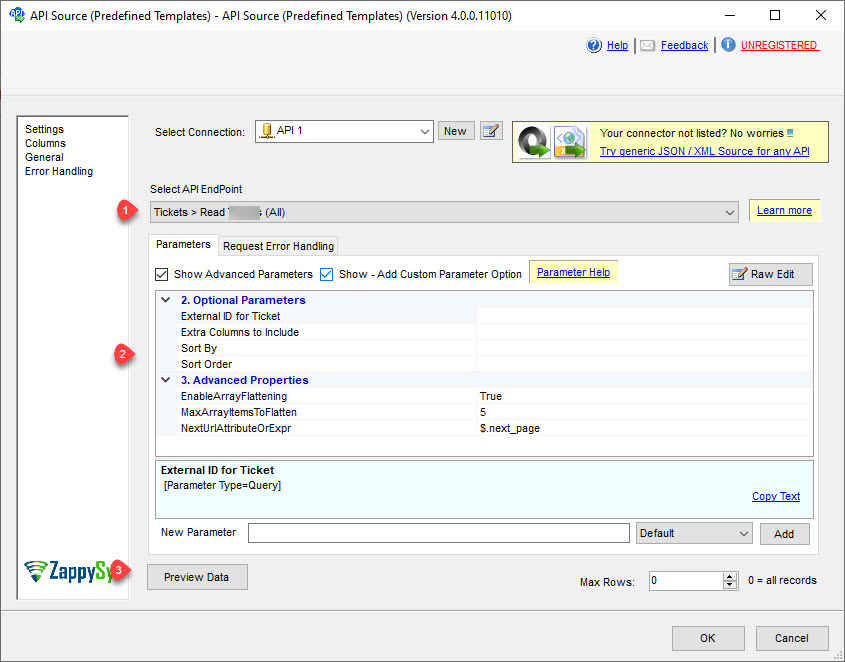
SSIS FastSpring Connector is built on the ZappySys API Connector framework so you can configure authentication, select endpoints, preview results, and execute insert/update workflows from one visual ETL design.
Part of ZappySys SSIS PowerPack (100+ connectors & tasks).
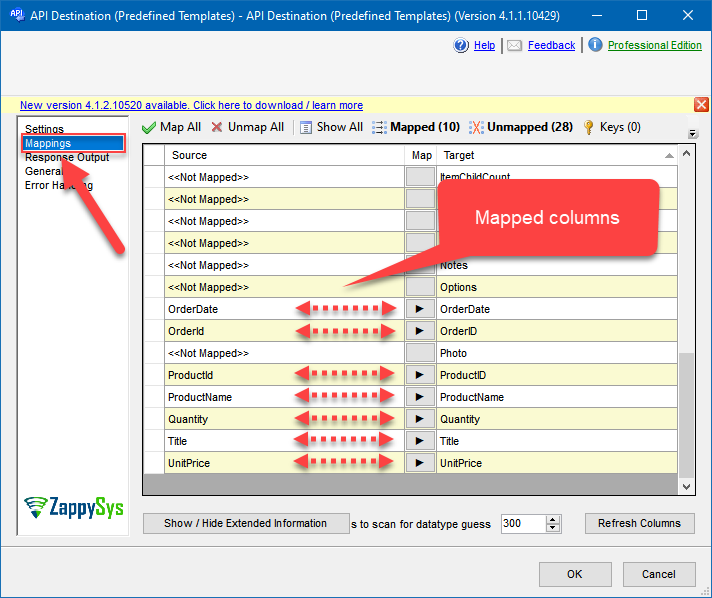
Preview + Mapping — Validate payload/columns before full execution
Resilience Controls — Apply retry and transient-failure handling for operational stability
💡 Common Use Cases
Common scenarios for the SSIS FastSpring Connector in ETL and data integration:
Order and subscription extraction: Pull orders, subscriptions, quotes, and account data for reporting. Example: Load FastSpring order activity into SQL Server for daily dashboards.
Bi-directional API workflows: Read data with API Source and push updates with API Destination. Example: Sync product or account updates from staging tables back to FastSpring.
Endpoint-driven integration design: Configure action parameters in connector UI without custom scripts. Example: Select endpoint, preview response, then map only needed columns.
Reliable scheduled loads: Run repeatable packages under SQL Agent with retry settings for transient API errors. Example: Nightly subscription sync with retry on throttling status codes.
Cloud SSIS deployment: Reuse the same package pattern in Azure-SSIS IR. Example: Promote package from on-prem to ADF with environment parameterization.
🎯 Summary
Build reliable read/write integration for FastSpring in SSIS using guided connector setup and visual mapping. Deploy faster with reusable package design that works across development and production environments.
Trusted by Developers & IT Teams Worldwide
Built for SSIS Workflows: Purpose-built for production ETL and API integration pipelines.
Expert Technical Support: Direct access to engineers for connector setup and troubleshooting.
Proven Enterprise Scale: Trusted globally for mission-critical data movement.