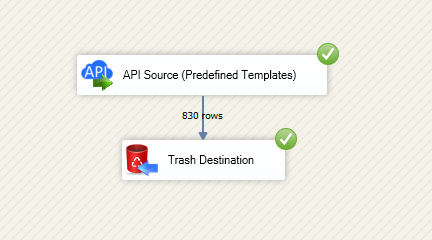
Read and write ElasticSearch data in SSIS using API Source and API Destination components.
Configure basic or Windows authentication, choose endpoints, preview rows, and map columns for import/export workflows.
Part of ZappySys SSIS PowerPack.
Read and write ElasticSearch data in SSIS with API Source and API Destination components.
Configure basic or Windows authentication, choose connector actions, preview rows, and map columns for import/export workflows in one ETL design. Part of ZappySys SSIS PowerPack (100+ connectors & tasks).
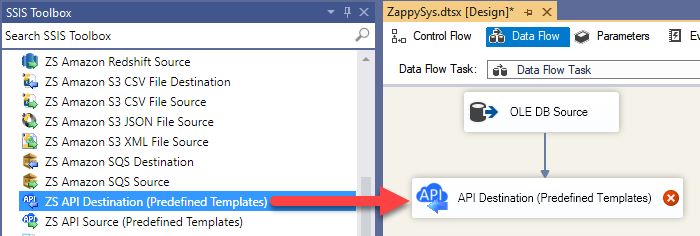
Source and Destination Components — Use paired components for export and import flows
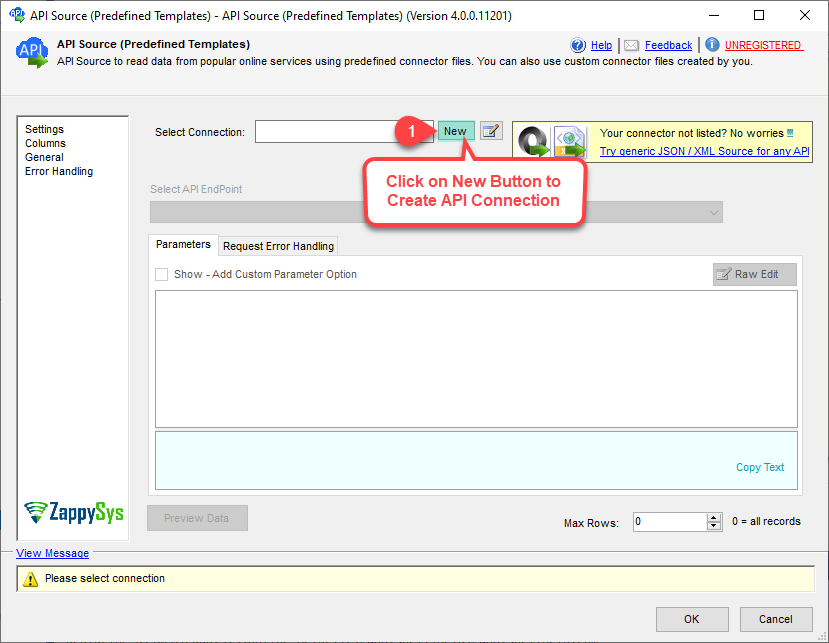
Connector Download Flow — Pick preinstalled connector or search/download online
Authentication Options — Supports basic authentication and Windows authentication modes
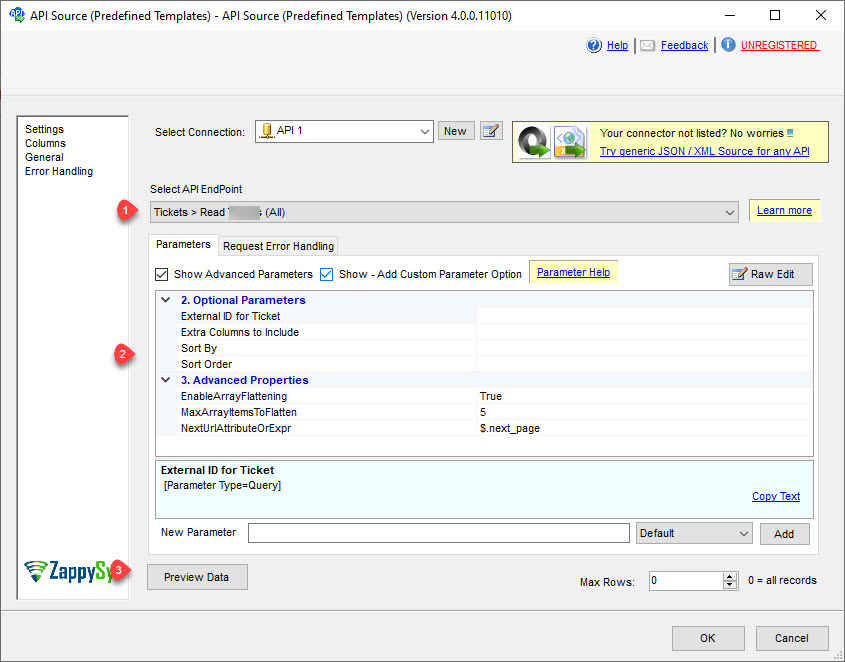
Endpoint + Parameter UI — Select actions and configure required fields before execution
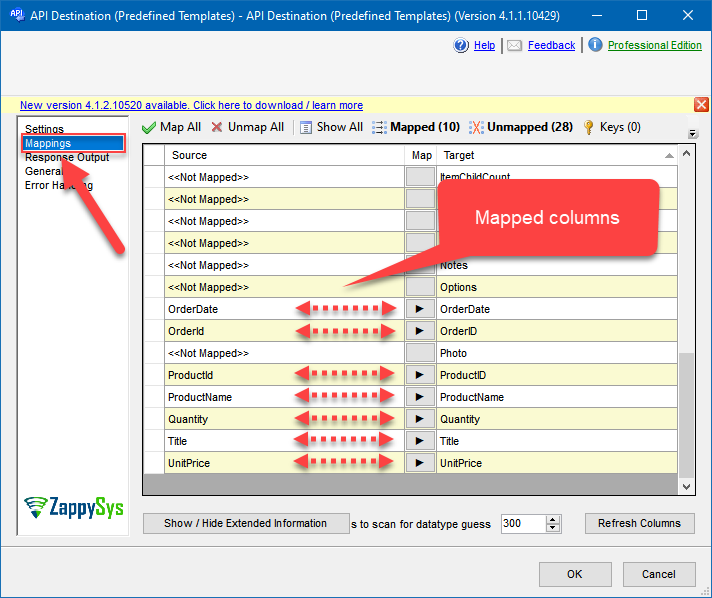
Column Mapping Tab — Align SSIS columns to API payload fields for write operations
💡 Common Use Cases
Common scenarios for SSIS ElasticSearch Connector in production ETL:
Search analytics staging: Pull index data into SQL staging for downstream BI and reporting.
Bidirectional synchronization: Read records with API Source and push updates with API Destination.
Schema validation flows: Preview endpoint responses and validate mappings before scheduled runs.
Operational monitoring pipelines: Move near-real-time API data into warehouse audit tables.
🎯 Summary
SSIS ElasticSearch Connector helps teams build reliable bidirectional ETL between SSIS and ElasticSearch without custom API code. Use visual setup, preview, and mapping to move data faster from development to production.
Trusted by Developers & IT Teams Worldwide
Built for SSIS Workflows: Purpose-built for high-performance ETL and API integration pipelines.
Expert Technical Support: Direct access to engineers via email and remote screen-share sessions.
Proven Enterprise Scale: Trusted by 3000+ teams across 90+ countries, including Fortune 500.