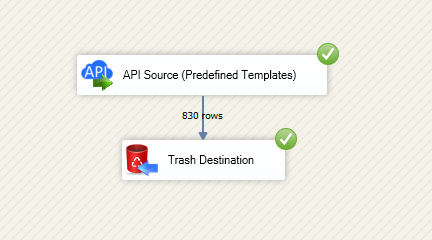
Read and write Azure Cosmos DB data in SSIS using API Source and API Destination components. Integrate databases, containers, documents, and users with API key authentication in a low-code pipeline. Part of ZappySys SSIS PowerPack.
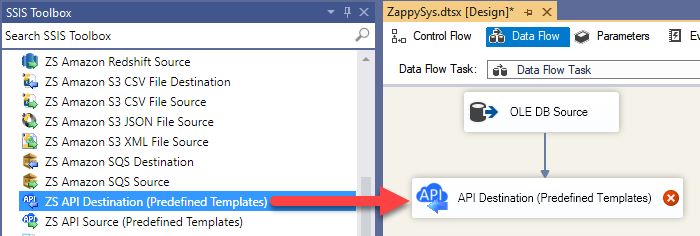
Read and write Azure Cosmos DB databases, containers, and documents in SSIS with API Source + API Destination.
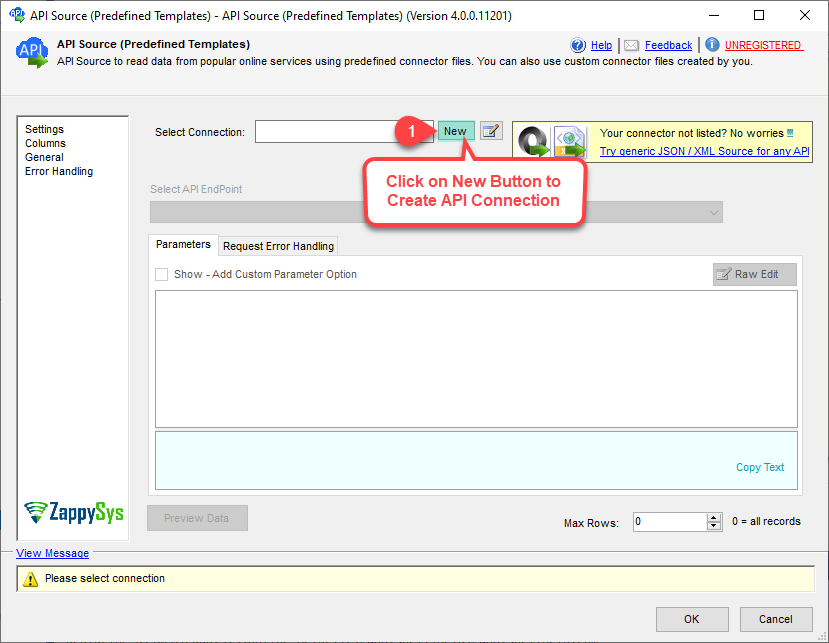
SSIS Cosmos DB Connector is built on the ZappySys API Connector framework so you can configure API key authentication, select endpoints, preview records, and push inserts or updates from one visual ETL workflow.
Part of ZappySys SSIS PowerPack (100+ connectors & tasks).
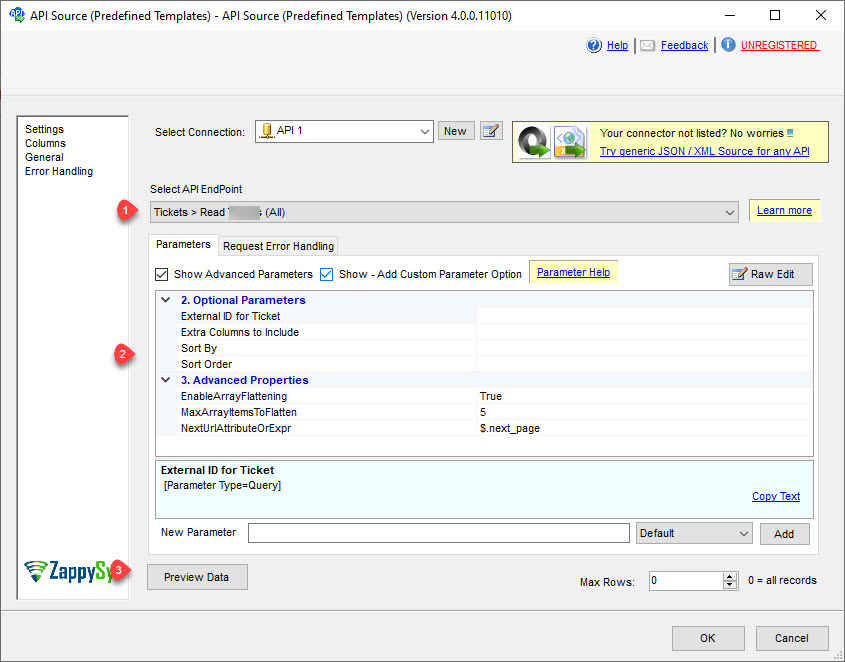
Query databases, tables/containers, users, and documents with API Source
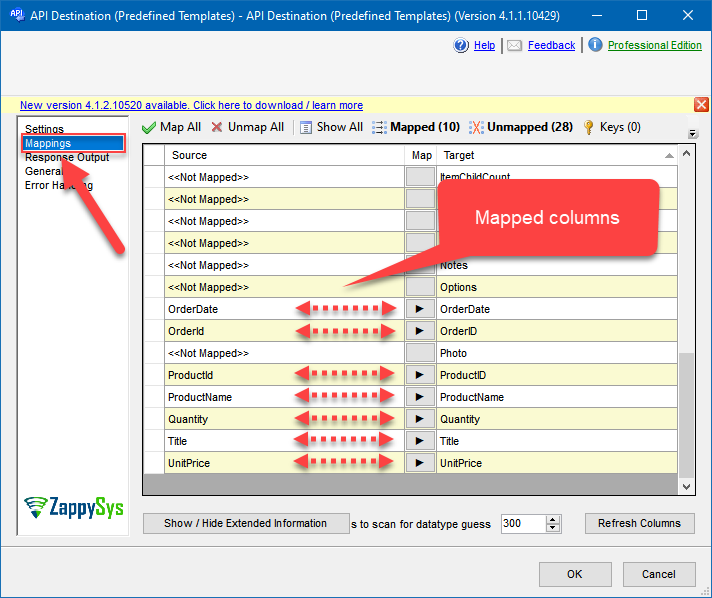
Create, update, upsert, or delete documents with API Destination
Use generic REST endpoints for advanced Cosmos DB request scenarios
Authentication and Security
API Key authentication with primary or secondary key support
Support for read-only and read-write key operational patterns
Explicit account and default database/table settings for safer execution
Operational Control
Visual endpoint selection, parameter input, and data preview before run
Easy integration with Upsert Destination for SQL Server/PostgreSQL/Redshift loads
Deploy to SQL Agent or Azure Data Factory for scheduled execution
💡 Common Use Cases
Document lake ingestion: Pull Cosmos DB collections into SQL-based analytics layers.
Master data sync: Push curated records from relational systems into Cosmos DB containers.
Bi-directional ETL: Extract data, transform in SSIS, and write back changed records.
Operational API automation: Manage users, permissions, and document lifecycle endpoints.
Cloud-ready orchestration: Run the same SSIS package on-prem or on Azure-SSIS IR.
🎯 Summary
Integrate Azure Cosmos DB with SSIS using drag-and-drop source and destination components. Use one connector model for extraction, transformation, and write-back workflows without custom API coding.
Trusted by Developers & IT Teams Worldwide
Built for SSIS Workflows: Designed for production ETL and integration operations.
Expert Technical Support: Guidance for connector setup, auth, and endpoint design.
Proven Enterprise Scale: Adopted by thousands of organizations across 90+ countries.