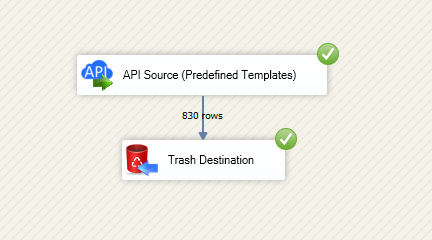
Read and write Azure DevOps data in SSIS using API Source and API Destination components. Integrate projects, teams, and work items with OAuth app credentials, PAT, or certificate-based authentication. Part of ZappySys SSIS PowerPack.
Read and write Azure DevOps projects, teams, and work items in SSIS with API Source + API Destination.
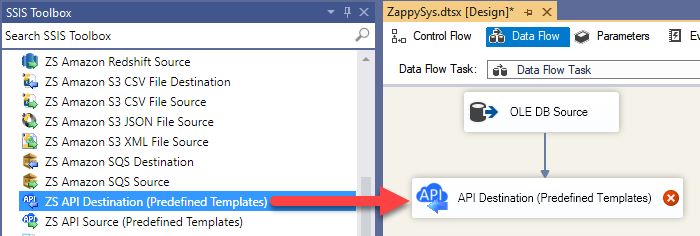
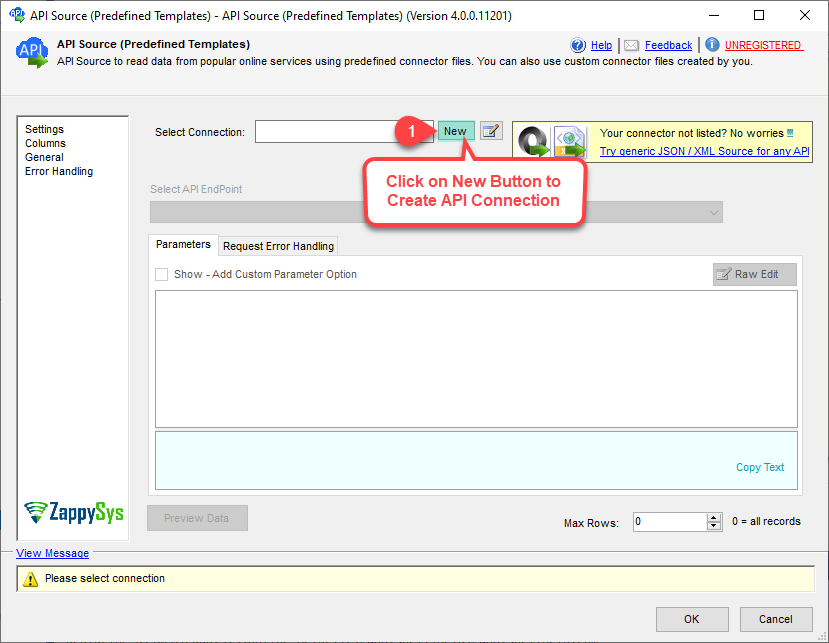
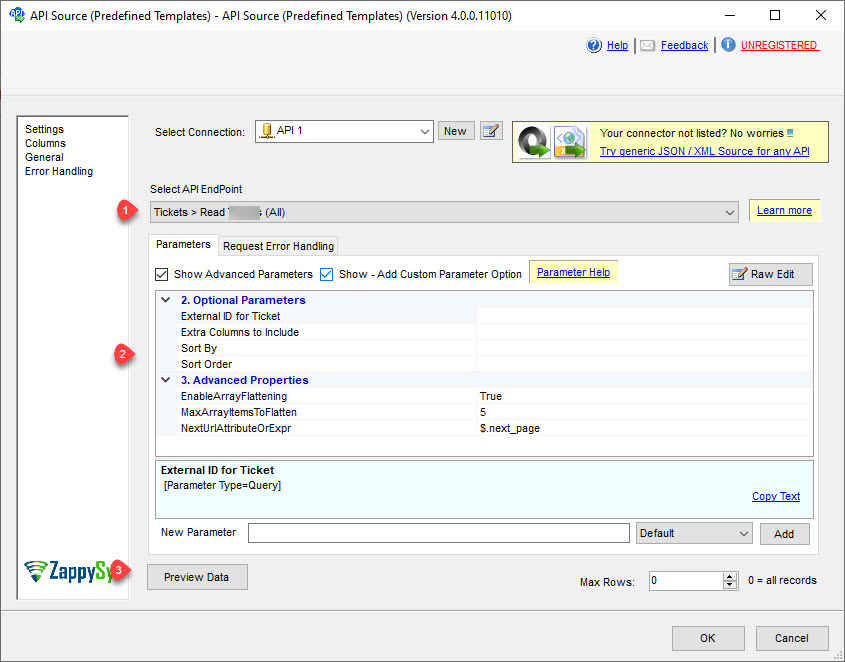
SSIS Azure DevOps Connector is built on the ZappySys API Connector framework so you can configure authentication, select endpoints, preview data, and push updates from one visual workflow. Use Entra-based OAuth app credentials, PAT, or certificate-backed auth based on your governance model.
Part of ZappySys SSIS PowerPack (100+ connectors & tasks).
Query projects, teams, work items, and query definitions with API Source
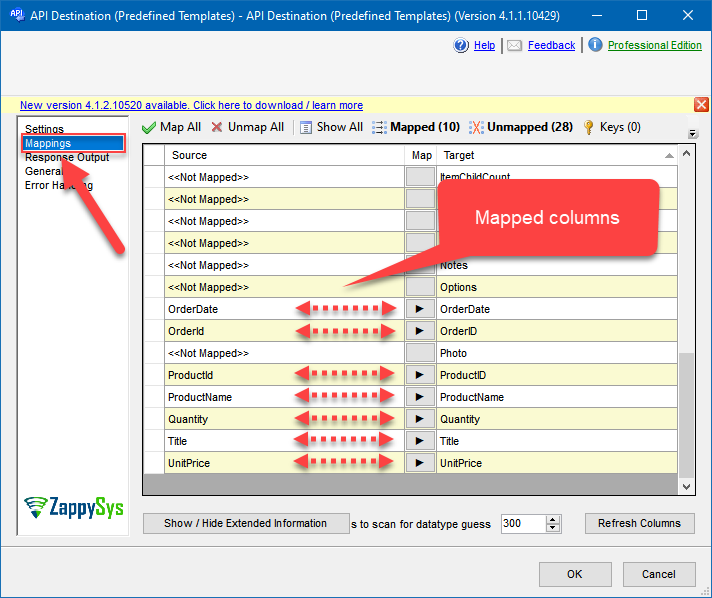
Create and update projects, teams, work items, and comments with API Destination
Use generic REST endpoints for custom Azure DevOps actions
Authentication and Security
User Credentials OAuth for delegated access
Azure App Credentials OAuth for service principal automation
Certificate-based OAuth option for private-key JWT token acquisition
Operational Control
Configurable organization and project defaults for predictable endpoint behavior
Retry controls for 429 throttling and transient failures
Visual mapping and endpoint previews before package execution
💡 Common Use Cases
Work Item Warehouse Loads: Export work item history into SQL Server for reporting and analytics.
Project and Team Synchronization: Keep project metadata aligned between internal systems and Azure DevOps.
Automated Backlog Updates: Push status or field updates from ETL pipelines back to work items.
Cross-System Governance: Standardize auth with Entra app credentials for unattended jobs.
ADF SSIS Modernization: Run the same Azure DevOps SSIS packages on Azure-SSIS Integration Runtime.
🎯 Summary
Integrate Azure DevOps with SSIS using the same drag-and-drop patterns your ETL team already knows. Use one connector framework for extraction, transformation flows, and write-back automation.
Trusted by Developers & IT Teams Worldwide
Built for SSIS Workflows: Designed for production ETL and integration operations.
Expert Technical Support: Guidance for connector setup, auth, and endpoint design.
Proven Enterprise Scale: Adopted by thousands of organizations across 90+ countries.