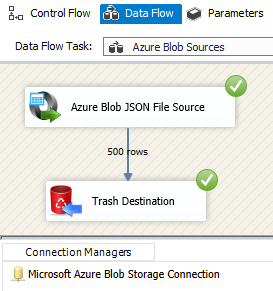
Read JSON files from Azure Blob Storage directly in SSIS — single or multiple files with wildcard patterns. Supports nested JSONPath extraction, GZip/Zip streaming, dynamic file paths, data pivot, and design-time preview. Part of ZappySys SSIS PowerPack.
Read JSON files from Azure Blob Storage directly in an SSIS Data Flow — single file or multi-file with wildcard patterns.
Browse your Blob container visually, extract data from nested JSON structures using JSONPath expressions,
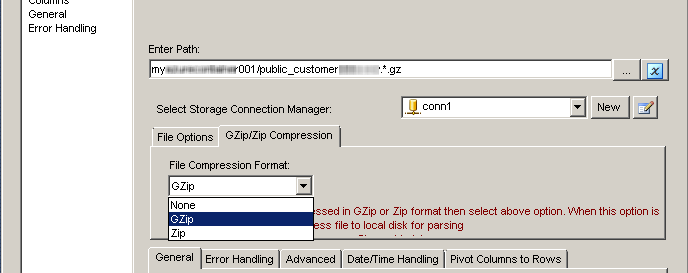
and read GZip or Zip compressed files without extracting them to disk.
Use dynamic SSIS variable placeholders in file paths, transform columns to rows with data pivot,
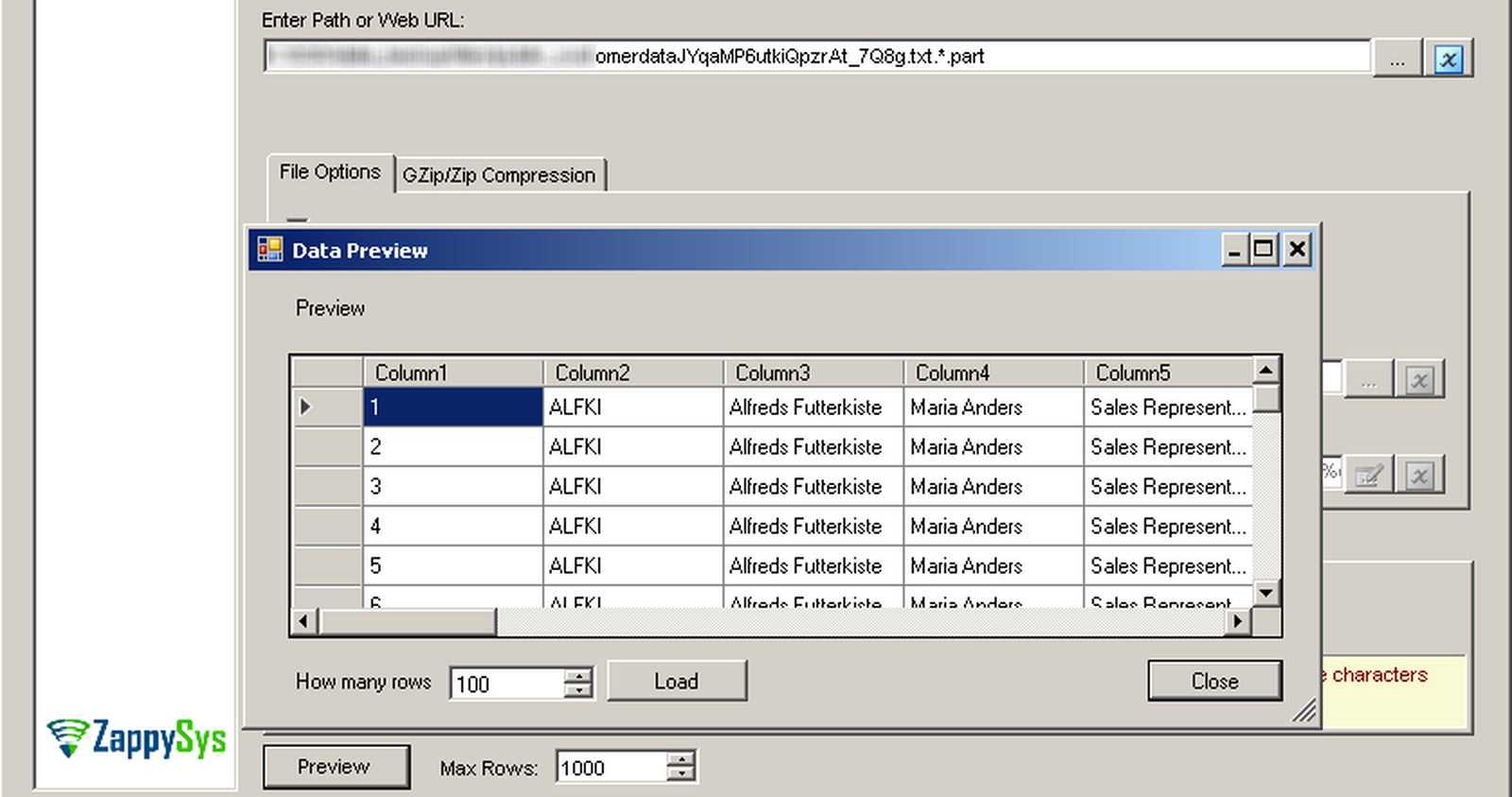
and preview live data at design time — all without writing any code.
Part of ZappySys SSIS PowerPack.
Read single or multiple JSON files from Azure Blob Storage using wildcard patterns (e.g. *.json)
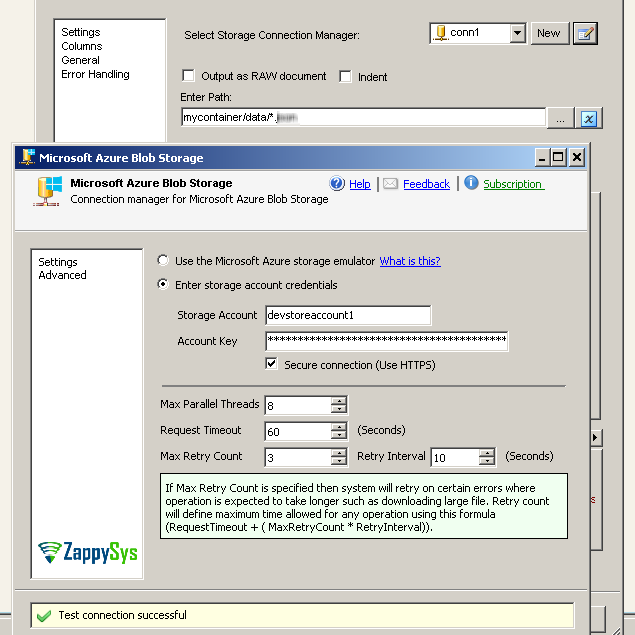
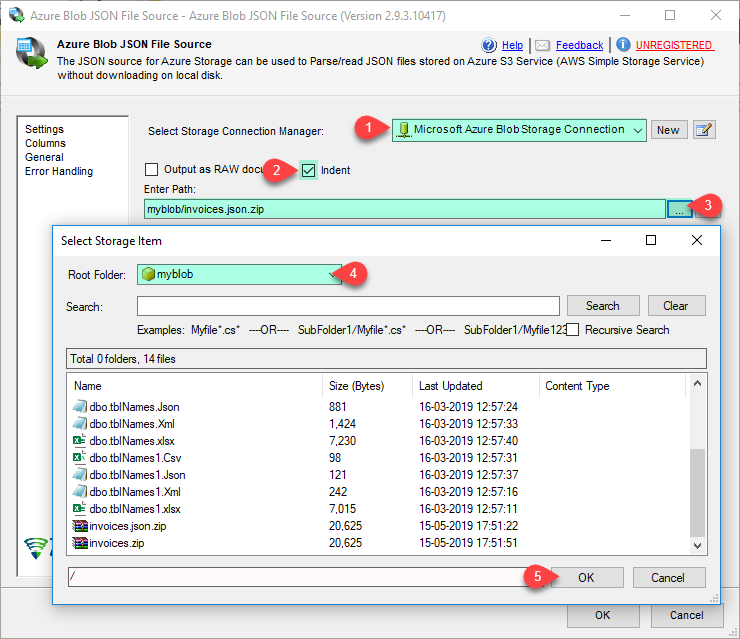
Visual Blob Browser UI — browse containers and select files without typing paths manually
Dynamic file paths via SSIS variable placeholders (e.g. /myroot/{{User::MyFolder}}/*.json)
JSON Parsing
Extract data from any nesting level using JSONPath expressions (e.g. Orders nested under Customer)
Data pivot — transform JSON property columns into rows for EAV-style processing
Flexible DateTime parsing options with configurable format handling
Performance & Reliability
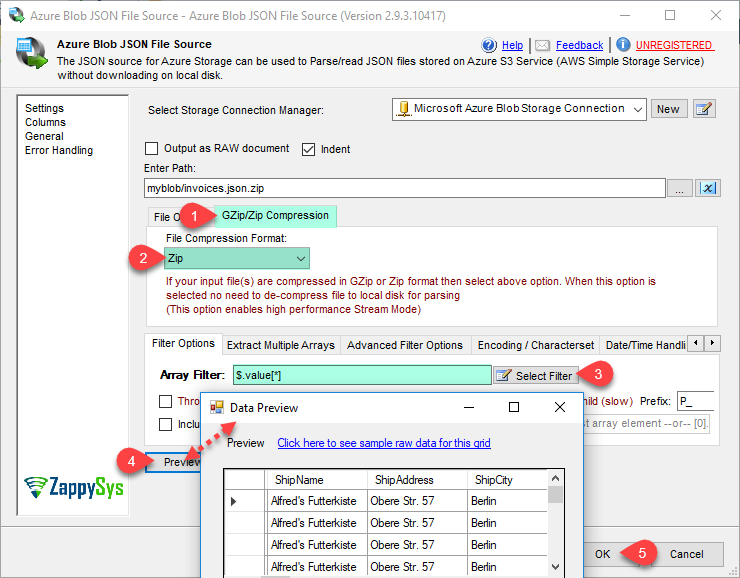
Stream GZip and Zip compressed JSON files without extracting to disk first
Redirect bad records to an error output for graceful error handling
Compatible with SQL Server 2012–2025 (32/64-bit) and Azure Data Factory
💡 Common Use Cases
Common real-world scenarios for reading JSON files from Azure Blob Storage in SSIS:
Daily JSON Export Ingestion: Read JSON files dropped into Blob Storage by upstream systems and load into SQL Server. Example: Process all orders_*.json files arriving daily in a Blob container and upsert into a staging table.
Nested API Response Processing: Parse complex nested JSON structures using JSONPath to flatten them into tabular rows. Example: Extract order line items nested inside customer records from a single JSON export file.
Compressed Archive Handling: Read GZip-compressed JSON exports directly without a manual extraction step. Example: Process nightly *.json.gz data dumps from Azure Blob without any intermediate decompression task.
Dynamic Multi-Tenant Pipelines: Build file paths at runtime using SSIS variables for tenant- or date-aware processing. Example: Use /exports/{{User::TenantID}}/{{User::RunDate}}/*.json to process the correct tenant partition each run.
🎯 Summary
Replace custom Azure SDK scripting with a drag-and-drop JSON source that reads directly from Azure Blob Storage.
Browse containers visually, extract nested JSON with JSONPath, stream compressed files, and build dynamic paths with SSIS variables — all without writing a single line of code.
Trusted by Developers & IT Teams Worldwide
Built for SSIS Workflows: Purpose-built for high-performance ETL and complex integration scenarios.
Expert Technical Support: Direct access to engineers via email and remote screen-share sessions.
Proven Enterprise Scale: Trusted by 3000+ teams across 90+ countries, including Fortune 500.