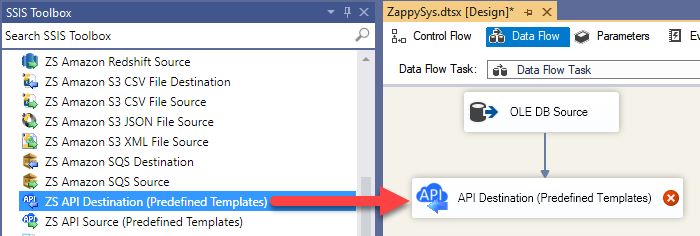
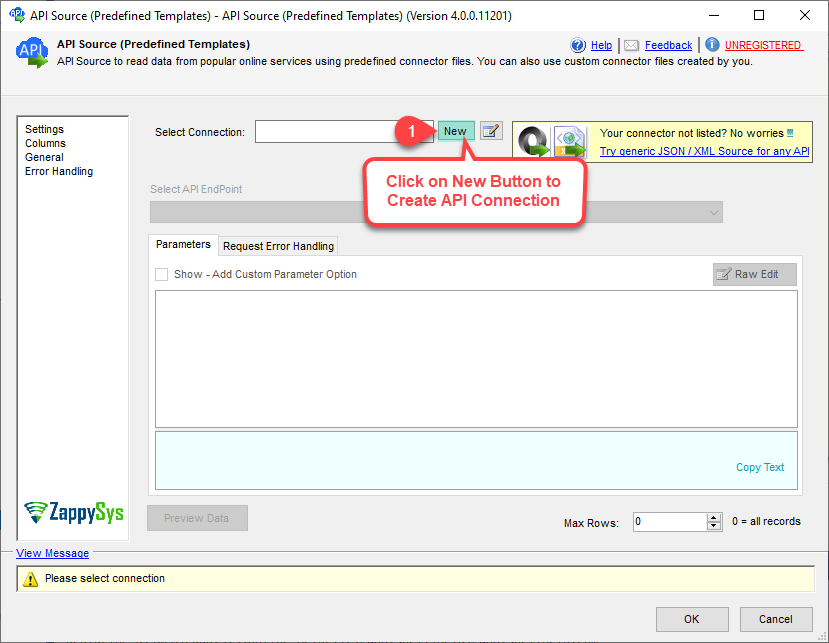
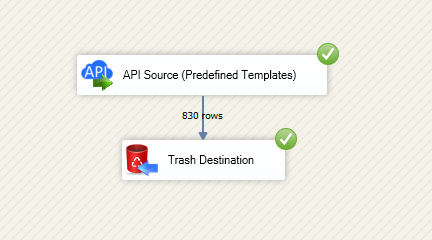
Read and write Asana data in SSIS using API Source and API Destination components. Connect with Personal Access Token or OAuth app, then move tasks, projects, workspaces, and time entries with configurable retry controls. Part of ZappySys SSIS PowerPack.
Read and write Asana data in SSIS using API Source and API Destination components with minimal coding.
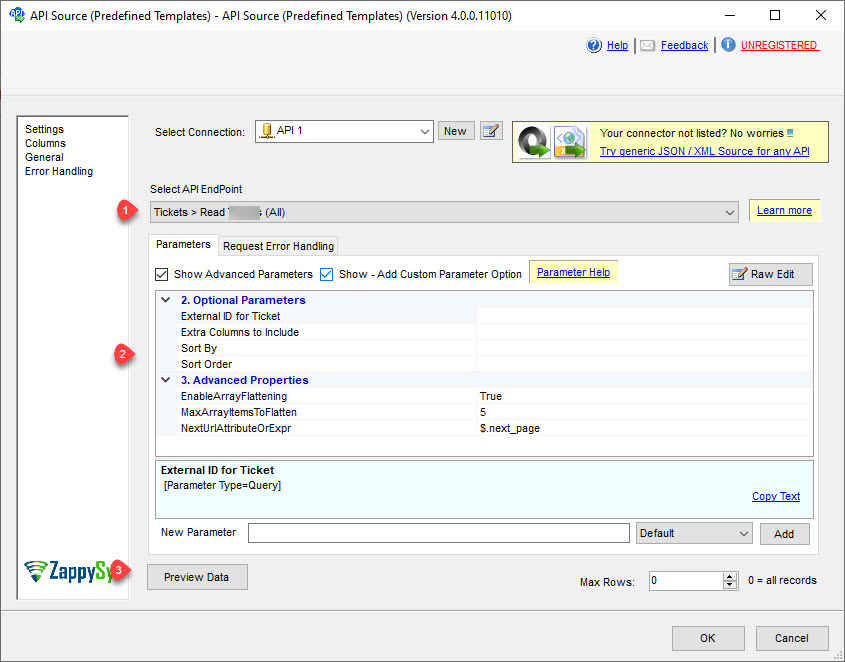
SSIS Asana Connector is built on the ZappySys API Connector framework so you can configure authentication, select endpoints, preview results, and push updates back to Asana directly in your data flow. Move tasks, projects, workspaces, and time entries with PAT or OAuth authentication and configurable retry handling.
Part of ZappySys SSIS PowerPack (100+ connectors & tasks).
Pro Tip: The marketplace package is a lightweight entry point. Use the setup guide to install and run the full SSIS PowerPack on your SSIS designer machine.
Compatibility: SQL Server 2012-2025+ (32/64-bit) | Azure Data Factory / Azure-SSIS IR Ready
⚡ Key Benefits
Bidirectional Data Flow — Read from and write to Asana in one SSIS pipeline
Authentication Flexibility — Use Personal Access Token or OAuth app modes
Connector-Driven Setup — Pick or download Asana connector templates from UI
Operational Resilience — Configure retries for throttling and transient API failures
Low-Code Delivery — Configure endpoints, mappings, and previews without custom API code
Read Asana data through API Source for export and downstream ETL transformations
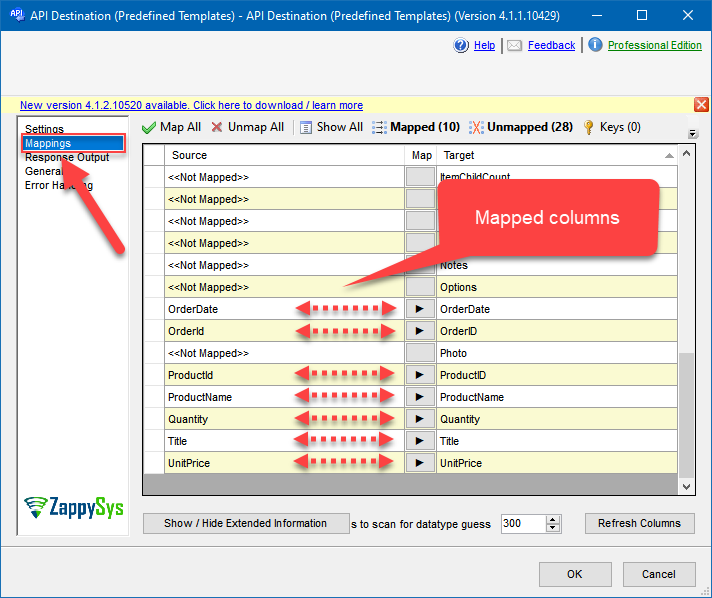
Write data through API Destination for insert, update, and related operational actions
Support common entities such as tasks, projects, workspaces, and time entries
Authentication and Security
Personal Access Token authentication for quick setup workflows
OAuth app authentication with Client ID, Client Secret, and token generation flow
Configurable redirect URL and permission settings in OAuth mode
Connection Control
Default workspace and default project parameters for scoped operations
Retry settings including RetryStatusCodeList, RetryCountMax, and wait multipliers
Visual test connection and preview actions before package execution
💡 Common Use Cases
Asana to SQL Reporting: Extract project and task data into warehouse tables for BI dashboards.
Line-of-Business Sync: Push approved records from SQL Server or CSV into Asana projects.
Status Automation: Update Asana task fields from upstream system events.
Cross-System Reconciliation: Compare Asana entities with internal tables and apply deltas.
ADF Lift-and-Shift: Run existing SSIS Asana flows on Azure-SSIS Integration Runtime.
🎯 Summary
Configure Asana API reads and writes from SSIS using a connector-first workflow. Use API Source for extraction and API Destination for updates, all with guided authentication and retry controls.
Trusted by Developers & IT Teams Worldwide
Built for SSIS Workflows: Designed for production ETL packages and scheduled operations.
Expert Technical Support: Access engineers via support ticket, chat, and guided troubleshooting.
Proven Enterprise Scale: Used by data teams across industries and geographies.