Toggly Feature Flags for Azure DevOps
Ship feature changes with the same pipeline that ships your code.
This extension connects Azure Pipelines to Toggly so you can create flags, track releases, activate with quality gates, and roll back from YAML — using a Toggly service connection.
Docs: Azure DevOps integration · Site: toggly.io
What you get
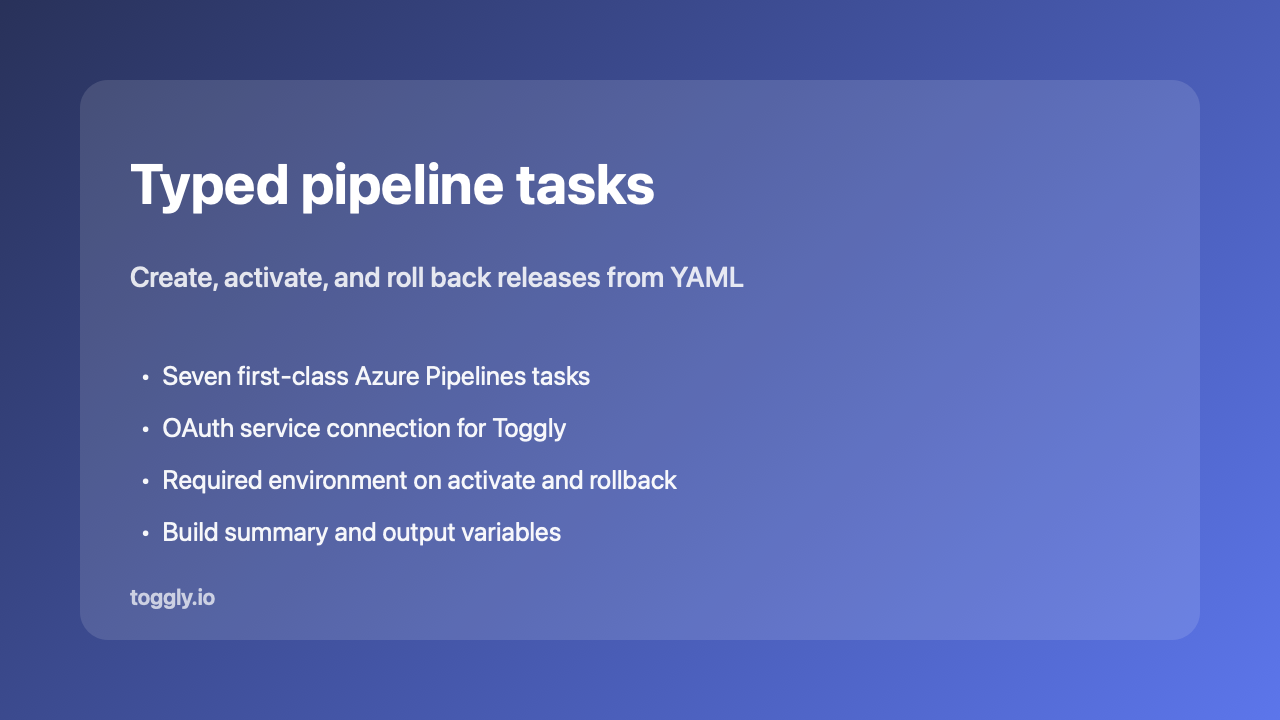
- Seven typed tasks for the common flag and release workflows
- Toggly service connection (OAuth2 client credentials)
- Output variables such as
Toggly.ReleaseId for later steps
- Build summary markdown so release context shows on the run
TogglyCLI@1 escape hatch when you need a pinned CLI command
Quick start
- Install this extension in your Azure DevOps organization.
- Project Settings → Service connections → New service connection → Toggly Feature Flags. Set API URL to
https://app.toggly.io/api, then enter Client ID and Client Secret from app.toggly.io (Team Settings → API Credentials).
- Add a task to your pipeline, for example activate a release:
- task: TogglyActivateRelease@1
  inputs:
    connectedService: 'Toggly-Production'
    releaseId: '$(Toggly.ReleaseId)'
    environment: 'Production'
Activate and rollback require environment (sent as the API query parameter).
Typed pipeline tasks
| Task |
What it does |
TogglyCreateRelease@1 |
Create a release |
TogglyAssociateBuild@1 |
Link the current build to a release |
TogglyCreateFeature@1 |
Create a feature flag |
TogglyUpdateFeature@1 |
Update feature metadata |
TogglyUpdateFeatureEnv@1 |
Enable, disable, or set filters per environment |
TogglyActivateRelease@1 |
Activate a release (optional gate wait) |
TogglyRollbackRelease@1 |
Roll back a release |
Default API base: https://app.toggly.io/api (calls use api/v2).
TogglyCLI@1 (escape hatch)
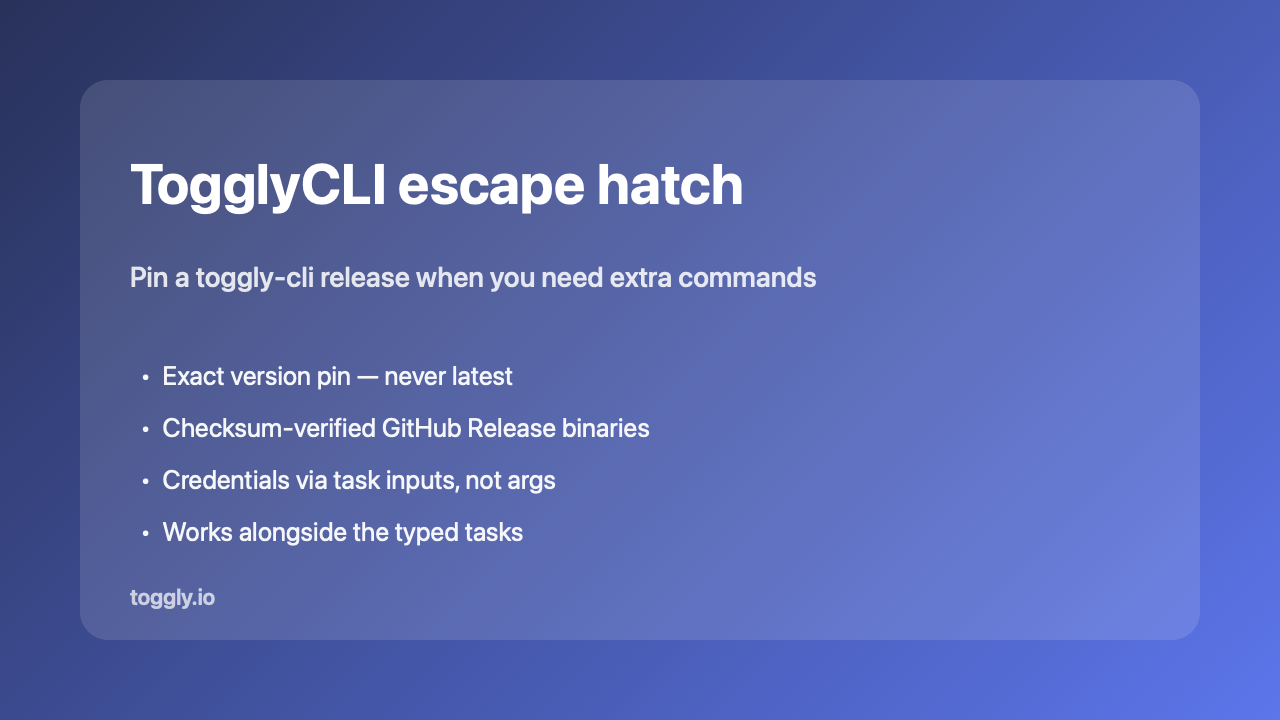
Use when you need a pinned toggly-cli binary for commands outside the typed tasks.
| Input |
Required |
Notes |
version |
yes |
Exact MAJOR.MINOR.PATCH (for example 0.2.1). Never latest. |
args |
yes |
Quote-aware CLI arguments. Do not put secrets here. |
clientId / clientSecret |
yes |
Mapped to TOGGLY_CLIENT_* for the CLI |
baseUrl / authority |
no |
Optional overrides |
Agents need Python 3 (python3 or python) on PATH.
- task: TogglyCLI@1
  inputs:
    version: "0.2.1"
    clientId: $(TOGGLY_CLIENT_ID)
    clientSecret: $(TOGGLY_CLIENT_SECRET)
    args: >-
      associate-build
      --project-key my-app
      --environment Production
      --ci-provider azure-devops
      --run-id $(Build.BuildId)
      --pipeline-name "$(Build.DefinitionName)"
      --branch $(Build.SourceBranchName)
      --commit-sha $(Build.SourceVersion)
      --build-number $(Build.BuildNumber)
Secrets
Use secret pipeline variables and the service connection (or CLI task inputs). Never put client secrets in args or commit them to YAML.
Learn more

