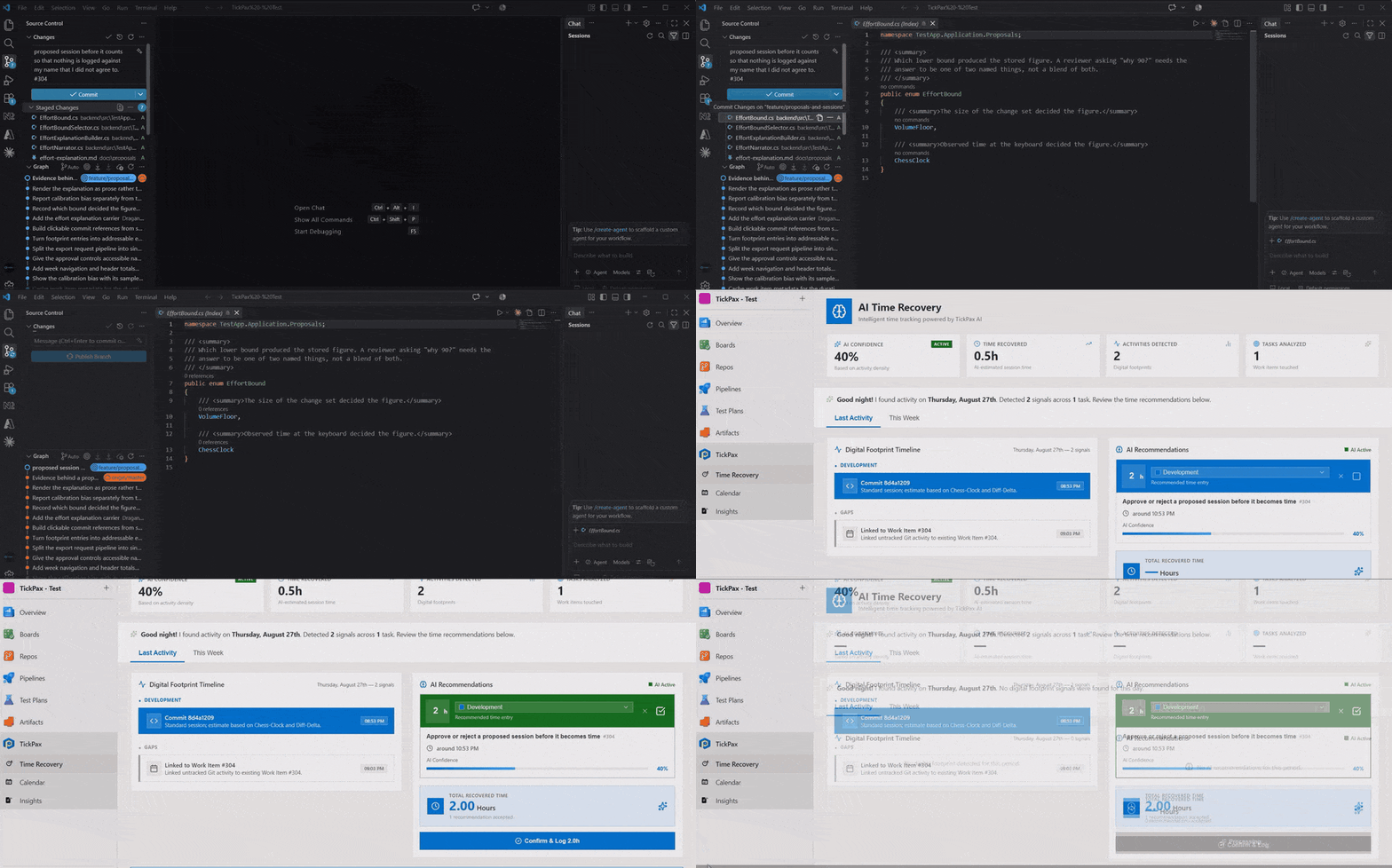
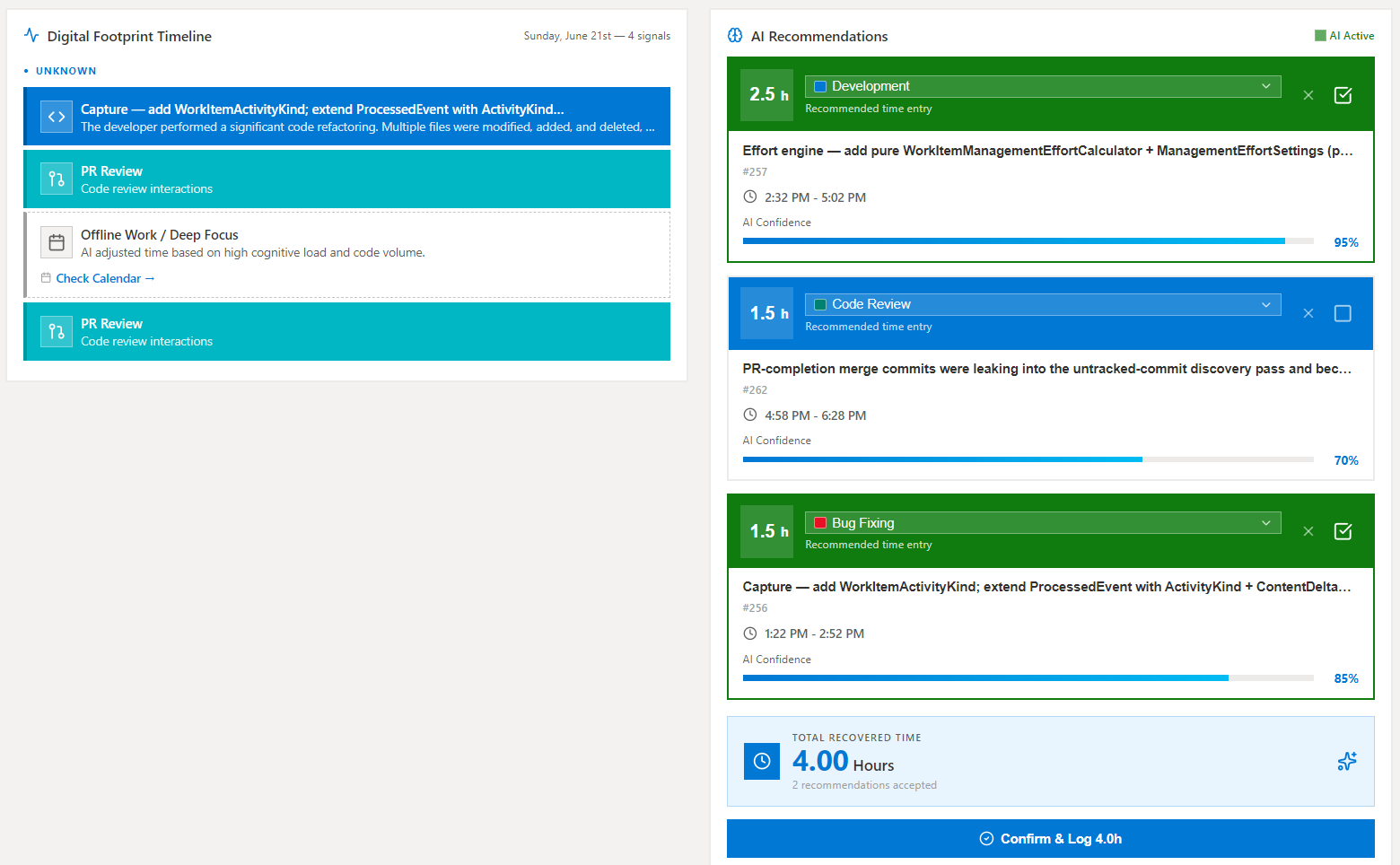
TickPax – AI Time Tracking & Engineering Effort RecoveryTurn Azure DevOps activity into explainable time proposals. TickPax helps engineering teams recover overlooked hours, reduce manual timesheets, and improve delivery visibility. |

AI Time Tracking for Azure DevOps — Recover the Hours You Already WorkedYour team's work is already recorded in Azure DevOps: commits, pull requests, code reviews, work item updates. TickPax turns that activity into reviewable time entries — so nobody reconstructs their week from memory, and billable hours stop slipping through untracked. No timers to start. No timesheets to fill in. AI proposes, your team approves.
The problem TickPax solvesManual time tracking fails engineers in predictable ways: timers nobody starts, Friday-afternoon timesheet guesswork, and work that never got a linked work item — a hotfix, a review, an untracked branch — quietly disappearing from every invoice and report. The record of what actually happened already exists in Azure DevOps. TickPax converts it into time data your team can stand behind, with a human approving every entry. How it works
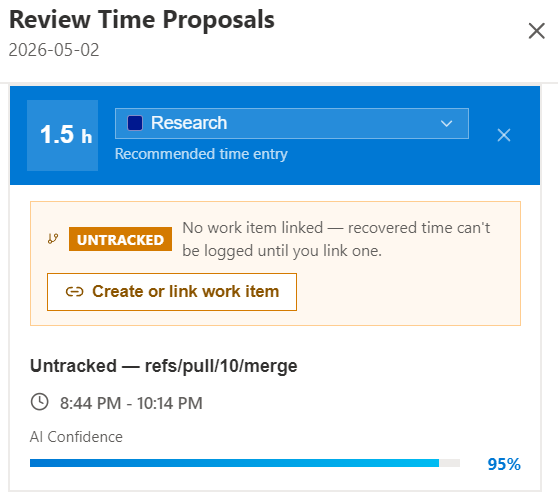
Recover untracked workCommits without a linked work item are the most common way billable time disappears — and no timer-based tool can catch them. TickPax surfaces them, estimates the time, and lets the author link an existing work item or create a new one, writing the recovered hours and commit links back into Azure DevOps so the record is complete.
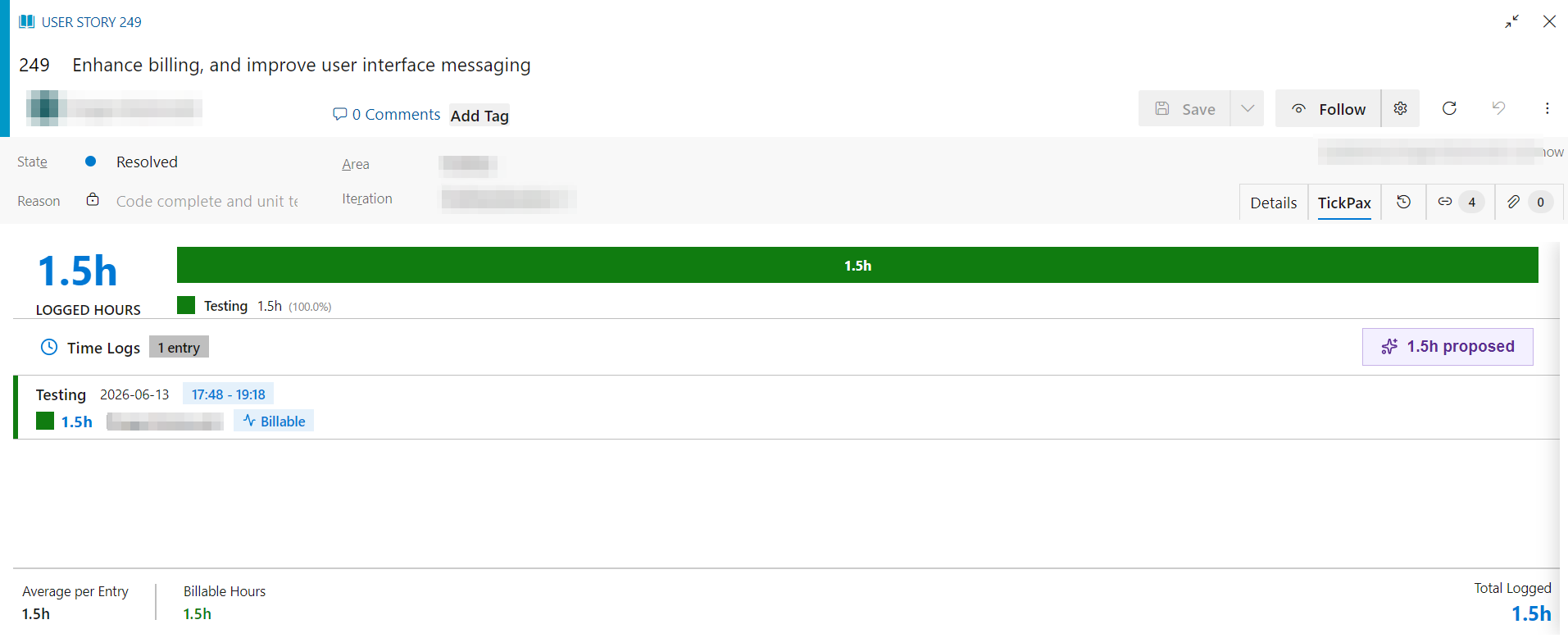
Built into Azure DevOps — not another app to open
Time records your finance team can defendClient invoices, R&D tax credits, and audits all favor time records created as the work happens, tied to specific projects. TickPax produces exactly that trail as a side effect of normal use: every entry keeps its evidence — the commits and pull requests behind it, the AI's reasoning, proposed-vs-final values — with billable and non-billable flags at the project and category level. Who it's forTickPax fits teams where Azure DevOps is the system of record for engineering work: software consultancies and agencies billing by the hour, outsourced delivery teams that report effort to clients, and internal engineering organizations that want delivery visibility without adding timesheet overhead. If timer-based tracking works well for your team, you may not need this. TickPax is built for the hours that timers miss. Pricing
Every new organization starts with 14 days of Pro, free. See what TickPax recovers from your last two weeks of activity before paying anything — if you don't upgrade, you land on the Free plan and keep your data. FAQDoes TickPax post time automatically? No. AI generates proposals; a person approves, edits, or rejects each one. The audit views show exactly what was proposed versus what was logged. Is this monitoring software? No!. TickPax reads delivery metadata signals that are already in Azure DevOps from commits, pull requests, work items. It doesn't capture screenshots, code, keystrokes, or application usage, and users see and control every suggestion about their own work. Do you read our commit messages or code review comments? No. The text of a commit message, a pull request review comment, or a work item comment is stripped the moment it reaches us — before anything is written to a database — and no text your engineers write is ever sent to the AI, on any path. TickPax keeps only what it counts with: how many commits and comments there were, when they happened, how many files changed, and any work item number the text referenced. How fast do we see value? Same day. TickPax reads your existing Azure DevOps history, so the first proposals appear right after install if there is metadata. How accurate are the suggestions? Accuracy depends on how your team links work to work items — which is why every proposal is reviewable, and why TickPax reports its own acceptance rate rather than asking you to trust it. What access does it need? Read access to work items, commits, and pull request metadata in the projects you enable. Scopes are displayed and approved at install, per Azure DevOps extension policy. Install free and see what your team's last two weeks were actually worth. |