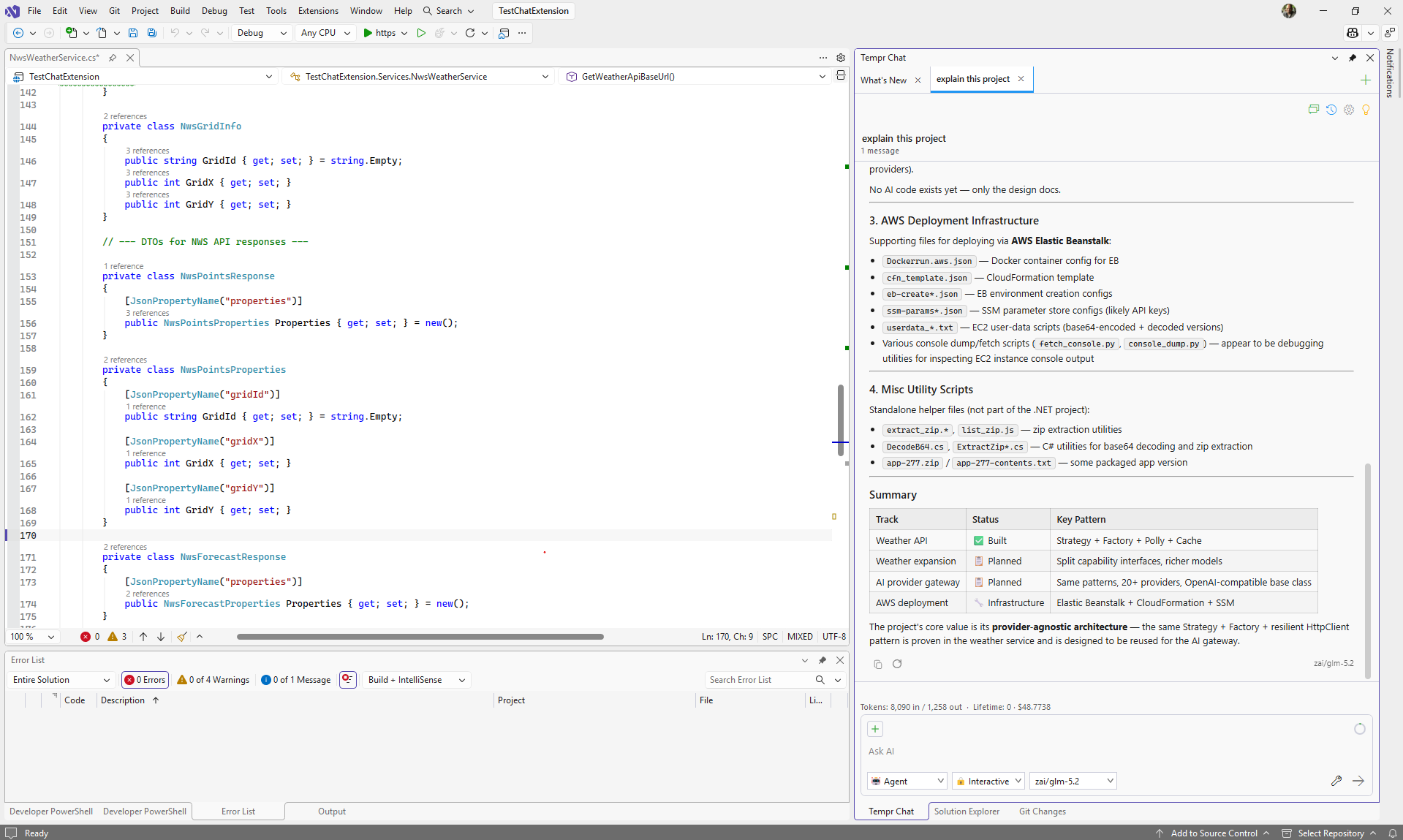
Tempr ChatA bring-your-own-key AI coding assistant for Visual Studio. Connect directly to 20+ first-party model APIs (OpenAI, Anthropic, Google Gemini, xAI, Mistral, DeepSeek, and more), an inference-hosting platform (Together AI) for open-weight models, and/or a gateway/router (OpenRou... |

Tempr ChatOne chat panel. Any provider. Your keys, your models. Tempr is a bring-your-own-key (BYOK) AI coding assistant for Visual Studio 2022 (17.14 or later) and Visual Studio 2026. Add your own API key for a first-party provider (OpenAI, Anthropic, Google, xAI, and 20+ more) or an aggregator like OpenRouter, and pick whichever model fits the task — nothing routed through a shared pool, no rate-limit surprises, no vendor lock-in.
🤖 Agent mode, your wayA real tool-calling loop that reads, searches, and edits your codebase and runs allow-listed commands — with three control levels:
Every file the agent touches lands in the Total Changes panel, with a diff per file and Undo All / Accept All, so you review a whole turn in one place. The agent is debugger-aware (inspects the live call stack and locals, evaluates expressions mid-session), test-aware (runs your tests with structured pass/fail results), and solution-aware (live compiler diagnostics, project references, call graph). Prefer a plain conversation? Ask mode answers with your active file, solution overview, and package dependencies as context. 🎭 Personas & multi-agent delegationType Mid-turn, the agent can hand focused sub-tasks off to specialist personas — e.g. delegating root-cause analysis to 🔍 Real semantic code search, precise contextEmbedding-based search over your solution finds conceptually related code even when the wording doesn't match — not just grep with extra steps.
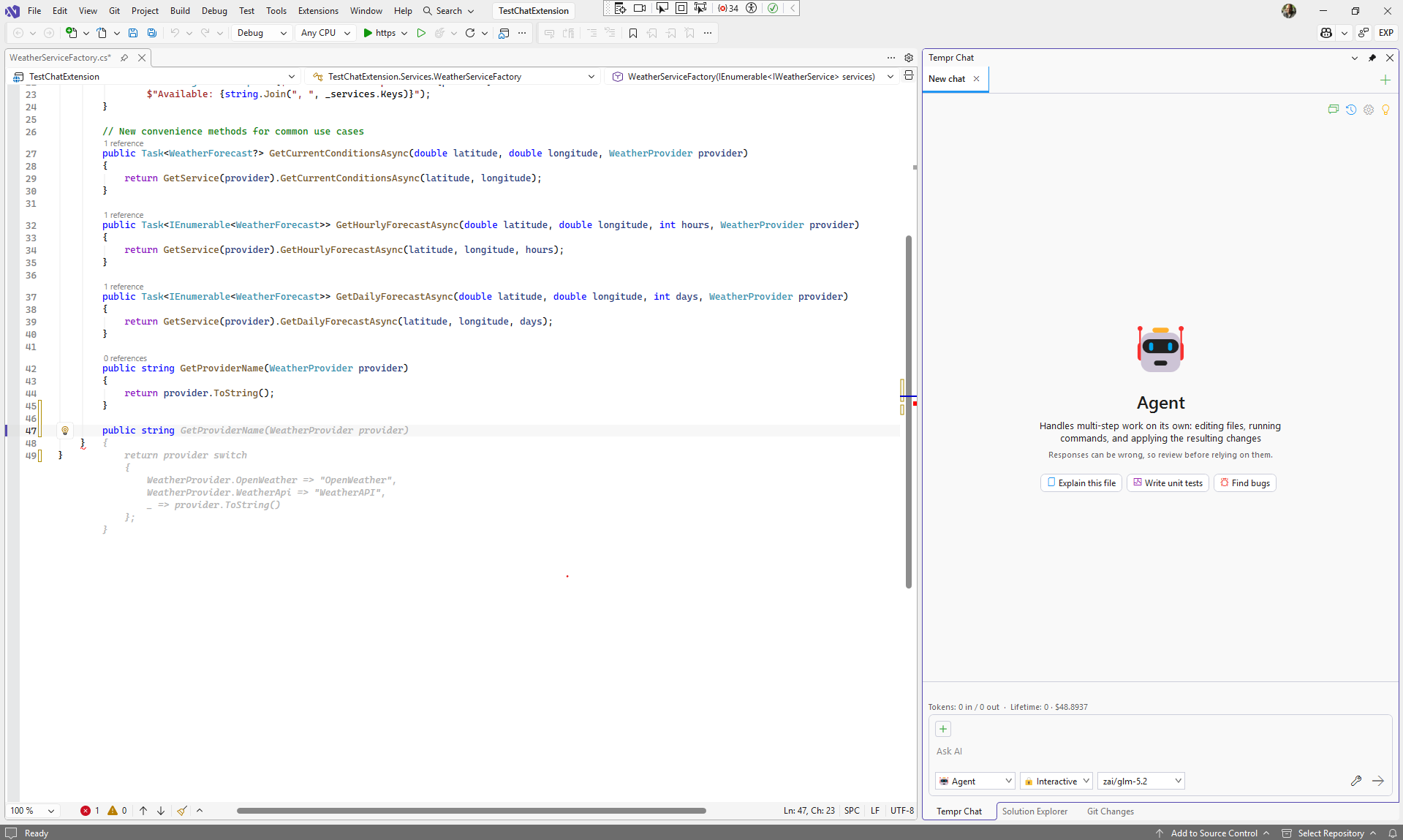
⚡ Inline completion & rich chatGhost-text completions suggest the next line as you type — press Tab to accept.
🔑 Bring a key from 30+ providers
Keys are encrypted at rest and scoped to your license — never pooled into a shared quota. Requests are relayed through Tempr to reach your chosen provider, and usage bills straight to your own provider account, so there's no markup on tokens. 🧩 Extensible & synced
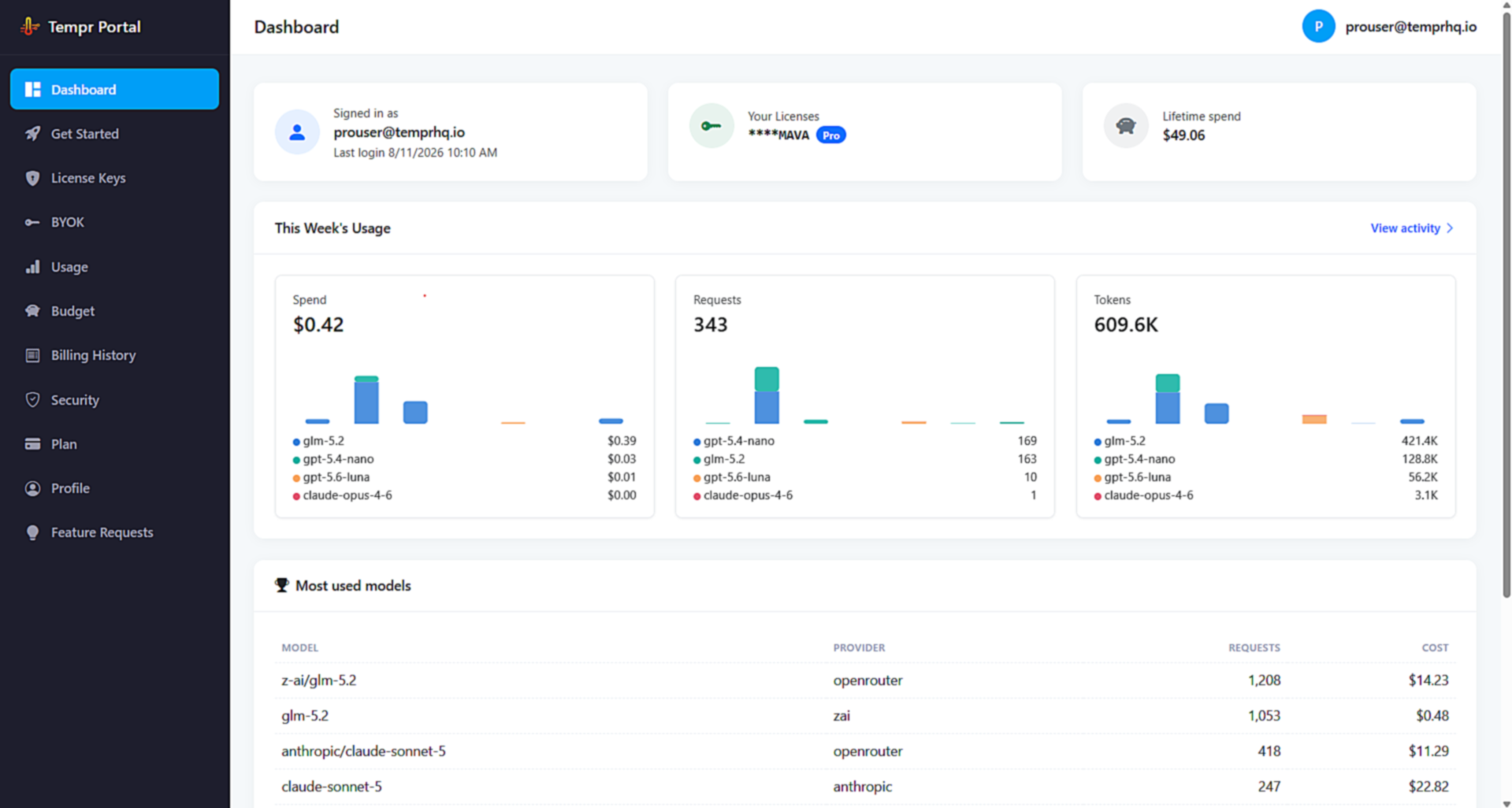
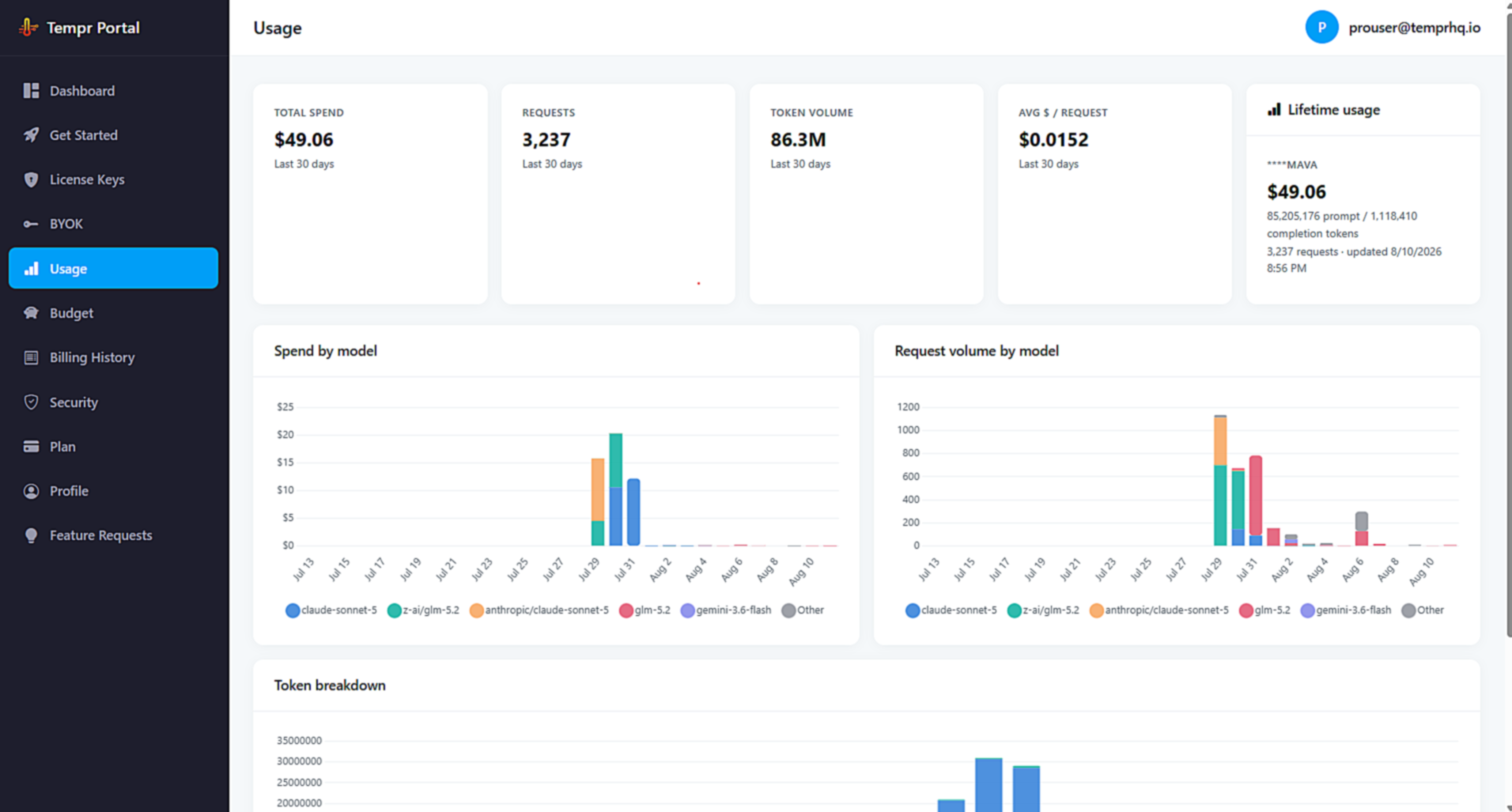
📊 See your usage in the Tempr Portal
What's new in this release
Getting started
Plans start at $15/mo (limited-time introductory pricing). Every plan includes the full model catalog with your own keys. Teams plan available now. PrivacyUnexpected errors are reported automatically so bugs get fixed quickly — error message and stack trace only, never your source code or chat content. Turn it off anytime in Tools › Options › Tempr › General. Questions? temprhq.io · FAQ · support@temprhq.io |