SSDoc – C# XML Documentation Assistant
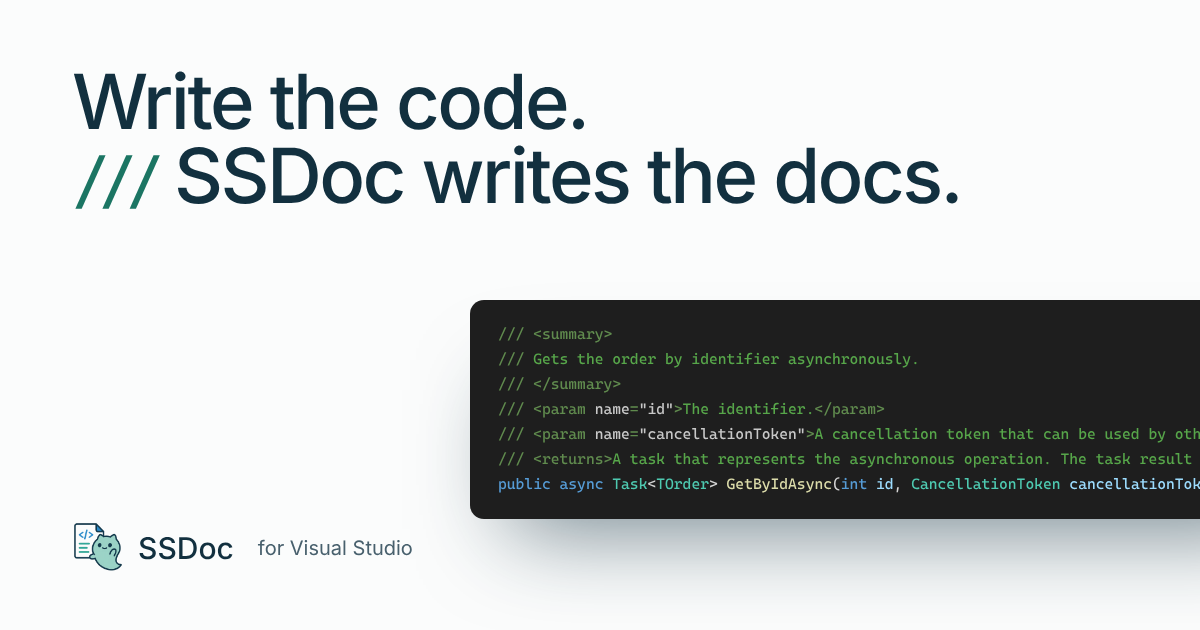
Write the code. SSDoc writes the docs.
SSDoc writes clean, StyleCop-friendly XML documentation comments for C# with one command: <summary>, <typeparam>, <param>, <returns> and, optionally, <value>. The text is plain English, and it is written in about a millisecond in most cases. Anything you already wrote stays as you wrote it.
Note for 1.x users: version 2.0 changes the license. SSDoc is still free for personal and commercial use, but it is no longer open source. Versions before 2.0 were released under the MIT License.
What's new in 2.0
- Every declaration, up to C# 14. Delegates, events, fields, constants, enum members, indexers, operators (including C# 14 compound assignment), conversions, finalizers, records, primary constructors and C# 14 extension blocks.
- Keeps what you wrote. Empty or missing elements are filled in. Your text and elements such as
<remarks> and <example> are kept, and comments that are not well-formed XML are never modified.
- Faster. SSDoc works from syntax only (no semantic model), reparses the file incrementally and writes one undoable edit.
#if aware. Code inside #if blocks is documented as the compiler sees it, using your project's preprocessor symbols.- Visual Studio 2026 and Arm64 support, an editor context menu command, results in the status bar instead of dialogs, and an options page.
How to use
- Place the caret on a C# declaration, on the blank line above it, or inside its documentation comment.
- Run Add XML Documentation from the editor context menu or the Tools menu.
- To use a keyboard shortcut, assign one to
SSDoc.Services.AddDocumentation in Tools → Options → Environment → Keyboard.
The status bar shows what SSDoc did and how long it took. One Undo removes the change.
Examples
| Declaration |
Generated summary |
class OrderRepository |
Provides data access for orders. |
class InvalidStateException |
The exception that is thrown when an invalid state error occurs. |
Task<User> GetByIdAsync(int id, CancellationToken ct) |
Gets the user by identifier asynchronously. |
bool IsNullOrEmpty(string value) |
Determines whether the specified value is null or empty. |
bool TryParse(string text, out int value) |
Tries to parse the specified text. |
int RetryCount { get; private set; } |
Gets the number of retries. |
event EventHandler ItemAdded |
Occurs when the item is added. |
void saveButton_Click(object sender, EventArgs e) |
Handles the Click event of the saveButton control. |
StyleCop conventions
- Constructors:
Initializes a new instance of the <see cref="Repository{T}"/> class. (SA1642)
- Finalizers:
Finalizes an instance of the <see cref="Handle"/> class. (SA1643)
- Properties:
Gets, Gets or sets or Sets, depending on which accessors callers can see (SA1623/SA1624)
- Overrides and explicit interface implementations:
<inheritdoc/> (configurable)
Your text stays yours
- A renamed parameter keeps its description.
- An element that no longer matches anything is kept if it has text, so you can move or delete it yourself.
- Comments that use
<inheritdoc/>, <include/> or /** */ are left alone.
- Running the command again on an up-to-date comment changes nothing.
| Option |
Default |
Description |
Use <inheritdoc/> for overrides |
On |
Overrides and explicit interface implementations get <inheritdoc/>. |
Add <value> to properties |
Off |
Adds a <value> element to properties and indexers (StyleCop SA1609). |
| Keep existing documentation |
On |
Keeps text you wrote. When off, the whole comment is regenerated. |
Requirements
- Visual Studio 2022 (17.14 or later) or Visual Studio 2026: Community, Professional or Enterprise
- x64 or Arm64
License and privacy
Free for personal and commercial use. SSDoc is proprietary software and is not open source; see the license terms. SSDoc runs locally in Visual Studio and does not collect or send any data.
Links
Microsoft and Visual Studio are trademarks of the Microsoft group of companies. SSDoc is not affiliated with or endorsed by Microsoft.
| |

