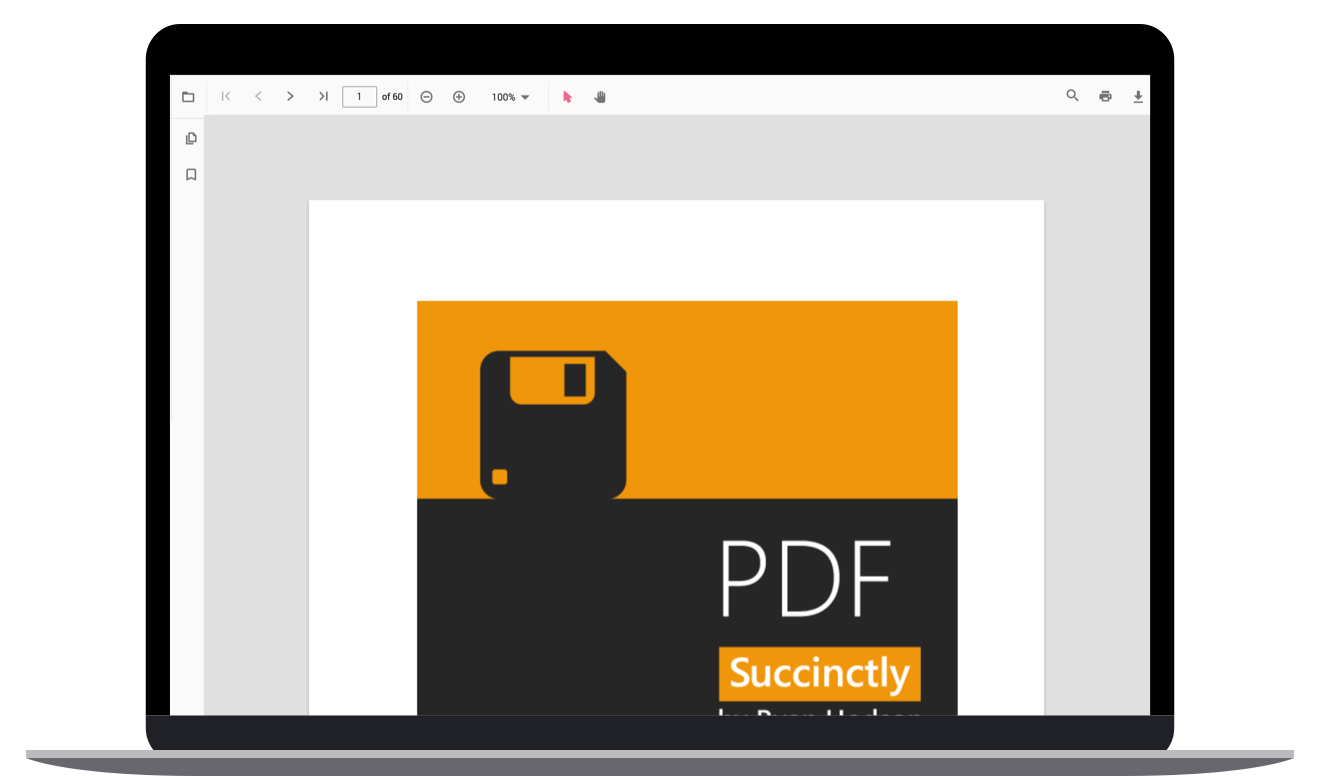
ASP.NET Core Blazor PDF Viewer - Syncfusion ASP.NET Core Blazor UI ControlsThe ASP.NET Core Blazor PDF Viewer is a feature-rich control for viewing, reviewing and printing PDF files in your web applications with core interactions such as zooming, scrolling, text searching an |

The ASP.NET Core Blazor PDF Viewer is a lightweight and modular control for viewing, reviewing and printing PDF files in your web applications. It provides the best viewing experience with core interactions such as zooming, scrolling, text searching, text selection and copying text. The thumbnail, bookmark, hyperlink and table of contents support provides easy navigation within and outside the PDF files. You can use the highlight, underline and strikethrough text tools to draw attention to text in a PDF.
Features and BenefitsInstant LoadingLoad documents with thousands of pages instantly. Less Runtime MemoryThe on-demand loading technique and virtualization holds only the minimal required pages at runtime to reduce memory consumption. Virtualized PagesRender pages on demand to help reduce initial load time when working with large PDF files. Responsive RenderingThe PDF Viewer is engineered to be responsive and can withstand changes in the size of the parent element. Highlight textHighlight important text in PDF files. You can customize the color of the highlight or remove it. Underline textUnderline notable text in PDF files. You can customize the color of the underline or remove it. StrikethroughStrikethrough unimportant text in PDF files. You can customize the color of the strikethrough or remove it. Printing PDFThe PDF Viewer supports printing the loaded PDF file. Bookmark navigationBookmarks saved in PDF files are loaded and made ready for easy navigation. Thumbnail navigationThumbnails is a miniature representation of actual pages in PDF files. This feature displays thumbnails of the pages and allows navigation. Hyperlink navigationHyperlink navigation features enables navigation to the URLs (website links) in a PDF file. Table of content navigationTable of contents navigation allows users to navigate to different parts of a PDF file that are listed in the table of contents section. Select and copy textThe PDF Viewer allows users to select and copy text from the PDF files. This is helpful for copying and sharing text content. Search textLocate text easily in a PDF file. Toolbar customizationCreate a custom toolbar with all the options that can be performed using it. LocalizationAll static text within the PDF Viewer can be localized to any desired language. Related linksAbout SyncfusionFounded in 2001 and headquartered in Research Triangle Park, N.C., Syncfusion has more than 38,000 customers and more than 1 million users, including large financial institutions, Fortune 500 companies, and global IT consultancies. Today we provide 1900+ controls and frameworks for web (ASP.NET Core Blazor,ASP.NET Core, ASP.NET MVC, ASP.NET WebForms, JavaScript, Angular, React or Vue), mobile (Xamarin, UWP and JavaScript), and desktop development ( WinForms, WPF & UWP). We provide ready-to deploy enterprise software for dashboards, reports, data integration, and big data processing. Many customers have saved millions in licensing fees by deploying our software.
sales@syncfusion.com | www.syncfusion.com | Toll Free: 1-888-9 DOTNET |