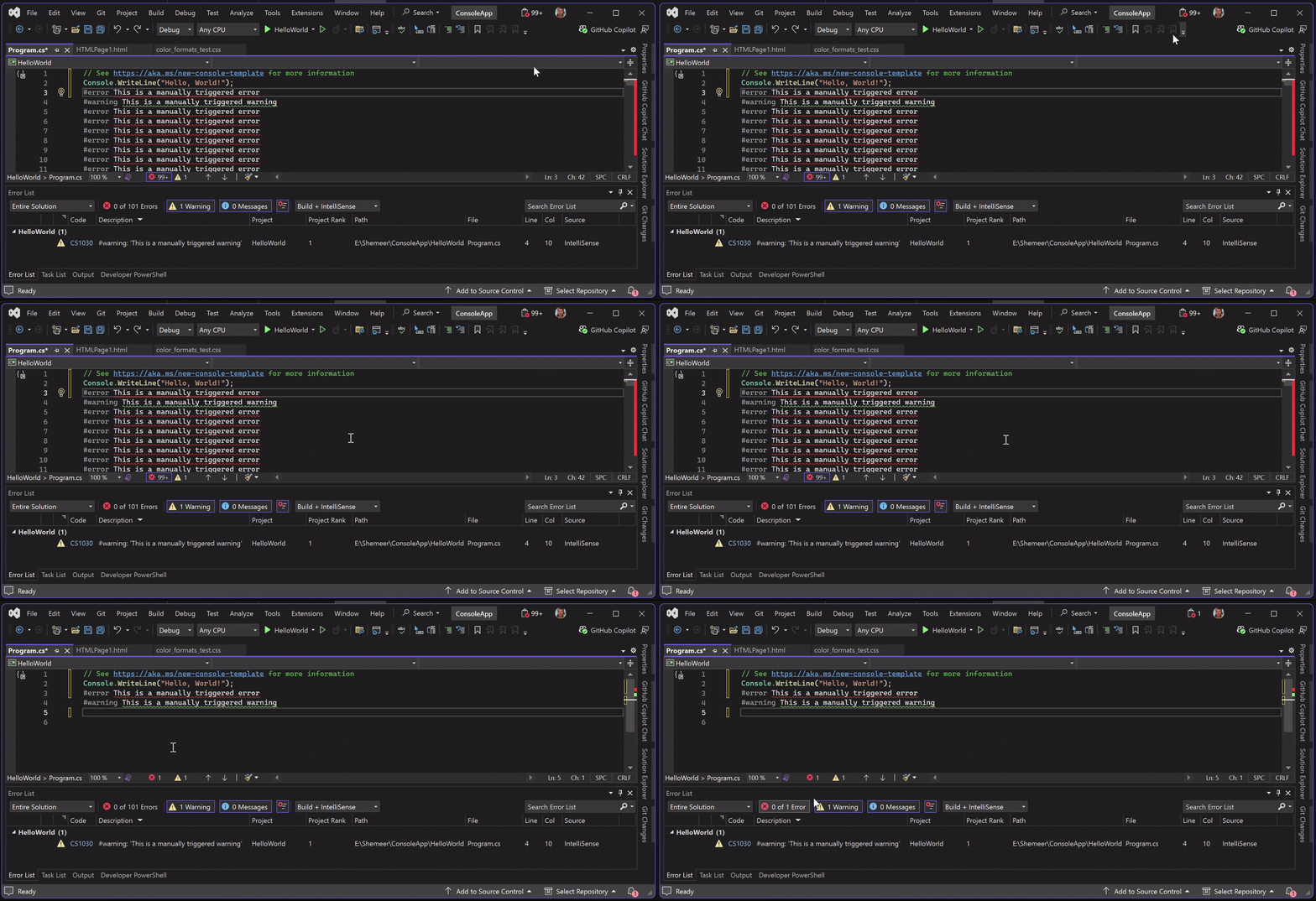
Error NotifierShows real-time error counts in the Visual Studio title bar, even when the Error List is hidden or filtered. |

Error Notifier keeps you aware of build and analysis issues by displaying the current error counts directly in the Visual Studio title bar. Unlike the built-in Error List, the indicator remains visible even when the Error List tool window is hidden, closed, or filtered, ensuring that important issues are never missed. 🔗 Plugin Home | VS 2019 Download | Review
If you find this extension useful, please consider leaving a short review. It only takes a few seconds. Key Features
Why Use Error Notifier?When working with a minimal layout or multiple tool windows, it is easy to miss errors if the Error List is not visible. Error Notifier provides a constant, at-a-glance indicator so you always know the current state of your solution without switching views. Version History
|