Skip to content
| Marketplace
Sign in
Visual Studio>Tools>Open Workspace in Explorer
Open Workspace in Explorer

Open Workspace in Explorer

Shemeer Shamsudeen

|
656 installs
| (2) | Free
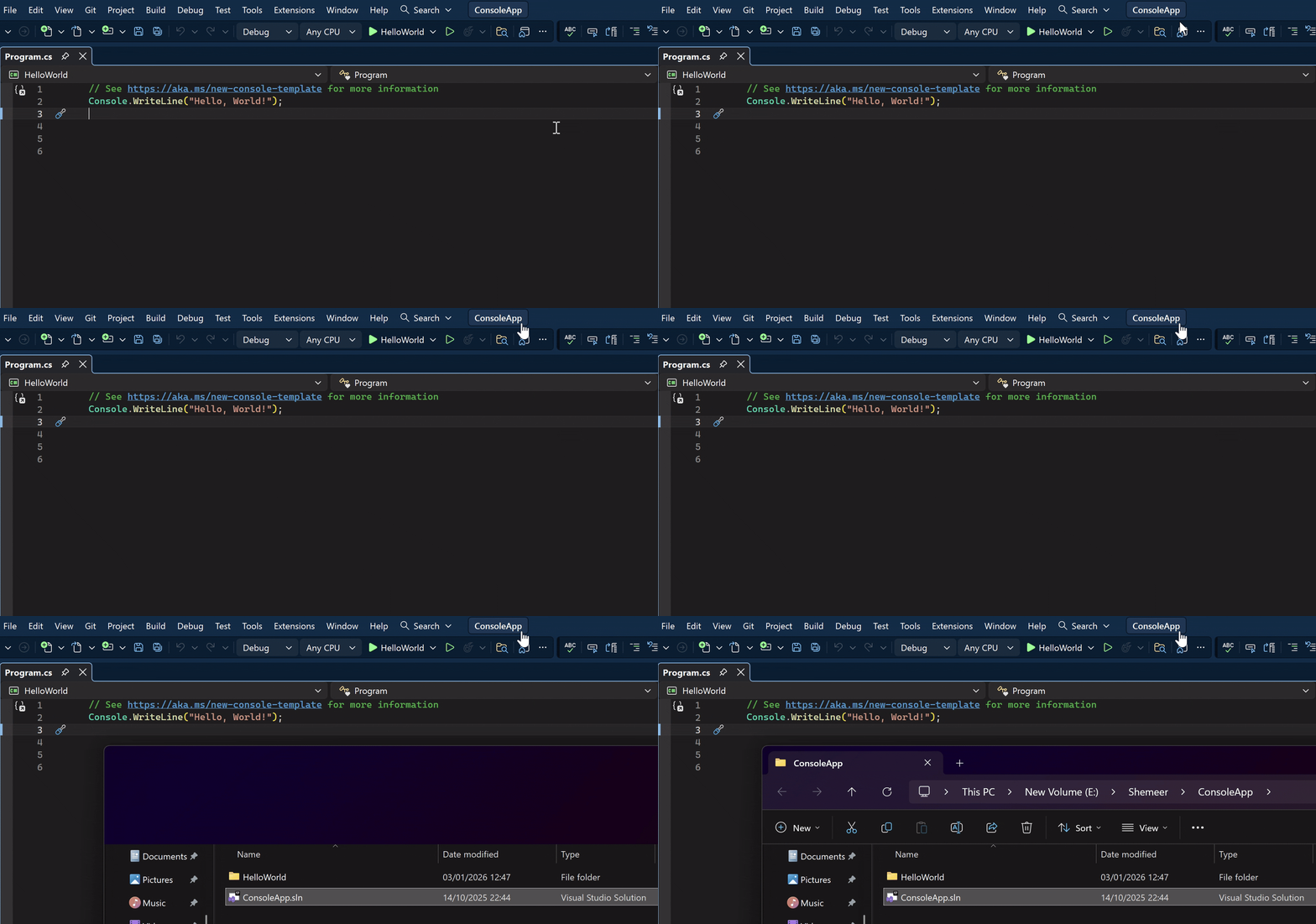
Opens the current Visual Studio workspace (solution, open folder, or active file location) in Windows Explorer.
Download

Open Workspace in Explorer provides a quick and convenient way to open the currently active Visual Studio workspace directly in Windows Explorer.

🔗 Plugin Home | VS 2019 Download | Review

The extension intelligently resolves the correct location based on how Visual Studio is being used:

  • Solution (.sln or .slnx) – Opens the solution folder or selects the solution file in Explorer
  • Open Folder – Opens the currently opened folder
  • Single File – Opens the containing folder of the active file

This is especially useful when you need fast access to files for tasks such as build output inspection, file comparison, version control operations, or external tooling - without manually navigating the file system.

OpenWorkspaceInExplorer.gif

If you find this extension useful, please consider leaving a short review. It only takes a few seconds.

Features

  • Works with solutions, open folders, and single-file editing
  • Opens the correct path automatically based on the active workspace
  • Uses Windows Explorer for a familiar navigation experience
  • Lightweight and unobtrusive—no additional configuration required

Version History

  • 1.0.1 Initial version
  • 1.1.0 Refactored to use updated APIs; now supports solutions, open folders, and single-file scenarios
  • 1.1.1 Extension Icon updated
  • Contact us
  • Jobs
  • Privacy
  • Manage cookies
  • Terms of use
  • Trademarks
© 2026 Microsoft