Fulcrum Repository ActivityLists repositories with commits to the default branch since a selected date. |

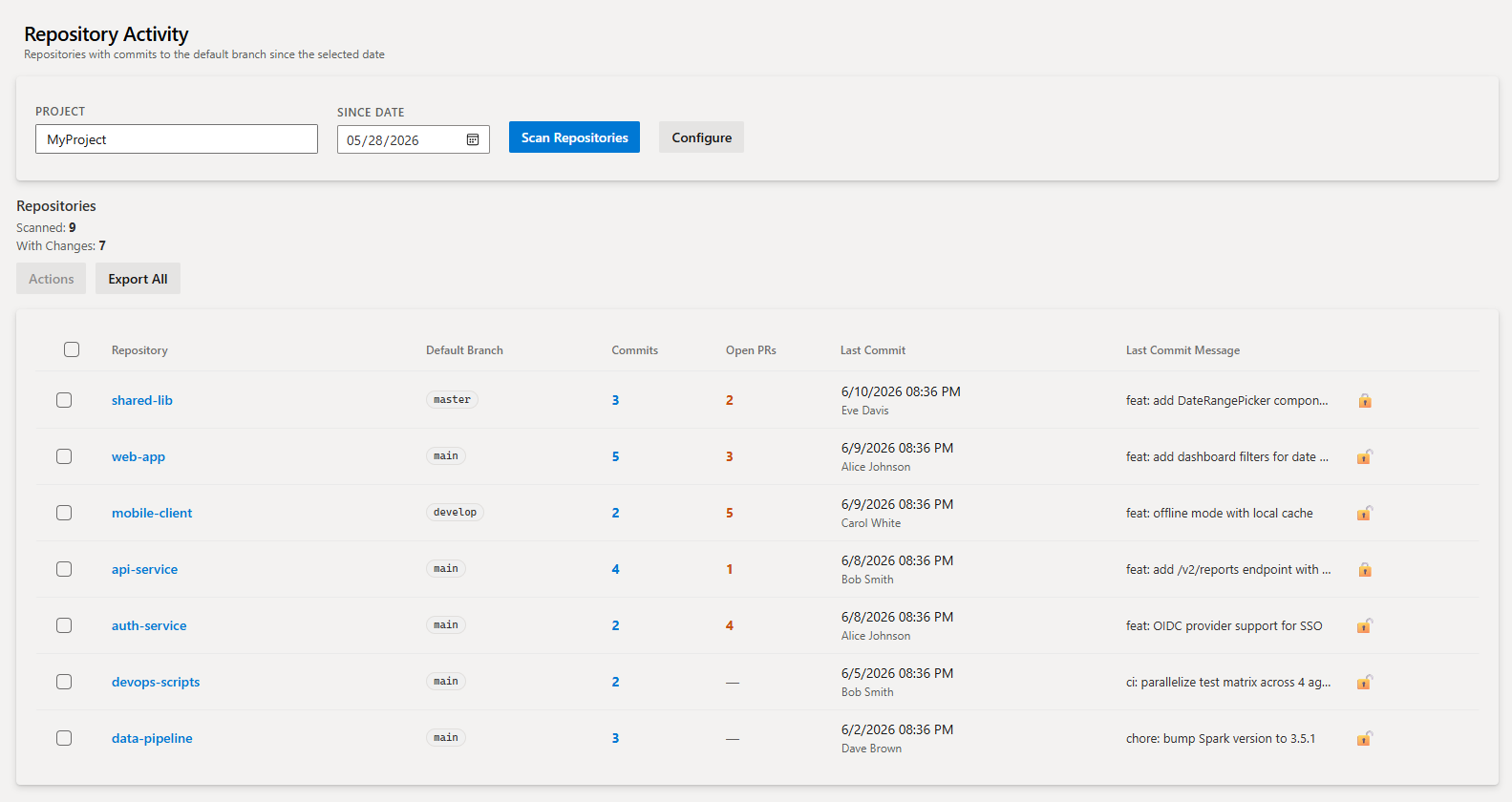
Fulcrum Repository ActivityAdds a Repo Activity hub to the Azure Repos section. Instantly see which repositories have had commits to their default branch since any date you choose — and take bulk actions on the results. Scan ResultsEnter a project name and a since-date, click Scan Repositories, and a sortable table appears showing every active repository with its commit count, open PR count, last commit date and author, and most recent commit message. A live progress counter updates as each repository is scanned so the page never looks frozen.
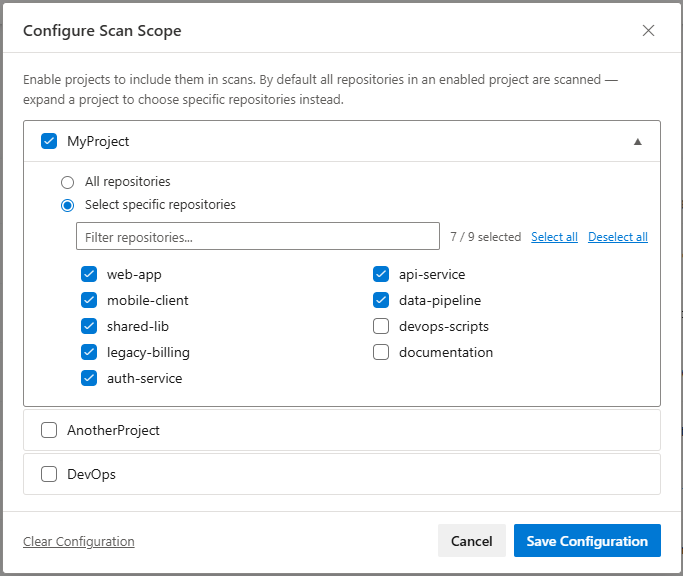
Scan Scope ConfigurationClick Configure to control exactly which projects and repositories are scanned. Enable any number of ADO projects and choose between scanning all repositories in a project or selecting a specific subset — useful when a project has hundreds of repositories and you only care about a few. Saved configuration persists across sessions via the ADO extension data service.
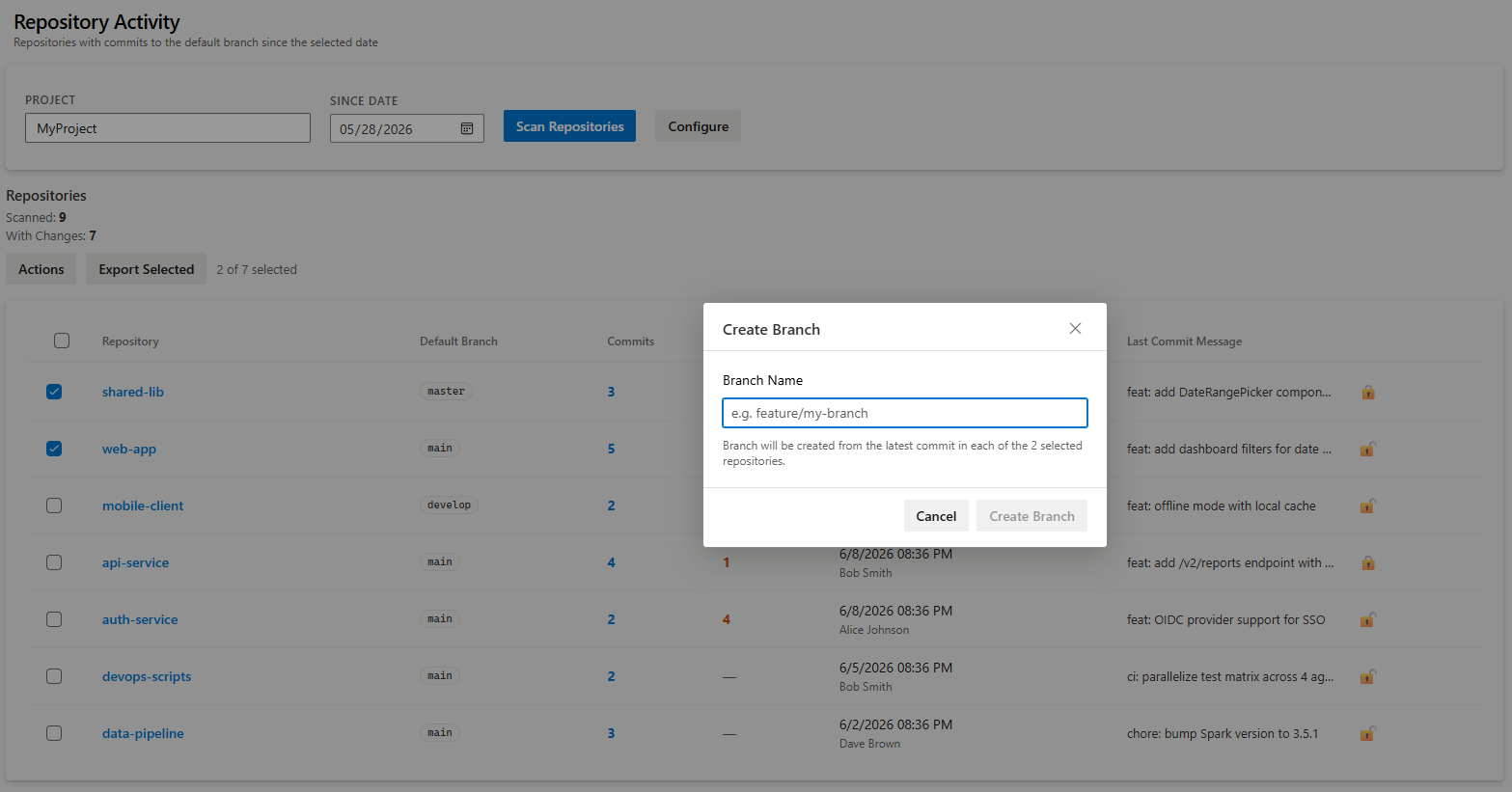
Bulk ActionsSelect one or more rows to unlock the Actions menu:
|