Product Map AI for Azure Repos
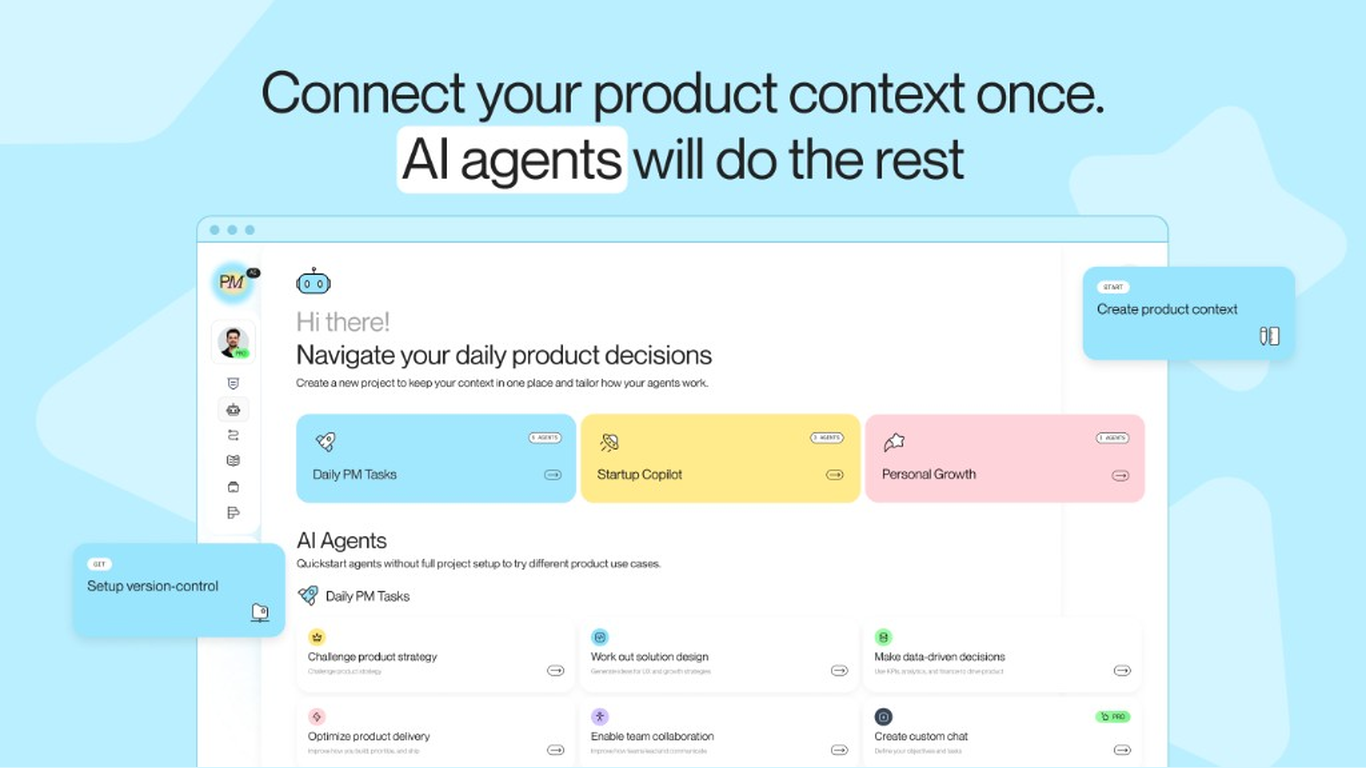
Product Map AI brings product management context engineering to Azure Repos. It creates and maintains a version-controlled .productmap/ knowledge layer so Cursor, Claude Code, Codex, Gemini, and other agents understand your product, users, goals, and constraints.
Run grounded agents across strategy, discovery, delivery, prioritization, and go-to-market, then review context updates through pull requests.
Learn more: productmap.io
Capabilities
- Creates and maintains a version-controlled
.productmap/ knowledge layer in your Azure Repos repository.
- Provides PM frameworks and templates for strategy, discovery, delivery, prioritization, and go-to-market.
- Keeps context current by reading updates from your default branch.
- Proposes changes through pull requests for team review.
- Gives Cursor, Claude Code, Codex, Gemini, and other agents a shared product source of truth.
Benefits
- Grounded decisions: Agents understand your product, users, goals, and constraints.
- Faster work: Reuse product context across every agent run.
- Consistent execution: Your tools work from the same version-controlled knowledge.
- Reviewable updates: Context changes follow your normal pull-request workflow.
- Proven practices: Apply established PM frameworks when decisions are made.
Getting Started
Requirements:
- Plan: Product Map AI account and eligible plan.
- Permissions: A Microsoft Entra work or school account with access to the Azure DevOps organization, and permission to connect Azure Repos.
- Availability: Confirm current availability with Product Map AI.
Setup:
- Add your product, users, goals, stage, and constraints to Product Map AI.
- Connect Azure Repos and select a repository.
- Review the generated
.productmap/ structure and start running agents.
Get started at app.productmap.io.
| |

