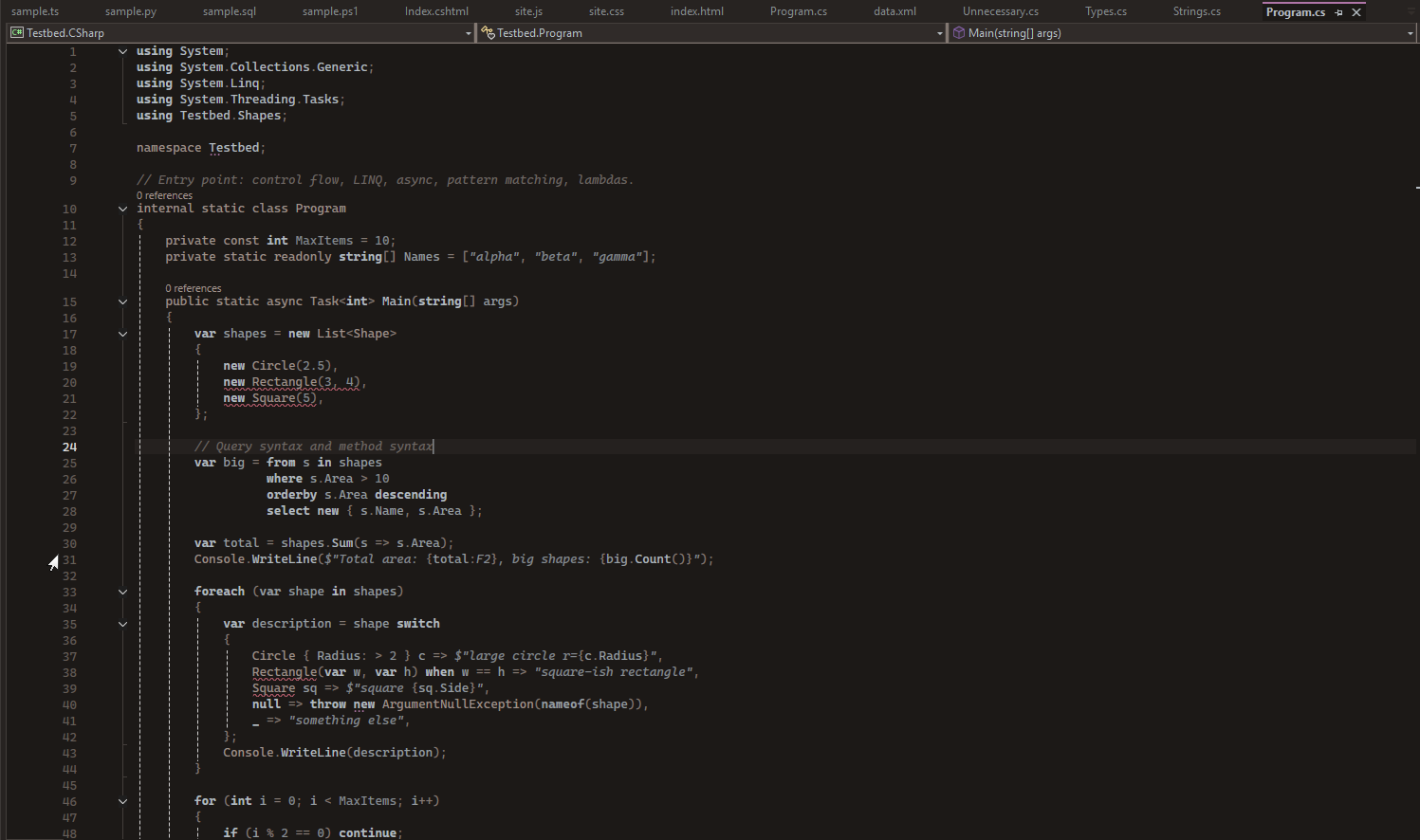
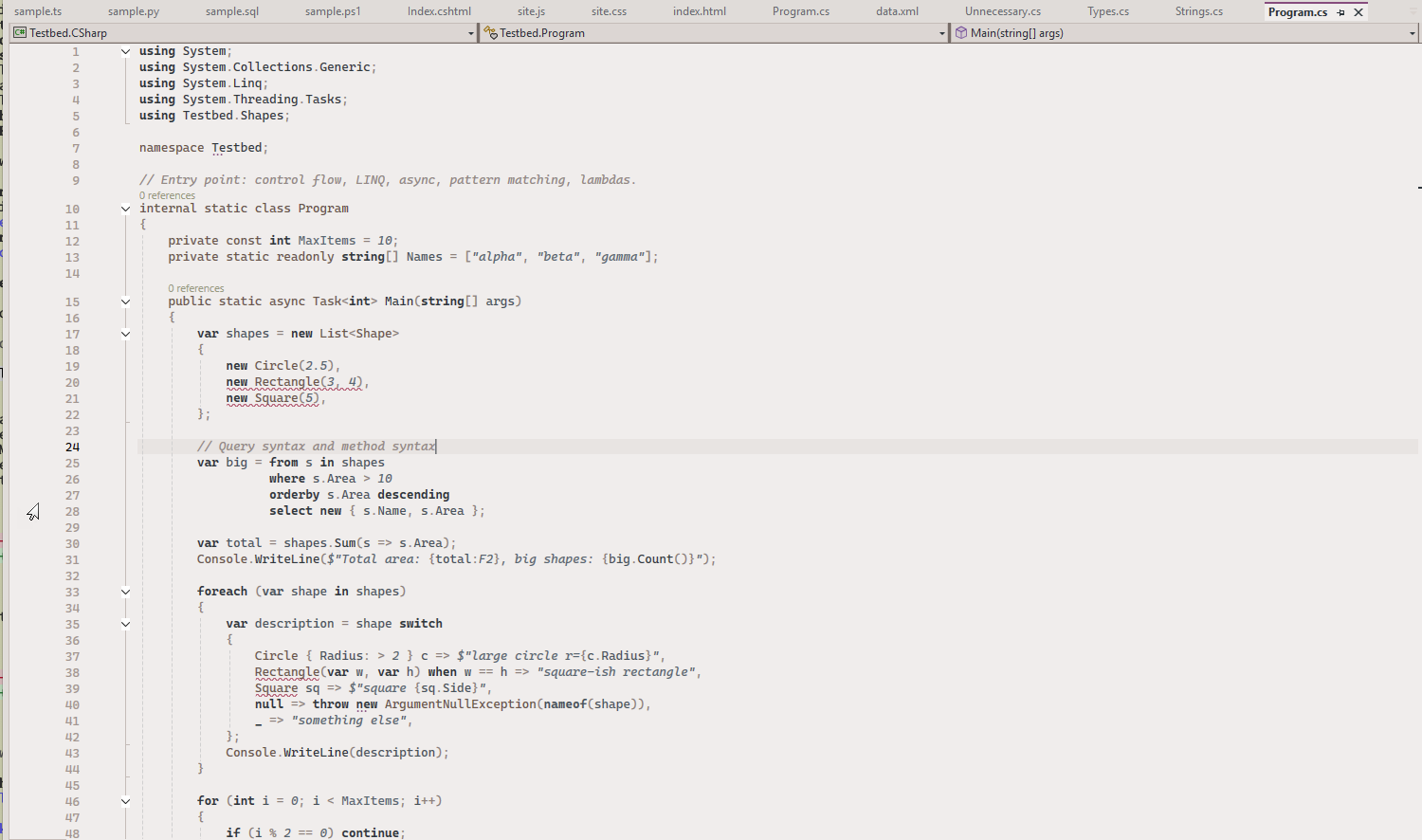
Zenbones ThemesThe zenbones collection of contrast-based color themes (zenbones, zenwritten, neobones, rosebones, tokyobones, kanagawabones and more), generated from zenbones.nvim. Light and dark variants for Visual |

Zenbones ThemesThe zenbones collection of contrast-based color themes, for Visual Studio 2022 and 2026. Zenbones relies on contrast and font style rather than lots of hues, so code stays calm and readable.
All 19 variants are generated from the zenbones Neovim colorschemes, so the colors match the originals exactly.
Getting startedPick a theme under Tools → Options → Environment → General → Color Theme. Bold and italicsZenbones uses font style as much as color: italic comments, strings and constants, bold keywords. Visual Studio themes can only carry colors, so the extension applies the styles itself while a zenbones theme is active, and removes them when you switch to another theme. Bold or italics you set yourself in Fonts and Colors are left alone. Turn italics or bold off under Tools → Options → Zenbones → General. Italics look best with a font that has a real italic, such as Cascadia Code. C# modifiersLike zenbones in Neovim and VS Code, modifiers and declaration keywords
( CreditsZenbones was created by Michael Chris Lopez; all credit for the color design goes to zenbones.nvim. This is an unofficial port, built with Claude Code. Issues and source: GitHub. Free and open source under the MIT license. |