Copilot Activity Viewer
See what GitHub Copilot and its sub-agents are doing, live, inside Visual Studio 2026 and
SQL Server Management Studio 22.
Open it from View > Other Windows > Copilot Activity or Tools > Copilot Activity.
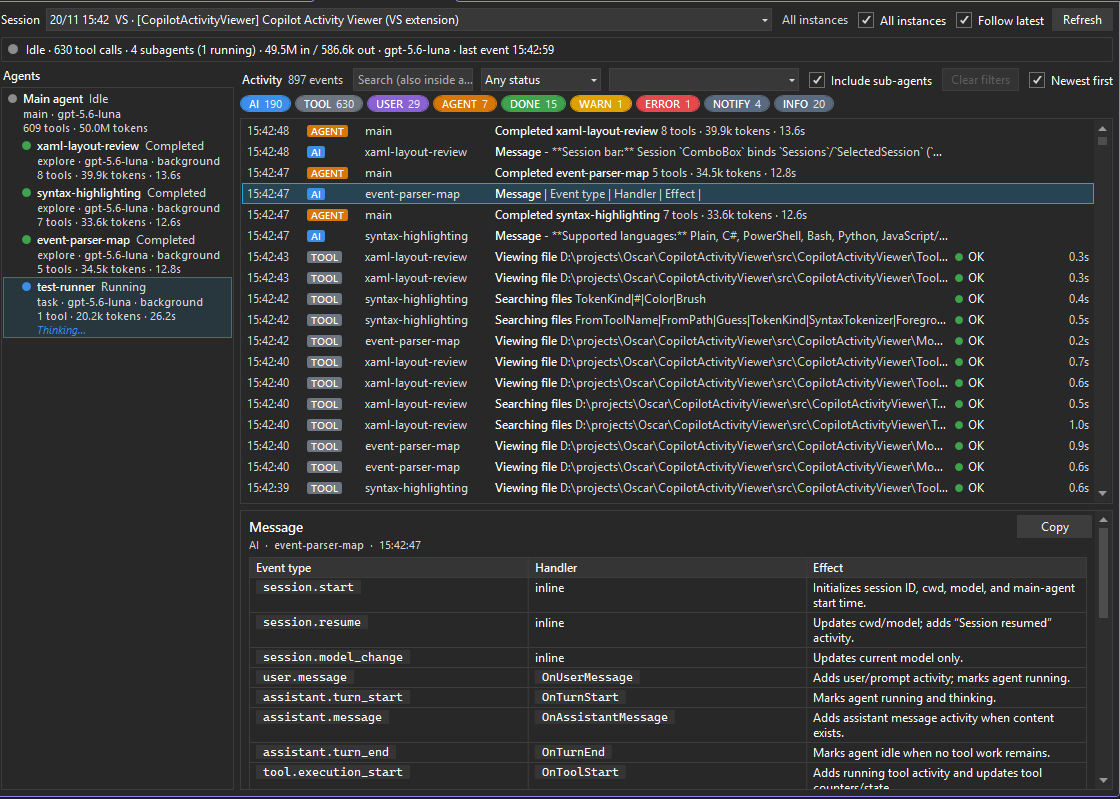
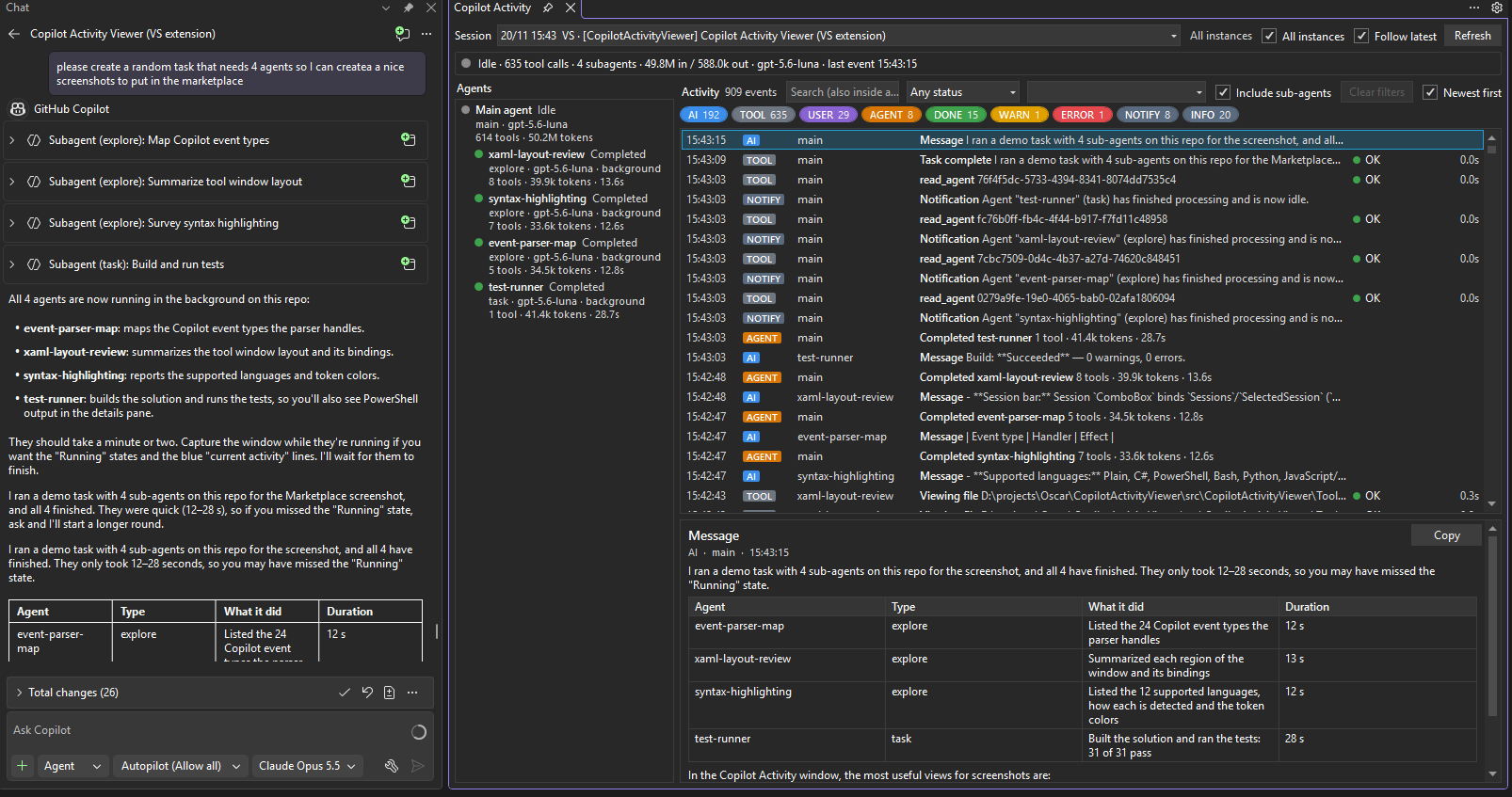
Keep it docked next to the Copilot Chat to follow every step of the agent and its sub-agents:
Features
- Agent tree: the main agent and every sub-agent (including nested ones) with status,
model, tool count, tokens, duration and what each one is doing right now.
- Activity timeline: user and assistant messages, tool calls (arguments, result, duration,
approvals), sub-agents, skills, warnings, errors and
task_complete. Newest first by default.
- Filters: by kind (colored chips with counts, right-click to solo), status (OK, failed,
running, cancelled), agent (optionally including its sub-agents) and free text that also
searches inside arguments and results.
- Formatted details: syntax highlighting for PowerShell, bash, C#, Python, JS/TS, JSON,
XML/XAML, SQL, YAML and diffs; pretty-printed JSON; assistant messages rendered as markdown;
one-click copy.
- One window per instance: each Visual Studio / SSMS instance only shows its own Copilot
sessions. Tick All instances to see everything.
How it works
The extension reads the session logs that Copilot writes under
%LOCALAPPDATA%\Microsoft\VisualStudio\CopilotCli\session-state (and the SSMS equivalents)
incrementally. It runs out-of-process (VisualStudio.Extensibility on .NET 10), so it cannot
slow down or crash the IDE. Nothing is sent anywhere.
The log format is internal to Copilot and may change; unknown events are ignored.
Links
| |

