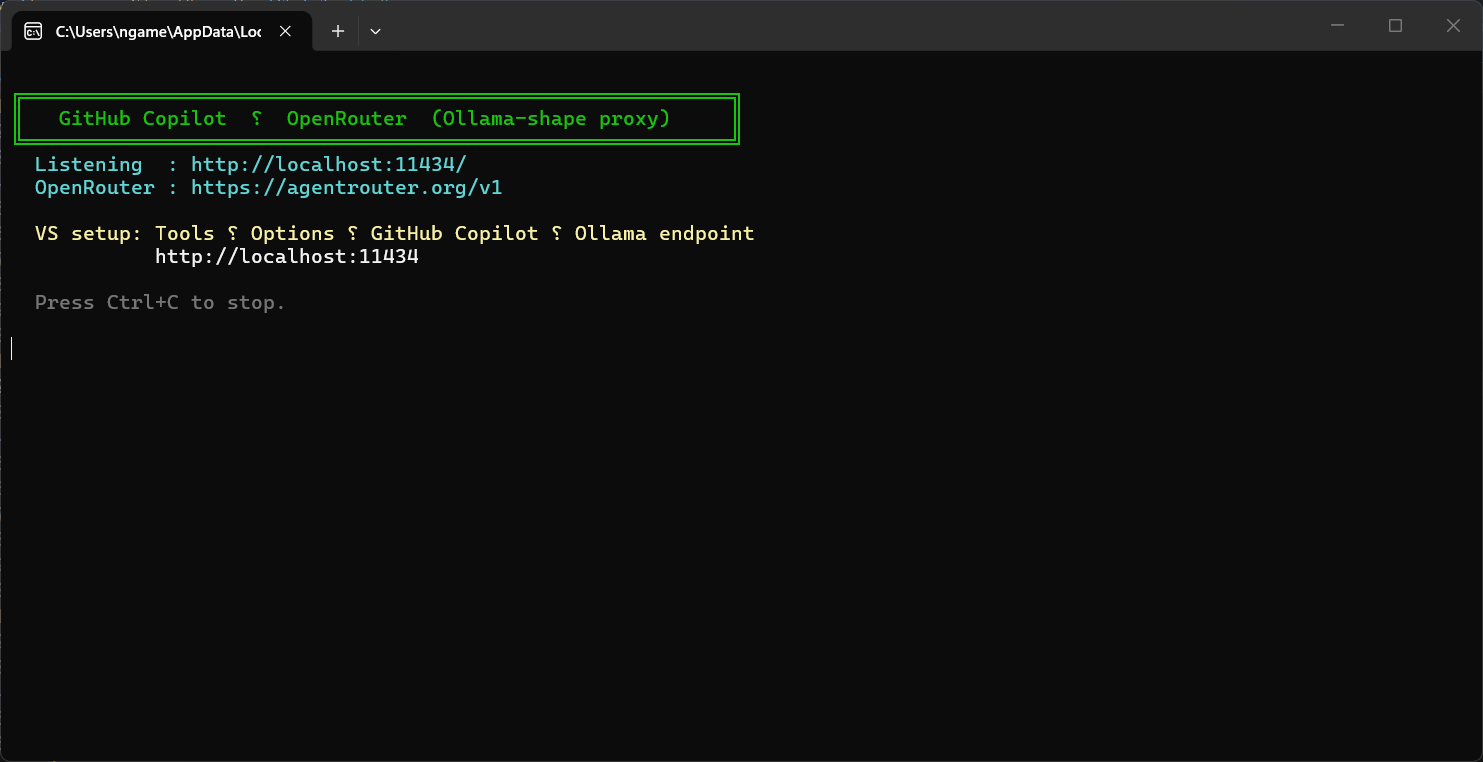
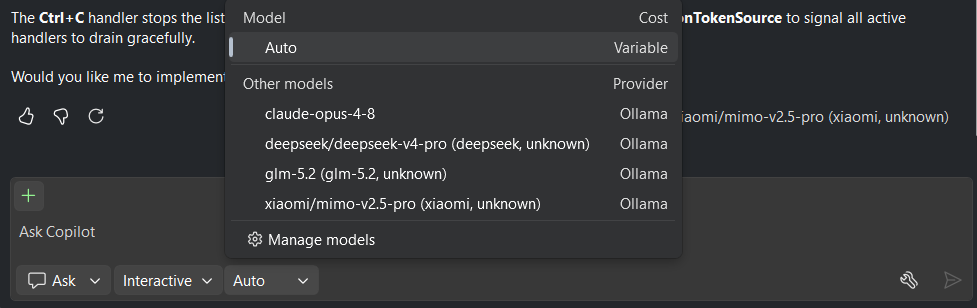
AIPortalAI Portal is a Visual Studio extension that enables you to use OpenRouter, ZAI or any other Open-AI compatible provider in your GitHub Copilot |

AI PortalAI Portal is a proxy between GitHub Copilot and your provider. Using AI Portal
|
AIPortalAI Portal is a Visual Studio extension that enables you to use OpenRouter, ZAI or any other Open-AI compatible provider in your GitHub Copilot |
AI PortalAI Portal is a proxy between GitHub Copilot and your provider. Using AI Portal
|