Skip to content
| Marketplace
Sign in
Visual Studio>Tools>Horizon Extended 2026
Horizon Extended 2026

Horizon Extended 2026

Nez

|
103 installs
| (0) | Free
Horizon Extended 2026 - a Visual Studio 2026 port of the VS Code Horizon Extended theme.
Download

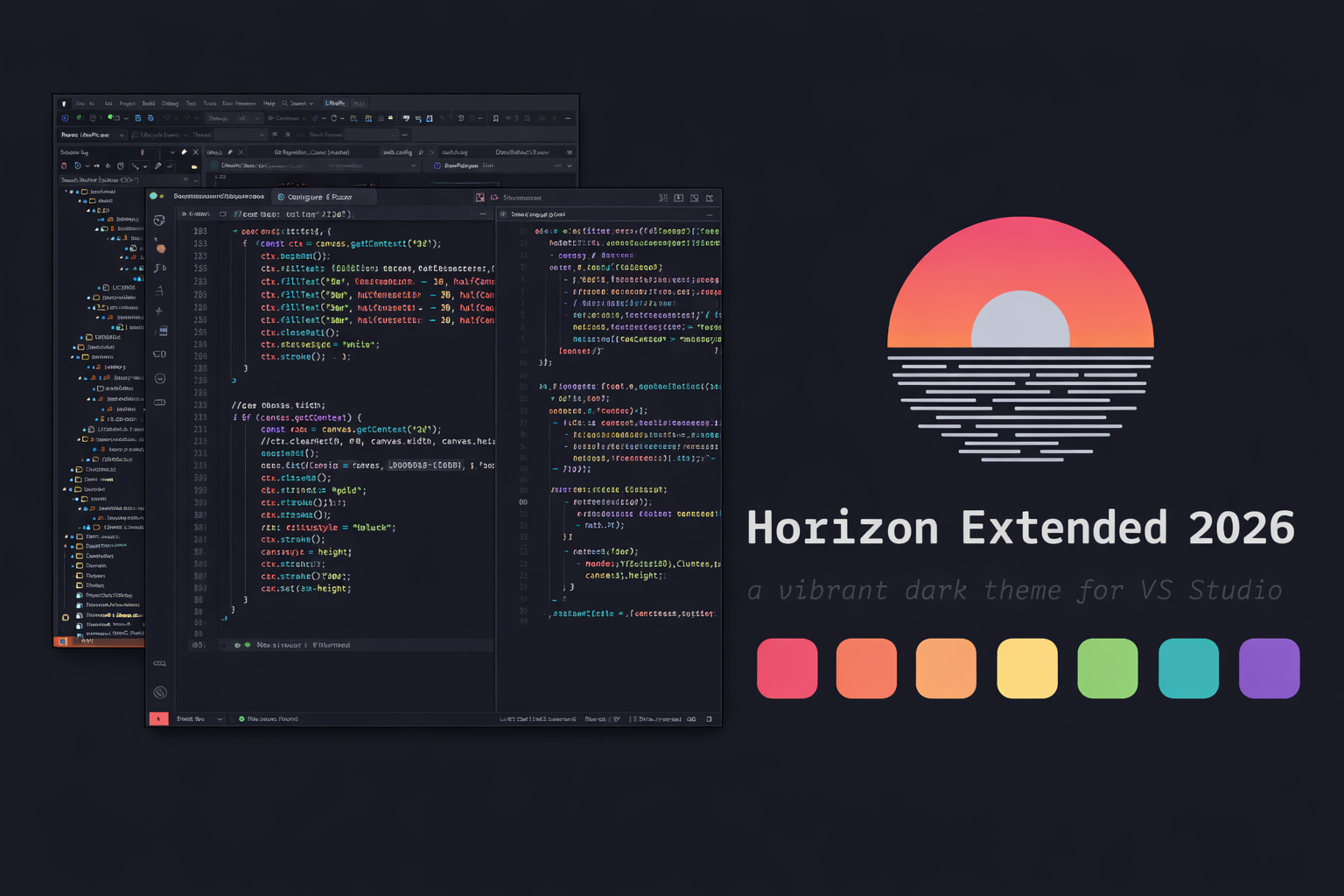
Horizon Extended 2026 - Dark Theme for Visual Studio 2026

horizon_preview.png

Horizon Extended 2026 is a Visual Studio 2026 port of the Horizon Extended VS Code theme, matching the editor, UI, and terminal colors as closely as VS allows.


Installing in Visual Studio

  1. Close Visual Studio.
  2. Double-click HorizonExtended2026.vsix and complete the installer.
  3. Reopen Visual Studio.
  4. Select the theme: Tools > Theme (or Tools > Options > Environment > General > Color theme).

Customizing

Edit:

HorizonExtended2026.yaml

Then rebuild:

python build_vsix.py -i HorizonExtended2026.yaml -o HorizonExtended2026

Credits

  • Based on the Horizon Extended VS Code theme which is based on the original Horizon theme.
  • Contact us
  • Jobs
  • Privacy
  • Manage cookies
  • Terms of use
  • Trademarks
© 2026 Microsoft