Class To JsonConvert your class model to JSON on the fly! Useful for quickly generating sample JSON strings or API request payloads from your models. |

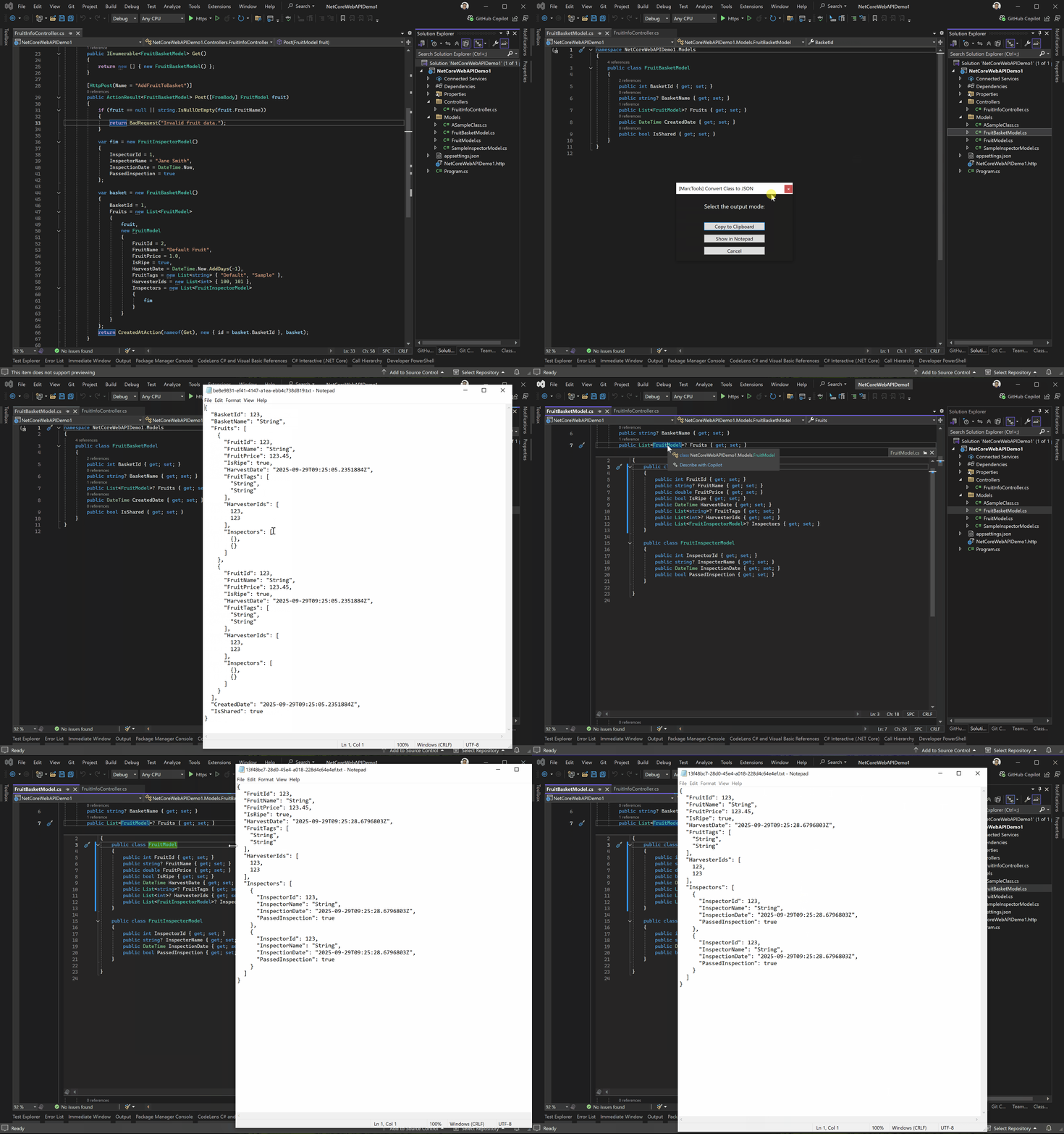
This lightweight extension makes it effortless to convert your class symbols into JSON strings directly within Visual Studio. It’s especially useful when testing API endpoints, allowing you to quickly generate JSON payloads on the fly without leaving your IDE. You can serialize your class models in two convenient ways: ✔️ A. By selecting and right-clicking your class in Solution Explorer and convert it instantly.
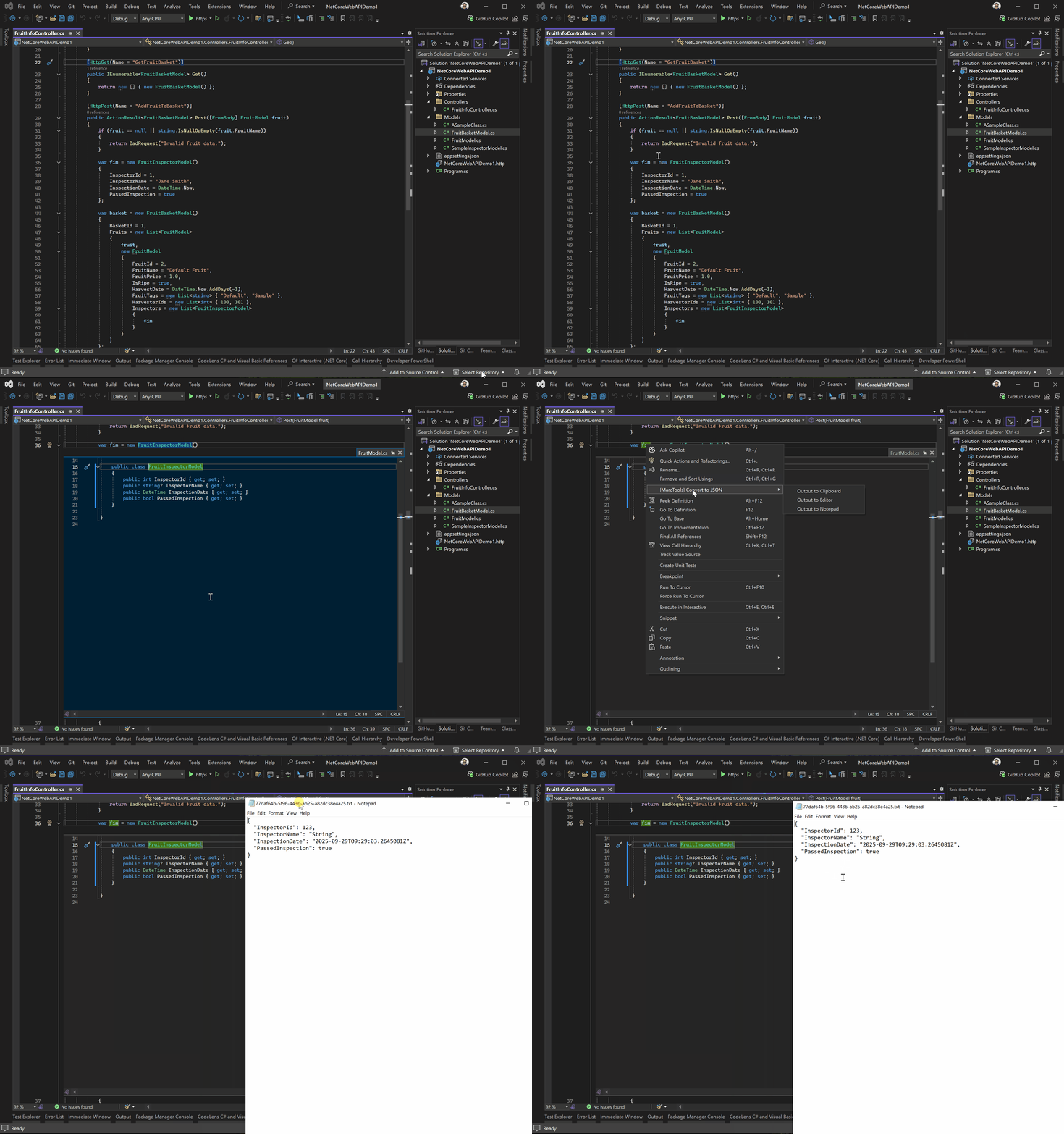
✔️ B. By placing your caret on a class symbol in the code editor and serialize it directly.
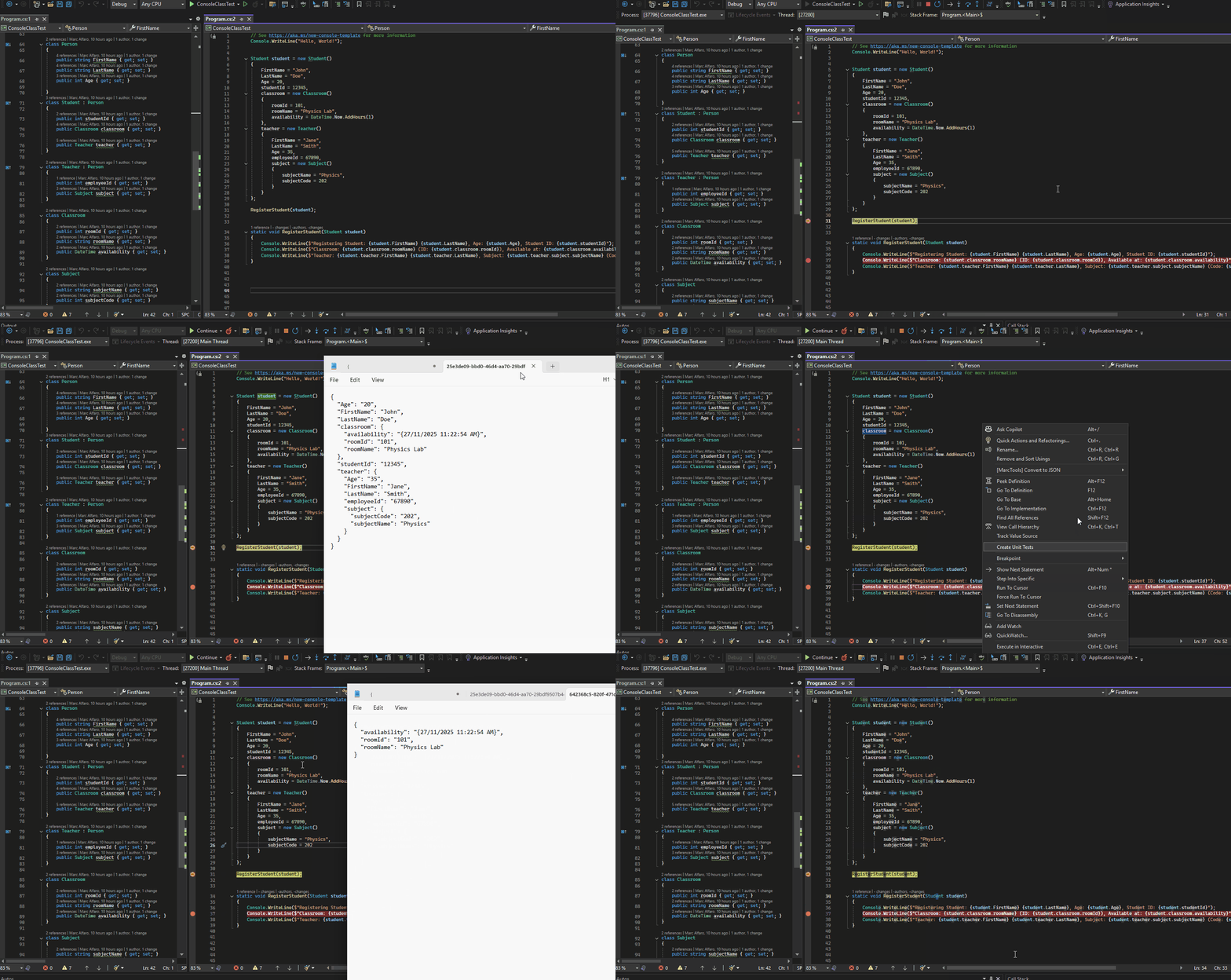
In your code editor, you can choose to output the generated JSON string to your Clipboard, Notepad, or the IDE's document editor. You can even place the caret either on your type declaration or the variable name. 📌 Supports serializing ACTUAL values of class symbols during DEBUG mode
🕑 Save time and streamline your API testing by generating JSON payloads with just a click! 📣 Updates: 📍Version 1.2.3
📍Version 1.2
📍Version 1.1 walks up the inheritance chain and includes public properties from base types.
|