ItemOpsTurn rough work items into clear descriptions, acceptance criteria and effort estimates inside Azure DevOps. Bring your own OpenAI key. |

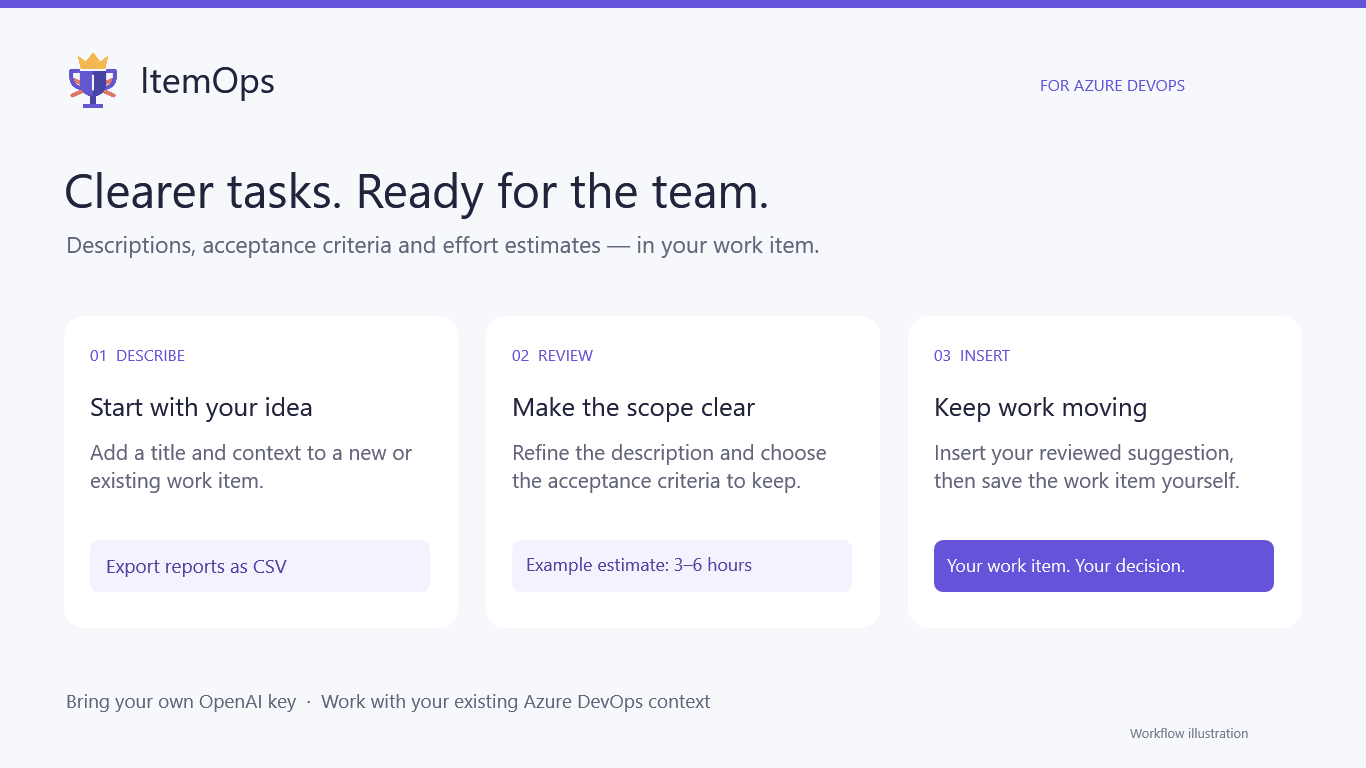
ItemOpsTurn rough work items into clearer tasks — inside Azure DevOps.ItemOps helps you prepare work items with a suggested description, editable acceptance criteria and a concise effort estimate. Open the ItemOps tab on your work item, review the suggestion and insert the parts you want to keep.
Less time writing. More clarity before development.
Get started
The key is remembered for the browser session within the same organization, user and backend. You may need to enter it again in a new session. Model availability depends on the backend catalog and your API account. When the work-item type has a native acceptance-criteria field, selected criteria go there. Otherwise they are added to the description under Acceptkriterier. Inserting a suggestion updates the selected fields; review existing content before inserting. Bring your own API keyThe current release supports OpenAI. You need an API key with access to the selected model and sufficient API quota. AI usage is billed through your provider account; ItemOps does not include AI credits. Automatic analysis can create billable API requests. Data and permissionsItemOps sends the current draft, organization/project information, your Azure DevOps access token and your OpenAI key to the hosted ItemOps backend over HTTPS. The backend uses the DevOps token to verify access and retrieve relevant context. Selected context is sent to OpenAI for analysis. Your DevOps token is not sent to OpenAI. The extension requests work-item and code read scopes ( Application logging excludes request bodies, API keys and access tokens. Analysis responses can be cached in server memory for up to ten minutes. Estimate history can persist work-item identifiers, revision, model, estimated/actual hours and timestamps. Provider-side processing is governed by your provider's terms. Only use ItemOps with data your organization permits you to send to these services. Current releaseItemOps is an early release for Azure DevOps Services. AI output can miss requirements or make mistakes, so review descriptions, criteria and estimates before saving. Context size and request limits apply. Azure DevOps Server support has not been validated. For general questions and bug reports, use this listing's Q & A section. Include the extension version, work-item type and a redacted error message. Never post API keys, tokens or confidential work-item content. |