Cloudback: SOC 2 Type II Azure DevOps BackupsAutomated daily backups of Azure DevOps repositories, pull requests, metadata, and Git LFS. AES-256 encrypted archives with customer-managed keys (RSA Lockbox). Self-service restore on demand. |

Cloudback is a SOC 2 Type II compliant backup and restore platform for Azure DevOps repositories and pull requests. AES-256 encrypted ZIP archives, optional customer-managed encryption keys (RSA Lockbox / CMEK), bring-your-own-storage across ten configurations, and self-service restore. No support ticket required. Engineering, DevOps, and security teams use Cloudback for compliance audit prep, ransomware recovery, accidental-deletion rollback, and platform migration. Trusted by 1.7k+ customers to protect 14k+ repositories with 4M+ backups created.
Key benefitsFor DevOps leads, platform engineers, engineering managers, IT directors, and security teams who need automated daily backups, on-demand restore, and audit evidence:
What Cloudback protectsCloudback captures the full state of your Azure DevOps repositories and pull-request data:
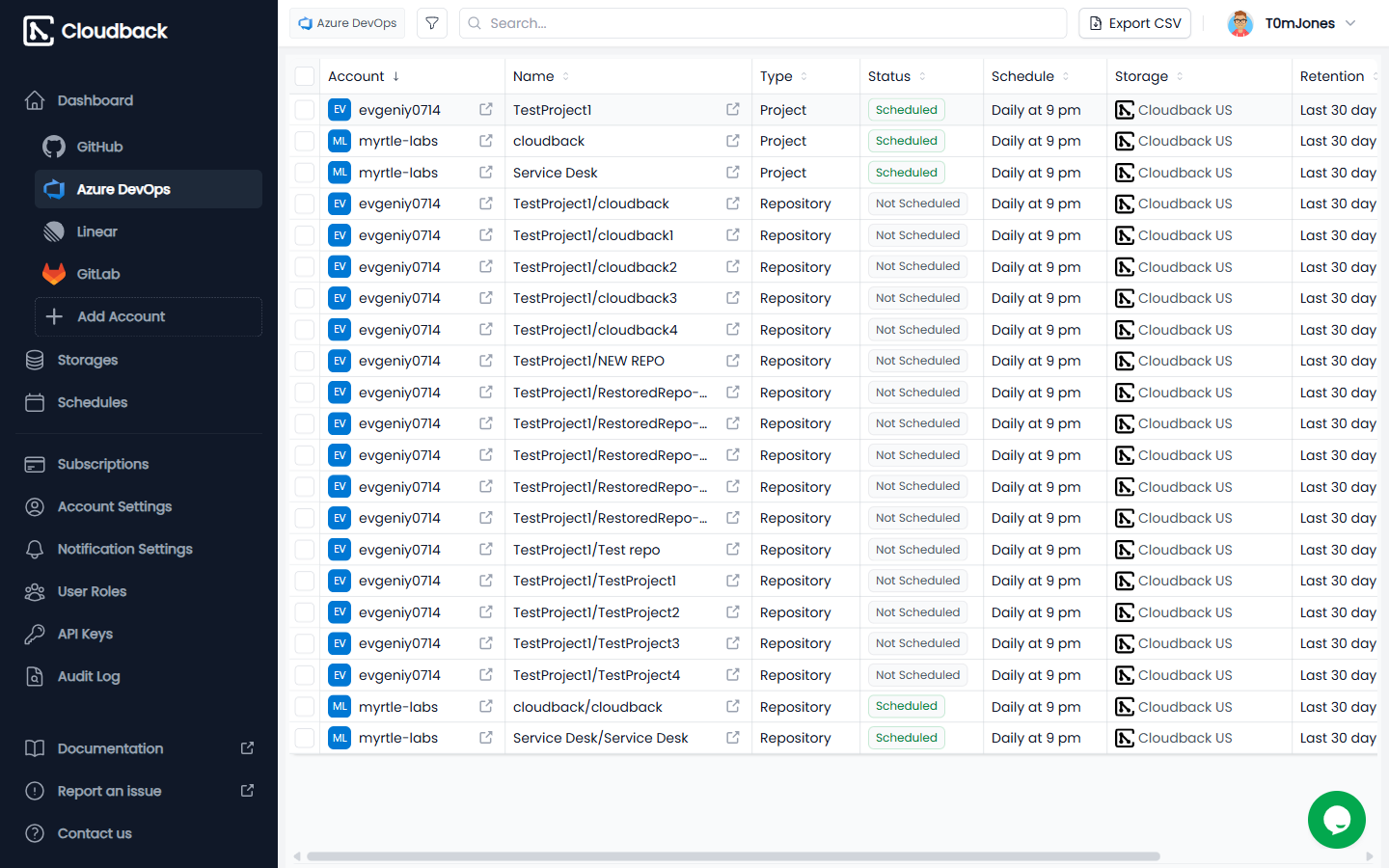
Backups run on an automated schedule (daily by default, configurable to weekly, monthly, or custom intervals) with retention from 30 to 360 days. Each backup is a self-contained AES-256 encrypted ZIP archive that you can download and verify independently of Cloudback. Cloudback automatically discovers new repositories and starts protecting them, so backups follow your team as it grows. Self-service restoreRestore any backup yourself from the Cloudback dashboard - to the same repository, a different repository, or a different Azure DevOps organization. A guided wizard handles authorization and target selection. For disaster-scale recovery, a single bulk restore covers many repositories at once. Download an encrypted archive any time to verify contents offline, run an external integrity check, or hold an immutable copy outside Cloudback.
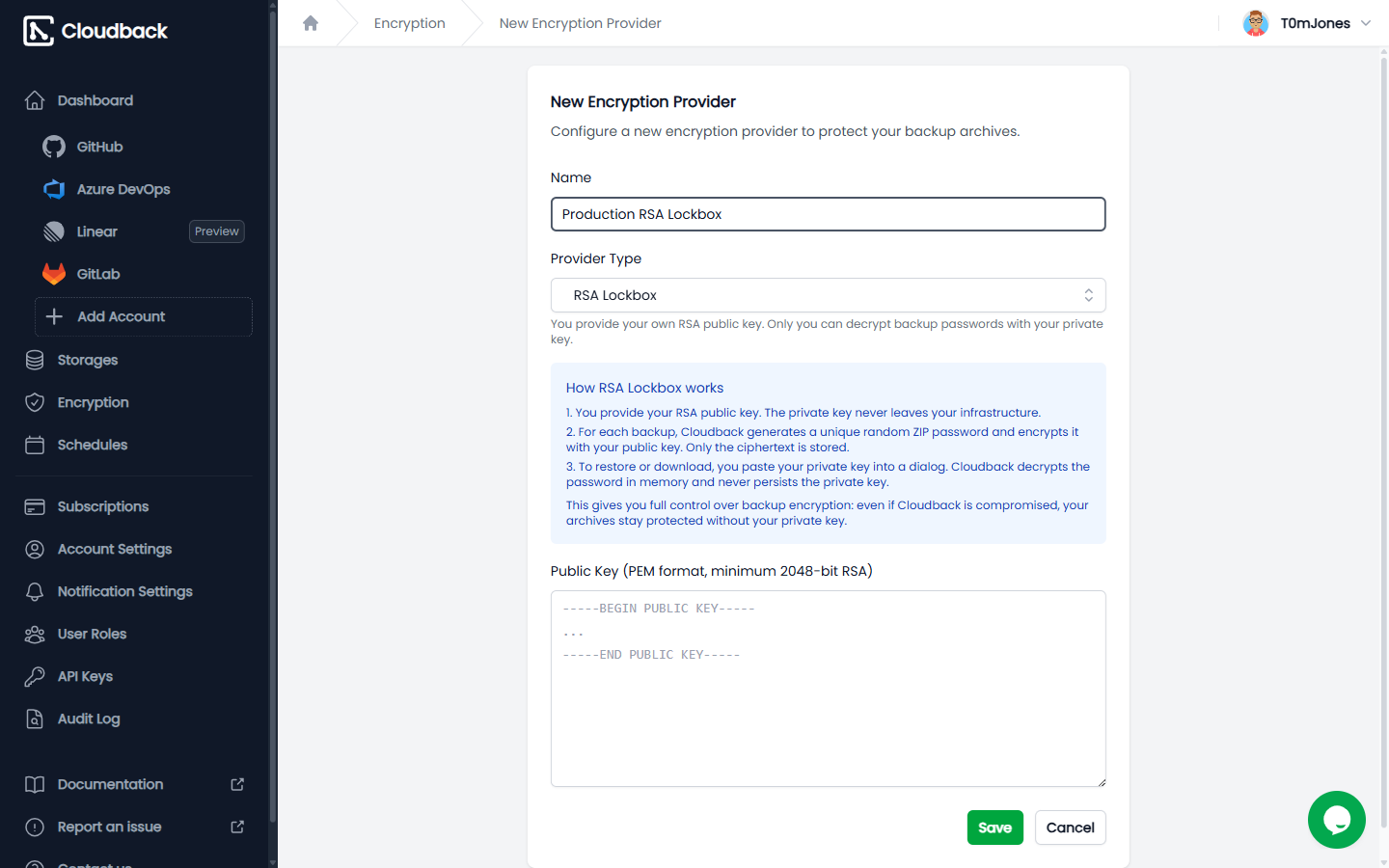
Encryption you controlEvery backup is stored as a password-protected ZIP archive encrypted with AES-256. Cloudback uses a double-archive method that protects filenames as well as content. For organizations that need to hold their own keys, Cloudback supports customer-managed encryption via RSA Lockbox (CMEK). You generate an RSA key pair and upload the public key. Cloudback encrypts each backup's password with that public key; the private key stays with you and is required to decrypt and restore. Rotating keys re-encrypts every existing backup's password envelope without rewriting or re-uploading the archives, so rotation is fast and storage-cheap.
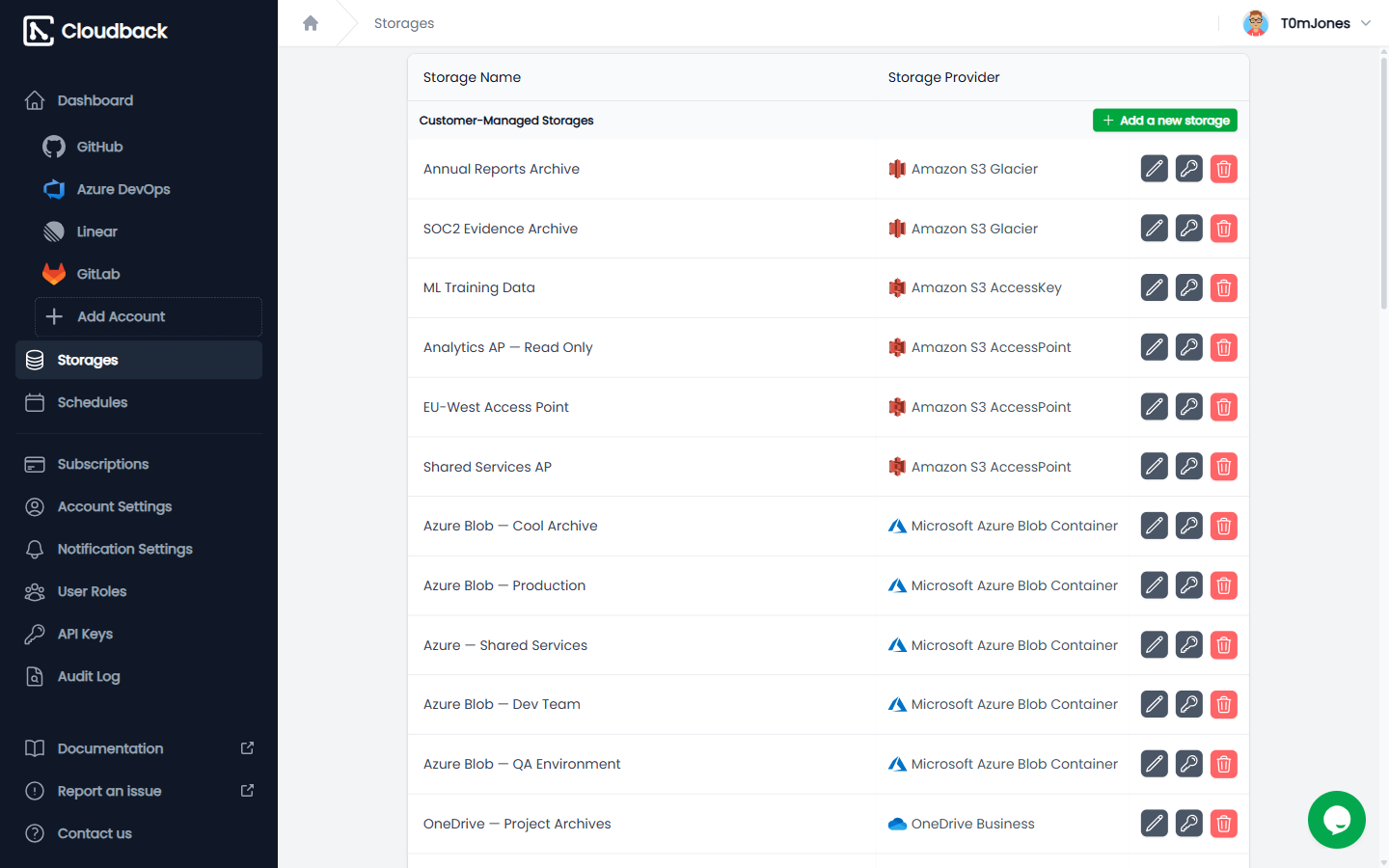
Storage you ownPick from five Cloudback-managed regions (US, EU, UK, Sydney, Singapore) for quick setup with built-in data residency, or connect your own storage from any of these ten configurations:
Configure composite storage to write each backup to multiple destinations at once for cross-cloud redundancy. Use Amazon S3 Object Lock for WORM-style immutability that survives compromised admin credentials. Cloudback also deduplicates storage by comparing each new backup with the previous one and skipping re-uploads when nothing changed.
Notifications you can routeBackup status flows into the channels your team already uses:
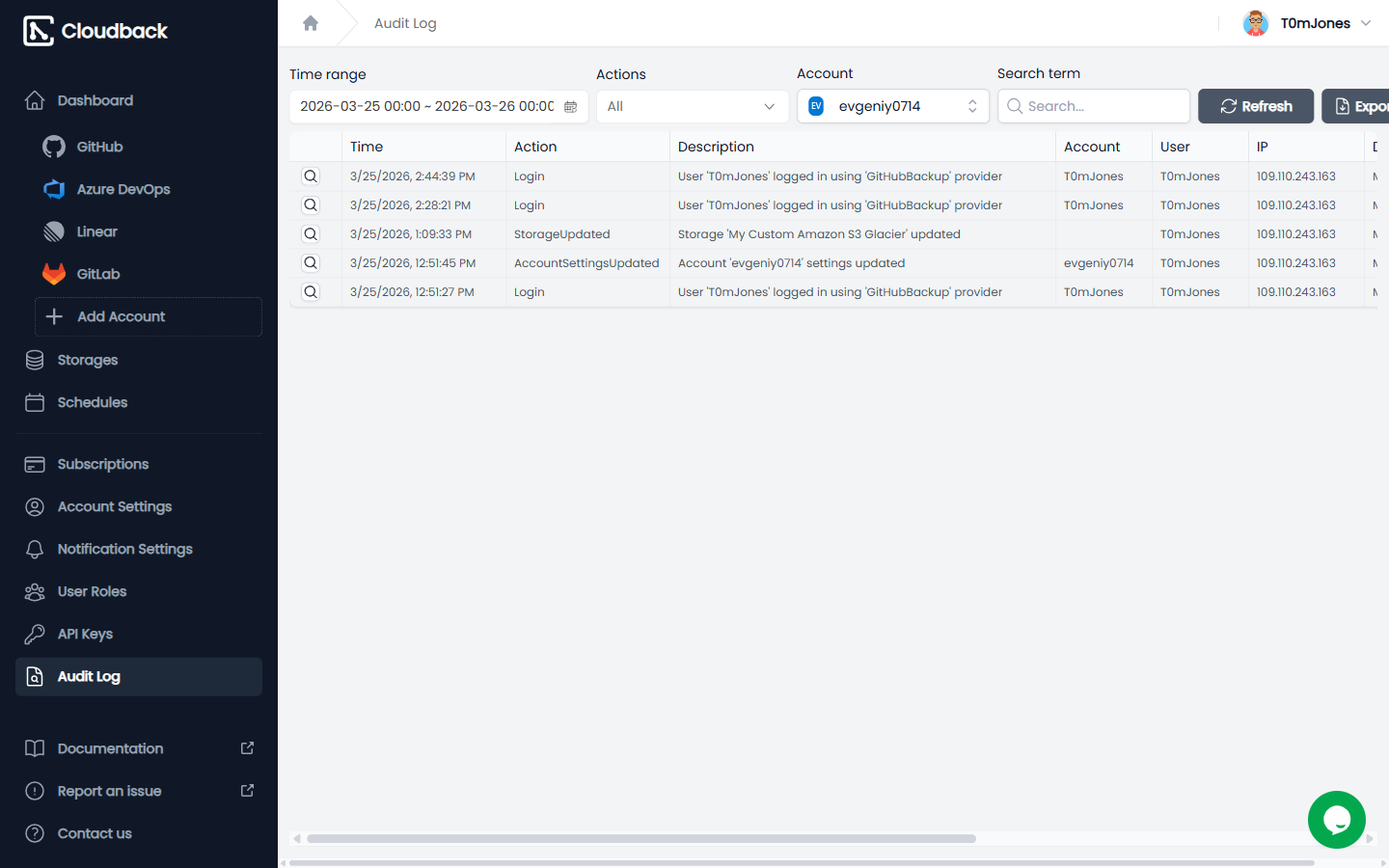
Display a Cloudback backup-status badge in your repository README so reviewers can confirm protection at a glance, without leaving Azure DevOps. Compliance evidence on demandCloudback is SOC 2 Type II compliant and audited annually. Every backup, restore, schedule change, storage assignment, encryption key operation, and account access event is recorded in a tamper-evident audit log spanning 60+ event types. Export the log as CSV, or forward it to Datadog or another SIEM in real time. Cloudback's Vanta integration syncs access review and control evidence into your compliance program, so you don't manually export reports for SOC 2, ISO, or GDPR audits.
Microsoft integrationsCloudback fits Microsoft-centric stacks:
Built for automation, not just dashboardsManage Cloudback configuration the same way you manage the rest of your stack:
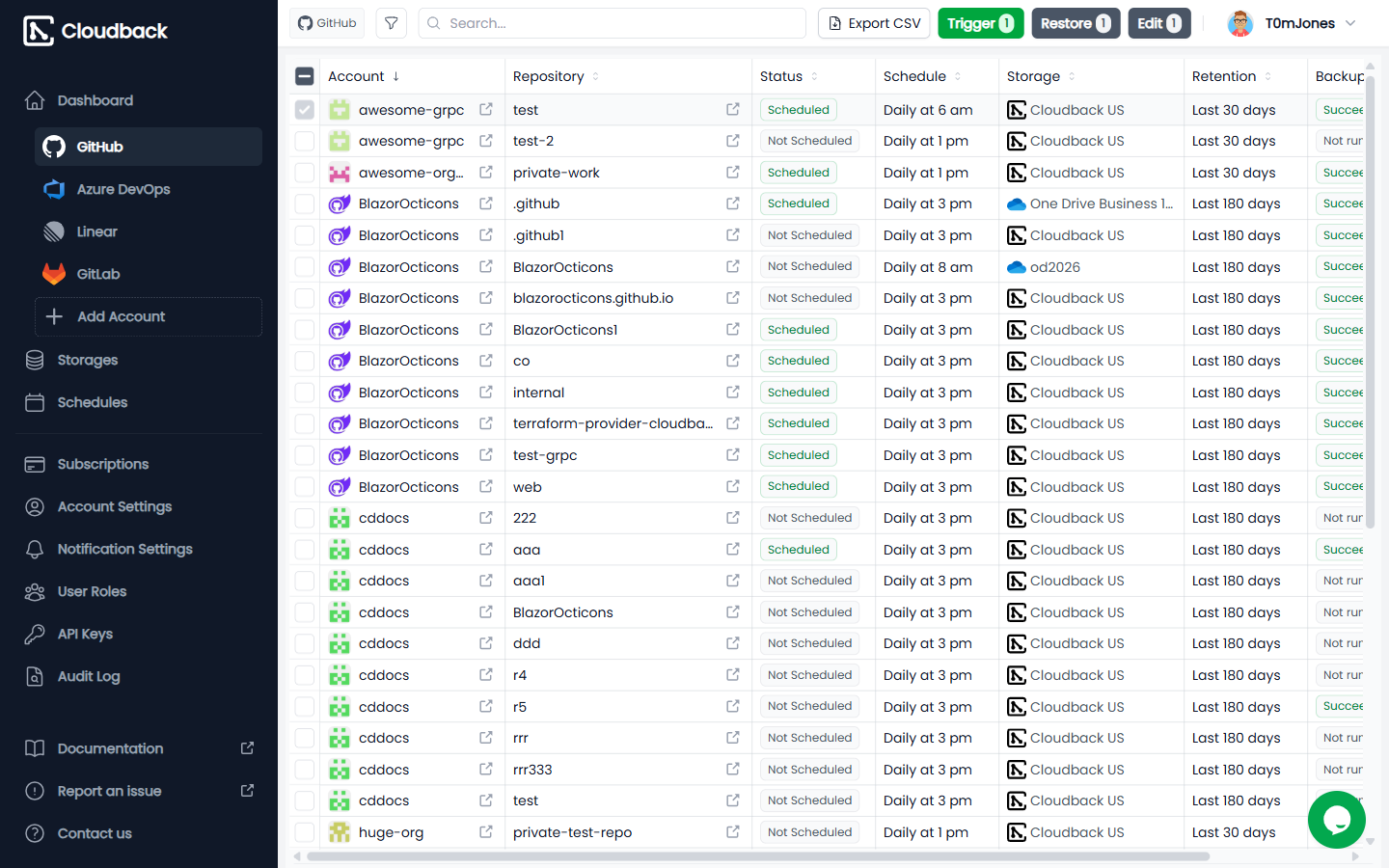
Cross-platform protectionIf your team also uses GitHub, GitLab, or Linear, Cloudback covers those from the same dashboard, with the same encryption, the same storage destinations, and the same retention policies. Cross-platform restore between GitHub and GitLab is supported for migration and disaster-recovery scenarios. Pricing in briefCloudback charges per repository, not per user. Plans start at $10/month for 10 repositories (Basic) and scale to 1,000 repositories on the Enterprise plan. Pay-as-you-go variants are available, and 1, 2, and 3-year commitments include additional discounts. See the Plans & Pricing tab on this listing or the full breakdown on Azure Marketplace. If you cancel: customer-managed-storage backups stay in your bucket; Cloudback-managed-storage backups follow your retention policy until deletion. Get startedClick the install button above to add Cloudback to your Azure DevOps organization. A 30-day free trial starts immediately, no credit card required. After install, authorize Cloudback to read your repositories. Cloudback auto-discovers them and enables daily backups using Cloudback-managed storage with 30-day retention. New repositories added later are automatically discovered and protected the same way. Customize anything later from the dashboard: switch storage, change schedules or retention, enable customer-managed encryption (RSA Lockbox), or review the audit log. Support
|