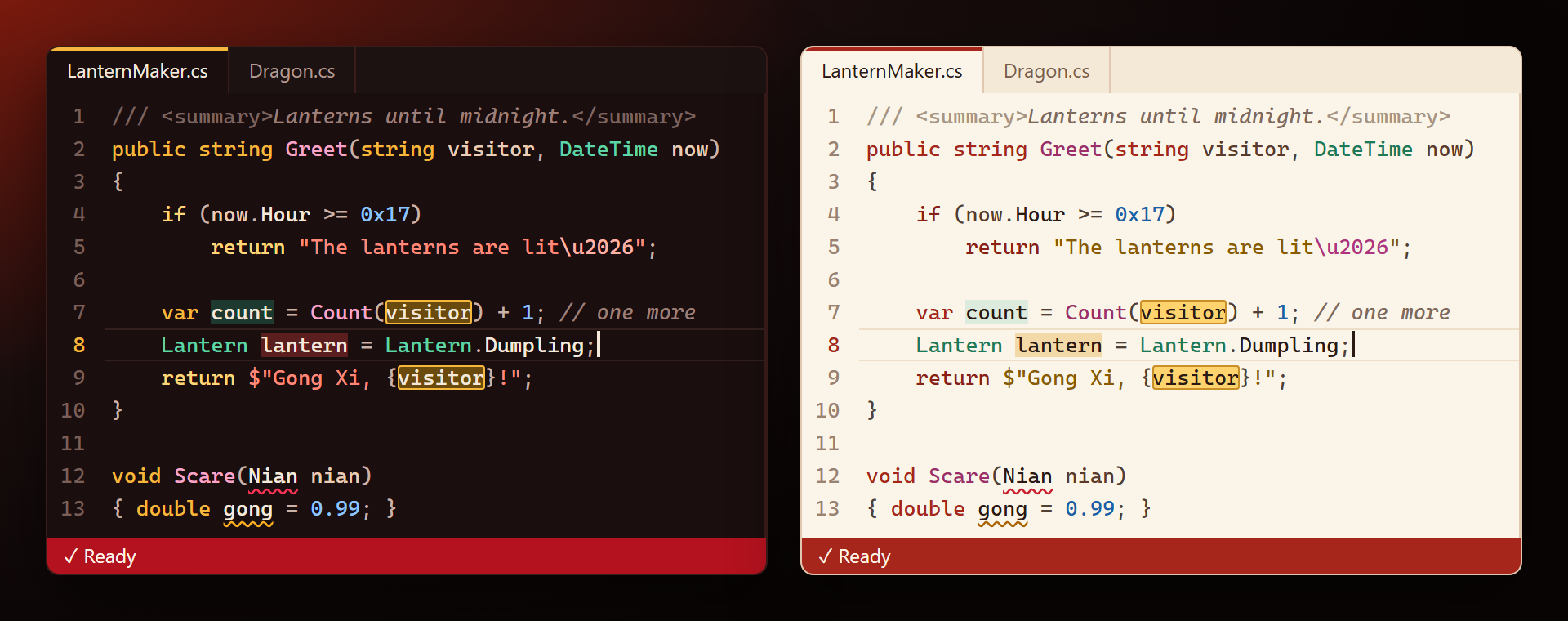
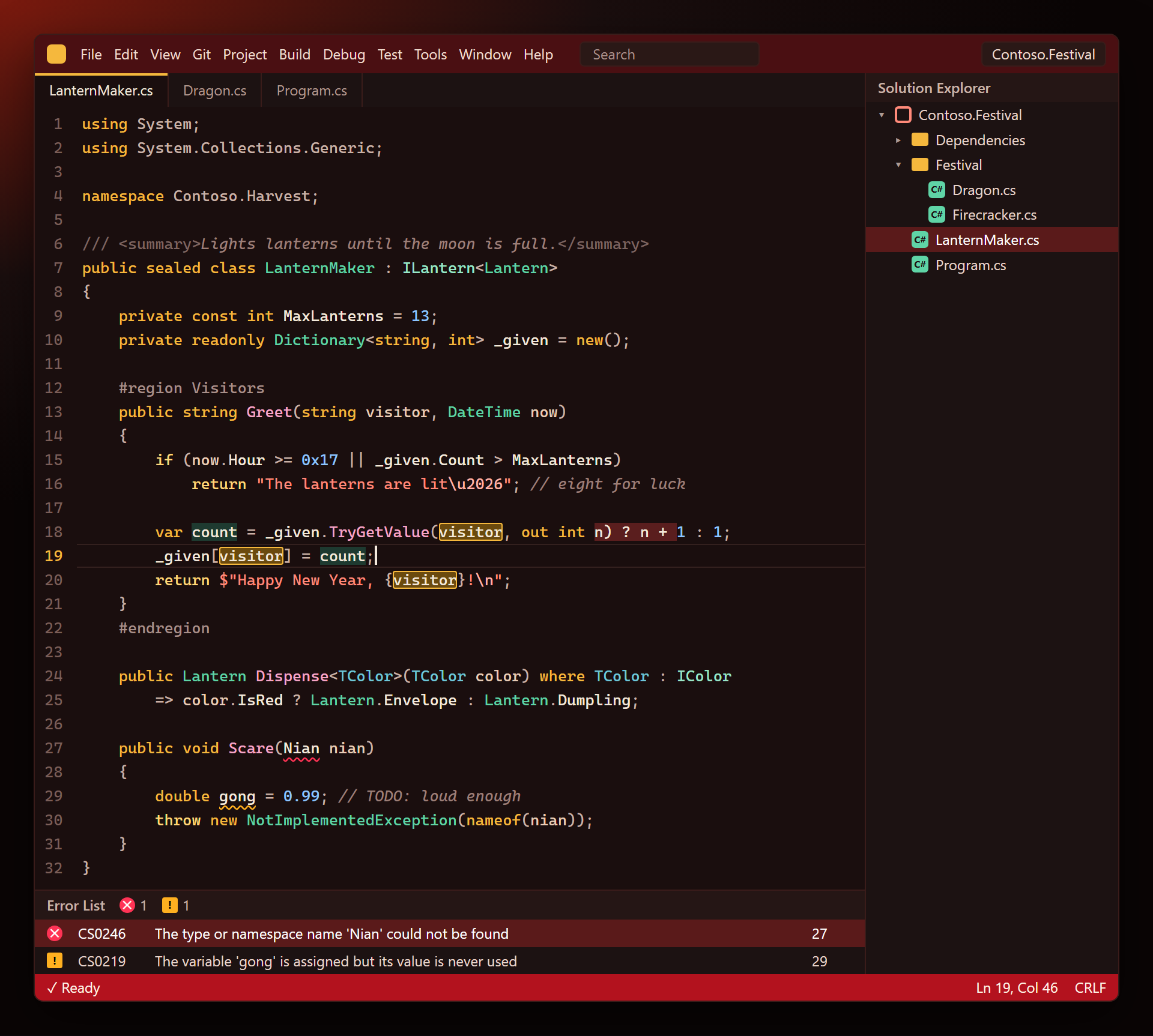
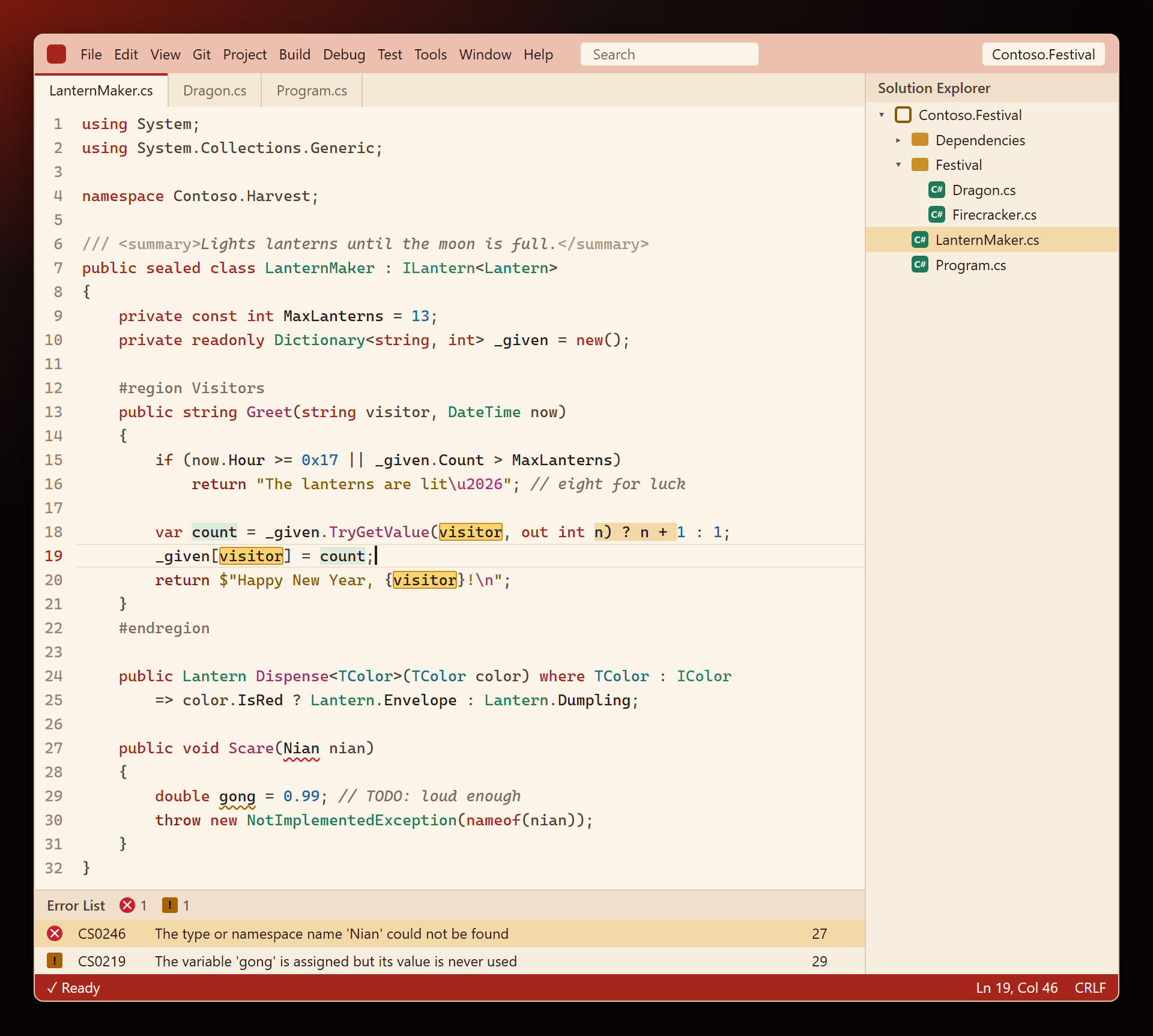
LunarNewYearSmith ThemesTwo Lunar New Year color themes for Visual Studio 2022 and 2026, for the whole IDE and the code editor. Lunar New Year Night is dark: red lacquer and lantern light with gold keywords, jade types, cora |

LunarNewYearSmith Themes — Lunar New Year Night and Lunar New Year LightTwo Lunar New Year color themes for Visual Studio, for the whole IDE and the code editor. Lunar New Year Night is red lacquer in lantern light; Lunar New Year Light is rice paper with vermilion and jade. Gold, red and jade — festive, and still comfortable for a full working day. Free. Forever. No subscriptions, no "pro" version, no data collection, no messages at startup. There is no code inside, only colors — so it never asks for anything, not even a rating. 📖 Documentation · Visual Studio 2022 and 2026 · x64 and ARM64 Lunar New Year NightKeywords are gold, types jade, strings coral lanterns, numbers the night sky, methods peony; comments are warm smoke. The window frame is deep lacquer red, the status bar imperial red — jade while you debug.
Lunar New Year LightVermilion keywords, jade types, gold-ink strings, peony methods and brown-ink comments on rice paper.
Made for coding
Turn it onVisual Studio 2026: Tools › Theme › Lunar New Year Night (or Lunar New Year Light), and keep Tools › Editor Appearance on Match Theme — otherwise the editor keeps the usual colors. Visual Studio 2022: Tools › Options › Environment › General › Color Theme. Colors you changed yourself in Fonts and Colors stay on top of any theme. A color looks wrong? Use the Q & A tab on this page or the Feedback repository, ideally with a screenshot. Full documentation: lazowskianton.github.io/VSExtensions/lunarnewyearsmith. |