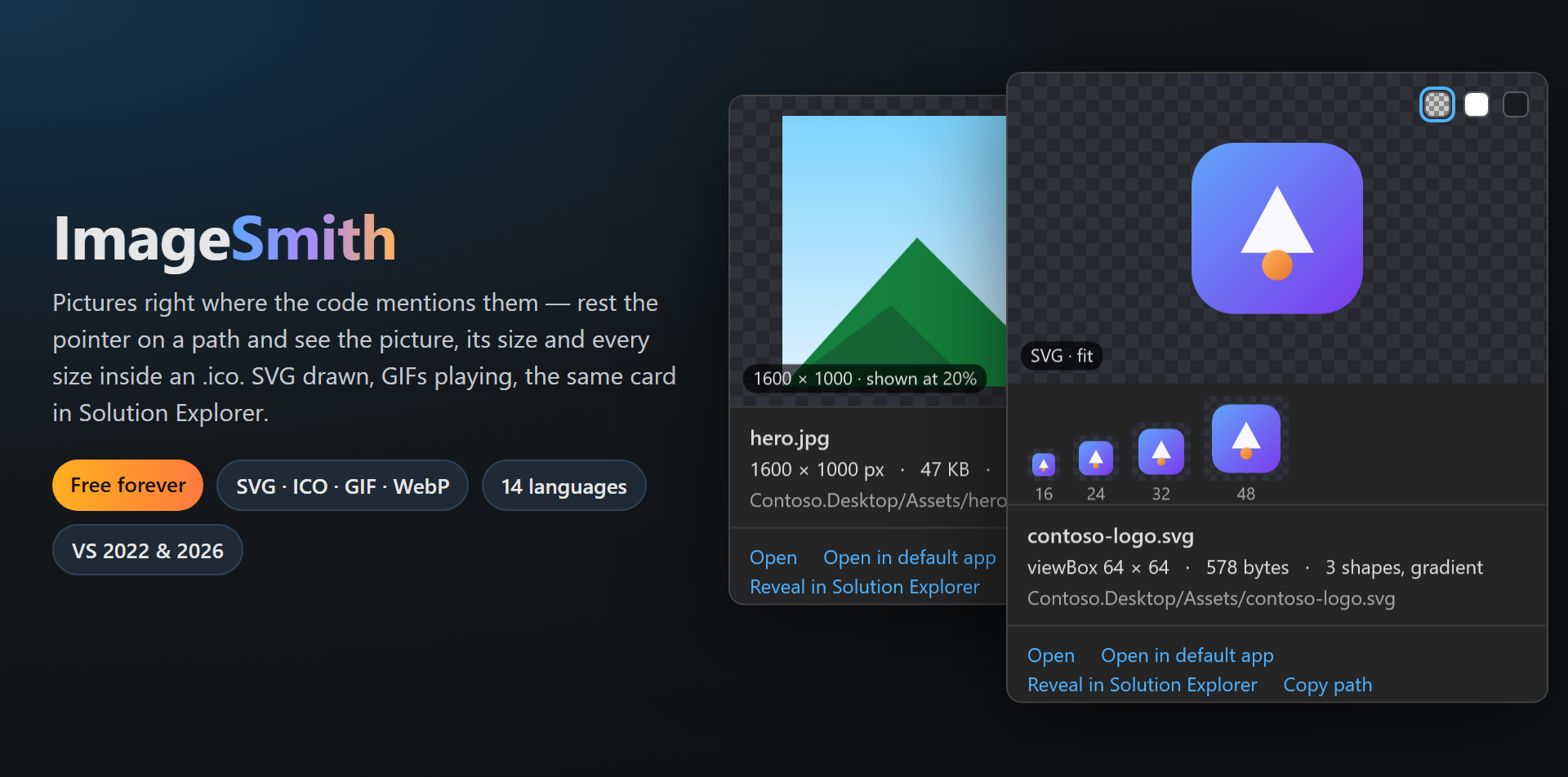
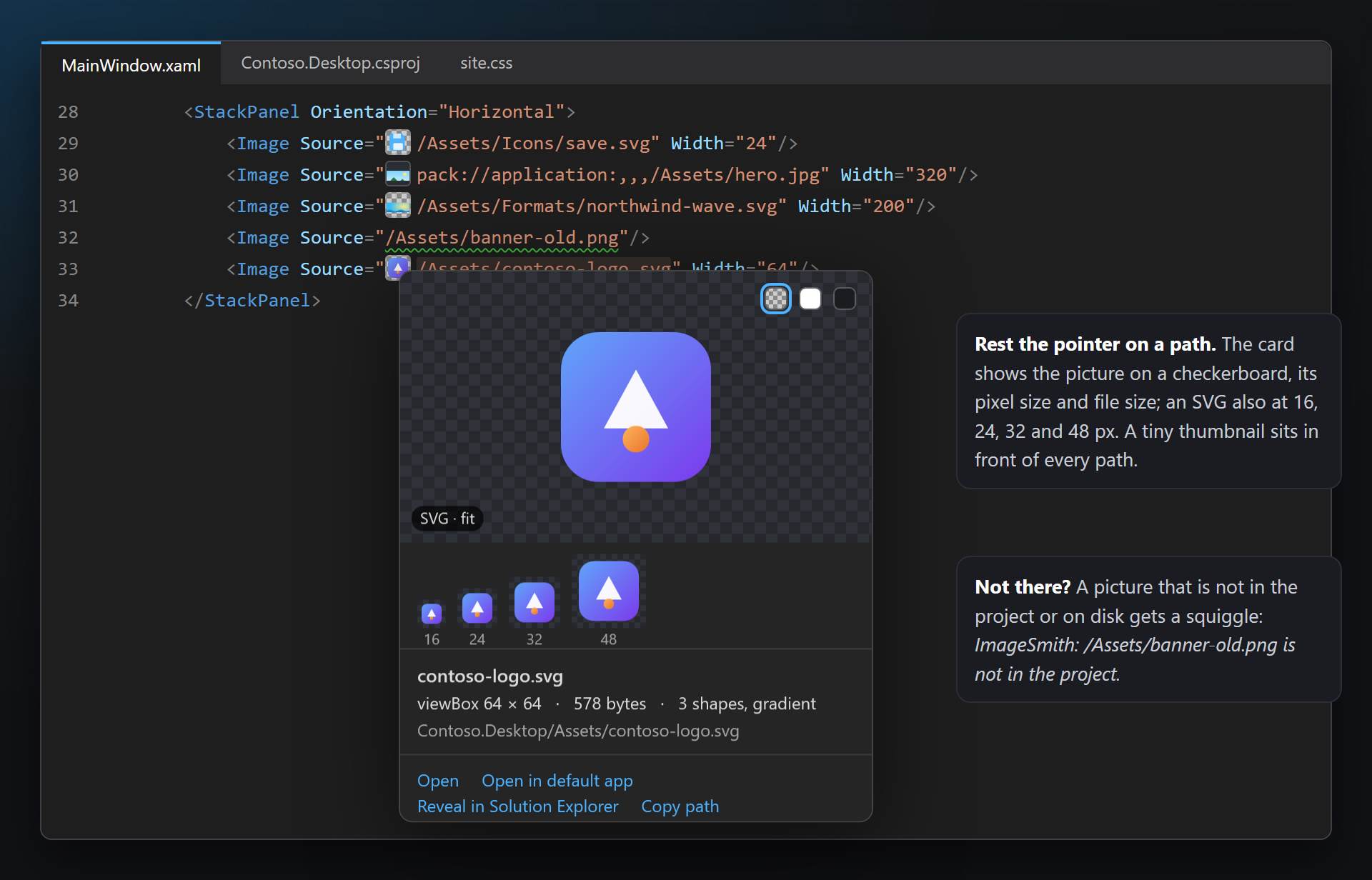
ImageSmithPictures right where the code mentions them: rest the pointer on a path and a card shows the picture on a checkerboard with its pixel size, file size and actions. SVG is drawn, every size inside an .ico is shown (save them as PNG), animated GIFs play; a tiny thumbnail sits in ... |

ImageSmith — pictures right where the code mentions themRest the pointer on a picture path and a card shows the picture itself: on a checkerboard, with its pixel size, file size and how large the code shows it. SVG is drawn, every size inside an .ico is there, animated GIFs play — and the same card replaces the preview in Solution Explorer, with the scale variants of the picture side by side. In XAML, Razor and HTML, CSS, C#, JSON, project files and .resx. Free. Forever. No subscriptions, no trial, no "pro" version, no nag screens, no telemetry, no messages in the Output window or at startup. The only thing we will ever ask — after you have used it for a while — is to rate it on the Marketplace. 📖 Documentation · Visual Studio 2022 and 2026 · x64 and ARM64 · UI in 14 languages The card in codeRest the pointer on A tiny thumbnail sits in front of every path whose file exists, and a path to a picture that is not there gets a squiggle: ImageSmith: /Assets/banner-old.png is not in the project.
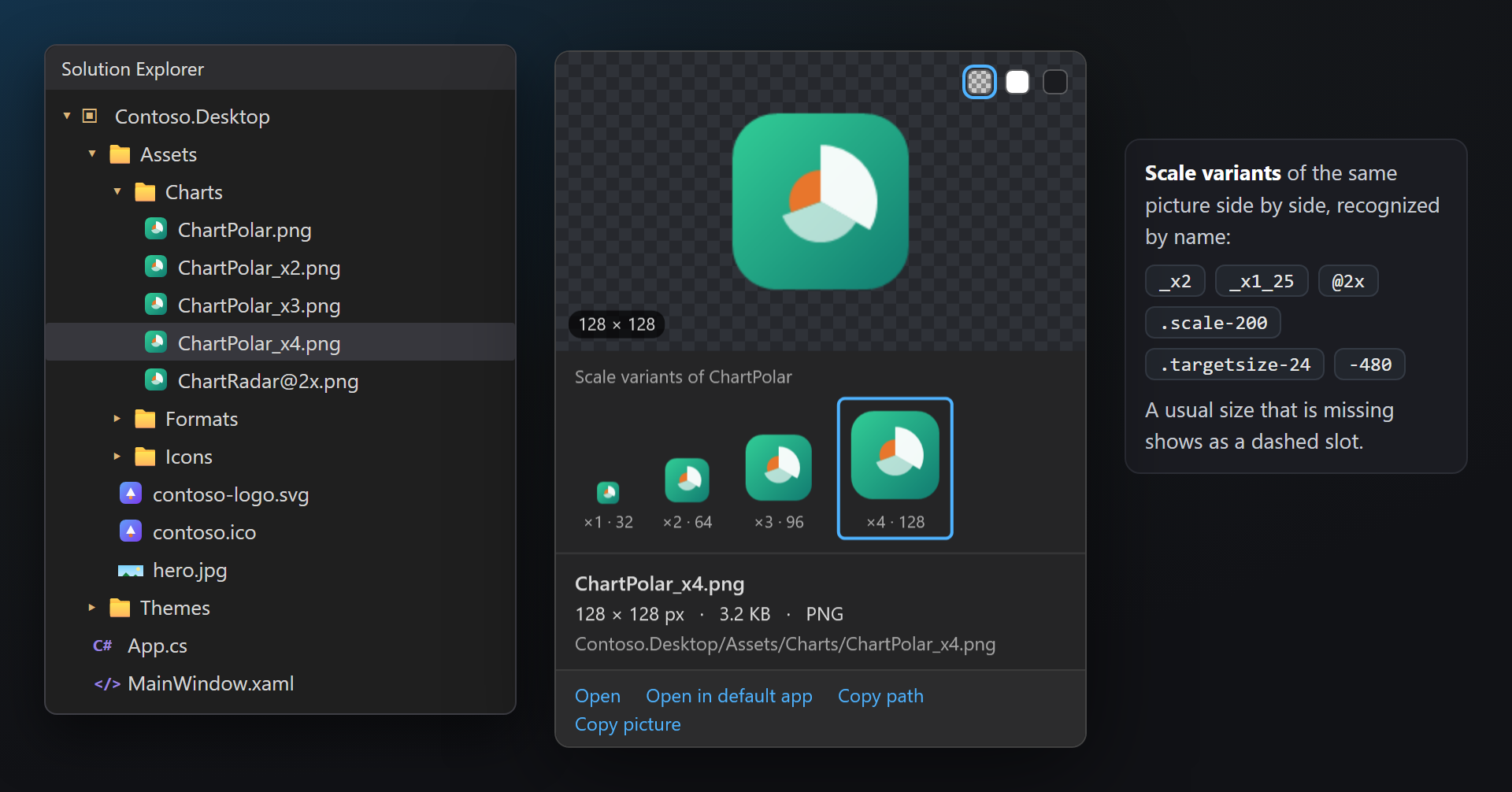
Solution Explorer — with scale variantsRest the pointer on a picture file in Solution Explorer: the ImageSmith card opens instead of the built-in preview — SVG drawn, every .ico size, Copy picture. The scale variants of the same picture are lined up under it:
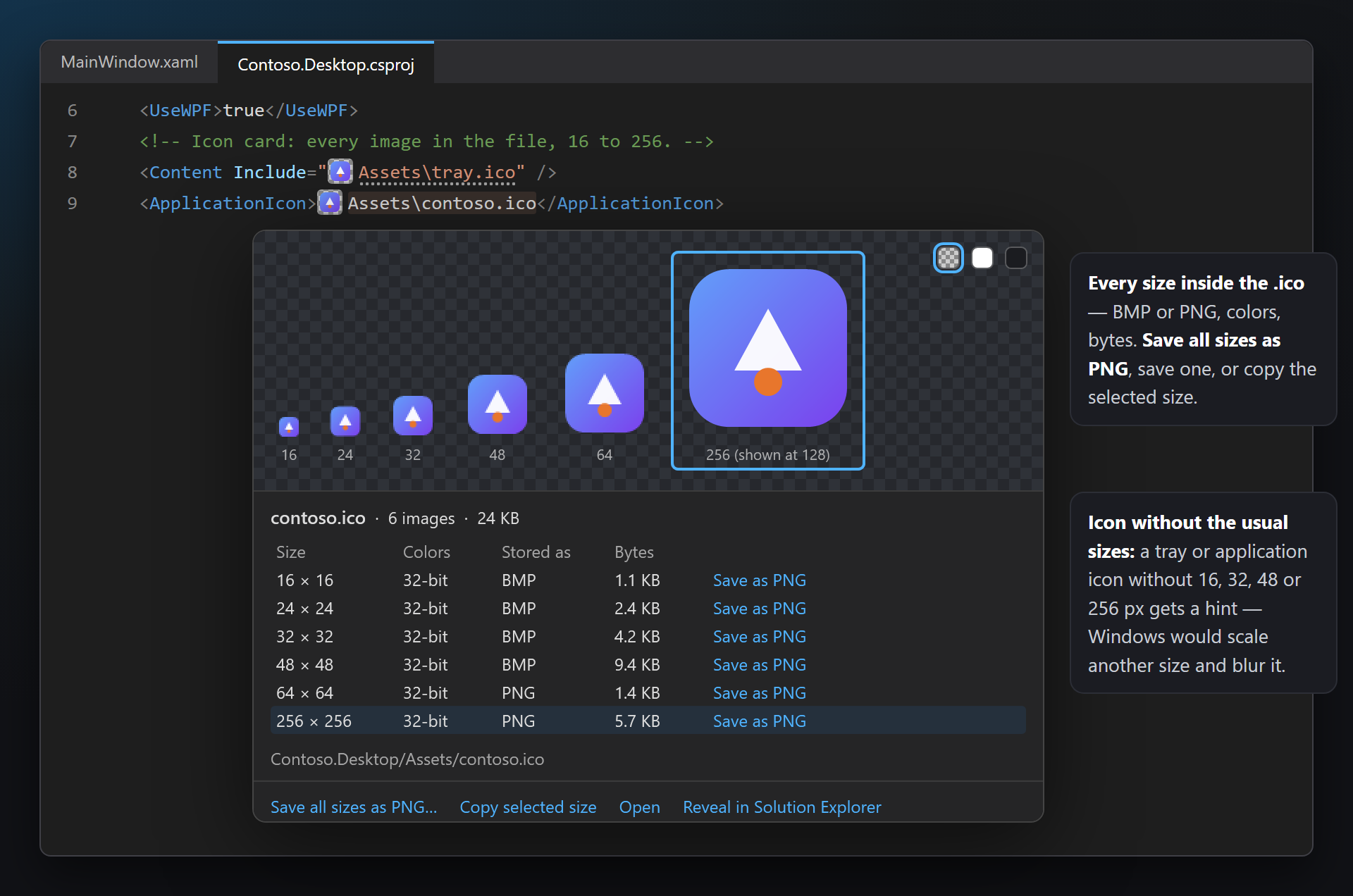
Every size of an .icoAll images of an icon side by side, with colors, BMP or PNG and bytes. Save all sizes as PNG, Save as PNG for one size, Copy selected size. An application or tray icon without 16, 32, 48 or 256 px gets a hint — Icon without the usual sizes — before Windows blurs it.
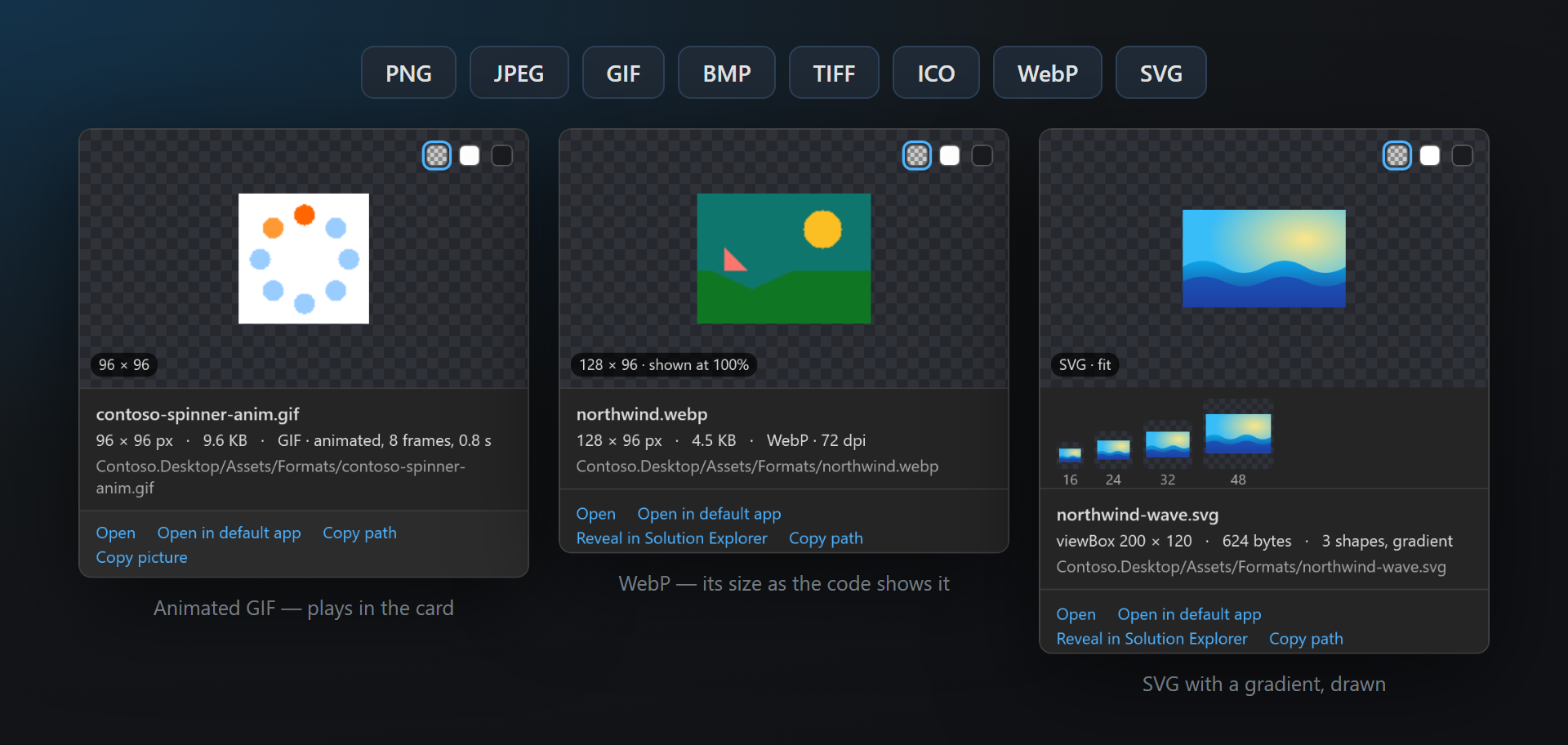
PNG, JPEG, GIF, BMP, TIFF, ICO, WebP, SVGAnimated GIFs play in the card (8 frames, 0.8 s). SVG is shown at 16, 24, 32 and 48 px too — how it will look on a button — with its viewBox and shapes. XAML for WPF, WinUI, MAUI and Avalonia (
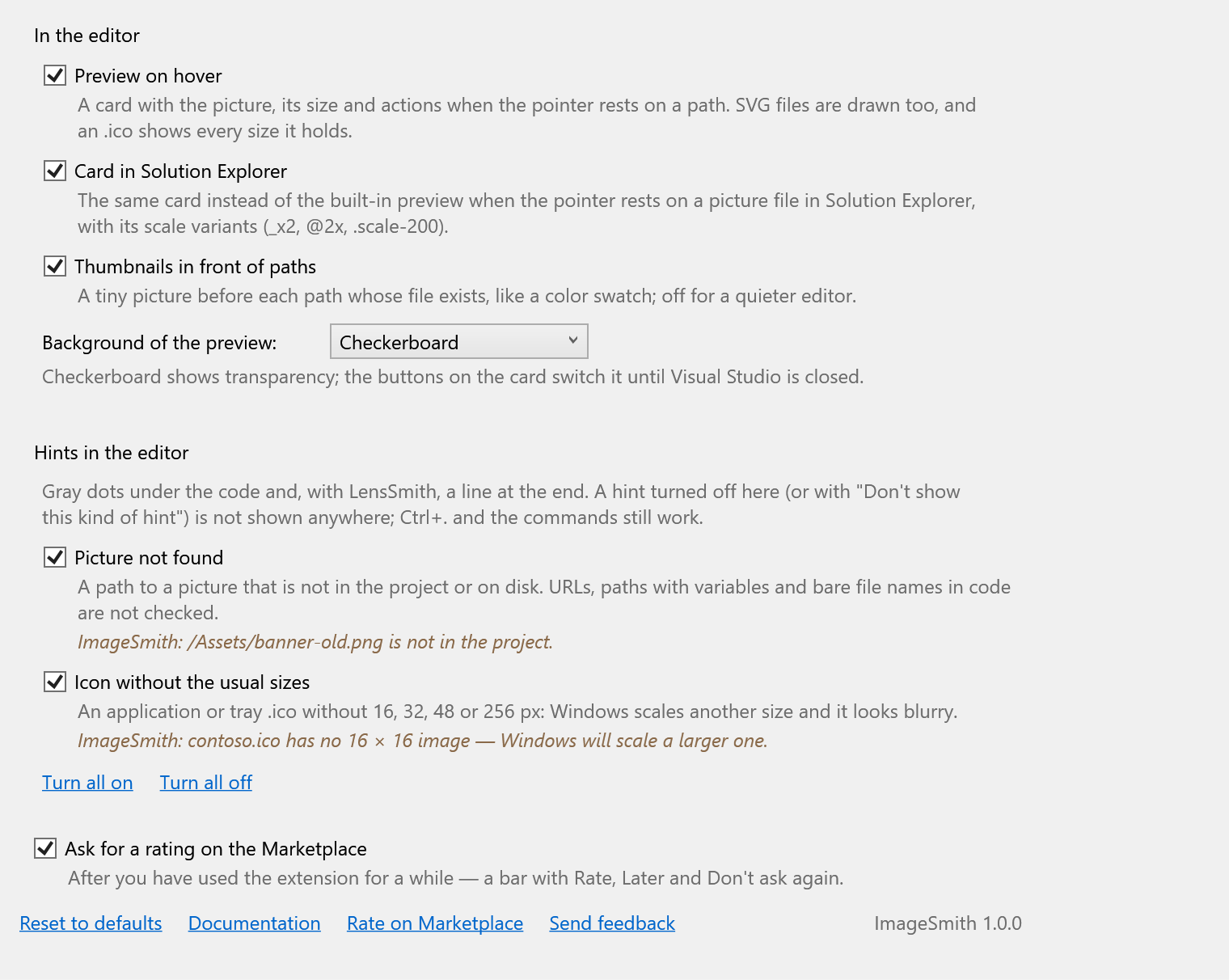
SettingsTools → Options → SmithWorks → ImageSmith. Every option has a description; each kind of hint can be turned off there or right from the hint.
Questions or ideas? Use the Q & A tab on this page or the Feedback repository. Full documentation: lazowskianton.github.io/VSExtensions/imagesmith. |