Storybook for Azure DevOpsYour team's UI components, documented and running, right inside Azure DevOps.
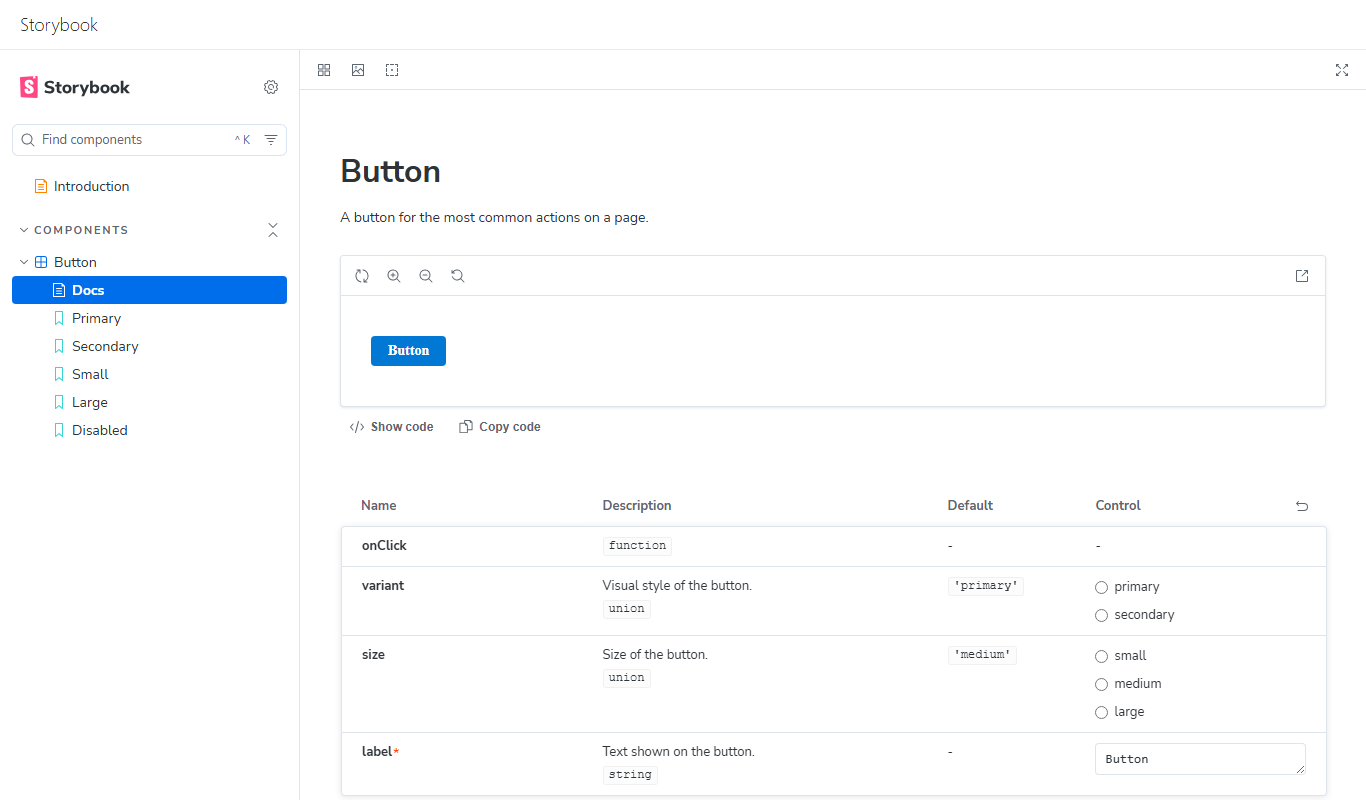
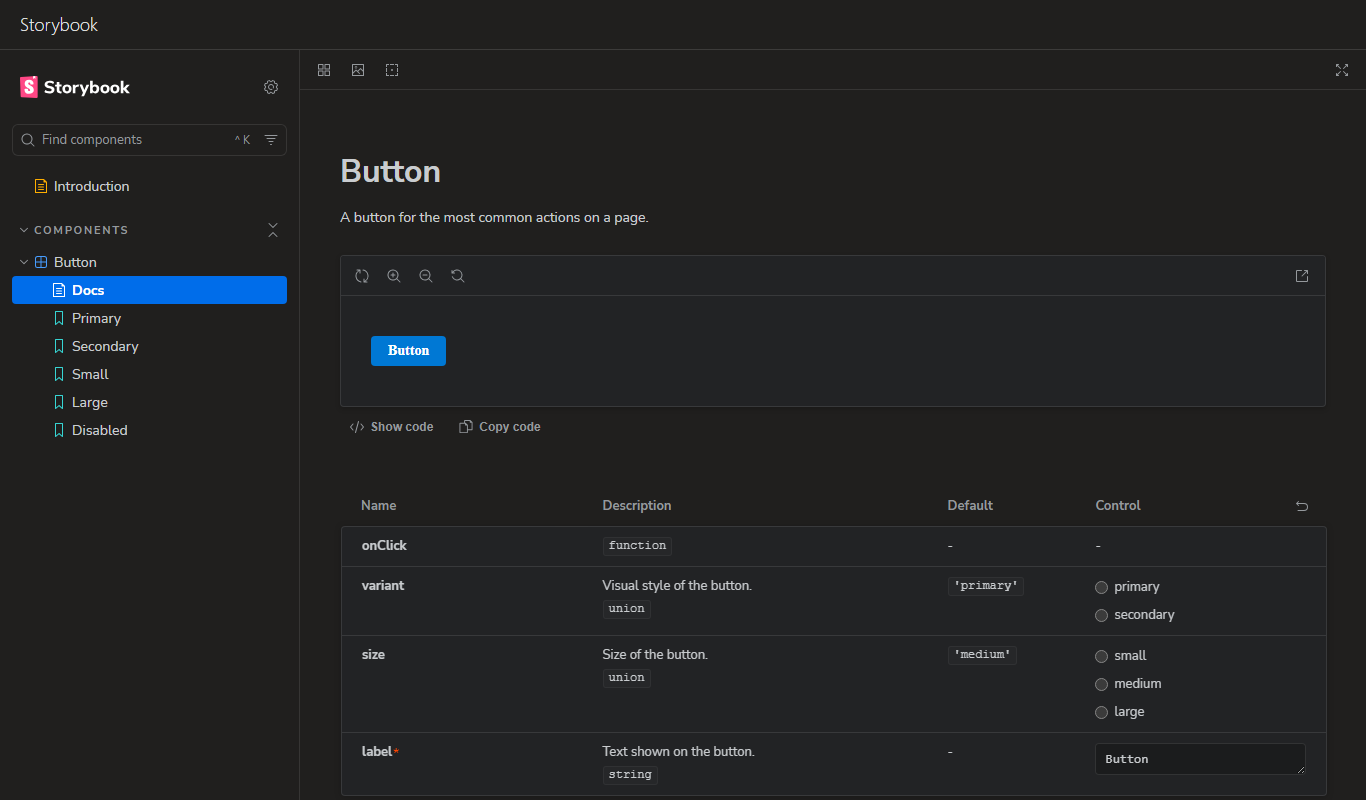
Storybook is where teams build, document and review UI components in isolation. This extension brings it into Azure DevOps: every project gets a Designs hub that shows the project's Storybook live, next to its boards, repos and pipelines. There's no extra hosting and no extra sign-in. The Storybook is read straight from your Azure Repos, with your own permissions. Why teams use itOne place for your components. Designers, developers, testers and product owners with access to your code browse the same living component library, without cloning a repository or running anything locally. Versioned with your code. The hub reads the Storybook build straight from your repository, at the latest commit of its branch. There's no separate deployment to drift out of date: push a new build and everyone sees it. Runs with your permissions. The Storybook is read from Azure Repos as the signed-in user and nothing is uploaded anywhere. People without access to the repository don't see it. Matches your Azure DevOps theme. In a dark Azure DevOps theme the Storybook is dark too, and it switches along when you change the theme. Up and running in one click. No Storybook yet? Create a ready-to-run one with an example component, or point to the one already in your code. Light or dark, just like Azure DevOpsThe Storybook follows the theme you picked in Azure DevOps. In a dark theme it's dark too, and when you switch themes in your Azure DevOps settings it switches along, staying on the story you had open.
Storybook's interface takes its colours from your Azure DevOps theme, so it looks like part of Azure DevOps. This works for every Storybook in the hub, also one you publish from your own code, without changing it. Get started in a minute
Each project has one Storybook, so everyone looks at the same component library. Keep it up to dateThe hub shows the built Storybook (the The Designs hub shows the new build as soon as the commit is pushed. What you need
PermissionsThe extension asks for Code (read, write & manage). It uses it to create the project's Storybook repository and to read the built Storybook from your repositories. It acts as the signed-in user, so it can't see or change anything that user can't. The Storybook build committed to your repository runs inside the Designs hub with the same access as the person viewing it. Treat pushing to the Storybook's branch like changing the extension itself: protect that branch with a branch policy that requires a reviewer. Learn more• Storybook documentation
|