CSS Explorer
CSS Explorer brings the CSS custom property tooling that Visual Studio is missing. Go to Definition, color previews, hover tooltips, and syntax highlighting — all working seamlessly with var() references across your entire solution.
The problem
Visual Studio ships with a built-in CSS Language Server that handles IntelliSense and basic hover. But when it comes to custom properties, critical features are absent:
- F12 (Go to Definition) does nothing on
var(--my-variable) — you're left searching manually
- Color previews ignore
var() references — var(--brand-primary) shows no color, even when it resolves to #3b82f6
- No way to trace variable chains — when
--color-link references --brand-primary which references --blue-500, you have to follow the trail by hand
CSS Explorer fills every one of these gaps.
Features
Go to Definition (F12)
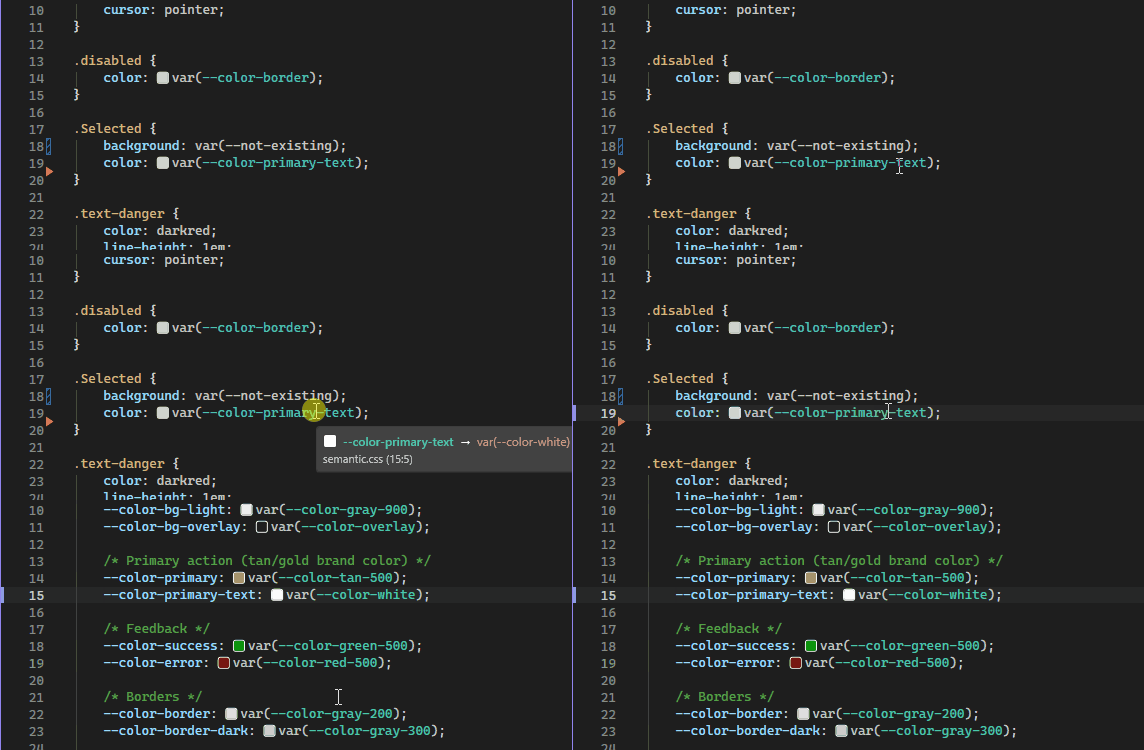
Press F12 on any var(--custom-property) reference and jump directly to its declaration — even if it lives in a different file. Same-file declarations are prioritized so you always land in the most relevant spot. Minified files (.min.css) are automatically excluded from results.
Inline color swatches
Small colored squares appear next to var() references and color literals, giving you an instant visual preview without hovering. The swatches resolve through variable chains: if --accent is defined as var(--blue-500) which is #3b82f6, the swatch next to var(--accent) shows the final resolved color.

Every CSS color format is supported:
| Format |
Examples |
| Hex |
#f00, #ff0000, #ff000080 |
| Named |
red, rebeccapurple, transparent |
| RGB |
rgb(255 0 0), rgb(100% 0% 0% / 0.5) |
| HSL |
hsl(120 100% 50%), hsl(120deg 100% 50% / .8) |
| HWB |
hwb(0 0% 0%) |
| Lab / LCH |
lab(50% 40 60), lch(50% 30 120) |
| OKLab / OKLCH |
oklab(0.7 -0.1 0.1), oklch(0.7 0.15 180) |
| color() |
color(display-p3 1 0 0), color(srgb 0.5 0.5 0) |
| color-mix() |
color-mix(in srgb, red 50%, blue) |
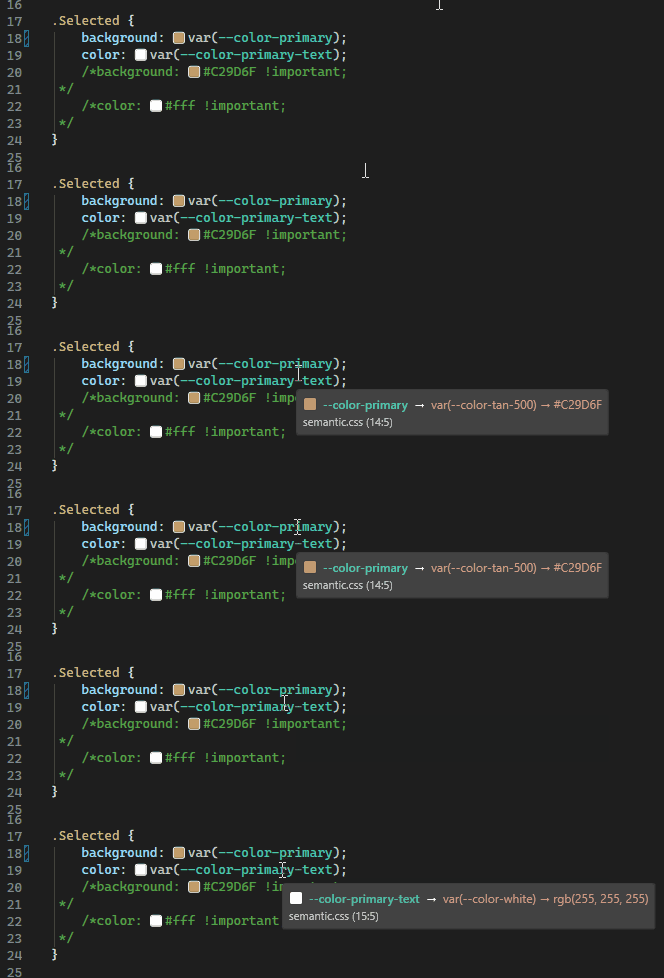
Hover over any var() reference to see the complete resolution chain. The tooltip shows each step from the reference to the final value, along with the source file and line number. Tooltips follow the current Visual Studio theme — light, dark, or high contrast.
Syntax highlighting
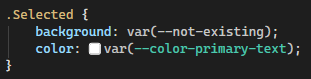
Custom property names (--my-variable) are highlighted with a distinct color in declarations, making them easy to spot when scanning through stylesheets.
Supported file types
| Extension |
Language |
.css |
CSS |
.scss |
SCSS |
.less |
Less |
.html |
HTML |
.razor |
Razor |
.cshtml |
CSHTML |
How it works
CSS Explorer is a pure MEF extension. There is no LSP server, no Node.js runtime, and no external dependencies — it loads directly into Visual Studio with zero configuration.
When a feature is triggered (F12, hover, or color swatch rendering), the extension scans CSS, SCSS, and Less files in your solution directory. It parses custom property declarations using regex-based extraction, indexes them, and resolves var() chains recursively (up to 10 levels deep).
The extension is lightweight by design: no background processes, no file watchers, no configuration files.
Requirements
- Visual Studio 2022 or 2026 — Community, Professional, or Enterprise edition
Source code
CSS Explorer is open source. Contributions, bug reports, and feature requests are welcome.

