GitHub Copilot Code Reviewer
AI-powered pull request reviews for Azure Repos with GitHub Copilot, inline review comments, per-finding control, smart caching, and secure GitHub OAuth sign-in.
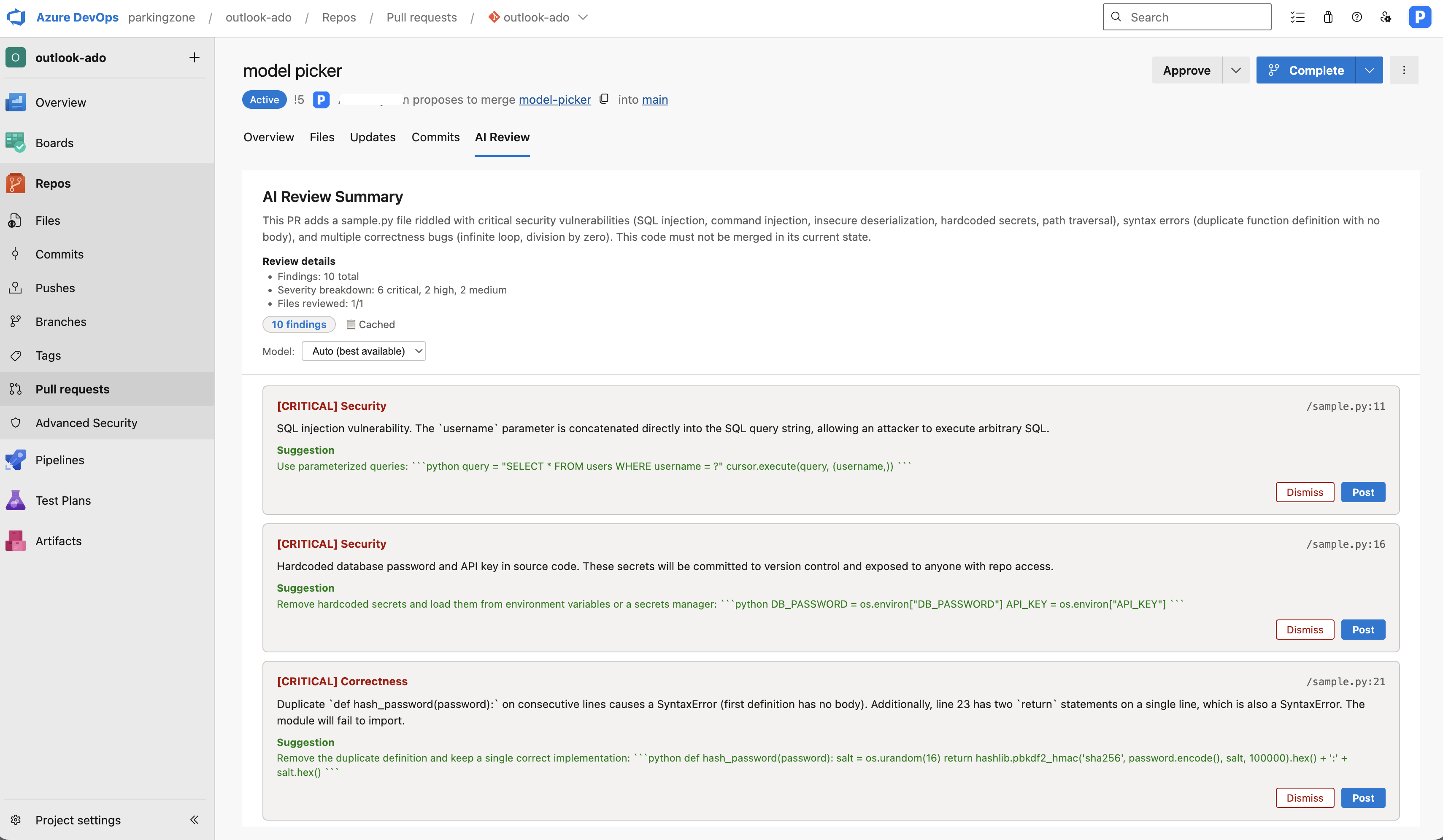
Free Trial and Paid Plans
This extension is paid, with a 7-day free trial (no credit card required to start). Billing is $100/month per Azure DevOps organization — one subscription covers all users and projects.
- Start the trial directly from the review panel; reviews are gated server-side once the trial or subscription lapses.
- Manage or cancel your subscription anytime via the Manage billing link in the review panel.
- GitHub Copilot, Azure OpenAI, OpenAI, Anthropic, or other model-provider costs may apply separately depending on how your organisation configures AI access.
- Backend hosting is included, so end users do not deploy or manage the review service themselves.
Features
- One-click AI review Start a review from the AI Review tab or the PR action menu and get an instant AI-generated code review.
- Inline findings Review comments are posted as inline PR threads pinned to the exact file and line, with severity levels (critical / high / medium / low) and suggested fixes.
- Security-aware review Findings are categorised across correctness, security, reliability, performance, and maintainability.
- Per-finding control Post or dismiss each finding individually, or batch-post all remaining comments at once.
- Summary thread A top-level summary comment gives you an at-a-glance overview of the review.
- Human-in-the-loop The AI generates a draft; you preview the findings before anything is posted. Nothing is published without your approval.
- Smart caching Review results are cached per PR iteration. Re-opening the panel shows previous findings instantly without re-running analysis. A cache indicator shows whether results are fresh or cached.
- Fresh review on demand Explicitly re-run the review to discard cached results and get a fresh analysis.
- Targeted context The review engine fetches supplementary context (imports, config files, tests) alongside the diff for more accurate, context-aware findings.
- Real-time progress A multi-stage progress indicator shows what the review engine is doing: connecting, fetching files, analysing, and generating findings.
- GitHub Copilot integration Uses your linked GitHub account and the Copilot SDK for high-quality, context-aware reviews. The engine auto-selects the best available model from your account.
- OAuth-based GitHub linking Users connect GitHub once through a guided OAuth flow inside Azure DevOps. No PAT is required. Expired tokens are detected automatically with a prompt to re-link.
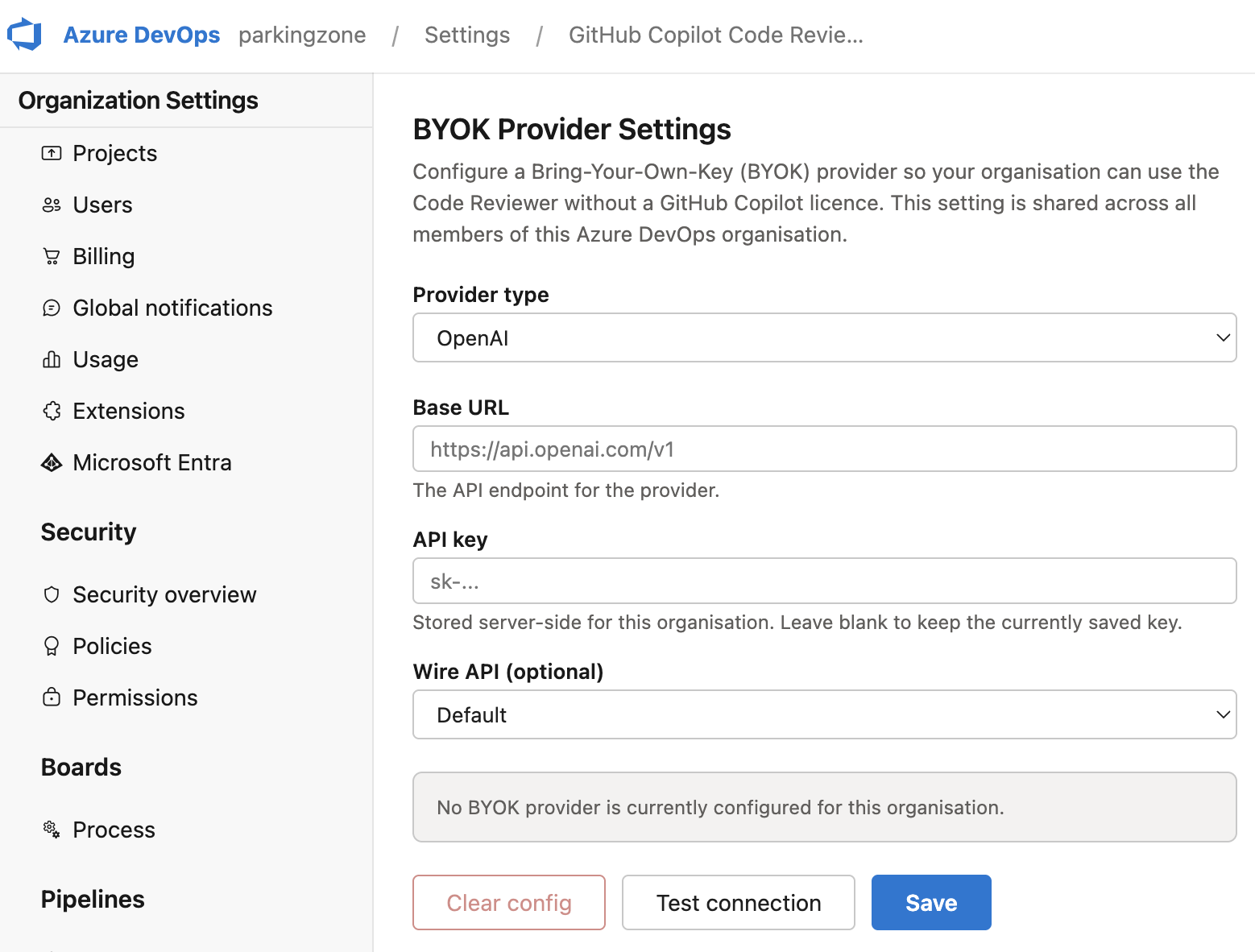
- BYOK fallback Organisations that prefer their own model provider (OpenAI, Azure OpenAI, Anthropic) can configure a bring-your-own-key backend as a fallback.
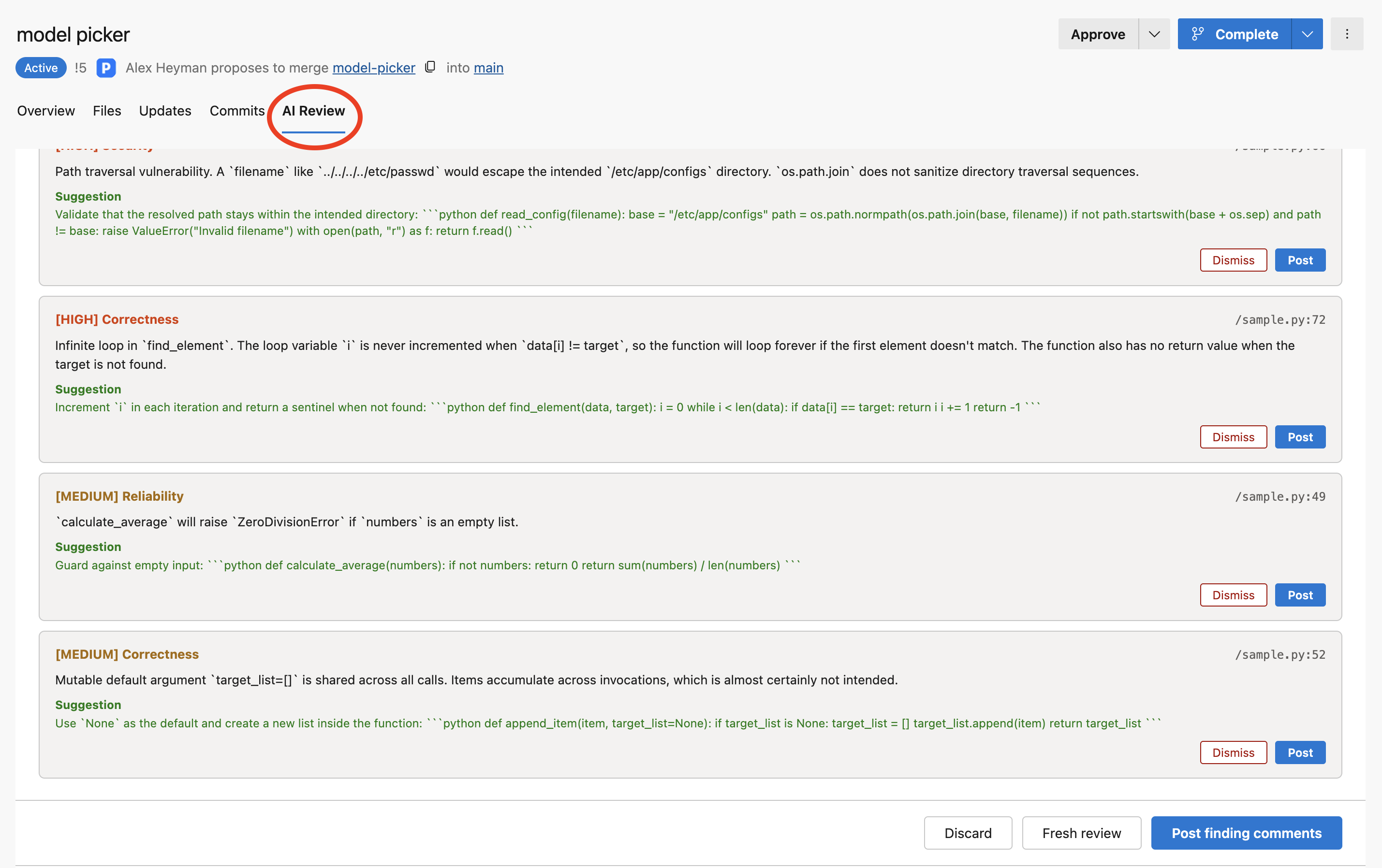


How it works
There are two ways to start a review from any pull request in Azure Repos:
- AI Review tab — Click the AI Review tab in the PR view to open a dedicated review panel.
- PR action menu — Click the ... menu → Run AI review (draft) to launch a review in a modal panel.
Both entry points lead to the same review experience:
- If you haven't linked your GitHub account yet, a panel will guide you through a one-time OAuth sign-in.
- The extension sends the PR context to a secure backend, which fetches the diff and supplementary context, then asks the AI model to review it.
- You see a preview of all findings with severity, category, and suggested fixes.
- Post or dismiss findings individually, or batch-post them all. Nothing is published without your approval.
Setup (for users)
When you click Run AI review for the first time, a panel guides you through a one-time GitHub OAuth sign-in (or your organisation can configure a BYOK provider instead). On first use the panel also offers to start the 7-day free trial. Your token is stored securely per user and only you can access it.
Requirements
- Azure DevOps Services (cloud) or Azure DevOps Server 2022+
- A GitHub account with access to GitHub Copilot
- Access to the configured review service included with the extension setup
Privacy & security
- GitHub tokens are stored per-user in the Azure DevOps Extension Data Service — they are never shared with other users or admins.
- The backend only processes PR diffs temporarily; no code is stored.
- All communication uses HTTPS.
- Backend requests are rate-limited to prevent abuse.
| |

