Dev Team AI AssistantAI-powered sprint planning, retrospective analysis, code review, and tech debt prioritization — built directly into Azure DevOps, powered by Claude. FeaturesSprint Planning
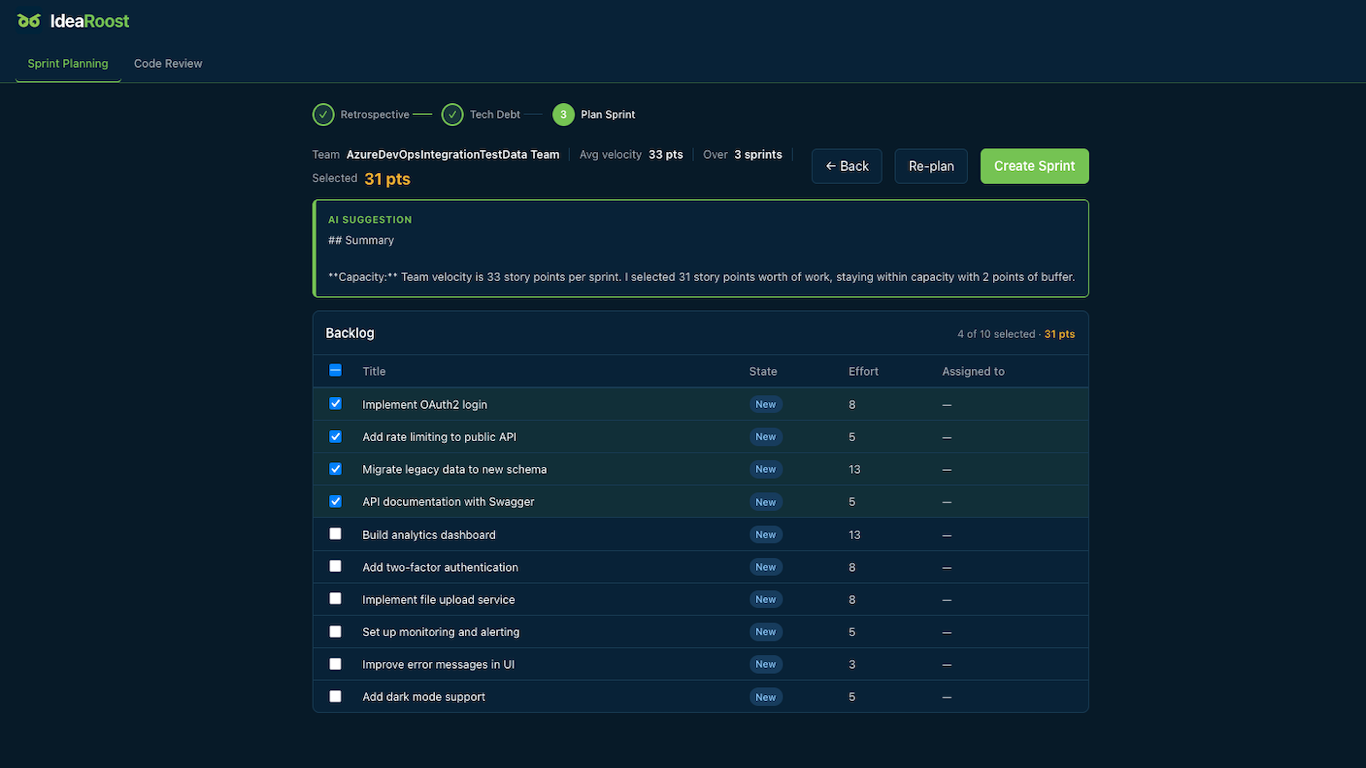
Let the AI plan your next sprint for you. The assistant analyzes your team's velocity over recent sprints, reviews your backlog, and proposes a sprint that fits your capacity — taking into account retrospective action items and tech debt priorities you feed in. You can review and adjust the selection before creating the sprint in Azure DevOps. Retrospective Analysis
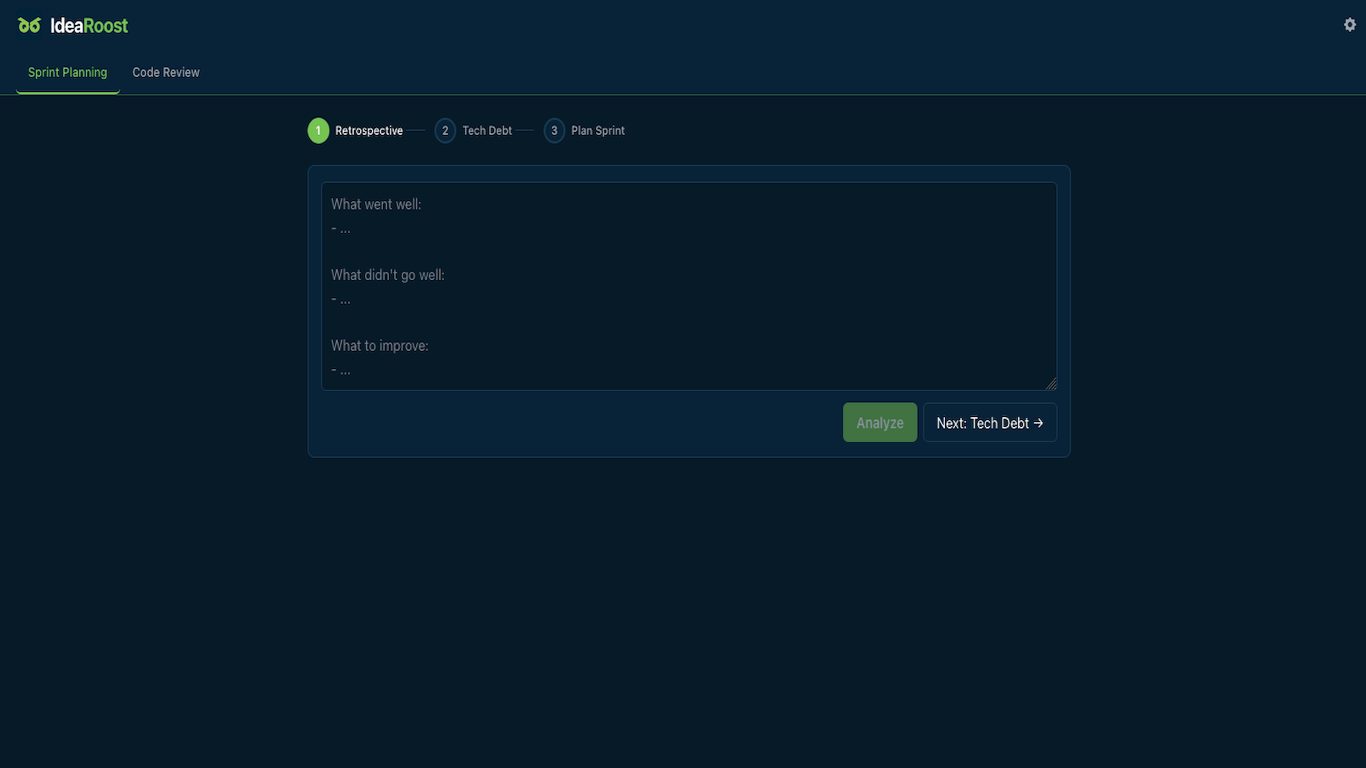
Paste your retrospective notes and get a structured report back: key themes, wins, concerns, action items with owners and effort estimates, and suggested experiments to run next sprint. No more manually synthesizing sticky notes after the meeting. Tech Debt Prioritization
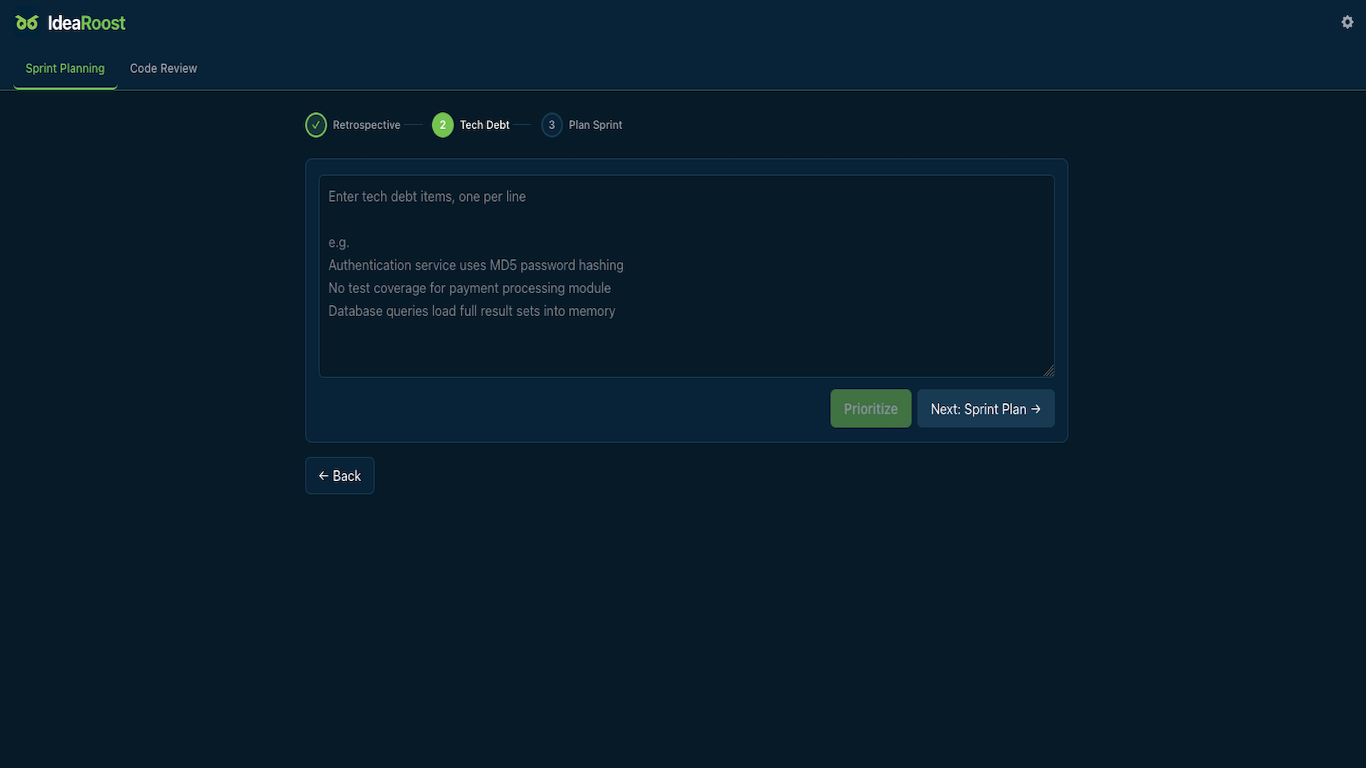
Describe your known tech debt items and the AI ranks them by ROI — factoring in impact, estimated effort, and risk. Each item gets a reasoning summary so the team understands why it's prioritized where it is. Code Review
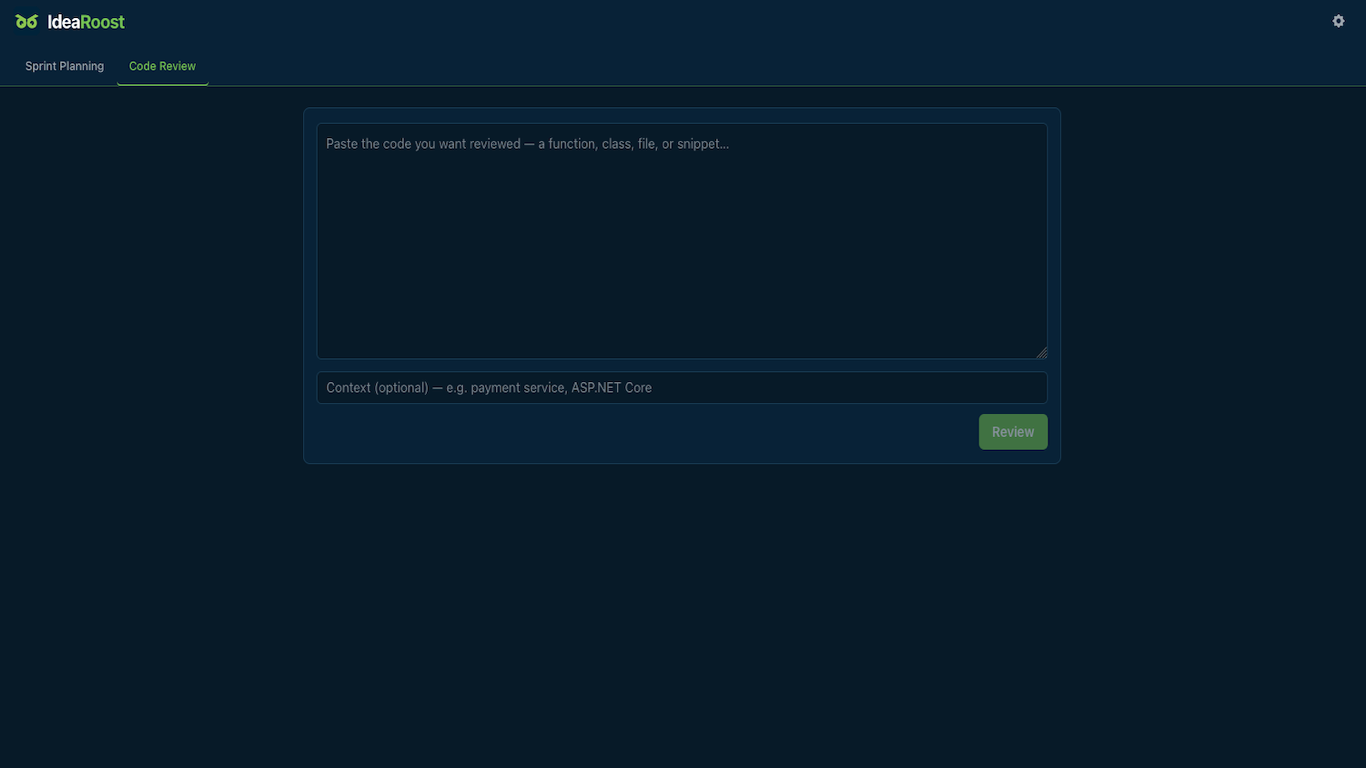
Paste a function, class, or file and get a structured review: overall assessment, line-level comments by category and severity, security concerns, and best-practice recommendations — with a quality score. Free to UseDev Team AI Assistant is free. No credit card required.
Sprint planning runs reset on the 1st of each month. The extension shows your remaining runs so you always know where you stand. SetupConnect your IdeaRoost accountWhen you open the extension for the first time, you'll be prompted to connect your IdeaRoost account. The extension displays a short code — visit the link shown, enter the code, and sign in. Once connected the extension is ready to use. You can disconnect at any time using the sign-out button in the top-right corner. Don't have an account yet? Sign up at idearoost.com. Azure DevOps connectionGo to the Settings tab and enter your Azure DevOps organisation URL, project, and team, along with a Personal Access Token that has Work Items (Read & Write) scope. Your PAT is stored securely and never exposed to the client. PermissionsThe extension requires the following Azure DevOps scopes:
PrivacyYour data is sent to Claude (Anthropic) for analysis. No data is stored by IdeaRoost beyond what is needed to operate the service. See our privacy policy for details. SupportQuestions or issues? Reach us at hello@idearoost.com or visit idearoost.com. |