Manage Followers is an Azure DevOps extension that allows you to easily view, add, and remove followers (notification subscribers) for any work item directly from the work item form.
Simplify your communication and ensure the right people are kept in the loop without navigating away from your work.
Key Features
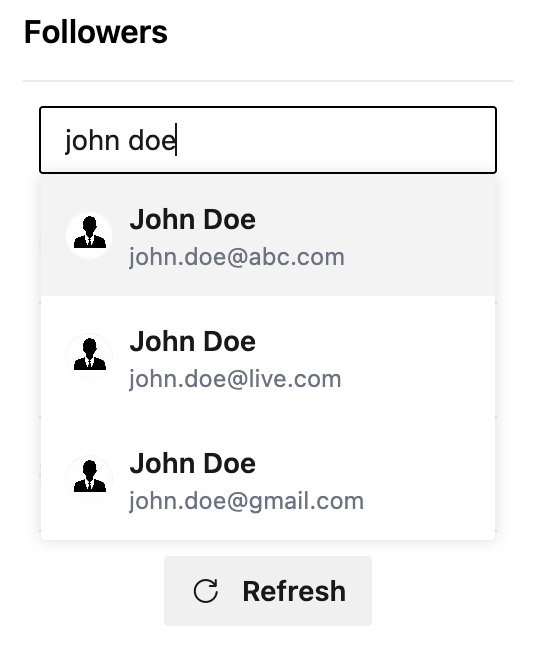
Add Followers: Search for and add users or groups as followers using their name or email.
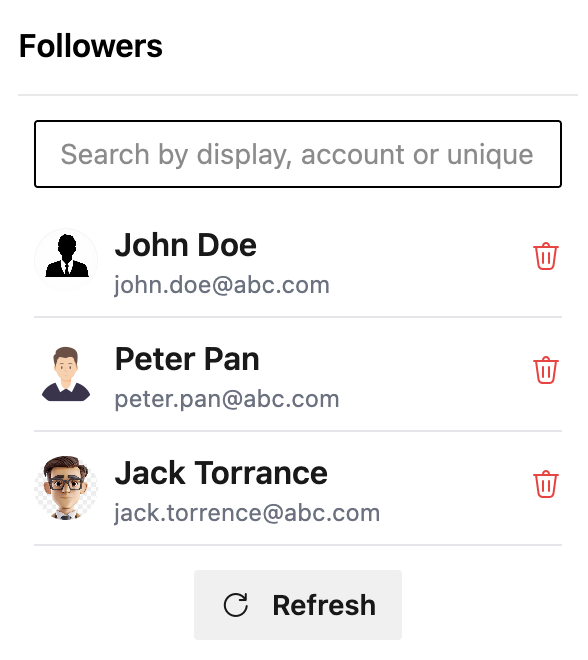
Refresh: Refresh the list of followers.
View Followers: Instantly see who is following a work item.
Remove Followers: Easily unsubscribe users or groups who no longer need updates.
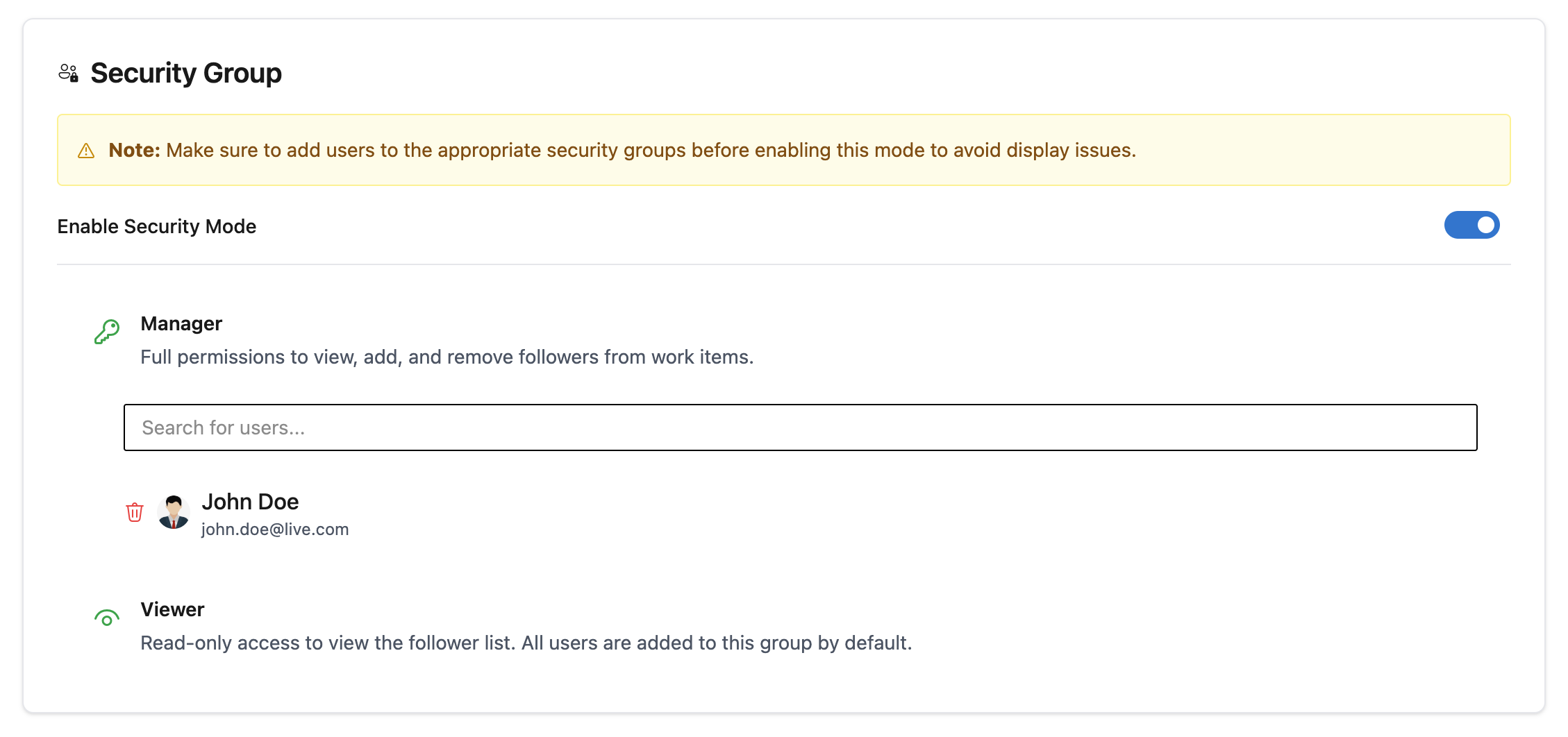
Security Groups for Pro user: Manage followers permissions.
Seamless Integration: Works directly within the Azure DevOps work item form as a custom group.
Native Experience: Built with Azure DevOps UI components for a consistent and familiar user experience.
How to Use
Install the extension from the Marketplace.
Open any work item to see the Followers panel.
Search for users to add them, or click the Remove button to unsubscribe them.
Admin
You can find the admin page in organization settings under the extension settings.
Feedback and Support
If you encounter any issues or have suggestions for improvements, please feel free to reach out or submit feedback.