draw.io Integration with Repo (Files, PRs) and WorkItemsDraw.io Inside Azure DevOps Work Items. |

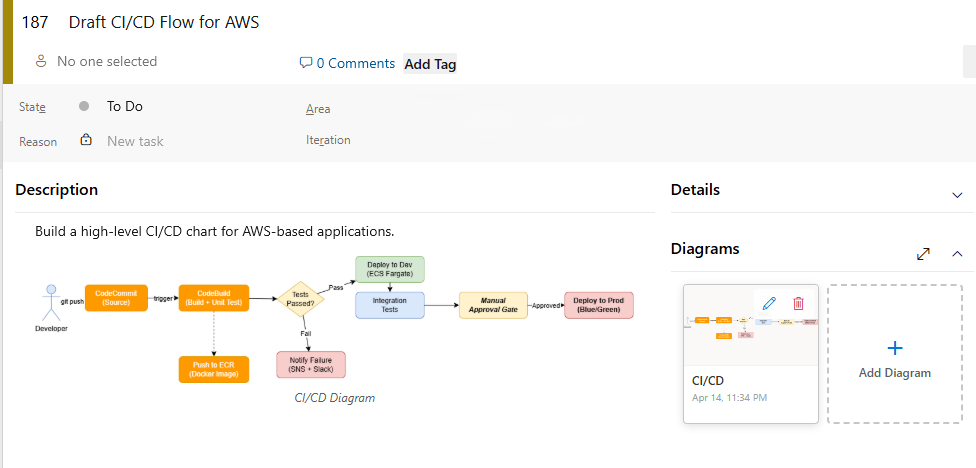
Diagram Editor — Draw.io Inside Azure DevOps Repositories (Files, PRs) and Work ItemsWork item diagram integration
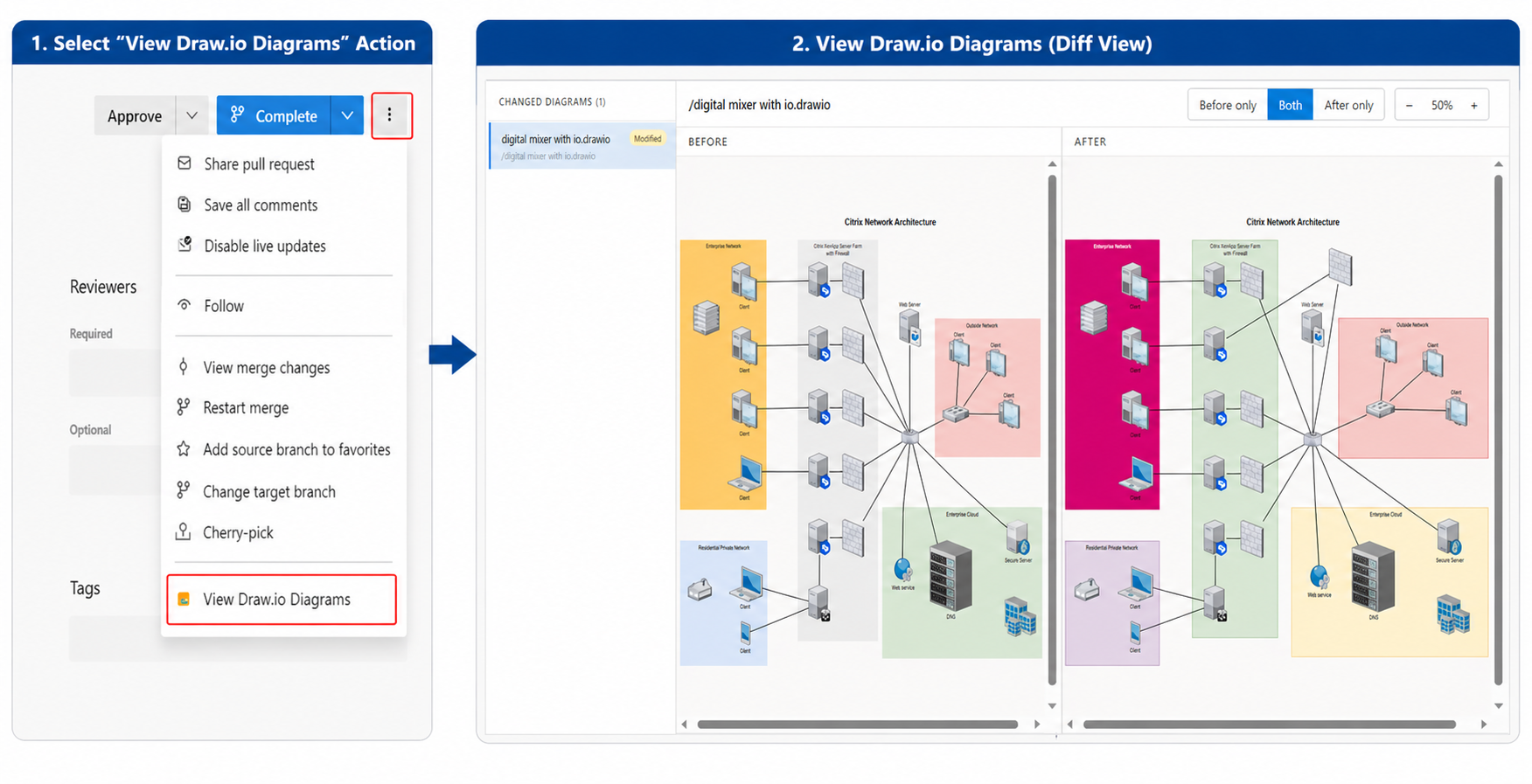
Repositories (Files, Pull Requests) integration
What This Extension DoesBring draw.io directly into your Azure DevOps Repositories (Files, PRs) and Work Items. Diagram your requirements, flows, and system designs without ever leaving your board. No external tools. No tab switching. Everything stays inside Azure DevOps. Key Features🔒 Secure — Runs fully inside Azure DevOps with no external calls. Your diagrams never leave your organization. ⚙️ Safe to Use — Can be uninstalled anytime without affecting your existing charts or data. ⚡ Easy to Use — Clean and simple interface, no learning curve. Open a work item and start drawing. 🖱️ One-Click Setup — Install and start using immediately. No configuration required. What You Get
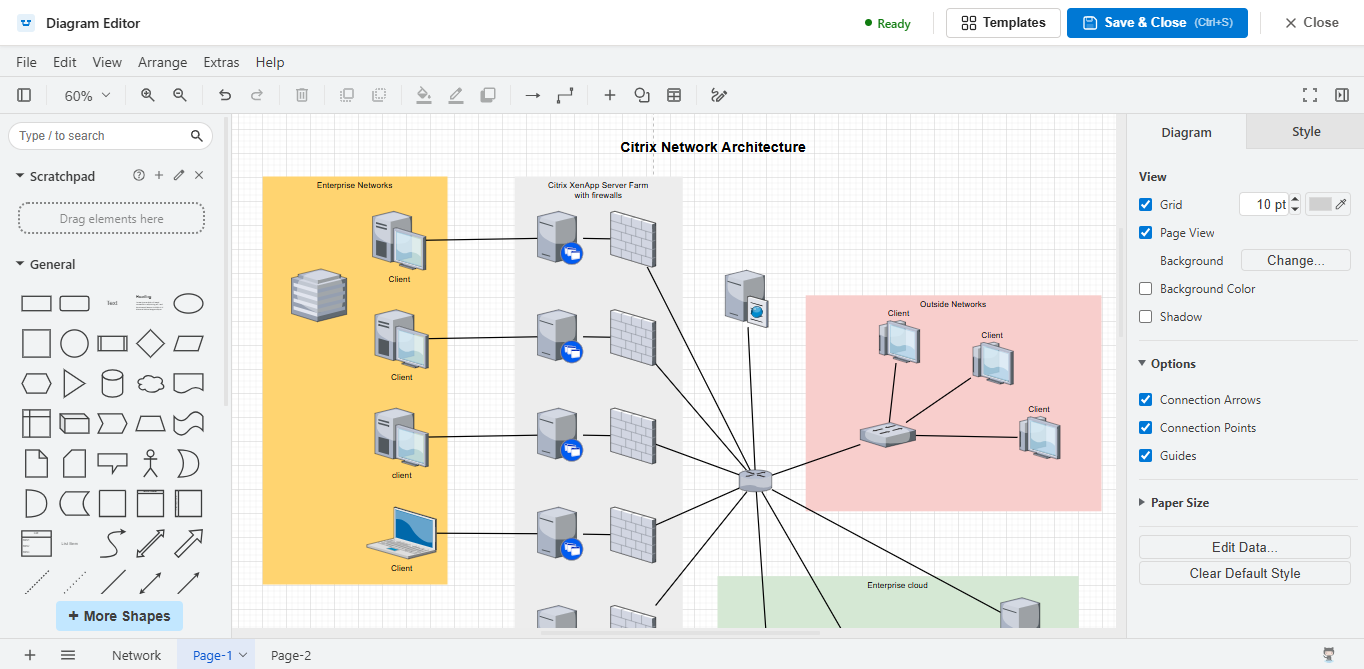
Draw.io EditorFull-featured draw.io editor embedded directly in the work item form.
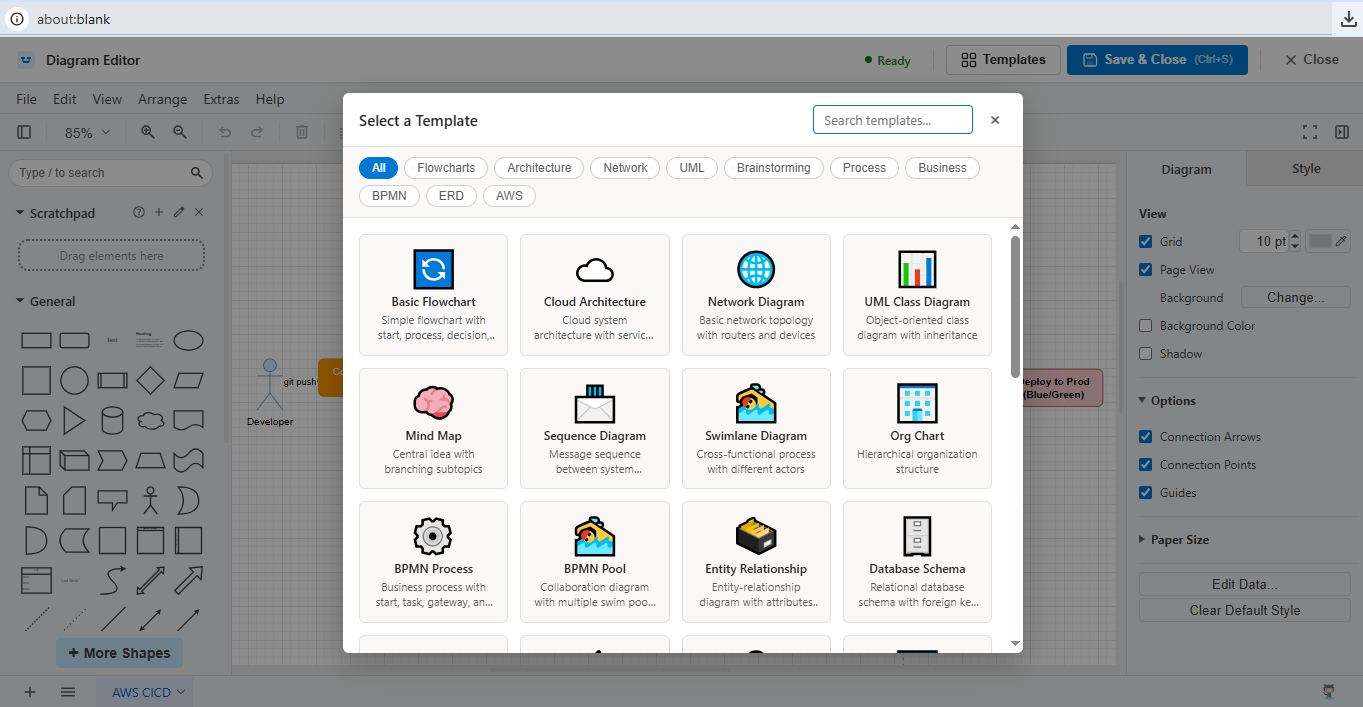
Offline TemplatesGet started fast with a built-in library of offline diagram templates — flowcharts, architecture diagrams, org charts, and more. No internet connection required to use them.
How It Works
Built for Azure DevOps Teams
Get StartedInstall Diagram Editor and start embedding draw.io diagrams in your Repositories (Files, PRs) and Work Items today. 30-day free trial — no credit card required. DisclaimerThis extension,includes an embedded offline instance of the draw.io diagramming client to enable diagram creation and editing within Azure DevOps. This project is an independent integration and is not affiliated with, endorsed by, or sponsored by the draw.io project or its maintainers. "draw.io" (also known as diagrams.net) is a trademark of its respective owners. All references are used solely to describe compatibility and functionality. The draw.io client remains the property of its respective owners and is used in accordance with its applicable license terms. |