Azure DevOps InsightsEngineering workflow insights and delivery analytics directly inside Azure DevOps. |

Azure DevOps InsightsEngineering workflow insights and delivery analytics directly inside Azure DevOps.
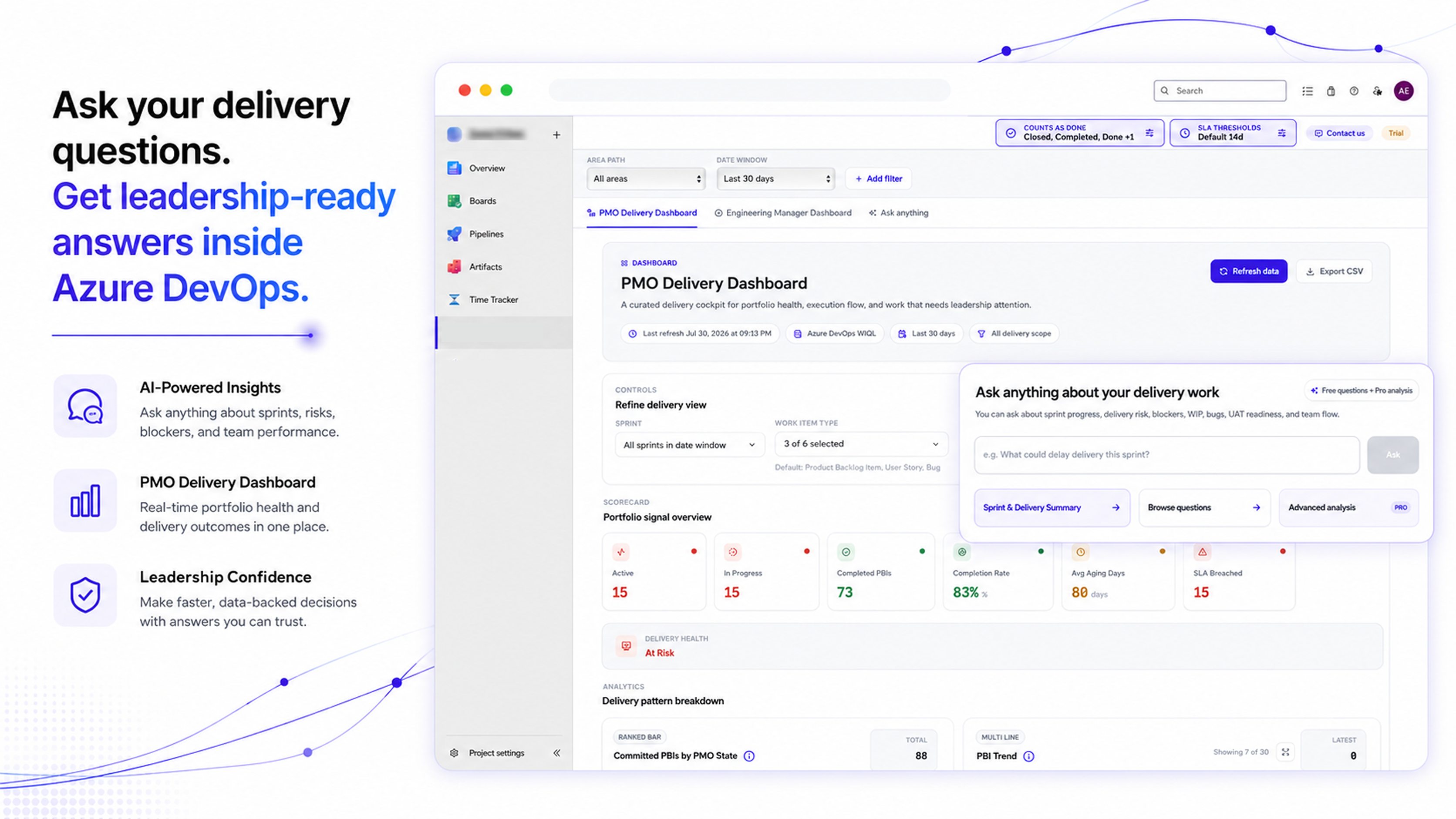
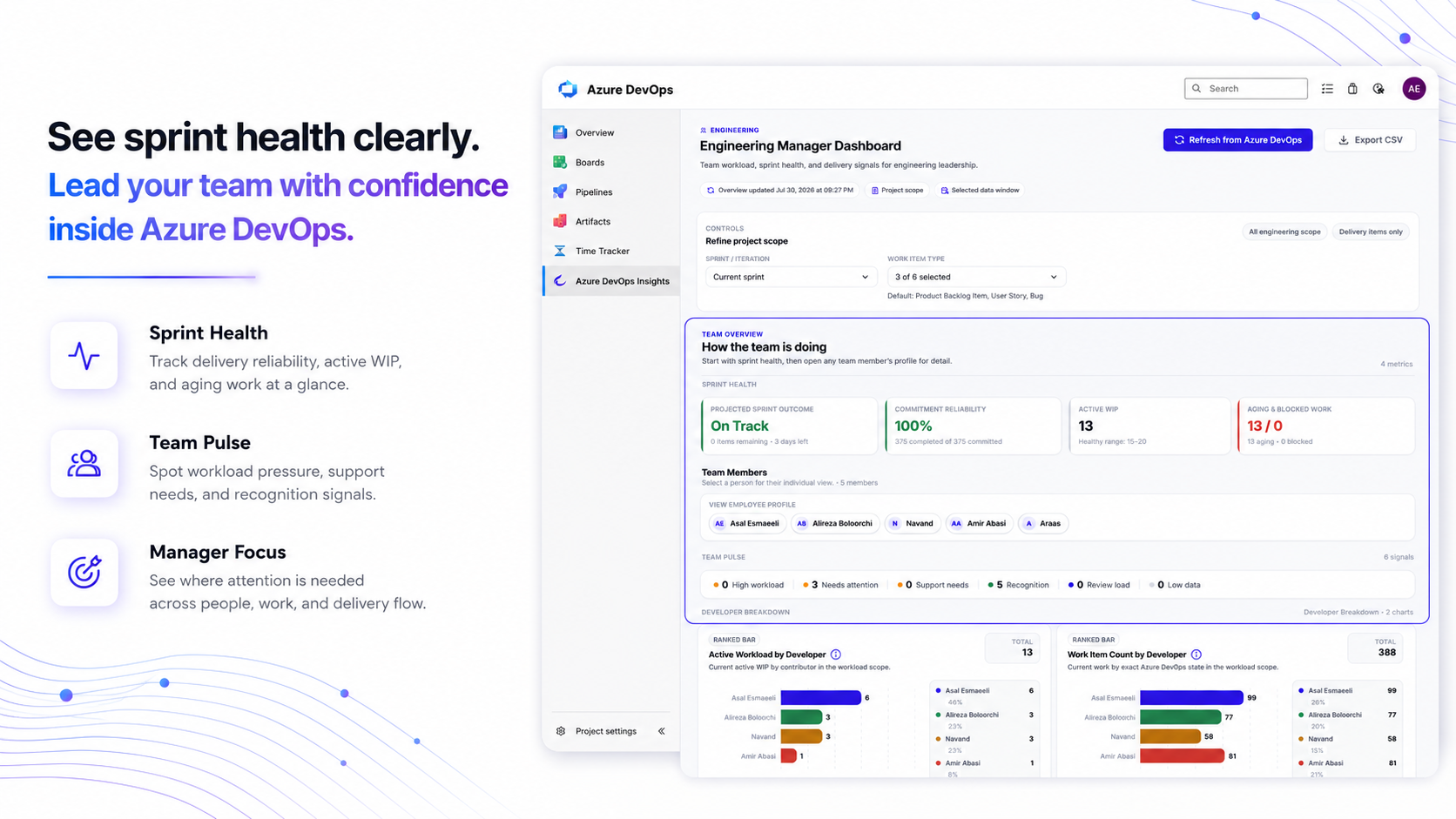
Azure DevOps Insights turns your Azure DevOps work item data into practical delivery intelligence for PMO, delivery, and engineering teams. Instead of manually digging through boards, queries, sprint reports, and work item histories, teams can ask operational questions and get clear, data-backed answers about delivery health, sprint reliability, blockers, stale work, accountability, quality risks, and portfolio progress. Built for PMOs, delivery managers, engineering managers, product operations teams, and technology leaders, Azure DevOps Insights helps organizations understand where execution is slowing down before delays become business problems. Clear takeaways on every chartEach visualization includes a one-line summary, such as "Done leads with 73 items" or "Sprint 5 has the highest volume at 375 items," so the result is easy to understand at a glance. Export and shareDownload any view as a CSV for reports, QBRs, and leadership presentations. What you can finally answer
Why teams choose Azure DevOps InsightsAzure DevOps already contains the operational signals your teams need. The challenge is turning that data into timely, useful decisions. Azure DevOps Insights brings scattered work item and delivery data into clear, role-specific views. Leaders can act sooner, teams can reduce delivery surprises, and everyone stays aligned around the work that matters most. Best For
How It Works
Private, Secure, and Available on DemandYour data is queried live only when you make a request. Nothing is stored, synchronized, or processed in the background. Azure DevOps Insights never reads or analyzes source code. It uses only delivery signals, including work items, commits, pull requests, sprint activity, and workflow changes. Your Azure DevOps session token is used only for the duration of each request. See Delivery More ClearlyStop reconstructing project status from boards and spreadsheets. Install Azure DevOps Insights to get leadership-ready delivery intelligence from the data you already have. SupportQuestions or feedback? Visit Catchupnet.com. |