Release: 1.5.1
What’s New
- Improved DeployX Explorer search experience — search now runs smoothly without interrupting loaders.
- Fixed plugin DLL caching issue that could block consecutive builds or deployments.
- Improved deployment reliability when updating existing plugin assemblies.
- General performance and stability improvements.
DeployX D365 – Dynamics 365 Plugin Deployment & Explorer for Visual Studio
Deploy, manage, and inspect Microsoft Dynamics 365 / Dataverse plugins directly inside Visual Studio.
DeployX D365 eliminates context switching between Visual Studio, Plugin Registration Tool, browser sessions, and deployment scripts by bringing the full plugin lifecycle into a single developer workflow.
Getting Started
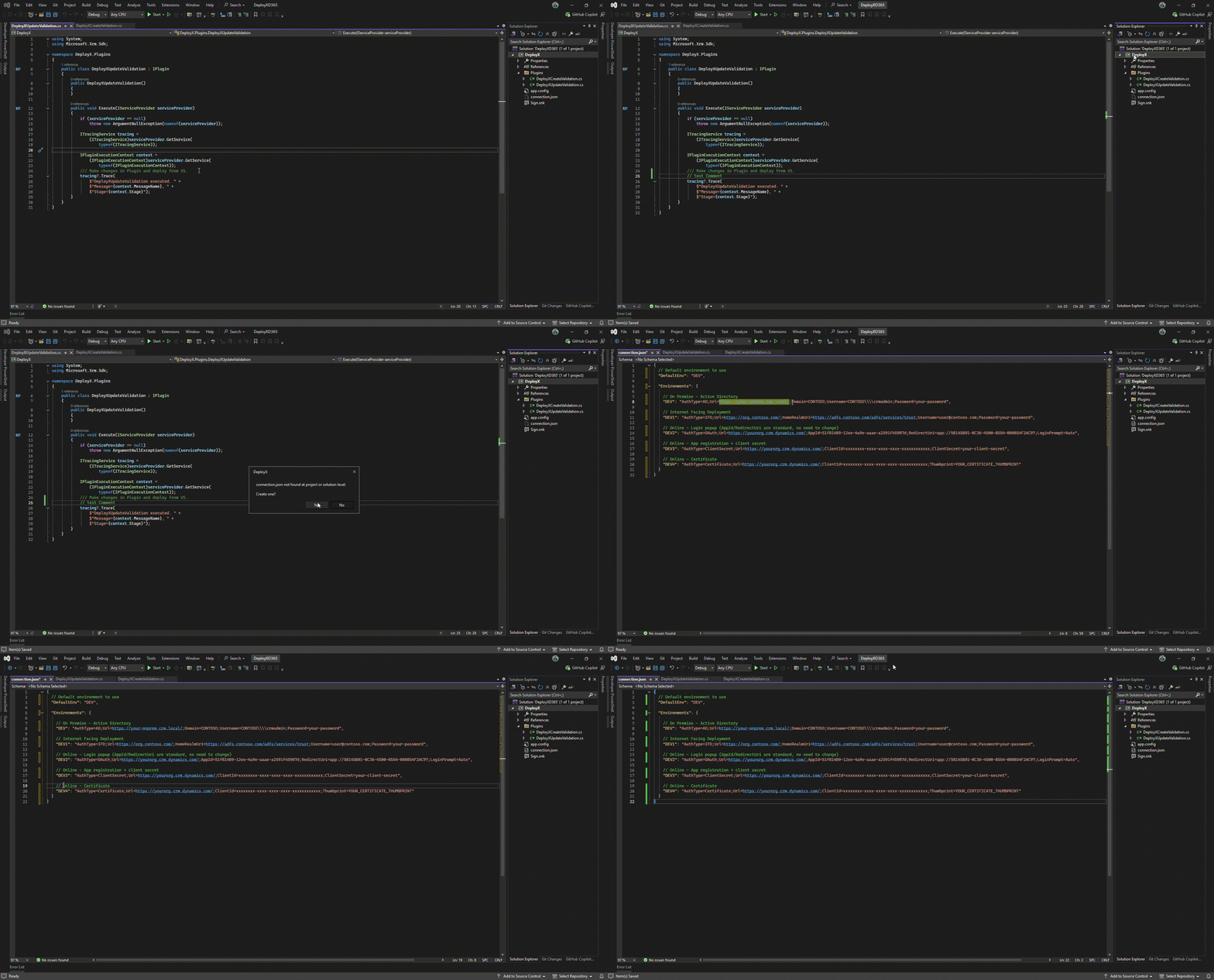
1. Setup connection.json
Configure your environments once and start deploying immediately.
What you'll learn
- Creating
connection.json
- Adding multiple environments
- Storing connection strings
- Switching environments
Quick Demo
2. Deploy Your First Plugin
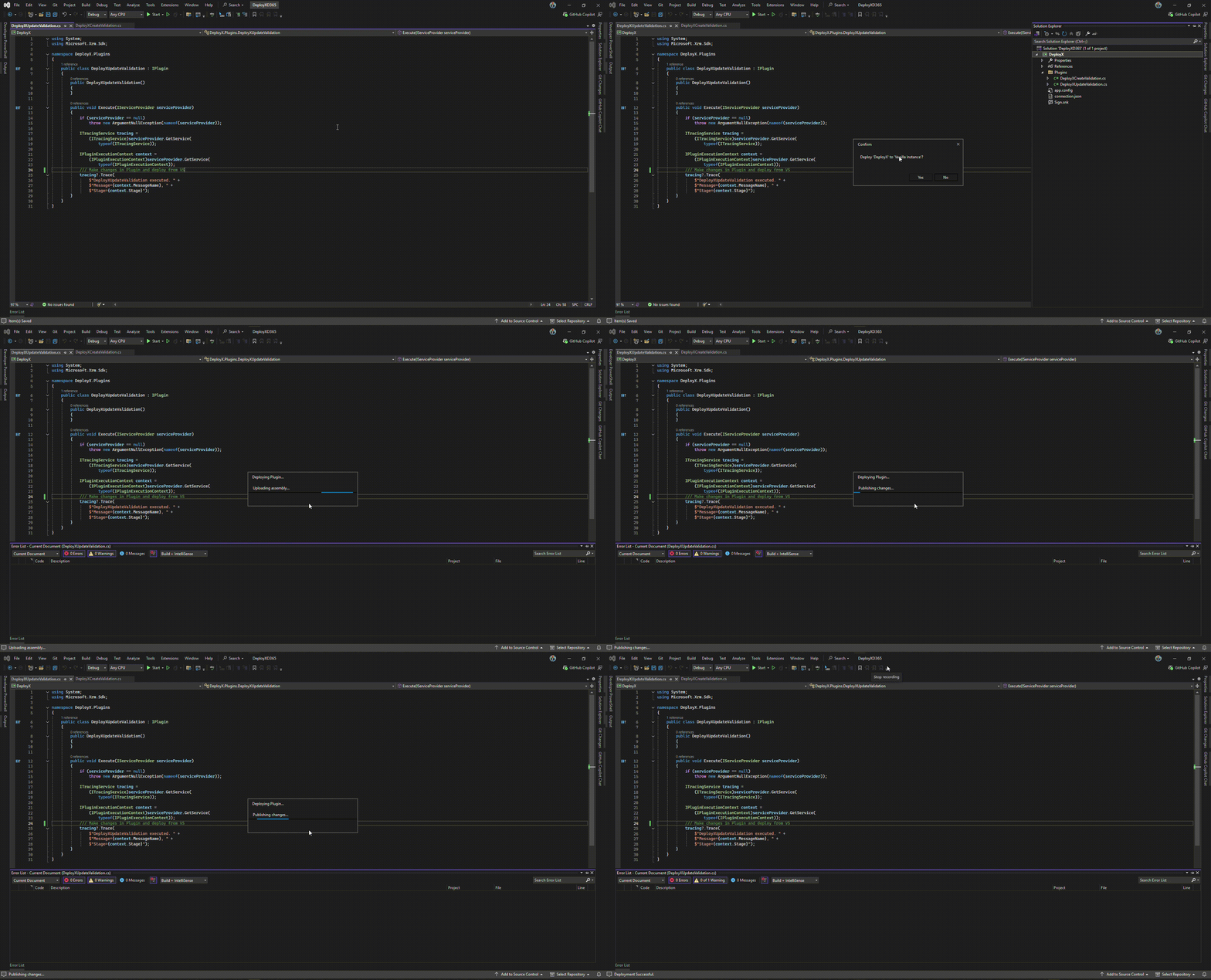
Deploy plugin assemblies directly from Solution Explorer.
What you'll learn
- Right-click deployment
- Environment selection
- Deployment confirmation
- Live deployment progress
- Safe assembly updates
Quick Demo
3. Open DeployX Explorer
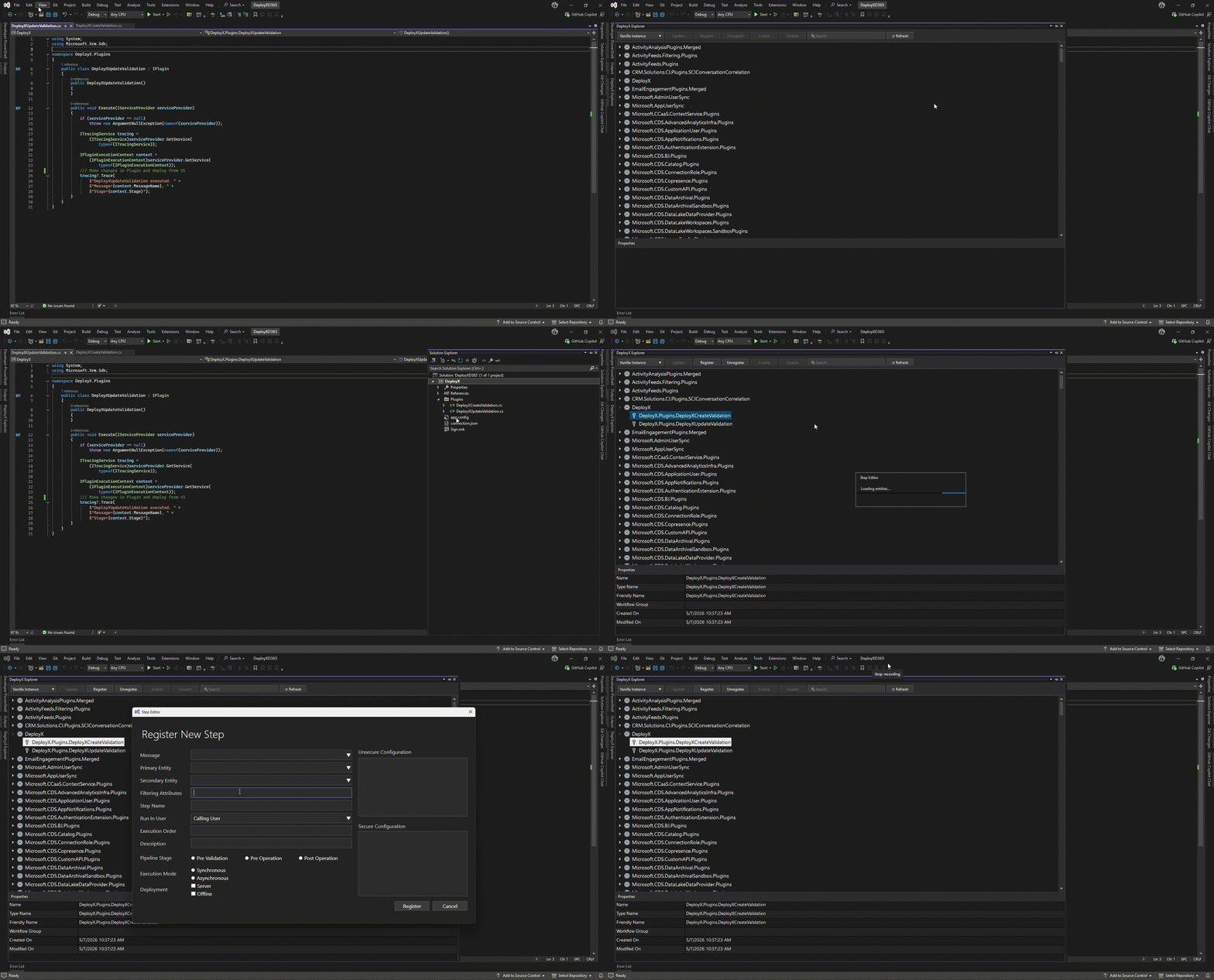
Open the explorer directly inside Visual Studio.
Navigation
View → DeployX Explorer
What you'll learn
- Opening the explorer
- Environment selection
- Loading plugin registrations
- Navigating assemblies
Quick Demo
Working with DeployX Explorer
Explorer Hierarchy
Assembly
 └── Plugin Type
      └── Step
           └── Step Images
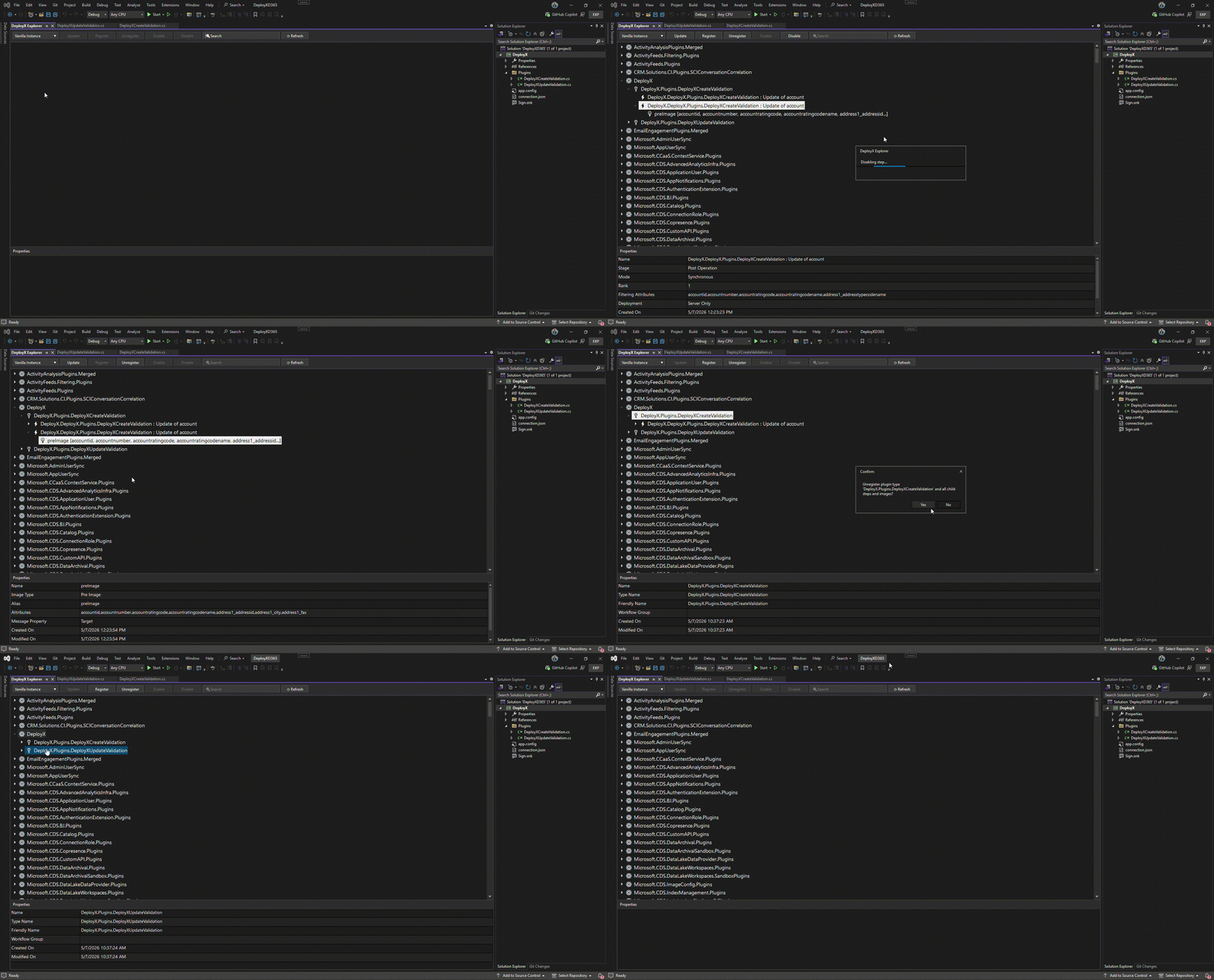
4. Using Explorer Ribbon Actions
Toolbar actions automatically adapt based on selected node.
Available Actions
Assembly
Plugin Type
Step
- Register Image
- Update
- Enable
- Disable
- Unregister
Image
Quick Demo
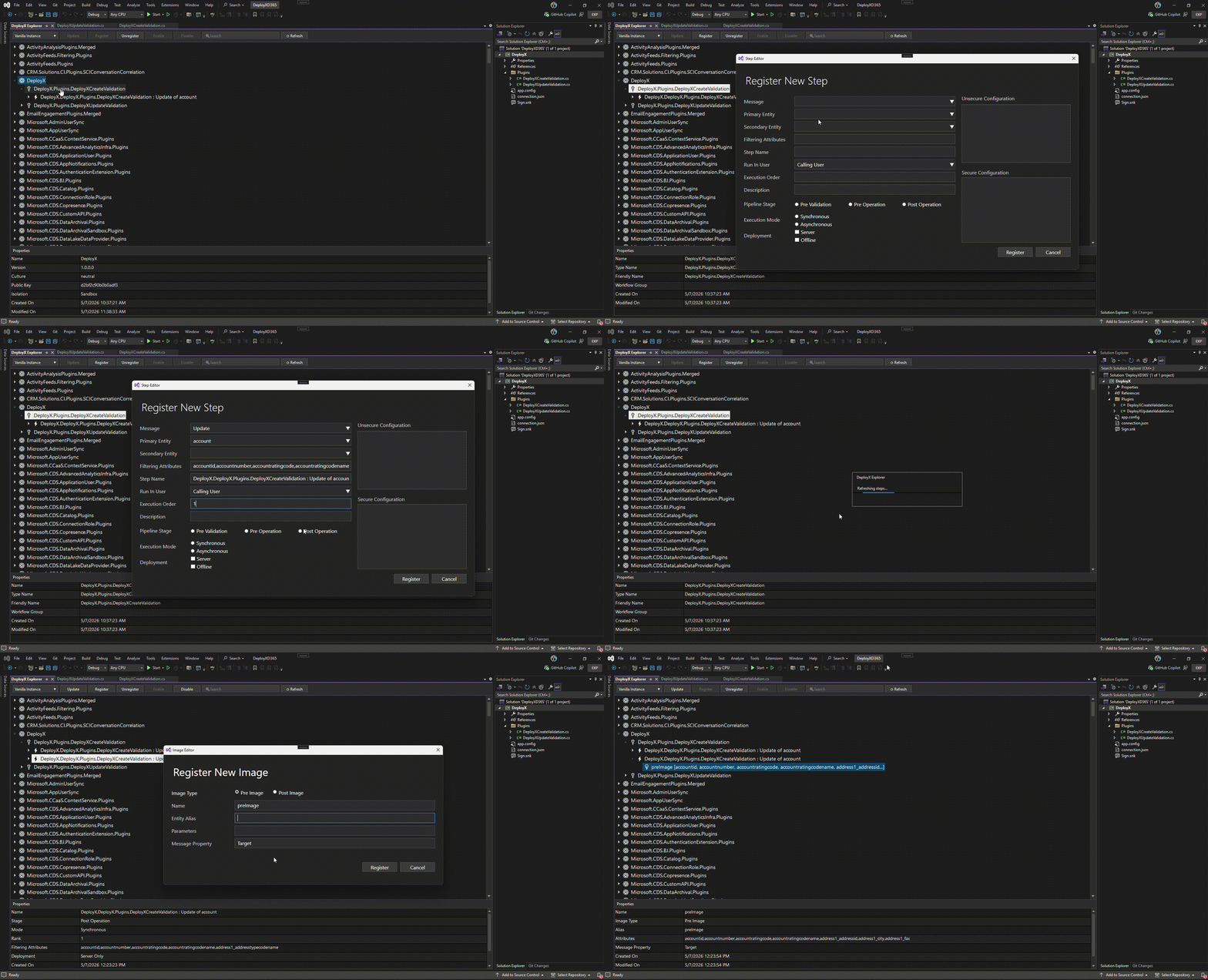
5. Create or Update Plugin Steps / Images
Manage plugin steps directly from Visual Studio.
What you'll learn
- Register new step
- Update existing step
- Select message
- Select entity
- Configure stage/mode/rank
- Filtering attributes
- Register Pre Image
- Register Post Image
- Select attributes
- Update existing image
- Remove image
Quick Demo
Additional Features
Live Search
- Assembly search
- Instant filtering
- Fast explorer updates
Assembly
- Name
- Version
- Culture
- Public Key
- Isolation Mode
Plugin Type
- Type Name
- Friendly Name
- Workflow Group
Step
- Stage
- Execution Mode
- Rank
- Filtering Attributes
Image
- Image Type
- Alias
- Attributes
Requirements
- Visual Studio 2022+
- Microsoft Dynamics 365 / Dataverse
- Plugin development environment
connection.json
Roadmap
Upcoming capabilities:
- Plugin Profiler integration
- In-extension debugging
- Web Resource deployment
- Custom API registration
- WebHook management
- Advanced search
- Deployment history

