Agile Gauge: Affordable Sprint & Flow Metrics for Azure DevOpsSprint health, cycle time and printable retros for Azure Boards. Start with a 14-day free trial for your whole organization, then plans from $20 a month for 2 users. |

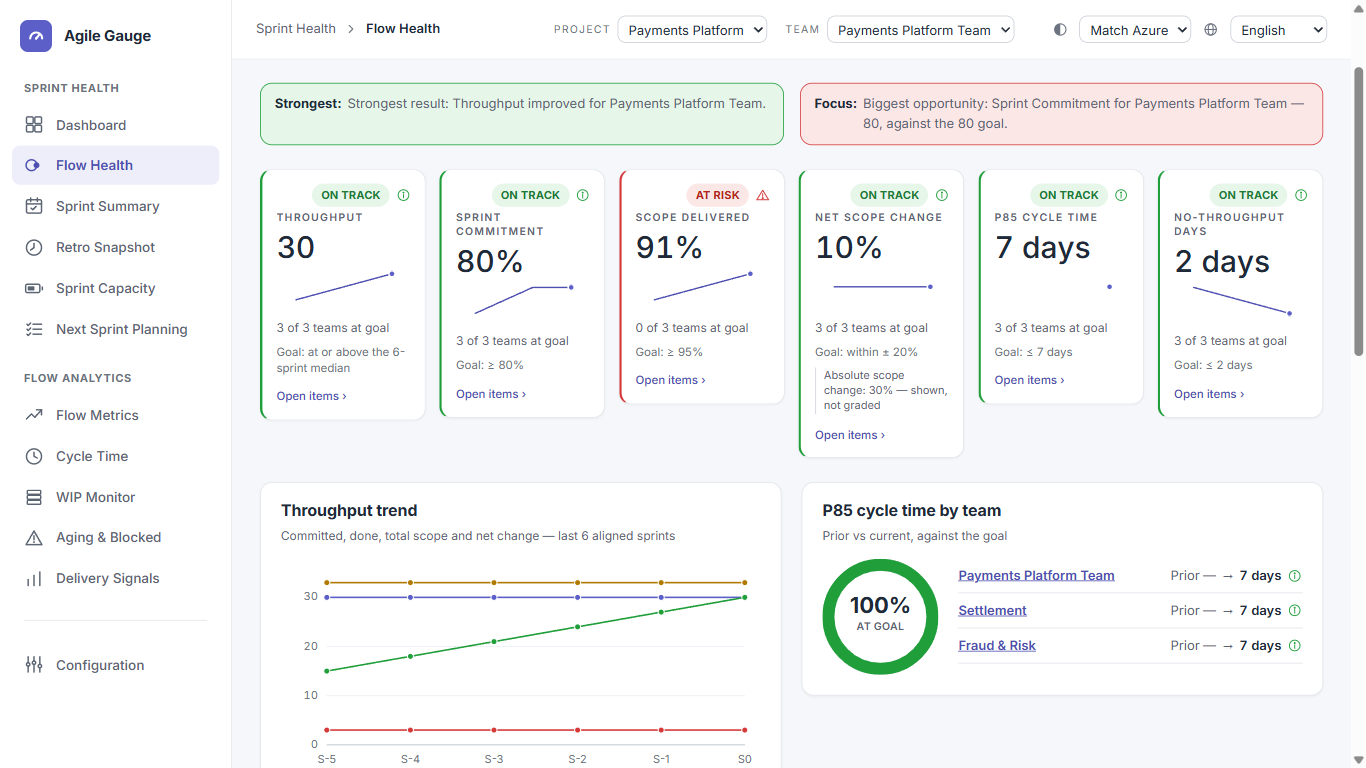
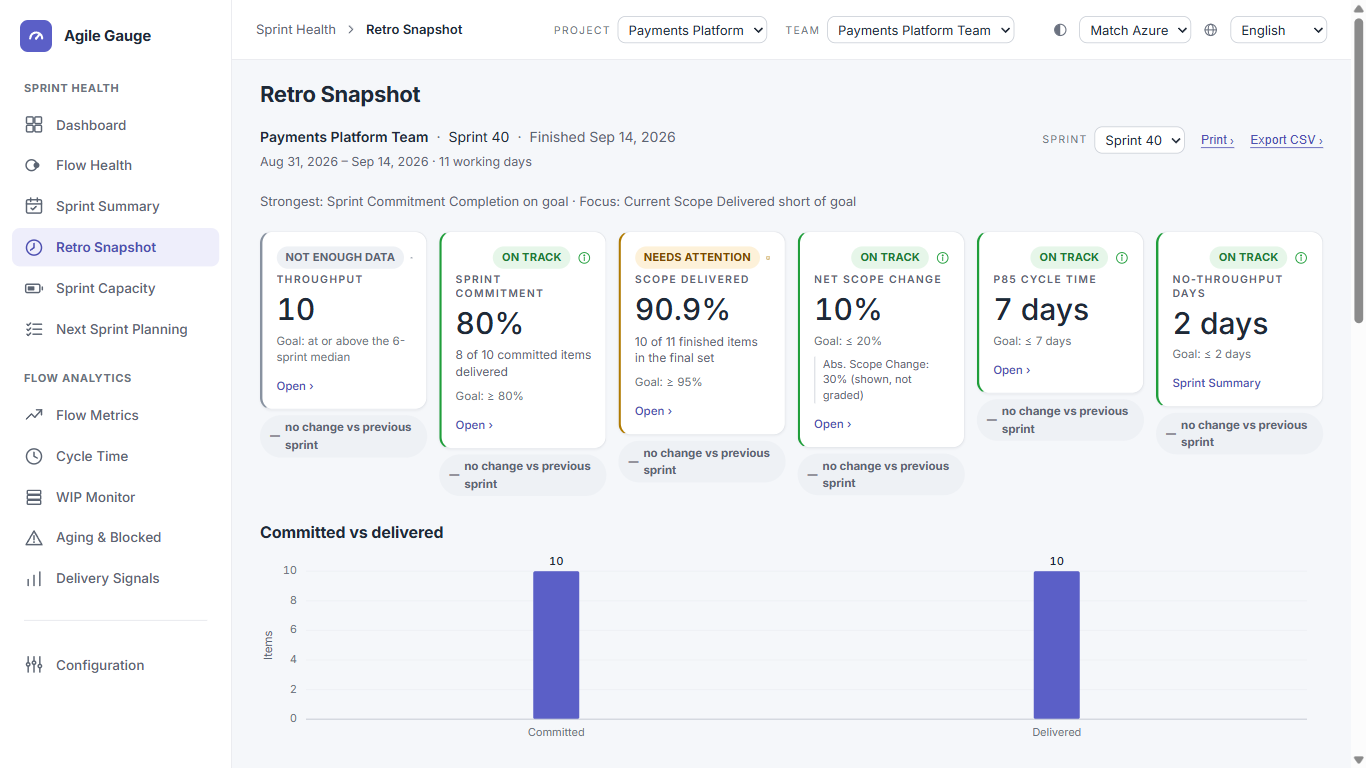
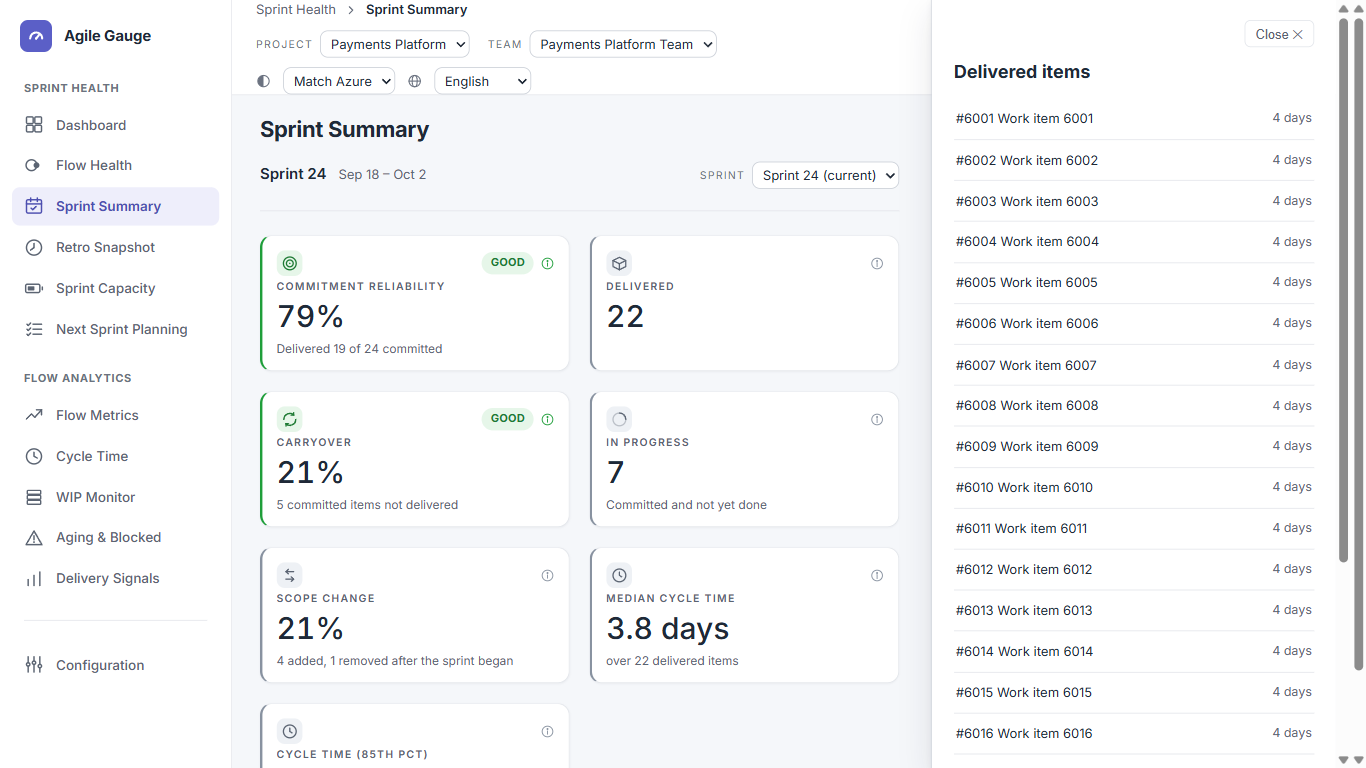
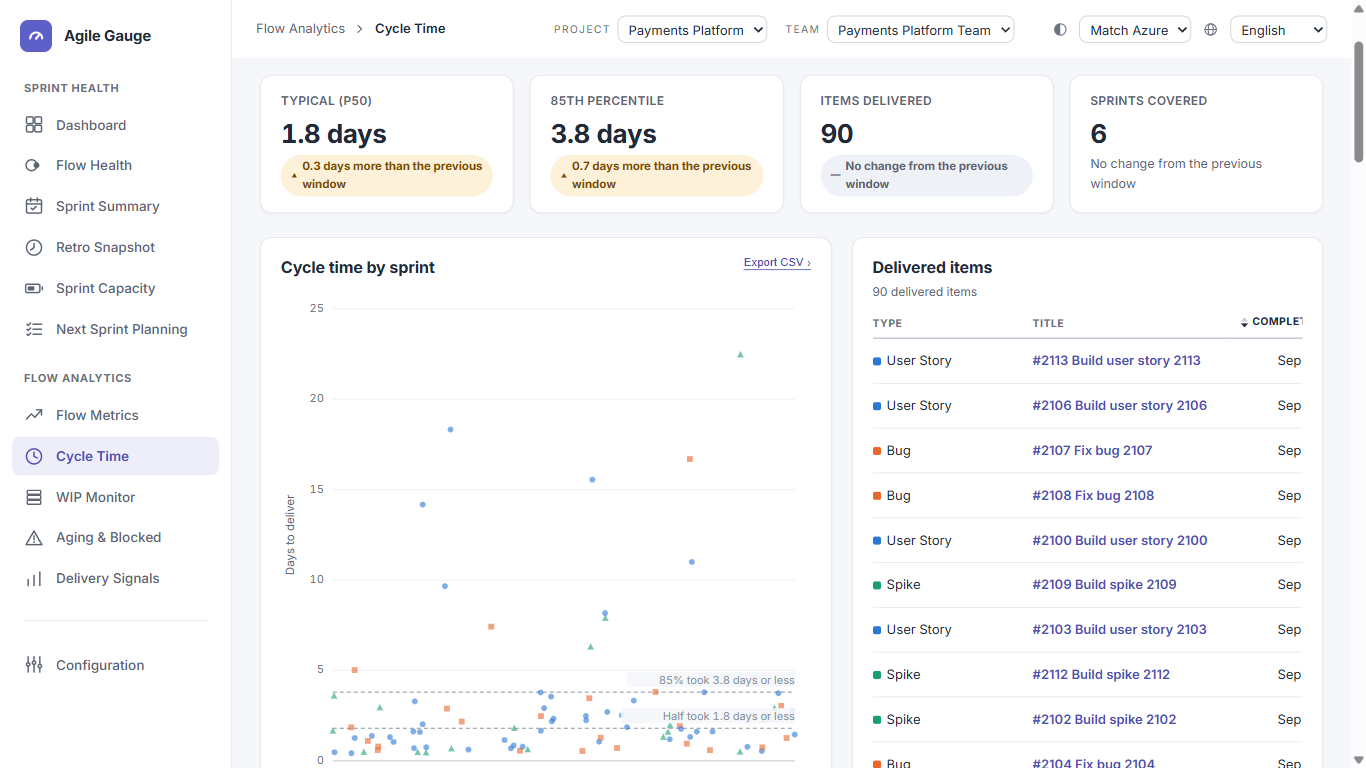
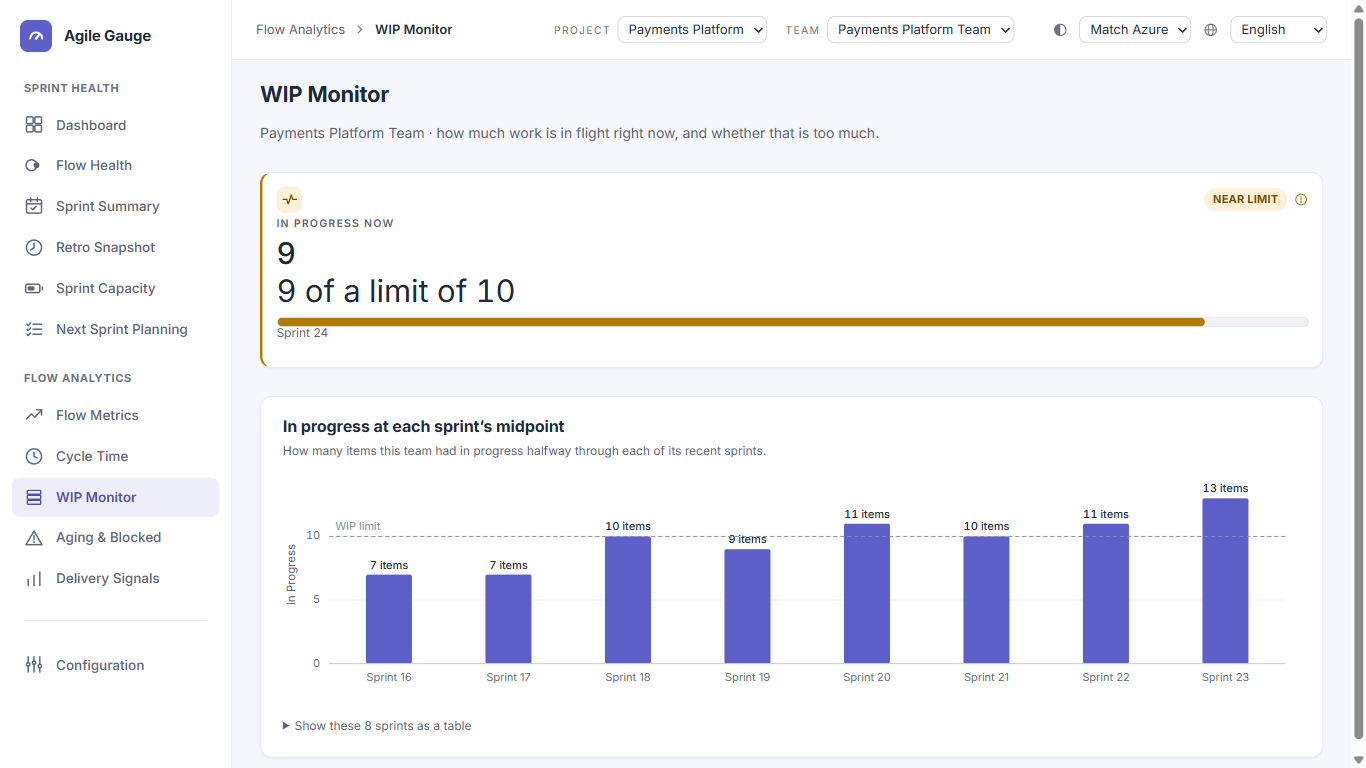
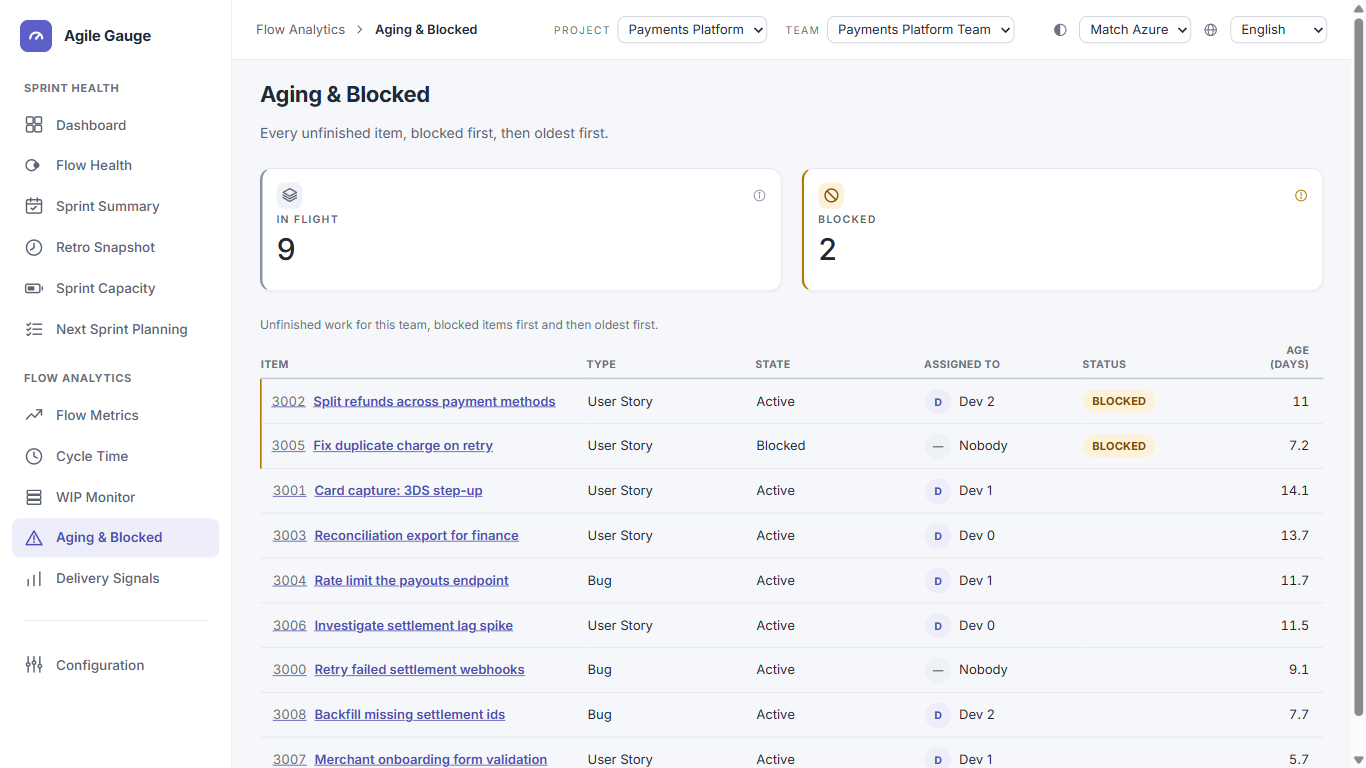
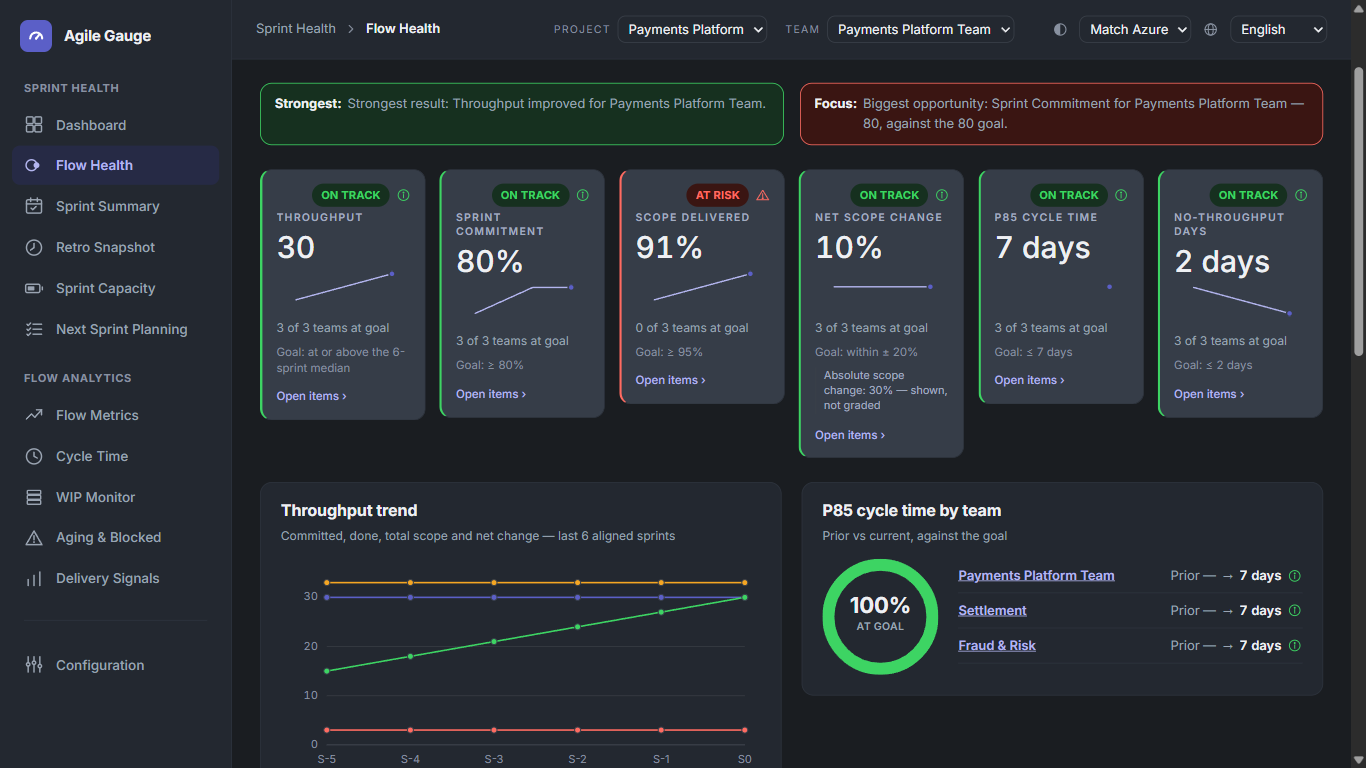
Agile GaugeSprint health, flow metrics and printable retros for Azure Boards, in a hub tab next to your work. Start with a 14-day free trial for your whole organization: every view, no seat limits, no credit card. After that, plans start at $20/month for up to 2 users, and $10/month for each additional user. Who it's forSmall teams — 1 to 10 people — who want real sprint and flow metrics without standing up a Power BI report or committing to a big annual analytics plan. If you can see your team's Azure Boards work, you can see these numbers. It works for Scrum teams that run sprints and for continuous-flow (Kanban) teams that don't. For a team without sprints, the views that only make sense per sprint are dimmed and say why. The 11 views
Configuration is where a team's workflow-stage mapping, WIP limit and blocked-item signal are set once and used by every view above, and where you choose who may change those settings.
Agile Gauge follows the Azure DevOps host theme automatically, light or dark, with a per-user override. It opens in English; German, Spanish, Portuguese and Italian are available from the language menu. PricingEvery organization starts with a 14-day free trial: every view, for everyone, with no seat limits and no credit card. Fourteen days covers a full two-week sprint. After the trial, Agile Gauge is licensed per user. Billing is monthly, or yearly at a discount equivalent to two months free. Buy a license at agilegauge.com/pricing; details are on the Pricing tab of this listing.
Prices exclude tax, which is added at checkout where it applies. There is no limit on team size, and users can be added or removed at any time: a user added mid-period is charged only for the time left in it. PrivacyAgile Gauge asks for three read-only Azure DevOps scopes, and nothing more:
Every chart and calculation runs in your own browser against the Azure DevOps REST API, using your existing session. Your work items, sprints and their content are never sent to us. To check your trial and license, Agile Gauge contacts our licensing service with your organization's ID and pseudonymous user references: never names, email addresses or work item content. See the privacy policy. Getting started in 2 minutes
What's new
The full release notes are at agilegauge.com/release-notes. |