Resx XLF SyncPreview1. Add Strings.{lang}.resx and {project_name}.{lang}.xlf to an existing project.
2. Add new language: Strings.{lang}.resx and {lang}.xlf files to an existing project.
3. Adding or updating Strings.resx entries, then sync to xlf translation; when translated, then sync to resx. |

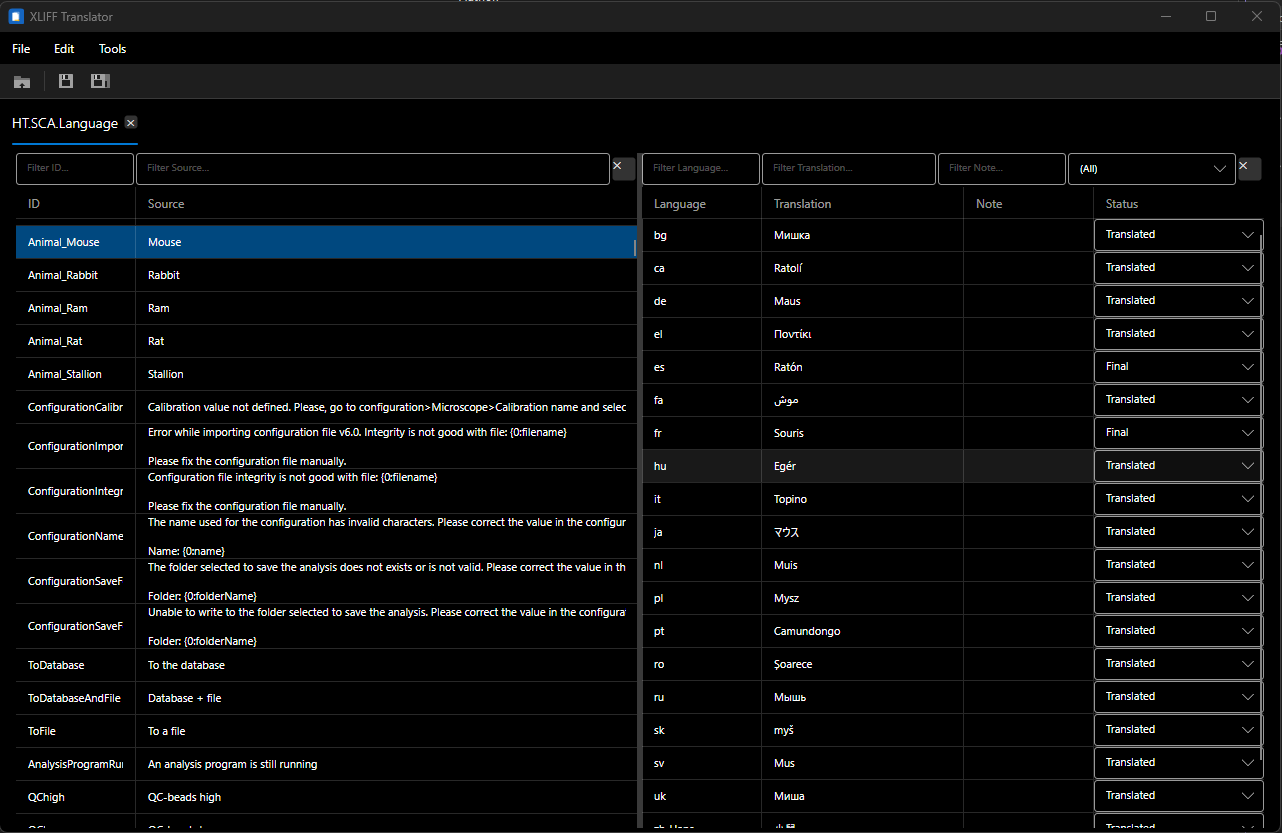
For developers working with .NET and .Net Framework applications that need multi-language support using the Microsoft Localization and Internationalization (MAT) framework, which uses XLIFF for translation exchange. Since Microsoft discontinue Multilingual App Toolkit on October 15, 2025 and is not fully compatible with Visual Studio 2026 I've decided to create this very simple extension that fills the current gap. I'm using it effectively I my current job and it will be update soon until a good closed version. I'll publish in GitHub very soon a complementary tool, an Avalonia Xilff editor for Windows and Linux, that lets you to translate manually or using Azure API.
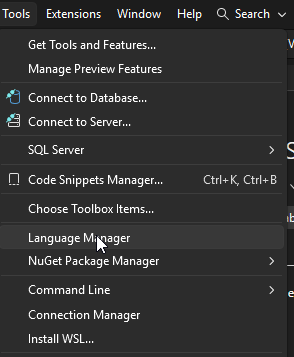
Yes! It exists! Language ManagerGo to Language manager from "Tools > Language manager"
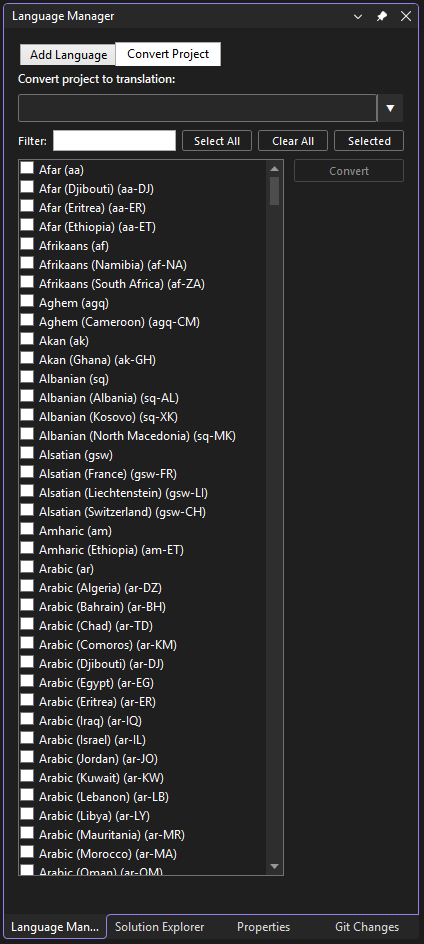
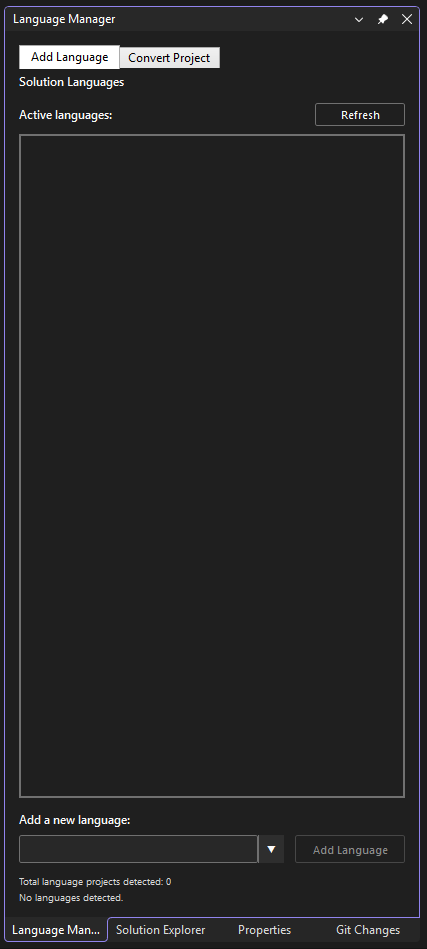
Language manager let's you: Add language resources: Strings.{lang}.resx and {project_name}.{lang}.xlf to an existing project.
Add a new language to an existing language project: Strings.{new_lang}.resx and {project_name}.{new_lang}.xlf.
FlowWhen Strings.{lang}.resx and {project_name}.{lang}.xlf created then:
|